Genre: Role-playing (RPG), Simulator, Strategy, Indie, Card & Board Game
Tabletop Simulator
Update v10.7 New Permissions, Optimizations, and Xml / Scripting Improvements!
Hey everyone we got another great patch for you guys focused on a broad range of things, but a lot had to do with spring cleaning and keeping everything running great.
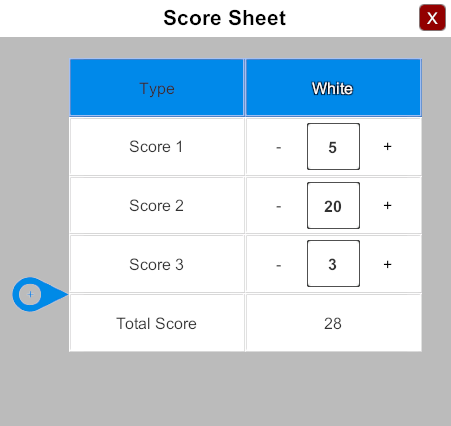
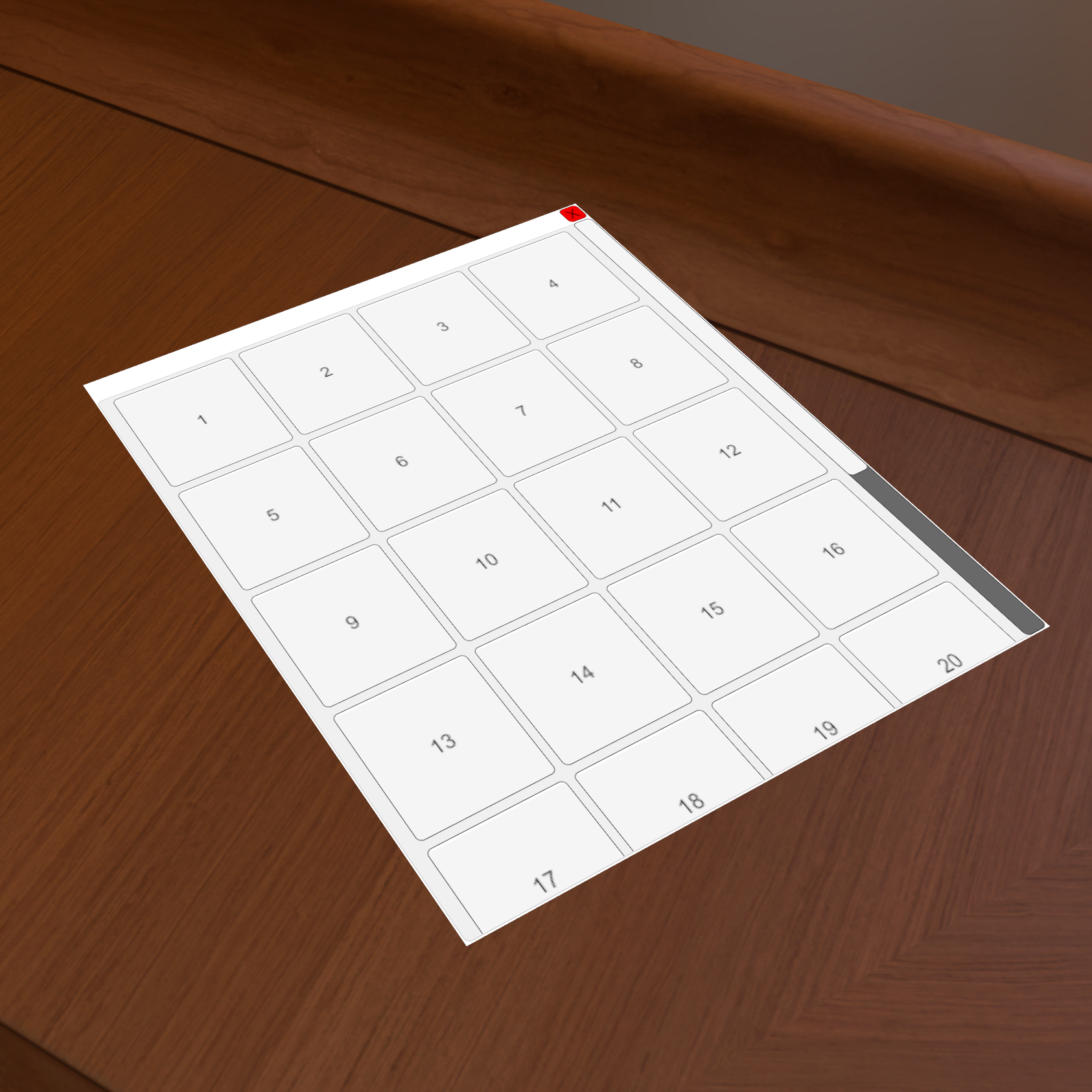
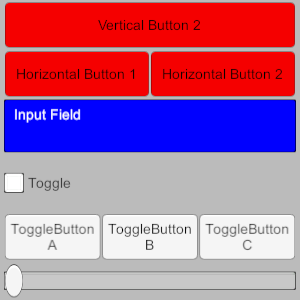
We got a couple of great Custom Xml UI examples below to help you started getting your feet wet. They are also very functional and could be useful for your games.
Flip now actually flips the dice instead of increasing the number value (rotate right still does this).
Optimized away all garbage allocation per frame to improve overall smoothness.
Optimized 2D UI rendering to be more performant.
Overall lots of code cleanup to improve our workflow in the future.
Xml UI:
Visibility attribute now supports admin, host, and team names.
Clicking button won't block your hotkeys anymore.
Added getXmlTable() setXmlTable().
Fixed onValueChanged recursive event loop.
Fixed setAttribute() not working if it thought there wasn't a change.
Fixed not being able to setXml() with an empty string.
Fix support for RichText in Get/SetXmlTable().
Fixed zombie Xml UI when opening File Browser.
Scripting:
Added Player.getAvailableColors() and Player.getColors().
Added SetSnapPoints() and GetSnapPoints().
Added JointTo().
Lots of scripting improvements to make it easier to convert between Lua Tables and C# types.
Fixed Hotseat crash when using scripting input fields.
Fixed camera triggering scripting zone.
Fixed Turns.getNextColor() returning name instead of color.
Permissions:
Added feedback with a onscreen popup warning when trying to do
something that is blocked by a permission.
Permission save objects / saves to block saving objects to chest.
Permission peek to block alt+shift looking at the backside of an object.
Permission nudge to disabling all nudging with N.
External API:
Atom will now warn you when you try to Save & Play after creating an object in TTS without saving.
Lua error reporting improved.
Various fixes.
VR:
Zoom object: by default bound to pad-down on the left control. Touch it to display the last examined object (with either controller). Click it to lock in this mode; click again to exit. While locked, pad-left and pad-right will scale the object.
Fixed rift hotkeys.
New commands:
vr_left_hand_pad_down_bindable
vr_left_hand_pad_down_zoom
vr_left_hand_zoom_scale
vr_right_hand_pad_down_bindable
vr_right_hand_pad_down_zoom
vr_right_hand_zoom_scale
Update v10.6 Custom 3D UI, VR improvements, & Looking For Players!
Hey everyone we got another patch for you guys today focused on improving the new Custom UI by adding the ability to attach them to 3d objects in the game. Also many VR Improvements especially for Oculus. Last and not least a new looking for players indicator on the server browser.
Custom UI
Supports 3D UI attached to Objects.
Each object can have its own assets (images)
UI.getXml() and UI.setXml() added, allows for dynamic UI creation from a string. Expect more ways to dynamically spawn to added in the future.
Click sounds added for the UI.
Player colors now match TTS colors. For example, "red" is now equivalent to the player color red exactly.
Dragging is improved so the element doesn't snap to its rectAlignment when dragged.
Fixed changing active attribute from scripts the visibility attribute would sometimes not work correctly.
Added position attribute and fixed rotation to work like you would expect.
Scale of onscreen UI based on resolution height instead of width.
Custom UI hides correctly whenever there is a popup dialog.
Scripting editor now has two modes Lua and UI that let you edit their respective scripts per Object or Global.
VR Improvements
Fixed grabbing objects messing with rotation.
Selection box will use laser position if laser is on.
Fixed selection box placement bug.
Added icon showing current tool mode.
Fixed Rift controls:
Gem now defaults to angled and is better positioned
Trigger activates laser and UI objects
Stick controls activate properly (teleport works on click, rotation will repeat on hold)
Stick UI becomes visible when stick touched.
New console commands:
vr_card_in_hand
vr_laser_beam_opacity
vr_laser_beam_visible
vr_mode_icon_colored
vr_thumbstick_icons_constant
vr_thumbstick_repeat_duration
vr_trigger_activates_laser
vr_trigger_activates_ui
Looking For Players
New looking for players indicator on the server browser. This will be default on for all servers.
This can be changed in game by going Options -> Server.
Can also be set from scripting with setLookingForPlayers(bool).
General
Updated to Unity 5.6.6.
Fixed thumbnail preview image causing image to being lower resolution than it should in the world.
Updated v10.5 Custom UI, New VR Controls, & New API Docs!
This patch includes creating Custom UIs using Xml giving you the power of Unity's UI system with an easy to use format.
We also have a brand new API documentation that is much more feature complete with examples and better looks. Can be found here: https://api.tabletopsimulator.com/
Read about the new VR Controls at the bottom of the patch notes!
Custom UI
Custom UI added using Xml.
Gives the power of Unity's UI system.
Docs can be found here: https://api.tabletopsimulator.com/ui/introUI/
Scripting
object.randomize (or shuffle/etc) now returns 'true' if shuffle occurred. For example, a deck currently being searched by a player will not shuffle, so 'false' is returned.
Button callbacks now have a third parameter which will be set to true if the button was right-clicked or long-pressed.
createButton now lets you specify 'hover_color' and 'press_color'
Added getJSON() to Object and spawnObjectJSON() this is the same format as Objects are saved in the save files.
Turns class added to let you controls the turns menu from scripting.
Event onPlayerTurn(player) added.
Voice Chat
Team icon is now working.
Updated to latest version of voice chat.
Fixed more bugs with Voice Chat.
Fixes
Fixed items appearing faded in Search window.
Fixed Search window not working in VR.
Fixes to cosmic encounter.
VR Controls Update
The goal is to provide a more intuitive VR experience; closer to how you would play a board game IRL. This is still in development, feel free to leave us your feedback about how it feels! To enable the old control scheme type +vr_controls_original into the system console.
Note
Various commands in the system console govern vr behaviour: type help vr to see them. For example, turning 'vr_sticky_grab' on will mean you do not have to hold the trigger to maintain grip on an object; instead you press to grab, then press again to release. If you want these commands to persist then add them to your autoexec (type 'edit autoexec' and enter them there).
You can quickly switch between old and new controls if you do something like 'bind right_control !vr_controls_original' (...you can then hit right control to toggle)
Changes
Laser pointer now turns on and off as the player touches the touch pad, and is oriented like a pointer rather than a gun (it now matches the default steam keyboard laser).
Selection box now drawn from controller position instead of laser position.
Controls
Touchpad when not holding an object:
Center = click (buttons, UI, etc.)
Up = teleport
Left & Right = Mapped tool. Hold left or right to bind current tool to that button.
Touchpad when holding an object:
Center = flip
Left & Right = Rotate
Grip buttons now let you move (holding one controller) or rotate/scale (holding both). Holding any grip button will display control layout.
Holding menu button will reset your position.
Trigger now used exclusively to interact with 3D world
Advanced
The touchpad controls when not holding an object are set using the console bind command, and can be overwritten, so you can bind any command you want to the touchpad if you wish (left, right, and up if you disable teleport; down and center are reserved). For example: 'bind vr_right_pad_left !vr_laser_constant' will toggle the laser on and off when you hit left on the right controller's touchpad. You can use -, +, and ! bind prefixes to bind to press, release, and long press respectively. Use 'vr_unbind_all' before binding your own to remove the default bindings.
Example autoexec
-vr_controls_original
vr_unbind_all
bind +vr_right_pad_left tool_grab
bind -vr_right_pad_left tool_revert
bind +vr_right_pad_right tool_paint
bind -vr_right_pad_right tool_revert
This will mean for the right controller, as long as you hold the left pad you will be in grab mode, and as long as you hold the right pad you will be in paint mode.
This patch includes some good upgrades to the tablet and the ability to increase player counts beyond the current 10 using the console!
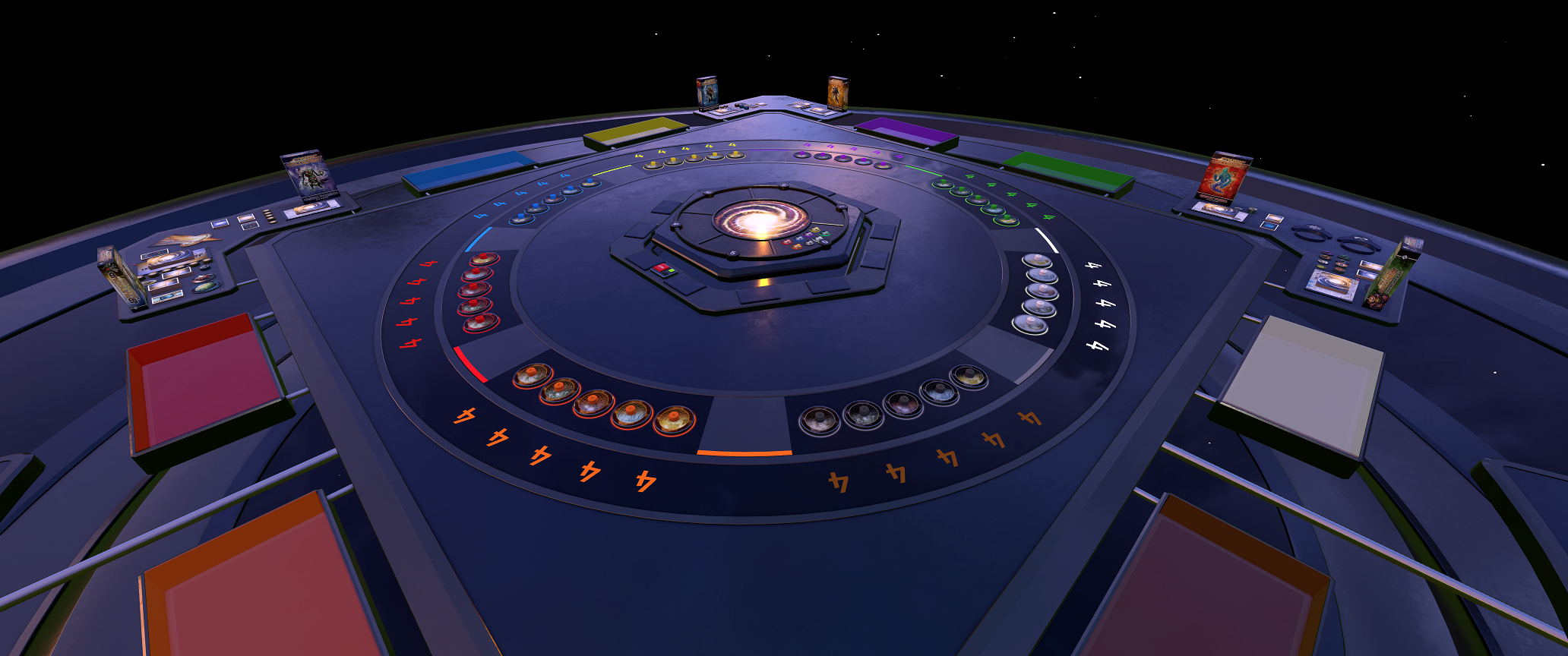
The other great new is that we have revamped and upgrade Cosmic Encounter with great new graphics and effects. We didn’t stop there either! We are bundling the expansion Cosmic Eons for free with the base DLC!
We are getting this patch out before GDC expect some good stuff soon in the following patch. If you are going to be at GDC this year let us know.
DLC Cosmic Encounter Upgrade
Free expansion Eon now included with the base game!
Custom thematic table and environment ( + animations and particle systems).
Full revamp of all game components to match the theme.
Scripting additions:
- Highlighting planets using the hyperspace gate
- Tracking amounts of player ships
- Scripted rulebooks
- Scripted Alliance Dials
Added host_max_players to change the max number of players that can connect to the server. This can increase the player count above the current 10 limit.
Added host_name to change the name of the server.
Added host_password to change the password of the server.
VR
Laser now oriented like a remote. Let us know if you like this new position.
Removed the vive wand head for more visibility.
Expect more VR improvements in the next patch.
Improvements
Mousing over an object in your onscreen hand will now lift it above the rest.
Joining a steam friend with the game closed with load up the game and join them.
Scripting added events onPlayerConnect(Player) and onPlayerDisconnect(Player).
Fixes
Fixed duplication bug with deck / bags with alt right click when searching.
Fixed bug with password mismatch even though they should match.
Fixed certain text label being messed up.
Update v10.3 New DLC - Pillars of Eternity: LotER, Discord Integration & Lots of Improvements
This is our first update in 2018 and while this patch may not seem too exciting, it’s because we spent a lot time cleaning up underlining code to facilitate better updates for the future. We hope you do like any of the changes and updates that have been added thus far.
Our next DLC, Pillars of Eternity: Lords of the Eastern Reach, is a 1-4 player card game based on Obsidian Entertainment's best-selling Pillars of Eternity computer role-playing game.
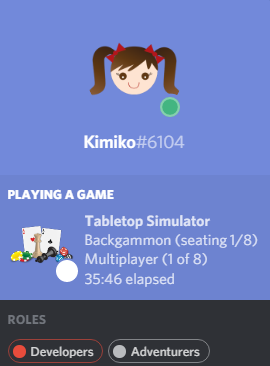
And a big thing we’ve added to TTS is Discord integration, so you can see what game your friends are playing, what they are hosting and the number of seats available, and much more. Hope you enjoy!
DLC - Pillars of Eternity: Lords of the Eastern Reach
It’s hard to believe how fast this year zoomed by and we want to wish everyone a very Merry Christmas and Happy New Year. Holidays are a special time to be with loved ones and friends and we are happy to have you all as part of our community.
It’s been awhile since we’ve had a new DLC, so this time around we have Tiny Epic Quest by Gamelyn Games! This one is exciting, because it includes the ITEMeeples where you can attach and detach weapons. We hope you like our rendition of the game!
If you haven’t seen it yet, our latest tutorial video is now available. This tutorial goes over how to create a custom game from start to finish. Check it out and let us know what you think. We hope it helps you get started on creating your own custom games!
Here's wishing everyone a very Happy Thanksgiving, no matter where you live!
Sale ends November 28th at 10am PST.
Update v10.0 New Networking, Updated Main Menu, Viticulture DLC expansions!
Hey everyone, v10.0 will be our largest patch ever added to the game! This update’s focus was on completely rewriting and optimizing the netcode on Tabletop Simulator to help solve a lot of the connection issues. If you helped us test on the beta, thank you very much for your input as we needed all the extra testing we could get to ensure things were cleaned up smoothly. This is a major update, so if you encounter any issues, please let us know on our forums with as much detail as possible before we head into the holidays.
And finally, we have made a few UI improvements which we hope you like. The main menu has changed for simplicity and to match the rest of the UI, and the host options menu has been split into Game, Server and Permissions. We’ve added some additional features to these menus as well.
VR and Touch is currently not working in this update, but we plan on adding it back in very shortly.
Please be sure to post your feedback and suggestions on our forums.
Networking Overhaul
Networking has moved over to Steam.
Reduced overall networking traffic.
Alleviates host desync issues.
Reduces stutters and FPS loss when hosting.
Optimized cpu usage for networking.
Better game security against hackers.
People that had problems with server browser before should now work for everyone.