Updated the InControl controller plugin from v1.6.9 to v1.6.12:
Windows 7/8: Added support for Xbox One S controller.
Windows & macOS: Added support for 8Bitdo NES30 Pro, SFC30, and SNES30 controllers.
Windows & macOS: Added support for Xiaomi Bluetooth controller.
macOS: Fixed support for newer Sony DUALSHOCK 4 controllers.
Android: Added support for 8Bitdo SFC30 and SNES30 controllers.
Android: Added support for Xbox One Bluetooth controller.
Android: Improved support for PlayStation 4 controller.
Improved detection of PlayStation controllers for button names and icons.
Android: Default controller buttons for Main Menu and Inventory have been changed to Start and Select, rather than L1 and R1.
Fixed Left Trigger / L2 not being bindable in some cases.
Minor text translation fixes.
Known issues:
If your controller does not have a Right Trigger / R2 button, you will need to remap the Shield Block action to a different button like Right Bumper / R1. This can be done by pressing Start > Options > Input Options > Edit Controls.
Linux: Using a PlayStation 4 controller may have the L1 button’s signal be seen as held-down upon first load, thus showing the combat log. Please press L1 once to toggle the combat log off.
Android: The signal for Right Trigger / R2 may be seen as held-down upon first load, thus having your shield raised to start with. Please press Right Trigger / R2 once to lower the shield.
7 May 2017 – Version 344.3
Windows & Linux: Fixed an issue where VSync and framerate settings weren't getting applied at startup.
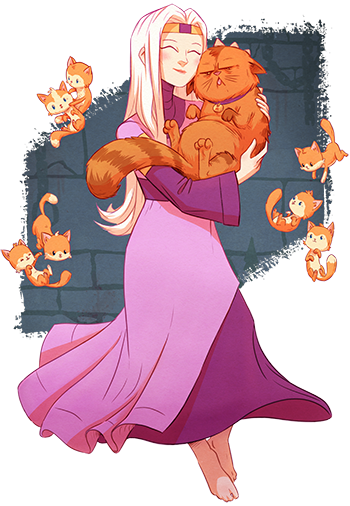
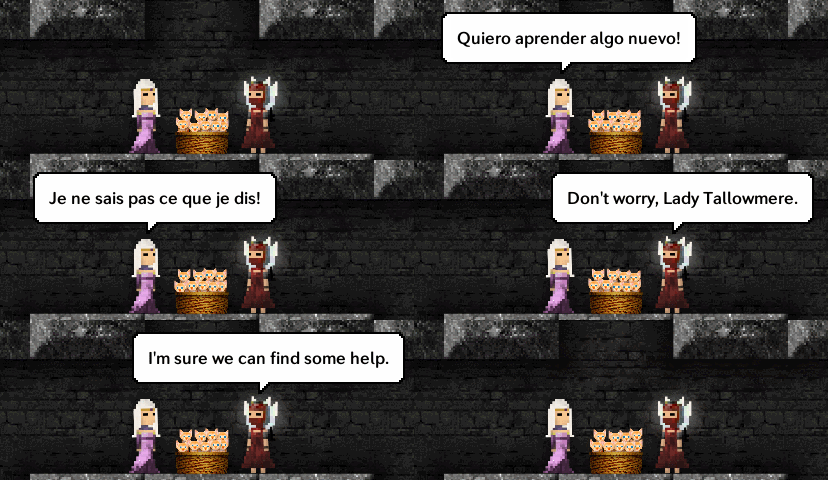
Lady Tallowmere has learned to speak yet another language - French! With thanks to Christophe Braguy.
12 March 2017 – Version 343
Updated to Unity 5.4.4p3.
Added French. Translated by Christophe Braguy.
Upon first run, Tallowmere now attempts to automatically select your system language (if available) rather than defaulting to English.
On the main menu, added a “Save Game” item explaining how the saving system works:
- Your game is automatically saved when you reach a new room.
- Your save file is loaded whenever Tallowmere starts.
- Your save file will be deleted if you die.
Linux: Fixed an issue where the game would not pause if the game lost focus.
Linux: Fixed an issue where the cursor would remain locked to the game window if the game lost focus.
Android: Added support for the 8Bitdo FC30 Pro and 8Bitdo NES30 Pro controllers.
14 March 2017 – Version 343.1
Tutorial text now wraps if sentence is too long to fit on one line.
Fixed some minor translation text issues.
16 March 2017 – Version 343.2 (Android)
Android: Added support for the FIX XBG-301 controller.
22 March 2017 – Version 343.3
French: Fixed an issue with one of the outfit names.
Android: Added support for the GameSir G4s controller.
29 March 2017 – Version 343.4 (Android)
Android: Added keyboard support.
2 April 2017 – Version 343.5 (Windows)
Windows: Improved XInput controller detection in certain scenarios.
Windows: Added support for the BETOP BTP-2175S controller.
• Added support for Sony DUALSHOCK 4 Wireless Adapter.
• Added support for newer PlayStation 4 controller.
• Added support for Xbox One S controller on Windows 10.
• Added support for Xbox One controller changes in Windows 10 anniversary edition.
• Added support for SteelSeries Stratus XL on Windows.
• Added support for PlayStation 4 Steam Link on Mac.
• Added additional controllers supported by 360Controller 0.16.4 on Mac.
• Fixed D-Pad mappings for Xbox One controllers on Windows 10.
• Android: Added improved SteelSeries Stratus XL support.
2 March 2017
The monthly leaderboard for March 2017 is now live.
Tallowmere: Now available in Simplified Chinese (简体中文)
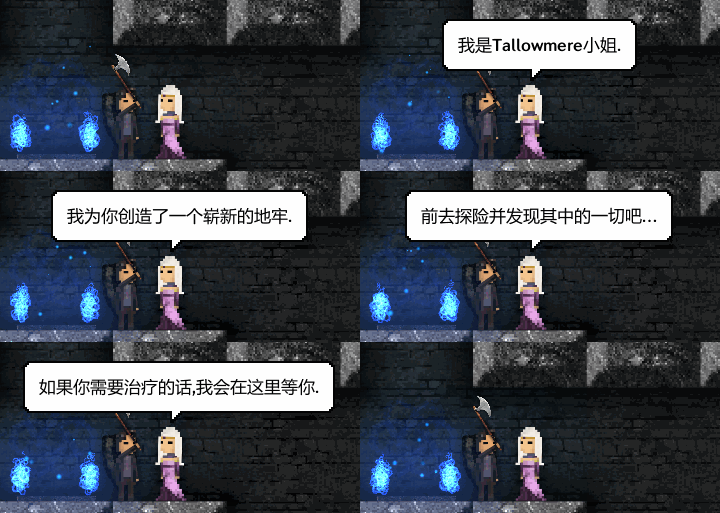
Lady Tallowmere and her friends have learned to speak Simplified Chinese (简体中文), with thanks to Kai Shao.
Version 340 Changelog – 2 November 2016
New & Updated:
Tallowmere is now built with Unity 5.4.2f1.
Added internal support for multiple languages. For details about translating Tallowmere, please read the Localisation Support thread. The default language is English. Please note that weapons and loot acquired prior to v340 may retain their English names even if you change the language.
Added Simplified Chinese (简体中文) as a selectable language. Translated by Kai Shao. Available in-game under Main Menu > Options > Languages.
In singleplayer, the weapon info box in the top-left corner no longer fades out.
Added a slight glow around each Acid Trap skull.
Converted the Tips & Tricks section to read data from local language files instead of requesting a file from Tallowmere's web server.
Tamed the screen shake to be slightly smoother and less jarring for the shake duration.
Fixes:
Fixed +Spiked Club Damage not being included in the loot rolls.
Fixed an issue where +Base Damage numbers on new weapons were being rolled too low after loading a saved game.
Fixed the Tips & Tricks section sometimes saying there was 1 new tip if you had read them all.
Fixed screen tearing on Linux.
Fixed mouse cursor showing erroneously on Linux. The cursor is now hidden and locked to the game window from the start. Opening the main menu by pressing Esc will release the cursor so you can click elsewhere on your desktop. Resuming the game will lock the cursor to the game again.
Version 340.1
Steam: Fixed the title screen not looking in the correct directory for the SavedSettings file.
Version 340.2 – 7 November 2016
Settings are now saved immediately after selecting a language.
Android: Fixed the Back and Confirm button text being off-centered.
Version 340.3 – 9 November 2016
Selecting a language now applies the language and restarts Tallowmere immediately.
My apologies for the ~14 MB download size; it seems Unity 5.4 likes to repack the sprites every update.
Version 340.4 – 10 November 2016
Fixed an issue from v340.3 where Steam leaderboards and achievements were not being activated, and savefile locations were incorrect. This was due to human error on my part. I will add some checks and alerts to my build process to ensure this doesn't happen again.
If you were using Windows with v340.3, savefiles would have been accidentally saved to:
C:\Users\YOUR_USERNAME\AppData\LocalLow\Chris McFarland\Tallowmere
If desired, please copy any savefiles to the correct directory:
C:\Program Files (x86)\Steam\steamapps\common\Tallowmere
Version 340.5 – 17 November 2016
Fixed an issue where gib collisions were not creating blood splats.
Android: Added support for the GameSir G3s controller.
Version 340.7 – 2 December 2016
The Steam monthly leaderboard ID is now retrieved from Tallowmere's web server.
The monthly leaderboard for December 2016 is now live.
Version 340.8 – 29 December 2016
Updated to Unity 5.4.3f1.
Fixed a Local Co-op and Keyboard Co-op issue where the inventory screen would sometimes switch to the wrong player when pressing Esc.
Android: Hopefully resolved a rare Unity-related crash.
2 January 2017
The monthly leaderboard for January 2017 is now live.
1 February 2017
The monthly leaderboard for February 2017 is now live.
Tallowmere v340: Looking for translators
Tallowmere v340 Beta is now available on the beta branch, and is ready to read translated language files. This uses a new version of Unity, and adds support for future languages.
If you would like to translate Tallowmere to your language, please click here for instructions.
Languages
Completed languages:
English – Chris McFarland
Simplified Chinese / 简体中文 – Kai Shao
Translations in progress:
Finnish / Suomi – Olli-Samuli Lehmus
French / Français – Christophe Braguy
German / Deutsch – John Westfield
Italian / Italiano – Luca Pattarini
Japanese / 日本語 – Taisuke Nakayama
Latin / Latine – Tycho Davidianus
Polish / Polski – Maciej Ułanowicz
Portuguese-Brazil / Português-Brasil – DH.
Romanian / Română – Hasannejad Dariush
Russian / Русский – Tycho Davidianus
Slovenian / Slovenski jezik – Alen Korez
Spanish / Español – Jose M. Gaspar
Turkish / Türkçe – Arda Özkal
Future languages:
Please email chris@tallowmere.com to get involved.
v340 Beta Changelog
25 August 2016 – Version 340 Beta 1a
Tallowmere is now built with Unity 5.4.0f3.
Added support for multiple languages.
Added a slight glow around each Acid Trap.
Fixed screen tearing on Ubuntu/Linux.
27 August 2016 – Version 340 Beta 2
Converted the Tips & Tricks section to read data from local langauge files instead of requesting a file from Tallowmere's web server.
Added translator names within the Options > Language section.
Optimised the High Scores GUI column headers for translation.
29 August 2016 - Version 340 Beta 3
Added strings and definitions for several future languages.
Known issue: Some item names from v334 savefiles are appearing appearing as "???". I will investigate soon.
2 September 2016 - Version 340 Beta 5
Fixed Hydra, Jazza, and Zaerie stringIDs not being used in certain places.
Added two Hydra_* stringIDs to the master spreadsheet.
3 September 2016 - Version 340 Beta 6
Fixed the Hero_TalkToPersonName string not using localised character names.
12 September 2016 - Version 340 Beta 7
Fixed a string variable not being replaced when returning the flag to Lady Tallowmere.
Fixed certain item names loaded from v334 savefiles showing as "???".
14 September 2016 - Version 340 Beta 8
Added a Beta 8 section to the master spreadsheet.
Fixed various strings and variables not being replaced.
16 September 2016 - Version 340 Beta 9
Added a Beta 9 section to the master spreadsheet with various strings.
Fixed some combat log and floating text strings not being parsed.
25 September 2016 - Version 340 Beta 10
Added strings for the end of the Kidnapping rescue cutscene.
Added parsing for gendered rarity strings for Russian.
Added parsing for accusative friendly character names for Russian.
Added parsing for special singular and plural variations of "coin" for Russian.
Fixed Jazza's Glowball combat strings not being parsed.
19 October 2016 - Version 340 Beta 11
SavedGame files saved with this beta version will not be compatible with the live 334 version if you decide to opt out of the beta. High Scores are still compatible between the two versions though.
Tallowmere is now built using Unity 5.4.2f1.
Added Simplified Chinese (简体中文) as a selectable language, translated by Kai Shao.
Added an option to disable blood. Available under Main Menu > Game Options > Blood.
Android DLC: Added Static Movement buttons as an optional movement type. Available under Main Menu > Options > Input Options > Movement Type.
Android DLC: Added support for PlayStation 4 controller for Sony Xperia Z5 via Bluetooth.
3 July 2016 – Version 334.12
Fixed an audio crackling issue from 334.11.
1 August 2016 – Version 334.13
The monthly leaderboard for August 2016 is now live.
Adjusted Tallowmere's code to not require a whole new build and version each month for the monthly leaderboards. Monthly leaderboards will still continue, but version numbers will not need to be increased each month (unless there's something else that has been updated). I will continue to post leaderboard links in the announcements.
Local Co-op: Fixed Jazza's glowballs sometimes dealing damage to the wrong player.
Local Co-op: Fixed Jazza's swapper orb always affecting Player 1.
Fixed Archer arrows sometimes passing through shields and bodies.
Fixed Conductor lightning obstructing Rocket Launcher auto-aim (this was most noticeable for a moment after getting hit by lightning).
Fixed Leapers not facing you when becoming angry after being touched by a Grenade.
Fixed floating combat text sometimes overlapping the pause menu.
Fixed hero sometimes bouncing when landing on a heart or key.
Fixed the "Return the flag to town" speech being too quiet and off-centred.
Fixed the "Your health is low!" text sometimes overlapping the menus.
Fixed tutorial text not hiding if menus were open.
Lots of memory and loading optimisations.
Android DLC: The slow-loading Android issue has been fixed thanks to Unity. Initial loading times are now roughly 7x faster. (on my Nexus 9 tablet, loading now takes 4 seconds instead of 30 seconds)
Android DLC: Fixed a typo on the Room 50 local achievement.
If an Archer is firing at you off-screen, your Rocket Launcher's rockets will now be able to hit things that are far away off-screen for the current room. If the off-screen Archer dies or becomes visible on-screen, the Rocket Launcher's rockets will revert to their default behaviour of being quietly removed if the rocket becomes off-screen and hasn't collided with anything after 0.5 seconds.
Basically, this gives you a new advantage against off-screen Archers (and other off-screen enemies at the same time if you're lucky), while retaining original Rocket Launcher functionality otherwise.
Fixes:
Fixed an issue with the tutorial text.
Fixed an issue where Fire Mages would sometimes always face you, even if you were stealthed or not in line of sight.
Android DLC:
The time-agnostic loading swirl is now only used the first time you launch the game. For every launch thereafter, a new time-defined loading bar will be used instead, giving you a better indication of when the loading will complete.
Added a "No controller connected" alert that will display under Input Options > Device Type if you attempt to select an Xbox or PlayStation controller type when no controller is detected.
Fixed a hang that could occur when attempting to escape out of the Local Co-op Setup screen.
Escaping out of the Local Co-op Setup screen now takes you to the home room instead of the title screen.
Fixed alerts on the main menu not fading out if the game was paused.
Windows: In the menus, green checkmarks are now green bullet points instead, as Unity and Windows 10 really don't like the checkmark character.