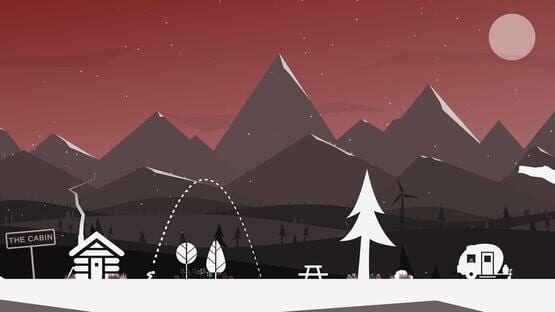
It's here! A new way to play "That Flipping Mountain".
[previewyoutube="5ZKNk1zp-Ik;full"]
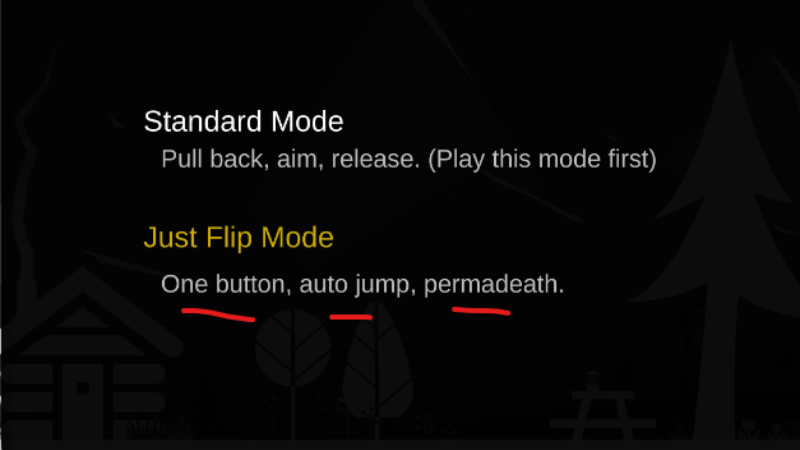
Just Flip Mode is a free additional game play mode for "That Flipping Mountain". After selecting "New Game" you will be presented with the option to play the "Standard Mode" or the new "Just Flip Mode"
The new Just Flip Mode is recommended only after you've gained considerable experience with "Standard Mode".
With Just Flip Mode, you will play That Flipping Mountain with a single button. Press to start jumping, then press/release to control your flip as you auto jump your way up the mountain.
You'll need to stay very focused. Unlike in standard mode, if you fail to stick a landing in Just Flip Mode, you are "dead" and must restart at the beginning. (Permadeath!).
Don't worry, it's not quite as bad as it sounds... you don't need to flip all the way up the mountain with zero failures, there are 4 save points along the way.
Once you pass a save point, the save point becomes your new starting position.
Finally, for this new Just Flip Mode, I've added 2 new achievements.
Get to the top of the mountain in Just Flip Mode and you get the following achievemnt:
If you are slightly crazy you might try getting to the top of the mountian in Just Flip Mode with ZERO failed jumps. If you do that you get this:
I hope you enjoy the new game play mode!
If you have any problems and/or questions please let me know in the forums.
Also, tell your friends about the game and encourage you favorite streamers to stream it. Helps immensely!
-Jeff
That Flipping Mountain - Just Flip Mode. (Quiet release)
First things first... If you have any issues with this release please let me know. If you want to go back to the previous version go into the That Flipping Mountain properties in the Steam library, then select "beta", and then choose previous version.
This is a sort of quiet launch of the Just Flip Mode functionality. It's the full release, I'm just not officially announcing it until later in the day.
Have fun!
-Jeff
Just Flip Mode - Progress Report
Hey everyone.
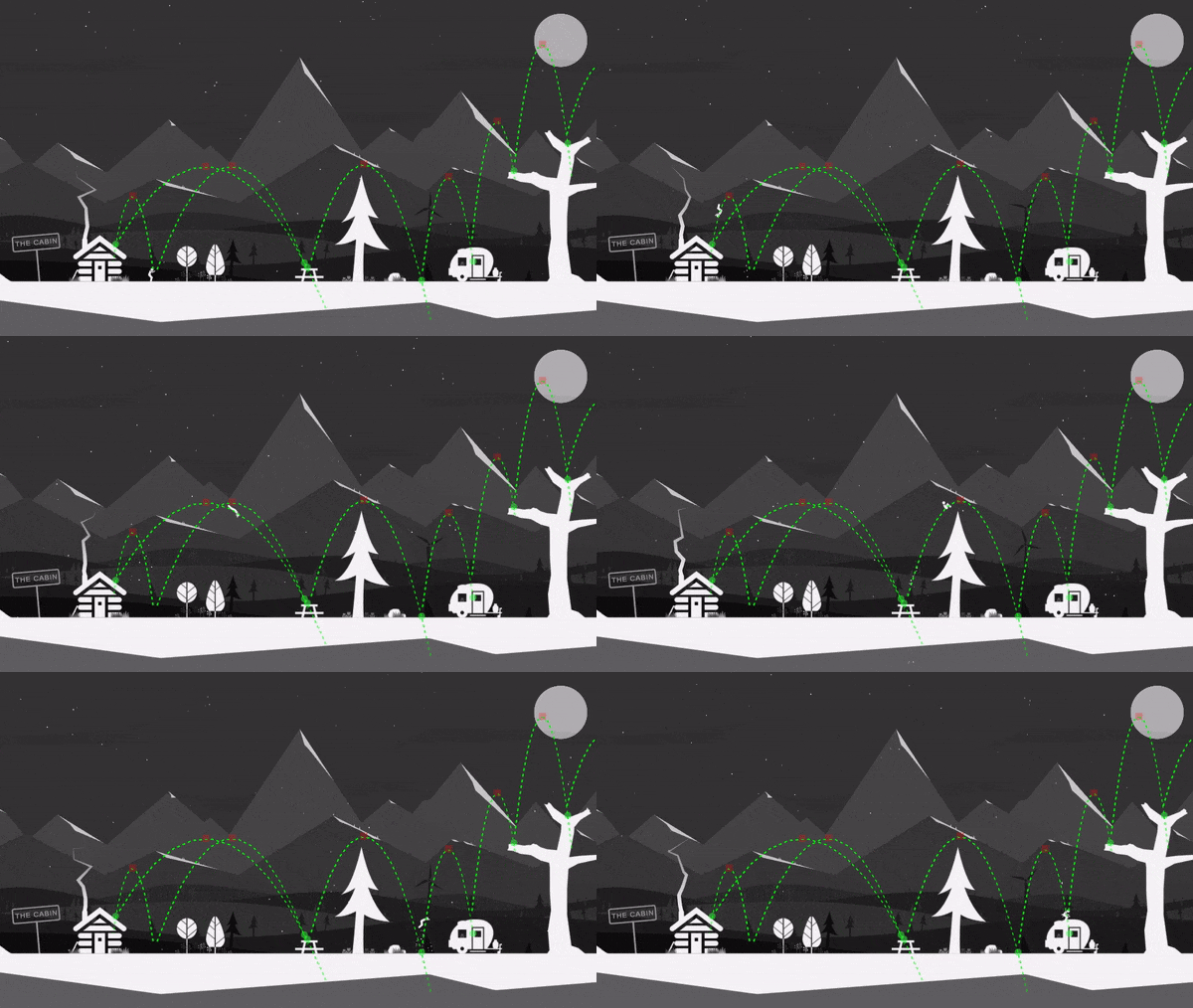
Just another quick update to show my progress on Just Flip Mode. The view below is what things look like when the debug trajectories are turned on. (Of course those will be turned off for release.)
Just Flip Mode will require you to auto-jump up the entire mountain with very few sparsely placed save points. If you miss a jump, back to the previous save point you will go.
Hopefully the wait for this update won't be much longer. I'm anxious to see what you all think of it.
-Jeff
Bug Fix: Landing on wind turbine could cause player to become un-responsive.
I was going to wait and put this fix in with the next large update but decided to do a hot fix instead and get it out earlier.
-Jeff
Known Issue + Workaround
Just wanted to let players know there is a known issue when jumping near the wind turbines.
If you feet hit the spinning turbine first, the jumper might freeze up and become un-responsive.
If this happens, you will need to exit the game and then continue the game.
A fix for this is coming with the next large update.
Sorry for any inconvenience.
-Jeff
Just Flip Mode Coming Soon...
Work on the new game mode that I'm calling "Just Flip Mode" has been going well.
As you can see in the new game mode selection screen below, "Just Flip Mode" is a one button, auto jump, permadeath version of the game.
If you played "AltF4" or my other game, "Just Ski", then you should have a good idea what to expect. This mode gives the game a whole new feel. It's quicker and more intense.
More details and some game play footage coming soon...
-Jeff
A tweak to my previous input fix.
A timing issue was causing "Jumper" (that's what I call him/her) to occasionally launch from a bent-over position.
A tease of what's coming...
Just a tease for now. More detail coming soon...
Another small input fix
This is another very small update to address some input oddness when trying to launch from a non-standing position.
2nd Attempt to fix intermittent input bug.
I was noticing some people were still having there game character freeze and become un-responsive to input. Going out of the game and then back in and continuing clears the issue, but that is pretty lame so hopefully this update fixes the issue.