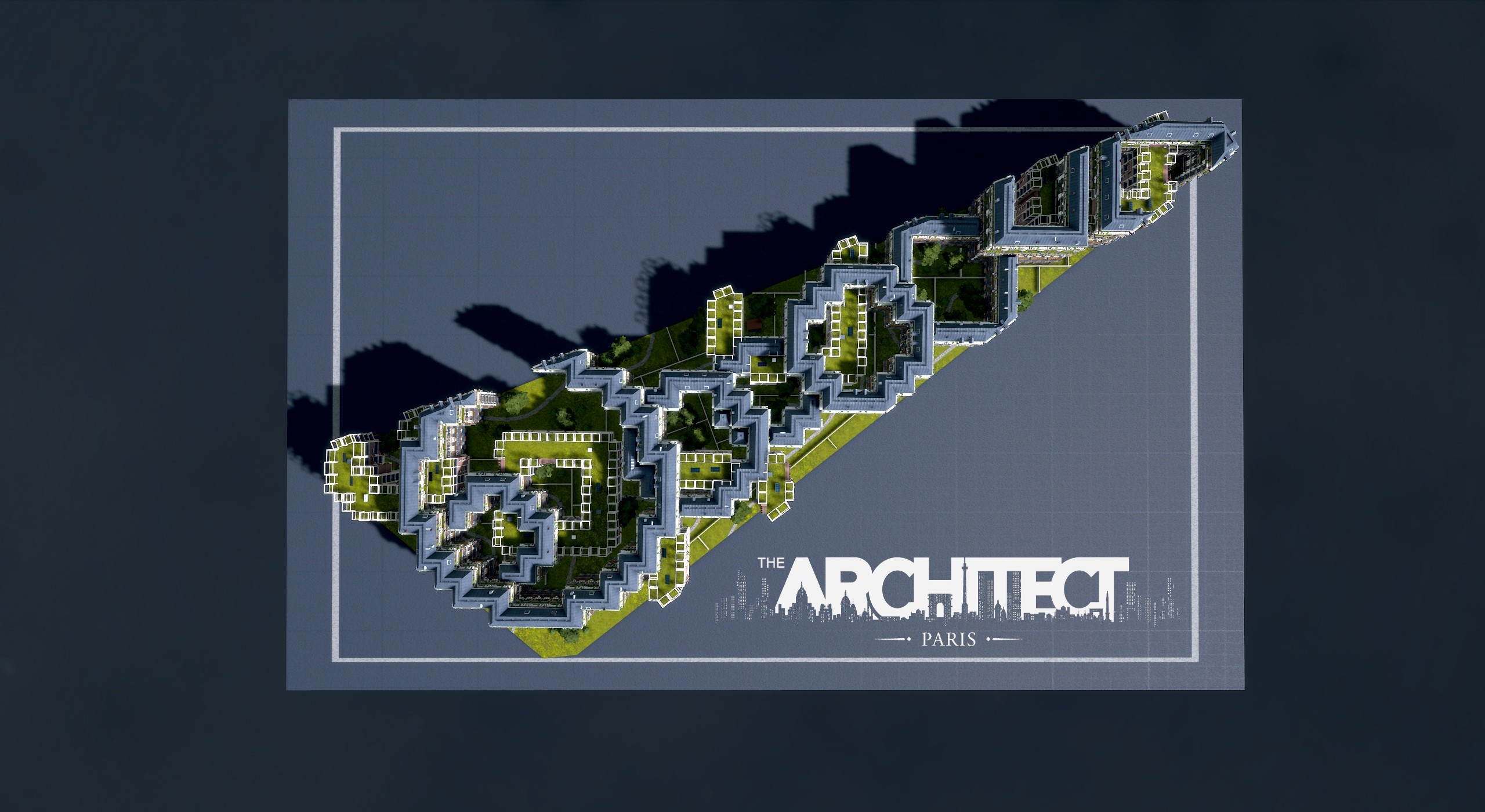
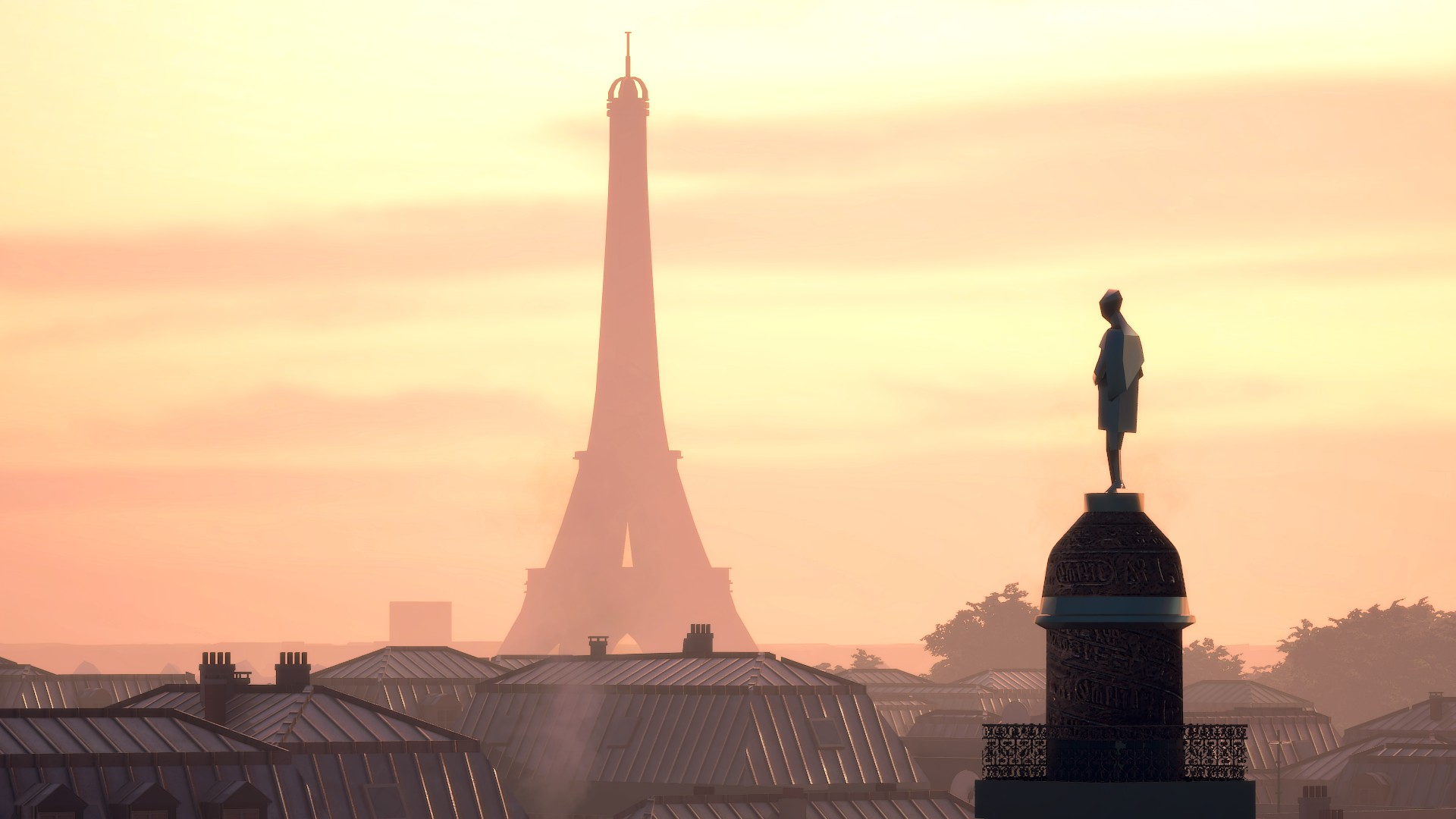
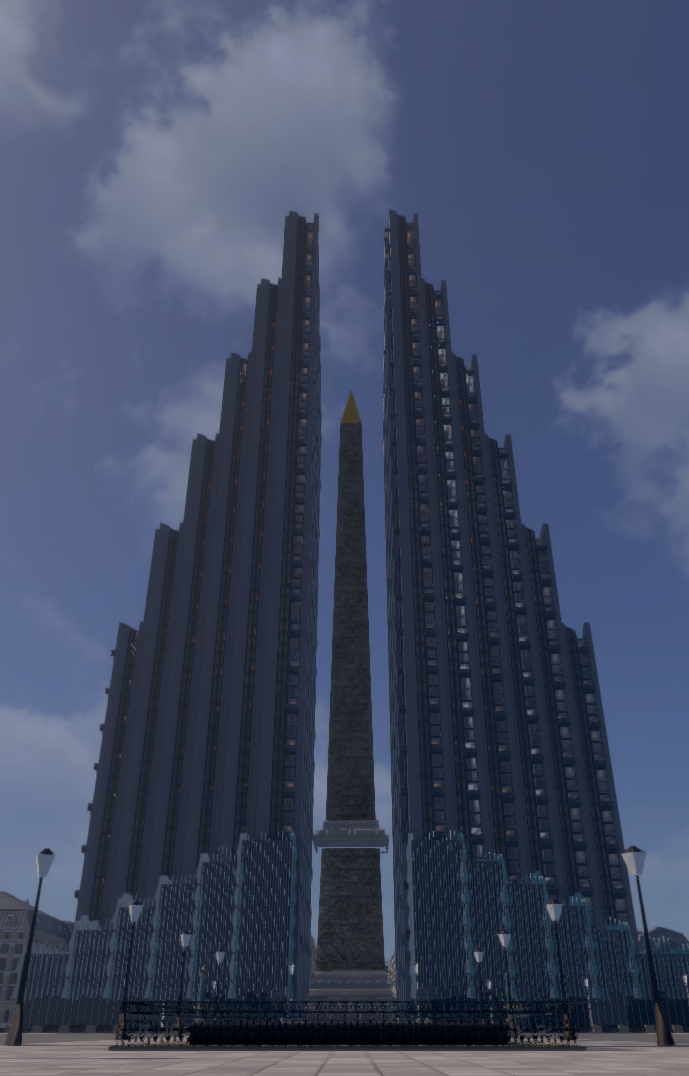
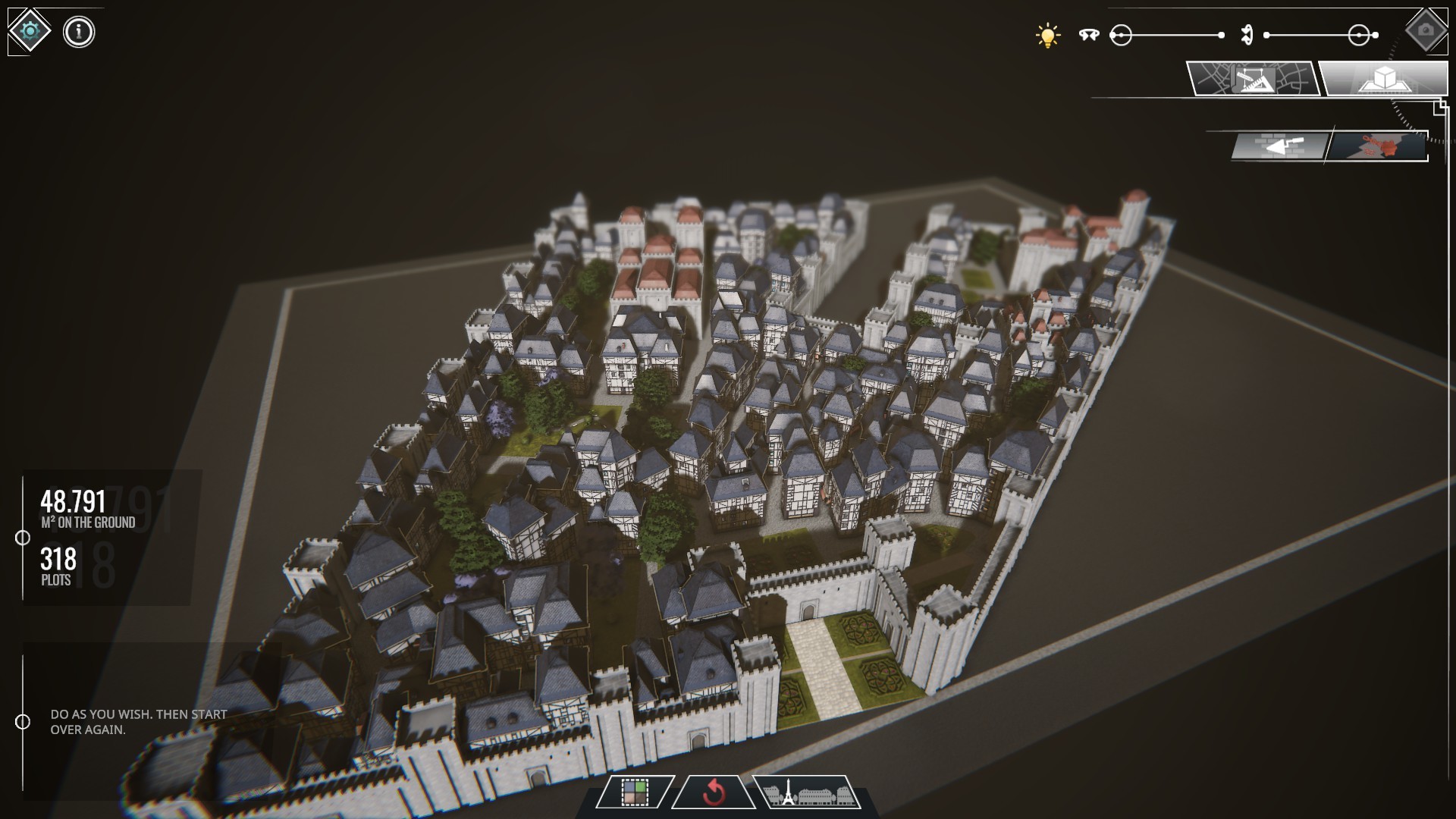
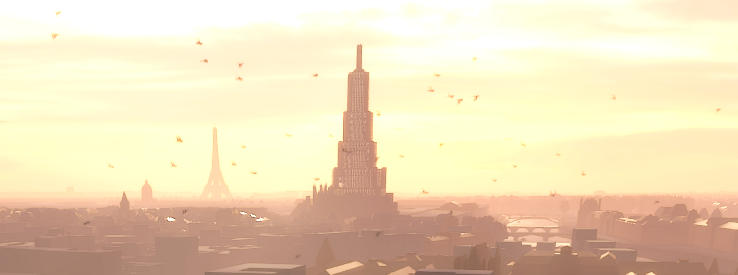
We have 2 honourable mentions for this week granted by the team: Pschraeer and JH007!
Congratulations to our #3 Architect of the Week! Today, we'll reward the work of Qwarks! That was an incredible way to use the Plot Editor (711 plots...just WOW)!
Meet us here next Friday to discover who'll win the next Architect of the Week title! Don't forget to share your creations on our Discord Community
See you next week ♥
April's Update - Content!
Hello everyone!
It's time for our second April Update!
With this update, we expand your playground with the the addition of 3 districts, and more designs. We also did some changes which we thought you make like.
Take care ♥
New Districts: D02 | D03 | D04
New Designs
Shibu
Ambassade & Variations Profit / People / Planet (x6)
Greek
Nucleus
2 Parisian Styles: Louis XIV | Banque Américaine
Landmarks [List]
Les Halles
La Bourse de Commerce
Eglise Saint Eustache
Palais Royal
Place Vendôme
<*>Main Projects
Enodo Land
Emerald Skylight
Tuscan Skycraper
Unfurling Foothills
Green Sinusoid
Black Kaleidoscope
The Jewel
The Canopy
La Commune
Added new languages: Spanish | Italian | Pусский | 中文
Several players send us feedbacks that they wish they could go under the 60° limitation in the Plot Editor. We added this possibility. However, when you'll select anything under 60°, a pop-up confirmation will appear to notify that Designs may look broken, so be careful
Simulation optimized for procedural assets
Modified Cars shaders (PBR)
Modified Fountains, Pools and Parks Water shader.
Disable Extrudes from: Amsterdam & his variations | Frames | International
Removed Ysangar Blind Facades
We noticed that some design extrudes can be problematics, so, for now, we had to disable them.
Fix Photo Mode accessible when the welcome message is visible
Fix Using TAB in Photo Mode will bring you (and lock you out) in Strategic Map or Plot Editor depending on context
Fix Vignette sliders always deactivated when re-entering Photo Mode
Fix FPS drop when manipulating storeys of a Building adjacent to a zero storey Parking
Fix Extrudes constraints updates
Fix Surface and Plots indicators not showing
Fix Designs Panel filters not showing on a player's Park/Plaza selection
Fix Saves retro-compatibility
Fix on several White Models and their Drawing Board visibility
Fix Backet-Ball boards transparency
Fix D29 roads
Fix Louvre LOD
On behalf of the team, we would like to thank all the translators who participated!
♡나는 바보다♡
BirdMan
Bolny
DV-13
ITS A TRAP
Nadir
qsefthuopq
Architect of the Week! #3
Welcome to our Architect of the Week Award!
We've received so many pictures since our Photo Mode came out, it was a tough decision to make, we really wanted to thank everyone who shared their creations. We have 2 honourable mentions for this week granted by the team: Freya and DV-13, we were bluffed by your talents.
Congratulations to our #3 Architect of the Week! Today, we'll reward the work of Nadir! We were really impressed by your 2 gigantic projects ːsteamthumbsupː
Meet us here next Friday to discover who'll win the next Architect of the Week title! Don't forget to share your creations on our Discord Community
See you next week ♥
April Update - Photo Mode!
Hello everyone!
It's time for our first April Update!
Photo Mode
Welcome to The Photo Mode! It'll enable you to position the game camera in a totally free way in order to choose the framing that suits you. Change the focal length, activate the depth of field, add filters and graphic effects, then sign your image with the logo of your architectural agency. Show the world what you can make of the city of Paris!
<*>The new shortcut for hiding the selection is now H by default, instead of ALT <*>Using CTRL slows the camera down
Photo Mode is accessible when the welcome message is visible
Fix all blocking controls cases (going back from out of focus)
Fix crash when moving the cursor over a new cut plot in DB (quick switch from Plot Editor to Drawing Board)
Any in-game popup is now cancelled when the Main Menu appears
Fix some more blocking interaction scenarios
Fix missing Land icon in the Design selector Helper
Fix Restoring either Graphic or Video settings that impacted both
Fix 180 degree rotation of UV on some roof faces on Haussmann, Flat Haussmann and Triangle roofs
Fix Designs panel in Drawing Board when no extrude is possible
Fix Demolition button hover highlight in Drawing Board
Fix leading zero consistency between environments
Using TAB in Photo Mode will bring you to the Strategic Map or Plot Editor depending on the context. You'll have to restart the game.
We really want to thank every player who has participated to our closed-BETA:
Вика
♡나는 바보다♡
Qwarks
Lonxa
DV-13
Antalunet
Here are some beautiful screenshots that they couldn't share during the BETA test. Enjoy ♥
Architect of the Week! #2
Welcome to our Architect of the Week Award!
Congratulations to our #2 Architect of the Week Today, we'll reward the work of Elias! We were really impressed by your creativity ːsteamthumbsupː
Meet us here next Friday to discover who'll win the next Architect of the Week title! Don't forget to share your creations on our Discord Community
See you next week ♥
Architect of the Day!
Hello everyone!
Since our game was released, we saw every day your creations, ideas, and how incredible they are. We're really proud of you all and wanted to thank you.
So, we decided to put foward one of our amazing players among you every week with the best screenshot/idea/concept.
For the first week, we want to thank Вика who has impressed with the team by his project. Good job!
We'll see you here next Friday to discover who's awarded the Architect of the Day title!
HOTFIX - Version 0.4.12
Hello everyone,
Here's our HOTFIX from the version 0.4.12.
Enjoy it, Architects!
04/02 HOTFIX - Version 0.4.12
Change-log: ːsteamthisː
Changes
Updated land panel to be more accurate and dynamic
Improve Plazas, Sport Fields, Parks and Lands generation algorithm (square finder)
Fixes
Fix crash when exiting from the City View after loading from the City View
Fix crash when manipulating Lands presets in a sub-plot
Fix crash when changing number of floors with Shift + Drag
Fix ground texture for Courtyard Parks
Fix black screen appearance when switching park type (and TAA disabled)
Two selected Designs having different Grammars should now show no Grammar selected
Fix Checkerboard Grammar not selected when clicking on a Building that has it.
Fix Graphic Settings scroll bar positionned in the middle of the view
Fix D30 perimeter to include completely MP and LM
Fix blocked interactions scenarios
Known Issues
Leaving the game focus (Alt-Tab) while loading a district and letting the cinematic end might block the camera movement when resuming (click on Strategic Map to unblock)
A crash is possible when clicking while switching rapidely between Plot Editor and Builder after creating a new parcel
Link to our Patch Notes feed: https://steamcommunity.com/app/1525620/discussions/0/3108018050522967956/
March Update is here!
Hello everyone!
It's time for our big update of March! You can check our new video about it: [previewyoutube="38Jxq9ZFoT0;rightthumb"] Please check the (very long) patch note/ https://steamcommunity.com/app/1525620/discussions/0/3108018050522967956/
New Districts: D29 | D30 | D31
New Designs: Arena, Brooklyn (+ variations), Art Déco, Haussmann Simple, Haussmann Arche
New type: Walls
New Parks presets
New Plazas presets
Added VFX on Parks, Plazas, etc.
Added new Roof materials
Added new textures for Plants & Shops
Terrain presets (check this video to help you: https://youtu.be/38Jxq9ZFoT0)
Added building option to activate/deactivate Blind Facades, Store Fronts and Roof Objects
Added recent category in the Drawing Board Builder. We keep the last 5 designs / parks / plazas / parking used by the player, from most recent to least recent.
A lot of improvments are added for:
General
Settings
Art
City View
Drawing Board
Design Library
+50 fixes
[We are aware of theses isssues, we're working on it.]
A previously destroyed and submitted parcel will prevent the Blind Facades to work on this parcel
Modifying a building previously submitted reinitialize its visual
Graphic presets are strongly unbalanced, while we're fixing this please try to tweak the individual parameters
The Courtyard ground texture should be grass (currently tiles)
The Walls are temporarly considered as Building Designs
Manipulating the building number of floors with Shift + Drag can cause a crash
A crash can occur when exiting the game
Manipulating the Lands presets in a sub-parcel can cause a crash
The French Garden Park can cause a black screen if TAA video setting is not enabled
The setting "Show Procedural Assets" also affects the building's chimneys
The English Garden Park doesn't generate purple trees
Restoring the Video Settings in the french language can break the gameplay settings
An icon is duplicated in the Land + Forest option (red tree)
It is possible to keep the reset block confirmation pop-up active
The orientation of the Red Tiles texture is reversed
The Brooklyn People 1 design doesn't generate any door
The Wind Turbines Blade disappear too rapidly regarding the viewer's distance
March Update
Hello everyone!
We just posted a new video about the upcoming content of our first update, check it out !
https://youtu.be/38Jxq9ZFoT0
Answers to your feedbacks
Hello everyone!
First of all, we want to thank every player who made feedbacks & reports, we read every one of them and it will help us to make the game better.
We have written a document that lists all of them, and we decided to respond here to let you know what we are working on and what we want to do on our next steps.
Hope you’ll find your answers to your questions/requests.
GENERAL
Q: Will we have more plaza/parks in the future? Will we be able to customize them? A: At the moment, we’ve got 3 parks and 3 plazas in the game, but yes, we want you to be able to customize them, and we will make it happen in 2 steps: first, we’ll add some new presets (starting this month) and second, we wish to provide a full customization tool (assets, textures, etc.) but we need much more time and testing to do it.
Q: Will we be able to have a free camera to look over the entire city and cruise or fly between our skyscrapers? Could we change the camera angle? A: This Camera angle is used for the right optimization of our city rendering system. However, we have a new feature which will be released in April called Photo Mode. It’ll let you control the camera as you wish. But be careful, it’s possible that you could have some minor constraints like the impossibility to go under the bridges and also maybe some holes in building modelized could be visible.
Q: TAP displays lots of helpers to guide the player, but sometimes it’s hard to understand what we need to do. A: As we read your feedback, we saw several players blocked by our first helper pop-up, so we decided to add the Esc key as a second input to help you to exit the “Helper Mode”. We also saw that some shortcuts can be in conflict with our controls, so some changes are coming (for example another shortcut for the selection display than the Alt key).
Q: The graphic settings are unclear, and we can’t find our monitor’s native resolution We are currently only supporting 16/9 resolutions and our graphic settings might lack explanations, so it’s intended to add more resolutions (the next ratio supported will probably be 21/9) and more help for the settings during the Early Access (like tooltips, sounds balancing, etc.).
Q: Are you planning to add an auto-save system? A: As we read your feedback and watch your streams, many of you asked for an auto-save system. At this time, our team is working on globally improving the save/load system and in the end it should give an auto-saving system. It's a wish we've had for some time. However, to be sure to have a strong and reliable system, we need to break the saves compatibility for the patch of the end of March. All saved games would be impossible to load.
Q: Will TAP be a Simulation game with management features and so on? A: Like we said earlier many times, we tried to include those features, but the result was unfunny, unclear, and players were frustrated. Among those we tried, the most successful idea was to create some goals to achieve in Paris, winning assets, designs, customization tools, and letting you unlock the playable city district per district. Starting with this idea and our past tries, we’re currently working on something that could be interesting for you. We will let you know soon the result.
STRATEGIC MAP
Q: Can we start without any building built in Paris? A: It’s an interesting idea we didn’t think about until now. We’ll see if it’s possible in the Sandbox Mode.
CITY VIEW
Q: In your Roadmap, there is a feature called “Life Simulation”, what is it? A: Life Simulation is an improvement of the liveliness of the city. We want to add more pedestrians in parks / Landmarks, birds, drones, add fountains, chimney smoke, etc. Lots of small details that will make the city more lively. We’ll try to add some life and assets all along our Early Access.
Q: The buildings near the camera are blurry. A: The Depth of Field settings for each Time Of Day has been tweaked for the upcoming march’s patch. If you’re annoyed by this, you already have the possibility to enable/disable the Depth of Field in the Graphic Settings for each environment.
Q: If I’m not interested in building the Main Projects, am I able to modify the same block with the Drawing Board? A: If the Main Project is not also a Landmark, it is possible to modify the block without building those (entering the Drawing Board is still possible). With our Modding / Sharing system (which is coming in the end of April), if you want to create another big building instead of our own propositions, you’ll be able to do that and share it via the Steam’s Workshop!
Q: The entire map seems very big, have you thought about a compass or Street marks (street’s name, etc)? A: We already thought about adding a compass in the City View, it’ll surely come sometime during the Early Access.
DRAWING BOARD
Q: Do you plan to add more customization in the game? Like customize roads? A: Our top priority is to be able to fully customize buildings, parks and plazas in the first place. If you still want to push the game in that way, we’ll think about it and see what it could be done to bring more customizations to the game, like vehicle diversity, more settings, more shops on ground-floors, more visual impacts of your actions, etc. For now, our next steps are:
Add a new big feature called Customizer
Will be allowed to customize Paris buildings and blocks on a larger and smaller scale
Add different floor from different Design in a same plot
Possibility to change the shape of the building
Add modding/sharing features for our community
Add more settings for personalize Paris rendering
Add a button to enable/disable the Blind Facade
Add a button to enable/disable props on roof
Assets on Roof: aligned with the big facade
Q: Some building floors seem to have a different height. Why? Is it a bug? Will you uniformize them? A: No, it’s not a bug! Each Design has its own height, identity, place, shape. We wanted to create Designs that are unique from each other. In order to guide you a bit more, we’ll add their height in the Design Library in the upcoming March’s patch.
Q: At the moment we can’t tweak back our own designs after we submitted our project. Will we be able to do it? A: Yes, we’ll add this possibility with the March’s patch.
Q: After hours and hours in the Drawing Board, I customized a lot my designs, but it’ll be awesome to have something to save my presets, or, to copy/paste my settings from one to another. A: That’s something we wanted for a long time. We’re working on it right now, we wanted first to think about the right way to do it from a player’s point of view.
Q: It could be great to see the adjacent blocks if we want to make some good perspective through a few blocks? A: It’s an idea we wish to do, but it requires an enormous amount of our dev time. We need to define what we want and how we can do it. But be sure that we’ll think about it seriously.
PLOT EDITOR
Q: In the Plot Editor, angles can’t be under 60°, which makes it difficult sometimes to create an original shape of our Designs. A: At first, we decided to make impossible angles under 60° for technical issues, many holes in designs would appear, texturing would be inconsistent, etc. We thought that if we let the players make an unrealistic angle (like, 12°) it’ll downgrade their experience, so we didn’t allow it. However, we continue to think about it as several players said it’ll be interesting to have fewer constraints, the counterpart would be to accept some of those technical issues.
Q: Will we have new tools in the Plot Editor to let us make copy/paste our plots, or assist us to make identical/symmetrical draws? A: Making shapes and holes in the Plot Editor isn’t the exact philosophy of the tool we thought. Yet, we agree that this tool need more tips and helps to guide you.
MISC / OTHERS
Q: Could it be possible to see the Roadmap of TAP somewhere? Is it set in stone? A: In the first place, the Roadmap was a good way for you to see where the game wants to go further and what’s in the next updates. It’s possible to switch or replace some features with another, but it’ll take time to produce and develop them. Actually it’ll depend on you, of what you want to see in The Architect: Paris and what we can do. As requested, we’ll post the Roadmap with deeper explanations about our updates on our Social Medias. It’ll also update on the game every month.
We hope we have answered all of your questions and feedback. Our main goal remains to improve The Architect: Paris both from a technical/stability and gameplay point of view, therefore helping you to discover Paris step by step.
Thank you for you reading. Oh, and one more thing....Our next update will come 29 March 2021.