

The Dawning Clocks of Time
5.5.1206
-Reduced lag on Vita Base maps
-Fixed a error that could occur when changing maps after battles
-Fixed title screen input delay.
-Updated Spacefarer Identity Logo on startup.
5.4.1804
-There was a bug that prevented gamepads from selecting any options in the Title Screen, facilitating the need for keyboard input. This issue has been fixed.
-Fixed an issue where using Upscaling option caused significant slowdowns. This has now been fixed, and using this option should have nearly the same performance gains on compatible GPUS.
-We've fixed a few other minor issues.
5.3.1403
The upscaling requires the .NET 6.0 Desktop Framework, which will be installed when you first launch the game. If it does not install, you can install it from the dotnet6.exe file that's included in the game folder in the latest patch for your convenience.
Along with this update, we have fixed bugs.
5.2.0303

We've added AMD Radeon / RYZEN Series optimizations to the game. When launching, you will be presented with a AMD icon when this mode is enabled on these GPUS automatically.
With these settings applied, the game will run at optimized settings with these GPUS.
You will be presented with the AMD Gaming Evolved logo when starting the game, indicating that the mode is active.
You'll see smoother graphics, improved movie playback speeds and better post-processing. We have also resolved a glitch that would cause the AMD Software Overlay from minimizing the game or not appearing at all.
Additionally, when running on the RYZEN hardware, the game will switch to DirectX 12 and attempt to use DirectX 12 Ultimate if the GPU supports it.
We have changed the game's system requirements to reflect this on the Steam Store page.
Non AMD GPUs will be presented with the regular 'Performance Mode', which can improve speeds on non-AMD GPUS.
NOTE: The AMD logo is a trademark of AMD. We show the logo only to promote the game's support for AMD RYZEN GPU's, and not for promotional or affiliation purposes.
Previous Revision Notes:
-We've fixed a bug where a Time & Space relic was not accessible in Kalyk.
-We've fixed a bug in the menu where the font for items was too big.
-We've fixed a bug with an infinite loop when viewing the Cartographer's Sphere from the main menu making it impossible for the user to return to the game.
-The launcher will now detect the OS language and display it to the user. This is for future voice pack and language packs.
-We've improved shader performance.
-We've improved engine startup performance.
-We've Fixed a bug with options not applying correctly on the launcher.
-We've Fixed a bug with AMD Radeon Software Overlay.
-Reduced system requirements due to engine optimizations on launcher.
-Fixed a bug with cinematic encoder.
-Upgraded engine version that supports DirectX 12 and DirectX 12 Ultimate if running on an AMD GPU, allowing upscaling using native AMD Software methods.
5.2.0203
-We've fixed a bug where a Time & Space relic was not accessible in Kalyk.
-We've fixed a bug in the menu where the font for items was too big.
-We've fixed a bug with an infinite loop when viewing the Cartographer's Sphere from the main menu making it impossible for the user to return to the game.
-The launcher will now detect the OS language and display it to the user. This is for future voice pack and language packs.
-We've improved shader performance.
-We've improved engine startup performance.
-We've Fixed a bug with options not applying correctly on the launcher.
-We've Fixed a bug with AMD Radeon Software Overlay.
-Reduced system requirements due to engine optimizations on launcher.
-Fixed a bug with cinematic encoder.
-Upgraded engine version.
Note: If you still encounter problems with the game auto-minimizing randomly during play, we advise to turn off the AMD Overlay as of present a bug has been introduced with the latest AMD Radeon Software. We are working to fix this.
5.2.1702
-We've fixed a bug where a Time & Space relic was not accessible in Kalyk.
-We've fixed a bug in the menu where the font for items was too big.
-We've fixed a bug with an infinite loop when viewing the Cartographer's Sphere from the main menu making it impossible for the user to return to the game.
-The launcher will now detect the OS language and display it to the user. This is for future voice pack and language packs.
-We've improved shader performance.
-We've improved engine startup performance.
5.1.0602
This release includes the new UI overhaul and menus!
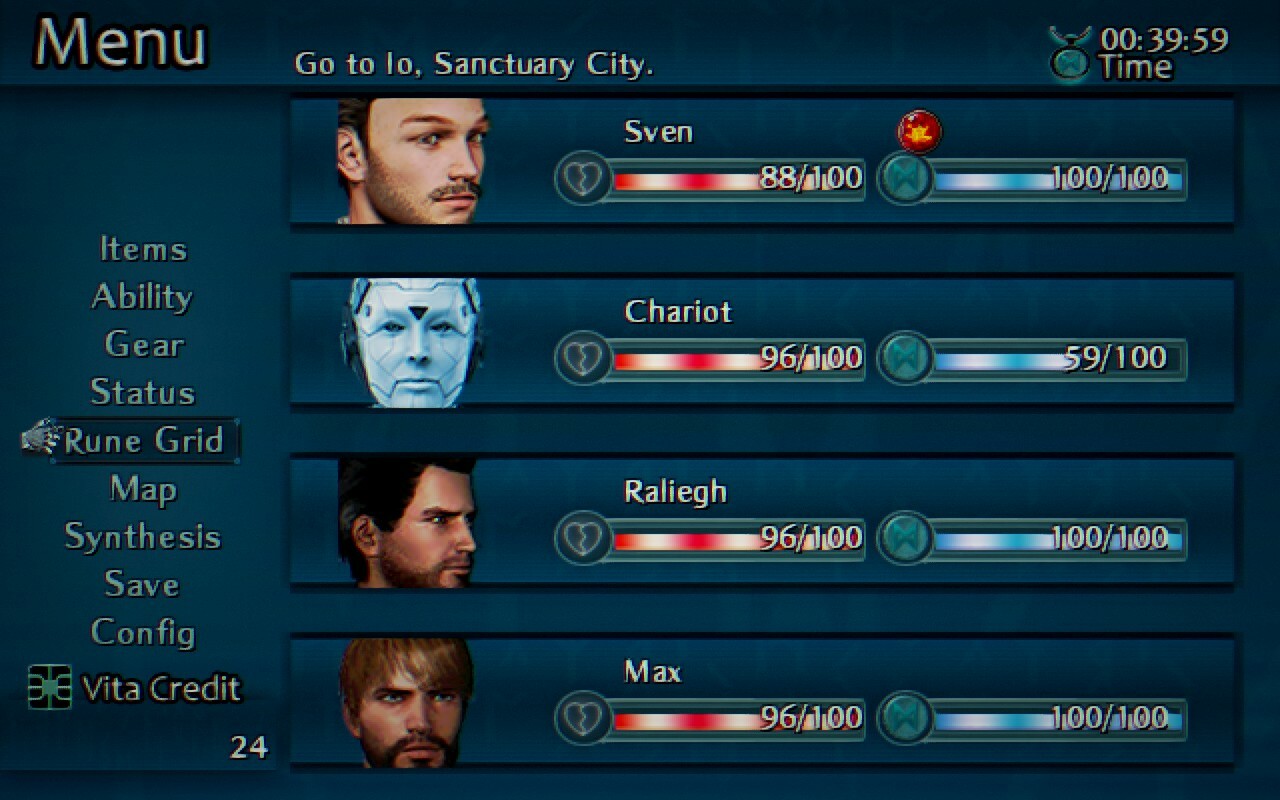
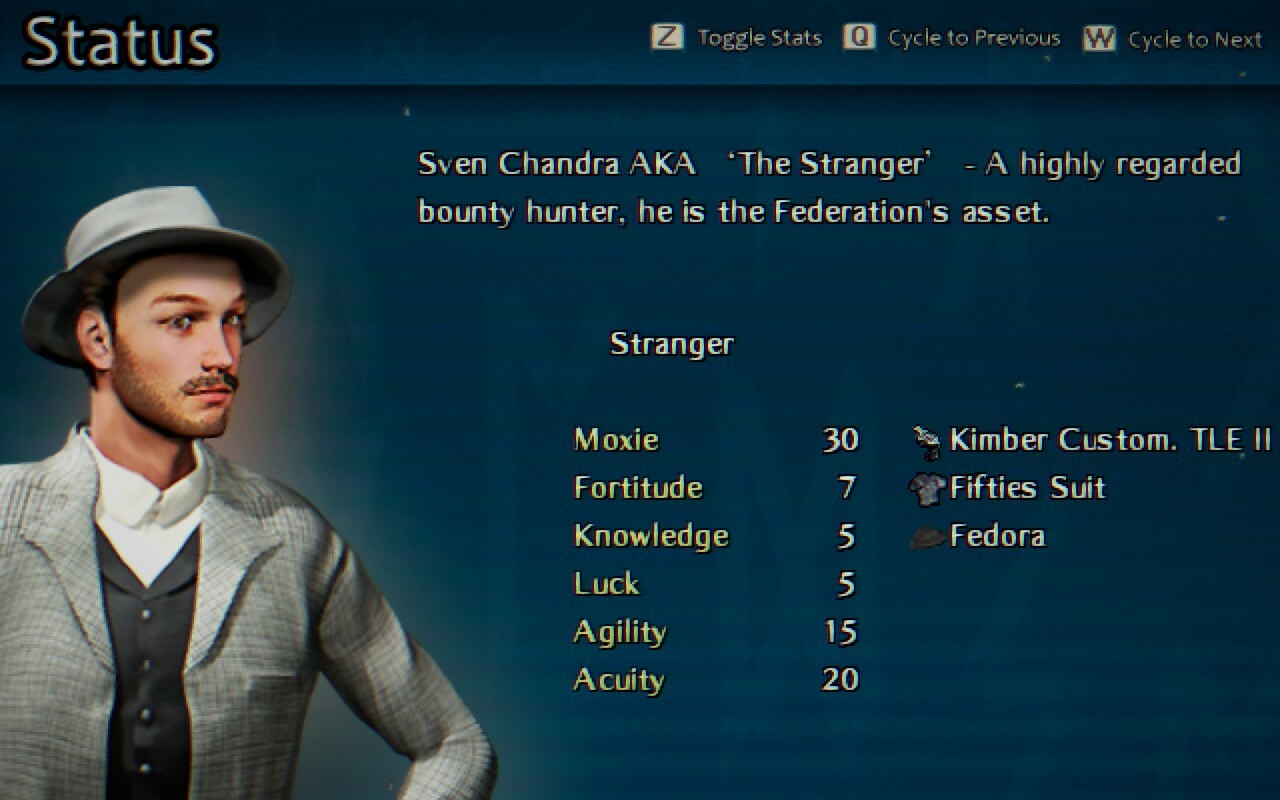
Along with new interface, we have heavily improved the Rune Grid and Synthesis Grids, that now have an animated background, no more map transfer bug and indicators above the Runes, making it easier to decide what pathway to travel when you first play.

You can now also choose between Normal and Easy difficulty modes when starting a new game. Easy mode will start you off with 40 Space and Time Relics so that you can get an early advantage of upgrades and win against enemies easier.
We have also added a 'Windowed Mode' checkbox to start the game in a window on the launcher, along with 'Performance Mode' for PC's that do not meet the system requirements, or if that computer experiences slowdowns playing The Dawning Clocks of Time. This disables post-processing. This mode will automatically turn on if your computer does not meet the system requirements.
Along with those updates, we've fixed and improved;
-Fixed an exception crash when summoning Pluto for the first time in the New England cutscene, which could prevent further progression past that point.
-Fixed a crash with Summon Pluto and changed behaviour of his animation after first time use. It will always deal the same damage and animation of the planet variation 2 as the math was bugged before.
-Fixed a crash with Alex and Markus Twin Strike. It will now no longer be used twice in the same turn, but will deal the same damage.
-Added missing overlay of mushrooms in Blue Moon, as they have been missing since inital release.
-Increased the internal resolution of the game by a factor of 1.5.
-New dramatic Aether introduction and cinematic that was cut from the original game, Now more tense as an opening with changes to it's presentation.
-A sound will now play when you pick up items or Time and Space relics.
-The information window at the top of the screen is now much less intrusive than before and has a better design.
-Character portraits will now fade in instead of just appearing.
-Fixed the Rune Grid transition bug where Sven could be seen when exiting.
-Fixed a bug where special effects would be turned on even though you turned it off.
-All the main characters now have full-body portraits when viewing them on Status from the menu.
-Improved bitmap handling, resulting in faster rendering.
-Chariot's cursor for menus is now animated.
-There's a new icon for save games in the menu.
-Fixed a graphical bug with Biggs animation frames that has existed since initial release.
-Reduced Proximity Sensor events.
-Added a Here Icon for the Termi in Sanctuary City.
-Many more bug fixes.
5.0.0202 - Relic Active Battle System is here
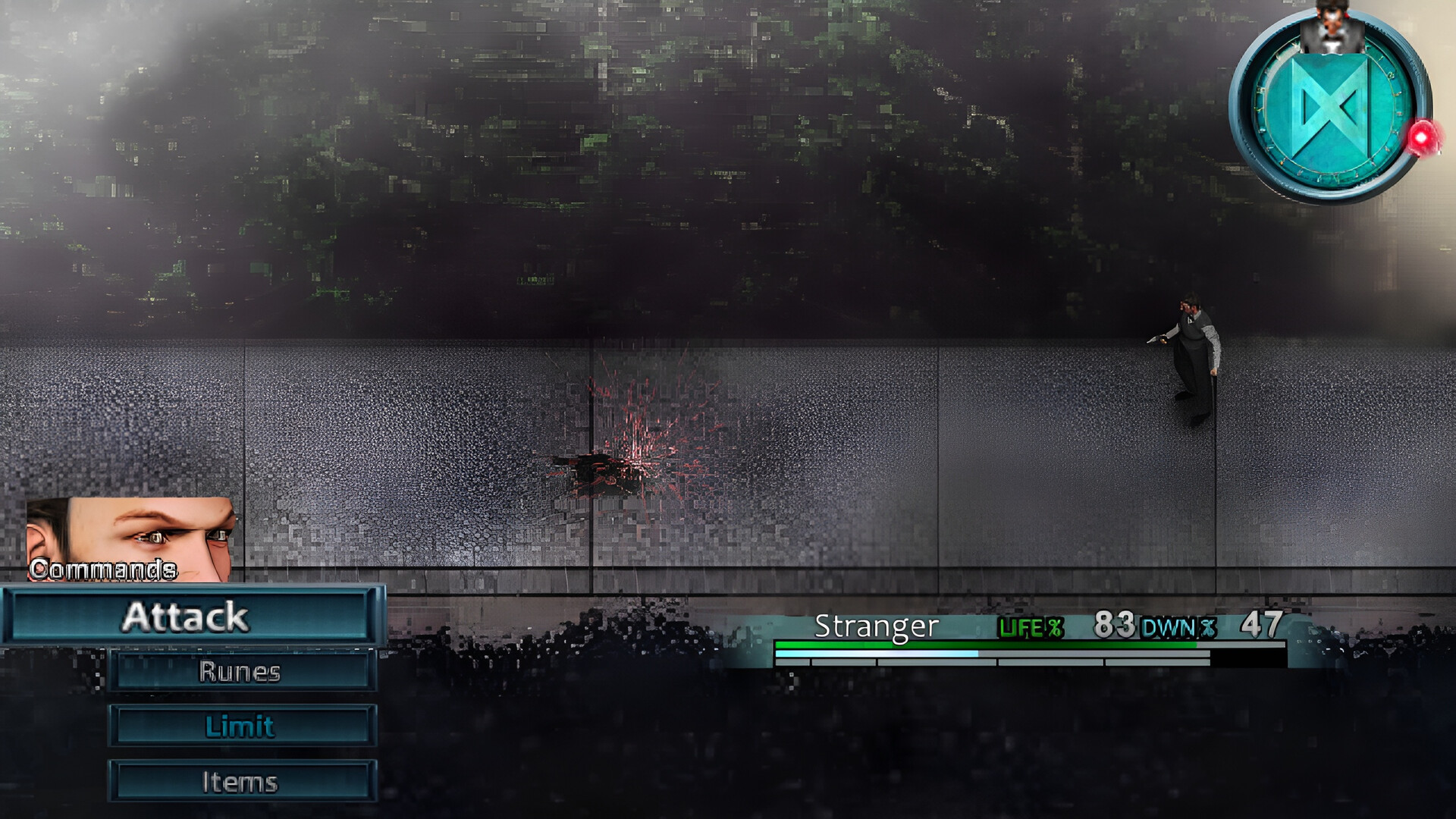
We are pleased to announce the Rune Battle System!
We have been working on this for a very long time, and are so happy to bring the original vision for the battle system and the Dawning Rune to reality!
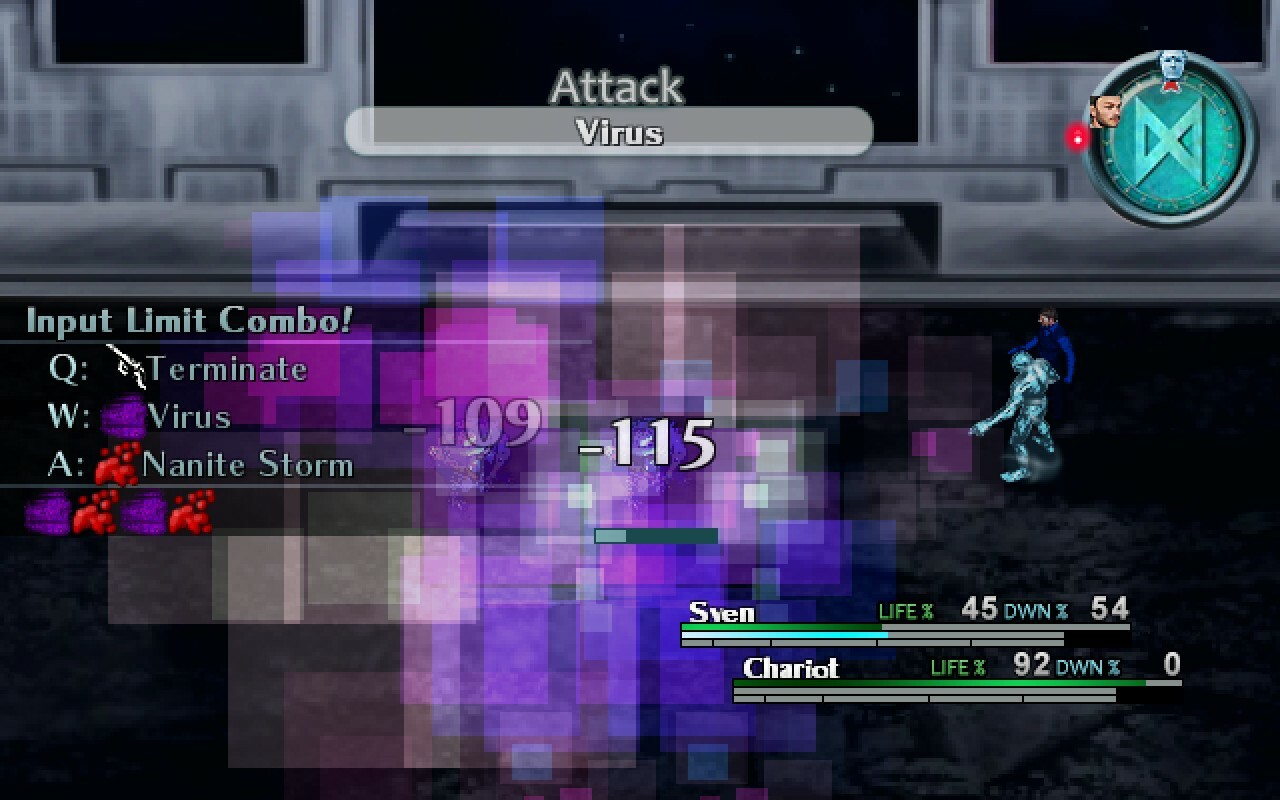
Featuring a Action Turn Based Battle System, with both active time and wait modes, with amazing visuals and special effects, and new battle mechanics. With the Dawning Rune, foes and allies turn times will rotate around the face of the clock, and when it gets to twelve, it's action time! Battles are as smooth and engaging as ever, and it makes The Dawning Clocks of TIme one of the top RPGs to play right now!
Alongside the battle system, you'll also see the revamped Life Bar (previously ECG). It's effects are linked directly to the battle system and, while on the field, you also see your status effects, especially useful on Aether and Proxima where you will take overheat and thermia damage as you walk around. Surviving just got that bit more challenging!
Even better graphics than before!
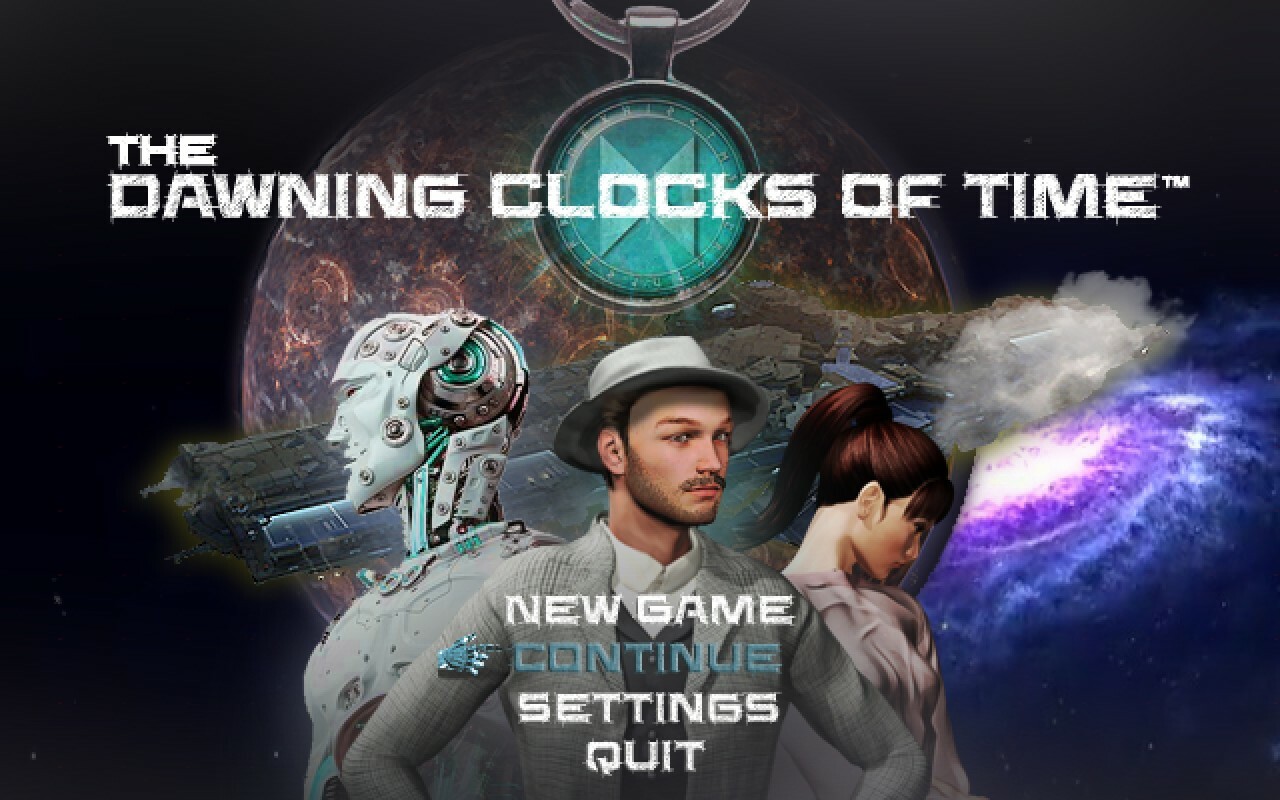
We have gone through the game with a fine tooth comb. You'll see new window colors, new story narration boxes, new tutorials and a brand new, animated and immersive titlescreen. We've also updated key cinematics and sequences for more realism, added special effects and tied up some loose ends with the adaption from novel to video game. We can not wait for you to try out these changes!
A Finalised, Robust engine.
The engine of The Dawning Clocks of Time is complete, which makes it quicker for us to add exciting gameplay features and story additions with quality. Part of this effort, as per usual standard, is eliminating those pesky bugs. With the engine overhaul, we've improved core stability, performance and future proofed the engine so it can be enjoyed for years to come, no matter what changes with PCs. With the usual bug fixing procedure, we've eliminated the following important bugs;
-We've fixed the crash that could happen when entering battles. The old battle system has been removed and replaced with the Relic Battle System. You won't experience these types of crashes anymore.
-We've upgraded the culling methods for deep space exploration, the game will now be able to show more on screen at one time instead of being culled out quickly.
-We've fixed a very annoying bug with controller input that could cause the UI to act up, this will not happen anymore and we gaurantee super smooth play.
We would list more, but there has been countless changes to the game in preperation for the final DLC, so we won't bore you with the details!
We look forward to your gameplay experience!
Final Notes
The demo has not yet been updated to reflect all these changes in the full version and does not include the new Rune Battle System, but it will at some point.
Also, previous save files before the 5.0 update will not work due to the scale of the changes to the game's engine. We apologise for any inconvenience caused. Your old save files will still be in the folder. AppData\Roaming\The Dawning Clocks of Time\Saves. Future save files are stored in the 5.0 folder to avoid conflicts. We have managed to maintain compatibility with saves right from the Day One release two years ago, but unfortunately we need to progress with establishing our final vision for the game and dropping support for old saves before 5.0 patch was a last, but needed resort.
4.7.3001
-Vehicles and Locations!-

Yeah, there's a Tank now in Aether Desert. There's more Karaks but we reward you with an achievement for squishing them underneath! You can ride the Tank across the desert to travel faster than before! You'll find the Tank by the Aether Outpost. This is the first of many vehicles coming to the game, and a small taste of the Finale DLC.
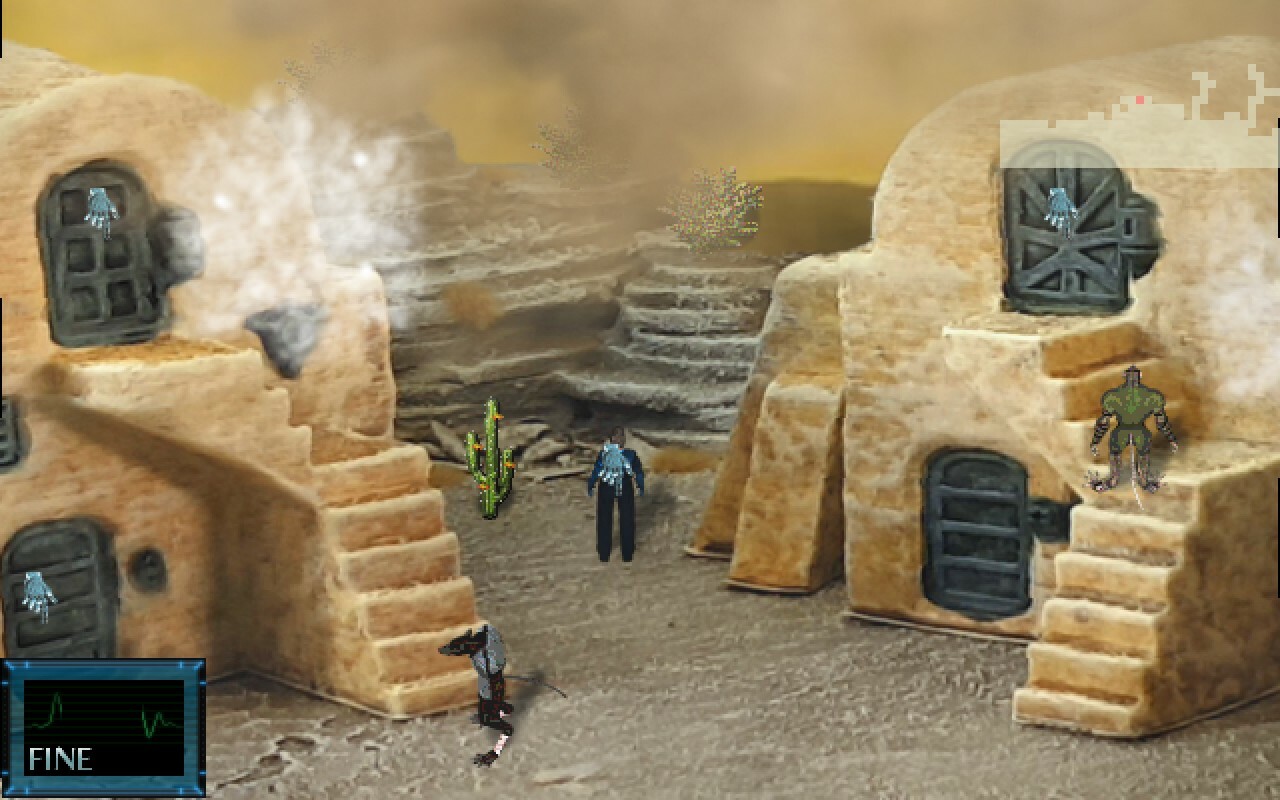
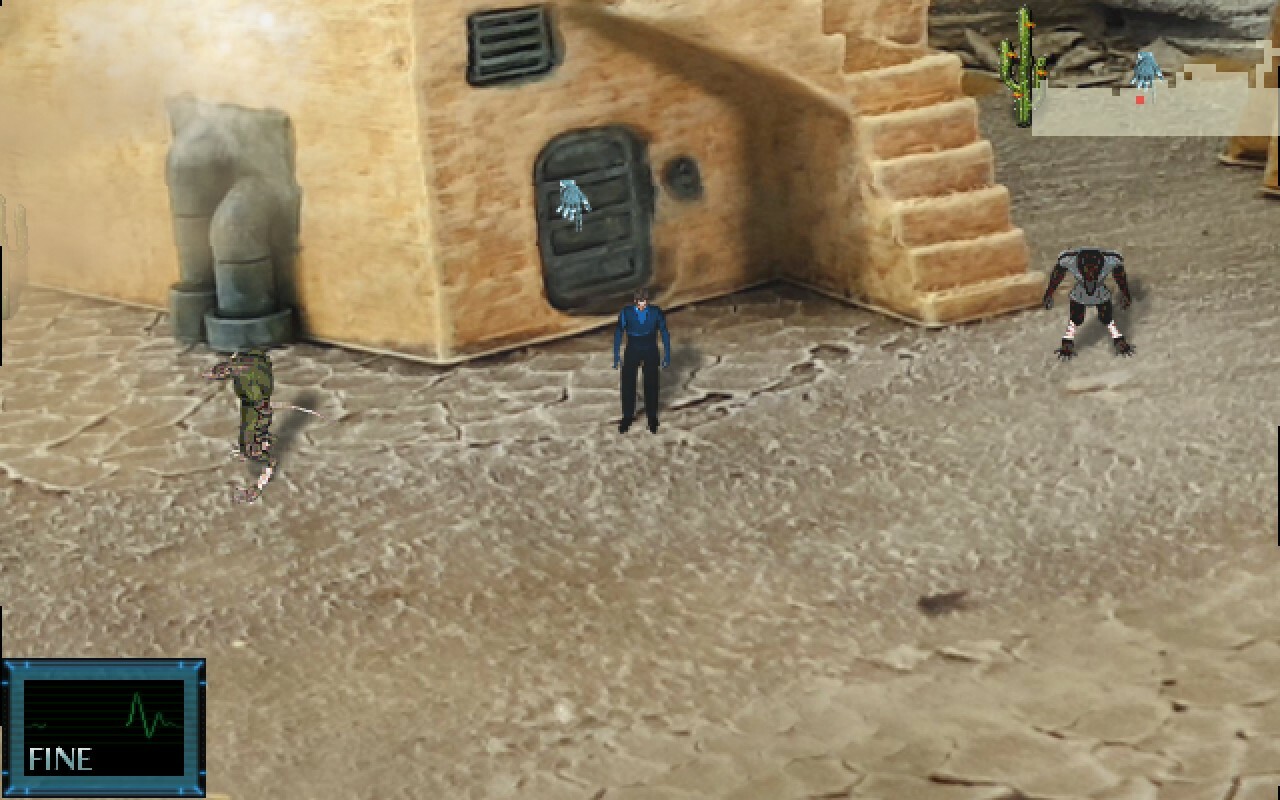
-We've added a brand new area, the Desert Village rendered in 3D into the game. There's some brand new side quests here involving saving the villagers from the Giant Worms, which reward you with a brand new consumable that's well worth it!
-Graphical Upgrades-
-We've made improvements to the mapping of Aether Desert, it's less sparse looking than before. Along with the addition of some pretty neat dust cloud effects and an updated world map that shows new areas and more!
-You will now see footsteps in the snow along with sound effects on Proxima A!
-There's now a neat dust particle when running and kicking up sand in Aether Desert.
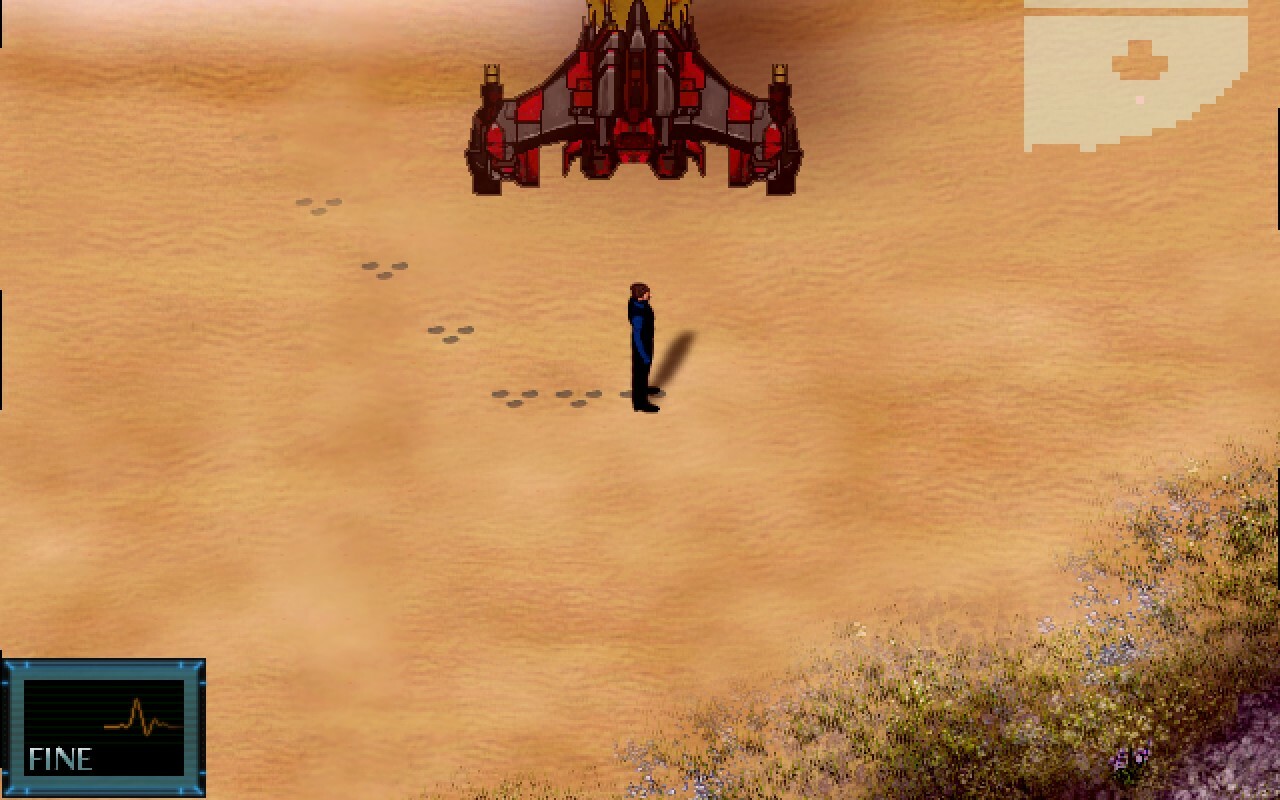
-We've added footprints on the sand on Vega.
-We've added water effects for shoreline and undersea on Vega.
-Bug Fixes and other minor-
-We've fixed a bug where the HERE icon would stay on-screen in Sanctuary City.
-Added Brandy that revives and restores 25% Dawning which you can buy from Kate at the start.
-Removed I'm A Gamer Tee and Sweatband as they were redudant.
-Fixed a overlay issue with flying cars in Sanctuary City.
4.6.2801
Important
-We've addressed a memory leak in the game that could make the game crash with a missing file error on rare occasions that the game hits the 4GB memory limit for 32bit applications on Windows. We've addressed this by patching the game to be aware of more than 4GB of memory.
-We've made some improvements to the launcher. You'll now see your Steam user name when signed in and we have improved launcher startup time. We have also fixed some startup issues that could occur under certain scenarios.
Gameplay Features
-There is now a Proximity sensor that will alert you when you are near planets, Galaxy Gates and importantly, the energy cores for the Cartographer quest, making it much easier to track them down.
-You will get Proximity Alerts when entering the space that warps to the Progenitor Graveyard, making it less frustrating accidently being warped there.
Bug Fixes and Other Improvements
-Fixed Progenitor dialogue at Pallas Base.
-Reduced volume for Sea background effect.
-Fixed Time & Space relics being inaccessible in the Undersea.
-Added Progenitor Dreadnaught to Local Map to make finding it easier than before.
-Added Proxima A and B to Local Map. They were missing before.
-Added Galaxy Gate to Local Map. It was missing before.
-Added an indicator of the Termi when viewing the Alpha Centauri Map, making it easier to identify where you are in the system.
-The Cartographer's Sphere Map will now show in green which Energy Spheres you have picked up, making it much easier to know which systems you have visited and collected a sphere from.
-Replaced vague 'Use the Keystone' quest with 'Go to the Progenitor Dreadnaught.'
-Added 'Critical Chance' to Tonic description.
-Fixed Center of the Galaxy cutscene graphic glitch and text speed.
-Fixed a bug with the Aether Facility inside cutscene.
There is also a optional specific patch for non latin Windows PC's. If you are encountering a UndefinedConversionError, please download this seperate patch https://steamcommunity.com/app/1730630/discussions/0/3758851615167929625/