New Content Update Announcement + Release Date Moved
How are you holding up, Survivors?
We’ve got a lot of news for our players in this update - some good ones, and some not-so-good ones as well.
Let’s start with the good news first!
Introducing…
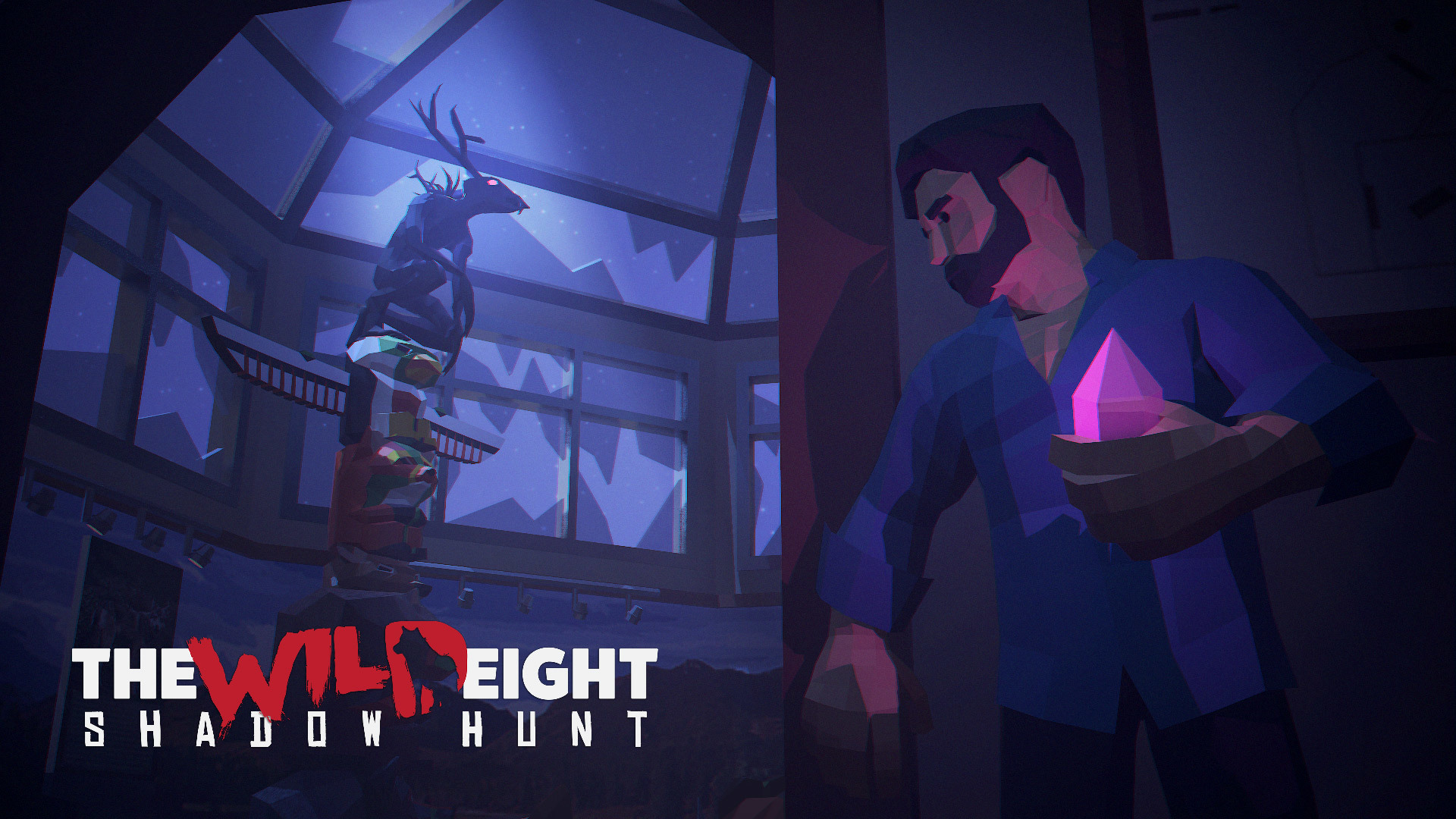
The Wild Eight: Shadow Hunt
In the Shadow Hunt update, players will uncover the mysteries of an ancient Indian curse of the Wendigo, which for ages haunted the wilds of Alaska. Discover the mythical creature, and defeat him to rid the land of the curse!
New Quest The Wendigo – Search for clues on how to summon the mythical creature of the Alaskan wilds, and defeat him to lift the curse.
Combat re-balanced – visual and stylistic changes to the combat system, aimed to smooth out the gameplay experience.
New Feature Food Rot – The Wild Eight just got more complex! The food you store in your inventory won’t stay there indefinitely - it will now slowly turn bad, becoming Spoiled and, over time, Rotten. Keep your food fresh by keeping it in the cold - or storing it in your Chest!
UI additions – between some last-minute UI polish, How-To Play instructions and other small improvements here and there, we’re finalizing the overall look of the game’s interface.
Emotes – a new way to communicate with the other players around you, no chat required!
More side content – new locations, in-game creatures and wildlife re-balanced, and more!
All of this awaits you in The Wild Eight: Shadow Hunt, coming to Steam on April 22.
....And that’s not all!
All of our players will be able to test out the features included in the Shadow Hunt update before the official release of the update - and give their feedback directly to the development team, via Steam Discussions threads or our official Discord channel.
We’ll carefully examine all of the reports from our player base, and will tweak and balance those features accordingly.
We’ll reveal the dates, and features released for testing in the very near future - so check back here soon to become one of the participants!
The Wild Eight 1.0 Release Date
And now, unfortunately, it’s time for some bad news - The Wild Eight will not be able to make the previously-announced March 2019 release date as well as August 2019 for console ports. We apologize for misleading our audience.
Some time ago, we faced a choice - either to make the deadline, and release an unpolished product, with some of the planned content either missing completely or not realized fully - or to finish what we started, and take a longer time doing it.
For a long time we’ve been deep in the trenches, working hard on eliminating all of the bugs and issues that were caused by completely re-working the online infrastructure - a job that was needed to be done in order for our multiplayer to function properly. That increased the overall development cycle, but was ultimately worth it in the long run, allowing us to eliminate future issues with online - whether it’s on Steam, or consoles.
We’re not able to give an exact release date to you yet - but our current plan is to finish work on The Wild Eight by the end of Q2 2019. Unfortunately, we can’t give an exact date at the time - but we’ll announce it in a short while, so please stay tuned!
Once again, thank you for your time, and have a great day,
HypeTrain Digital Development Team
0.10.185 - Fixes
What’s up, Survivors!
Another update is now live, including fixes to the issues encountered and reported by the players. We hope that this patch will smooth out the experience our players have with The Wild Eight, and will continue to polish it in the near future.
Below is a full list of changes and issue fixes included:
Scotty will no longer call a Player by his SteamID, using the in-game character’s name instead
Several Mini-Map fixes & additions - icons and backdrop of the map re-worked for an improved experience, you can now see other players’ view angle.
Fixed an issue where if the Player typed a message in chat, the overhead bubble with the message did not appear in-game.
Added auto-equip on items upon pickup
Multiple fixes to The Door side-quest
Fixed an issue where items thrown near the Cellar would disappear.
Multiple fixes to the underground Metro fast travel system.
Added an option to track the Quest by clicking their icon on the Map.
Tamed animals and hostile creatures are now shown on the mini-map
Fixed an issue where, in some cases, hostile creatures wouldn’t stop chasing the player
Fixes to multiple terrain issues
Fixes to the in-game Tutorial
Added new sounds to the in-game UI
Fixed an issue where, in some cases, online players experienced significant FPS drops
Fixed an issue where the Host was not able to change Server’s status (Solo / Public / Private) while in-game after loading a save file
Fixes to several UI issues
Fixed an issue which caused the “Home Sweet Home” achievement to not trigger properly
Fixed terrain issues, where in certain spots Player could get stuck in a door
Fixed an issue with animal movement not displaying properly during online play
Visual enhancements added to the game, ensuring a better gameplay look
Fixed an issue where, in some cases, after completing The Door sidequest, Player’s UI would disappear.
It’s time for a big-big portion of the optimization fixes, changes and adjustments!
We are constantly working on the game to make sure you get the most pleasant gaming experience. Also, we are getting ready to reveal our future plans to you this week - so stay tuned and keep an eye on our Steam page!
New features and changes:
Added location display on the mini-map - a major one
UI: new tips and quest panel animations, quest notification button when using a gamepad
Load Game screen now shows the number of days on the server, not the number of days survived
Tutorial: new stages and their localization added
Crafting items sequence on the All tab in Workshop is changed
Weapons can now be switched with LMB
Distance to the nearest objects on the minimap is now displayed differently
Icons are now displayed according to the player’s elevation level.
Torch thrown to the ground is now gradually losing its durability
When creating a new Solo game the Create a Lobby screen is now skipped
New received and completed quest notifications
Bug fixes:
Animals passing through a player - one of the major issues, fixed
Major optimization issues - fixed
After freezing to death the character does not warm up in the bunker - fixed
Issues with the emerging and completing Lost Future, The Door and Dark Matter quests - fixed
Issues with animals’ movement and them getting stuck - fixed
Tutorial issues - fixed
Map icon disappearing from the toolbar - fixed
Items with low durability get destroyed during pickup - fixed
Construction speed of Shelter and Workshop above level 1 - fixed
Underground premises icons display on the map and mini-map - fixed
Create a Lobby screen appearing when loading a Solo game - fixed
Another portion of piping-hot fixes coming up! This time, focusing on our save system and fixing out the remaining kinks with the tutorial.
Just to remind you - in the nearest future we'll disclose detailed information on the future of The Wild EIght, namely - new content and upcoming updates. Be sure to keep an eye out for more news on that soon!
Below is a full list of fixes and improvements in this update:
Major savefile fixes - all of the reported savefile issues should be resolved with this fix.
"Press Space to Use" prompt would, in some cases, not appear near ladders and hatches - fixed.
"Map" button in the toolbar now doesn't appear before Player obtains the Map in the Tutorial (if you skip the Tutorial, the Map will still automatically be there)
Strong Attack and Weapon Throw hints don't stay on-screen until you complete the required action - they now fade away after several seconds.
The icon on the Map now changes when completing the Side-Quest.
Save files are now being properly sorted, from newest to oldest.
While standing next to a bonfire, Player was unable to discard items from his inventory with the T button - fixed.
Upon first opening of the Map screen, the Map wasn't centered around the player character properly - fixed.
Tutorial step fix - if a Player builds a Workshop before the required Tutorial step, he won't be able to progress further - fix.
IMPORTANT NOTE: As of the latest version of the game (0.10.174), several players have reported issues with their save files getting corrupted. If you have encountered this issue, please contact us at ak.dev@hypetraindigitlal.com or send us your save file for an immediate fix - here’s more on how to do it.
Now, with that out of the way, let’s get on with our regularly scheduled patch notes!
Below is a list of changes and fixes included in this update:
In several cases, Players reported their save file as corrupted - fixed.
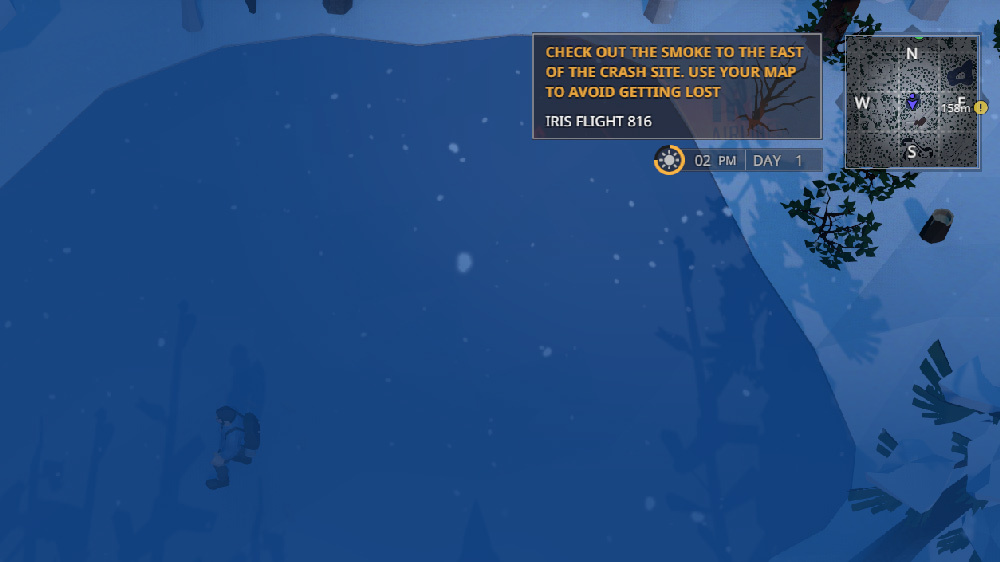
Designated quest marker was not functioning properly in “IRIS FLIGHT 816” quest - fixed.
Players could access in-game chat (Enter) from the Pause Menu - fixed.
“Shelter remains” would in some cases appear after a Player’s death, despite Shelter’s storage slots being empty - fixed.
By entering the Pause Menu while entering / exiting buildings, Players in some cases could trigger a permanent “black screen” - fixed.
While constructing a Shelter or Workshop, Players could start constructing the same building again, leading to several errors - fixed.
During Auto-Sleep, pressing ESC caused the Player to exit Shelter, not disable Auto-Sleep - fixed
Some Tool items’ effects would not trigger, if they’re equipped in the second Tool slot - fixed
In Shelter’s Skill Menu, clicking on the Skill icon several times would cause the Skill to be upgraded every time, not waiting for the progress bar to complete - fixed.
In some cases, Players could enter unfinished Buildings and pick up items while constructing a Building - fixed.
Sledge’s snow trails appeared too far away from the Sledge itself - fixed
Several terrain fixes
Several localisation & UI fixes
And, as always - if you happen to encounter any type of errors or bugs, please report them to us in The Wild Eight's Steam Discussions thread, or our official Discord channel
Take care, and have a great day!
0.10.174 - More fixes
Greetings, survivors!
Thank you so much for your feedback, it always helps us continue improving the game and making your experience more enjoyable!
Since the last update, we’ve improved a bunch of fixes, all of which you can find below:
When switching from the Solo mode to Public it becomes impossible to connect to the server, and the game stops working correctly - fixed
When playing on Solo mode, the game exits to the main menu without saving the progress after 2 minutes of the game being inactive - fixed
The link between a save file and Steam username is removed - fixed
Cannot start the game without an Internet connection - fixed
When entering a tile without authority over a tamed animal, the animal stops following the player - fixed
Animals can attack the player from a distance if he has a high ping - fixed
When creating and lighting a campfire before the player acquires a corresponding quest, the tutorial will jump right to the “Lighting the Torch” stage and will skip all the previous parts of the quest - fixed
The hint “Take Out a Tent” stays on screen until the player moves away from the equipment crate and doesn’t disappear with time, even if a player activates it - fixed
Player’s icon covers all the other icons on the map - fixed
Frostguy effect brings out the localization key - fixed
Player’s stat regeneration is reworked after Revive - fixed
In an attempt to activate or lift a nearby item/structure that a player is looking at, the said item/structure is not highlighted correctly - fixed
If a player attempts to “Improve Shelter” or level up any skill except for Sprint during a corresponding tutorial stage, the tutorial cannot be continued unless the Sprint skill is learnt - fixed
The “Generator Required” hint on the panels appears even if a player has a generator - fixed
A crate containing tents on tile Start-2 does not retain the memory of its state if the tile was unloaded, and is marked as active again - fixed
Upon entering a bunker while pressing the movement button, the character will produce the running sounds when staying inside - fixed
The scrolling image does not disappear when the chat is disabled - fixed
When entering the building mode (Shelter or Workshop) when the character is running, the sound of his steps will not stop (the same happens when the game is paused) - fixed
Footsteps and the sounds of footsteps are missing from the game - fixed
Tutorial gets stuck on the remote stage of the quest - fixed
We would like to remind you that if you encounter any type of errors or bugs, please don’t hesitate to report them to us in Steam Discussions thread, or our Discord channel
0.10.172 - Main Quest Hotfix
What's up, Survivors!
We've seen a LOT of reports on players not being able to play the game properly after the most recent update - so here's a hotfix that should solve that problem!
Full list of fixes included in this patch:
Game froze over time after completing several steps in IRIS Flight 816 Quest - fixed.
Issues related to the spawn and abilities of the Ice Creature - fixed, the Creature should now work as intended.
This patch fixes a bunch of issues and added some new features aimed to improve your game experience. We're coming back next week to introduce you our plan for the nearest future. Thank you for your feedback.
New:
Unique colors for the map markers – Added
Fast item pickup – Added
“T” hot key for cooking (+tooltip) – Added
New Localization: loading screens, fast item pickup, the option section “Gamepad”
Fixes and changes:
Light goes of in the northern corridor of the bunker after you enter it for the second time in some cases - Fixed
Not possible to pick up CaveDiamond after it was discarded from the inventory - Fixed
Activated radio tower becomes deactivated after save has been loaded - Fixed
The main quest switches to task "Search for the Powerline" if a player has activated any radio tower and not specifically the one that is located on the tile MainQuest-0 - Fixed
Server being visible for a player in the Friends Servers tab even if the host has a different version of the game -Fixed
Upon activation of the quest Scotty Doesn’t Know the first task is marked as completed right away - Fixed
Scotty Doesn’t Know is not being marked as inactive after a player has turned in 8 items or when the 24h timer runs out of time - Fixed
Corrupted save files showing black screen upon loading - Fixed
A save where a client’s character is stuck in the train with UI and console being inaccessible - Fixed
Animals and creatures get stuck in certain places in the game - Fixed
Grain effect and changed lighting stays even after completing “The Door” quest - Fixed
Blizzard visual effects it out of sync or syncs poorly when the players are located far away from each other on the server - Fixed
Upon returning to a tile to the car that was already searched, cursor turns into a hand when hovered over a car - Fixed
A caption on the button “Restart” to “Start over” in the window that appears after player’s death – changed
Loading screens showing wrong captions on the buttons sometimes - Fixed
Animal and collider collision working incorrectly after player resurrects in the bunker - Fixed
Black shading on the trees - Fixed
“Back” button not working when clicked on with a cursor in New Game section of the menu - Fixed
Item description disappears randomly - Fixed
Icon captions on the client’s map (Quests, Side-Quests) appear for a short period of time and then disappear - Fixed
Snowpiles on Simple-15 pile spawning 60 units of metal scrap - Fixed
A place on radio station -7 tile where the players could get stuck - Fixed
Size of the “Legend” submenu in the map UI decreased to fit an item description
We're back at it - with a new, fresh batch of fixed issues and errors!
Below is a list of issues dealt with in this particular update:
1. Issue, where Players were not able to use Ranged Weapons and use Traps while in Yeti's Cave - fixed.
2. If a Player died from falling into a pit, items stored in Player's Shelter would get lost - fixed
3. In rare cases, Creatures in the open world would stop movement altogether - fixed.
4. A tamed Wolf did not attack hostile enemies - fixed.
5. The "You Died" screen would re-appear after selecting "Restart" - fixed.
6. Player's tamed creature would get untamed after the Player enter's a "Near Death" state - fixed.
7. Resource stacks should now "fly" out of trees and other extraction points with less velocity.
8. Fixed an issue, which in some cases caused in-game items to get stuck in mid-air.