
- Fixed ALT + ENTER fullscreen mode toggle
- Fixed rendering bug when MSAA is turned off (DX9 only)
- Fixed potential issue initializing display mode with non-standard aspect ratios
- Fixed keyboard input issue affecting some users

Thumper
Maintenance Update
Performance and Maintenance Update
- Improved rendering performance (non-VR mode only)
- Added view user profile option to leaderboards
- Fixed rare rendering bug on tunnel entrances
- Fixed rare bug where phrase pulse travels through Level 5 and Level 6 minibosses
- Fixed minor vignette post-processing bug (VR mode only)
- Adjusted death sequence speed-up logic
- Added vibration effect to death
Input remapping, game avatars, and more fixes
- Keyboard/controller input remapping (Options > Controls)
- Added additional Steam "Official Game Avatars" (thanks j1nroh!)
- Improved handling of corrupt save files. If save is corrupted, backup load will be attempted.
- In 2D mode, CPU/GPU usage is reduced when application window is minimized or hidden.
- Fix potential crash changing leaderboard view in VR mode.
Stability and Usability Update
- Added custom frame rate caps for 2D mode (Options > Video)
- Fixed potential save corruption if app crashes/quits during auto-save
- Fixed glitch auto-saving on checkpoint
- Better and friendlier detection of corrupt save files
- Updated VIVE left touchpad icons for clarity
- Improved Portuguese, Finnish, and Simplified Chinese text
We hope to address the remaining high-priority usability and "quality of life" issues over the next couple weeks. This includes A/V calibration, input remapping, and improved VIVE controller support.
Trading Cards and Badges

Thumper now supports Steam Trading Cards and Badges. Enjoy!
A game update with stability and usability improvements is coming next week.
VR and Gameplay Usability Update
General
- Added gamepad analog stick sensitivity adjustment (under Options > Gameplay). If you experience stick "bounce back" issues on multi-lane sections, reducing the sensitivity should help.
- Minor optimizations to DX11 renderer (both VR and non-VR)
VR Mode
- VR tracking can be manually recentered by holding start/pause button (or ESC key) for 1.5 seconds
- VR tracking auto-recentering can be disabled under Options > VR
- Only tracking position (not orientation) is automatically reset if HMD tracking is lost and reacquired
SteamVR Mode Specific
- Detect and use correct display adapter (even when it's not the default)
- SteamVR skybox set to black and DROOL logo displayed during startup
Oculus VR Mode Specific
- DROOL start up logo moved further away from viewer
Thanks again for playing! We're working on more improvements and we'll continue to monitor the Thumper Community Hub for issues.
Thumper Now Supports SteamVR and Oculus
Thumper has been called Game of the Year, one of the best rhythm games ever, and one the best VR games this year. And now you can play it on SteamVR and Oculus.
Today’s update adds support for both HTC Vive and Oculus Rift via SteamVR. It includes Oculus SDK support as well. We’ve added basic support for both Oculus Touch and Vive controllers.
Of course, you can still play all nine epic levels (including PLAY+ mode) in both traditional 2D and VR mode.
We’ll continue to fine tune our VR support for both headsets over the next couple weeks. We have more updates, including advanced video, control, and calibration settings on the way. Thanks for your support as we continue making Thumper the best game we can.
Pre-Update: DirectX 11 and Minor Fixes
First, the game now uses an all-new DirectX 11 graphics engine. Most users should get a small performance boost and there should be no visual difference with the old DirectX 9 renderer.
For compatibility reasons, the DirectX 9 build is still available as a launch option (the executable is also in your install directory: THUMPER_dx9.exe).
This build also fixes some minor bugs users have reported. Thanks for all our feedback!
A lot more coming soon!
Update: New "PLAY +" Mode
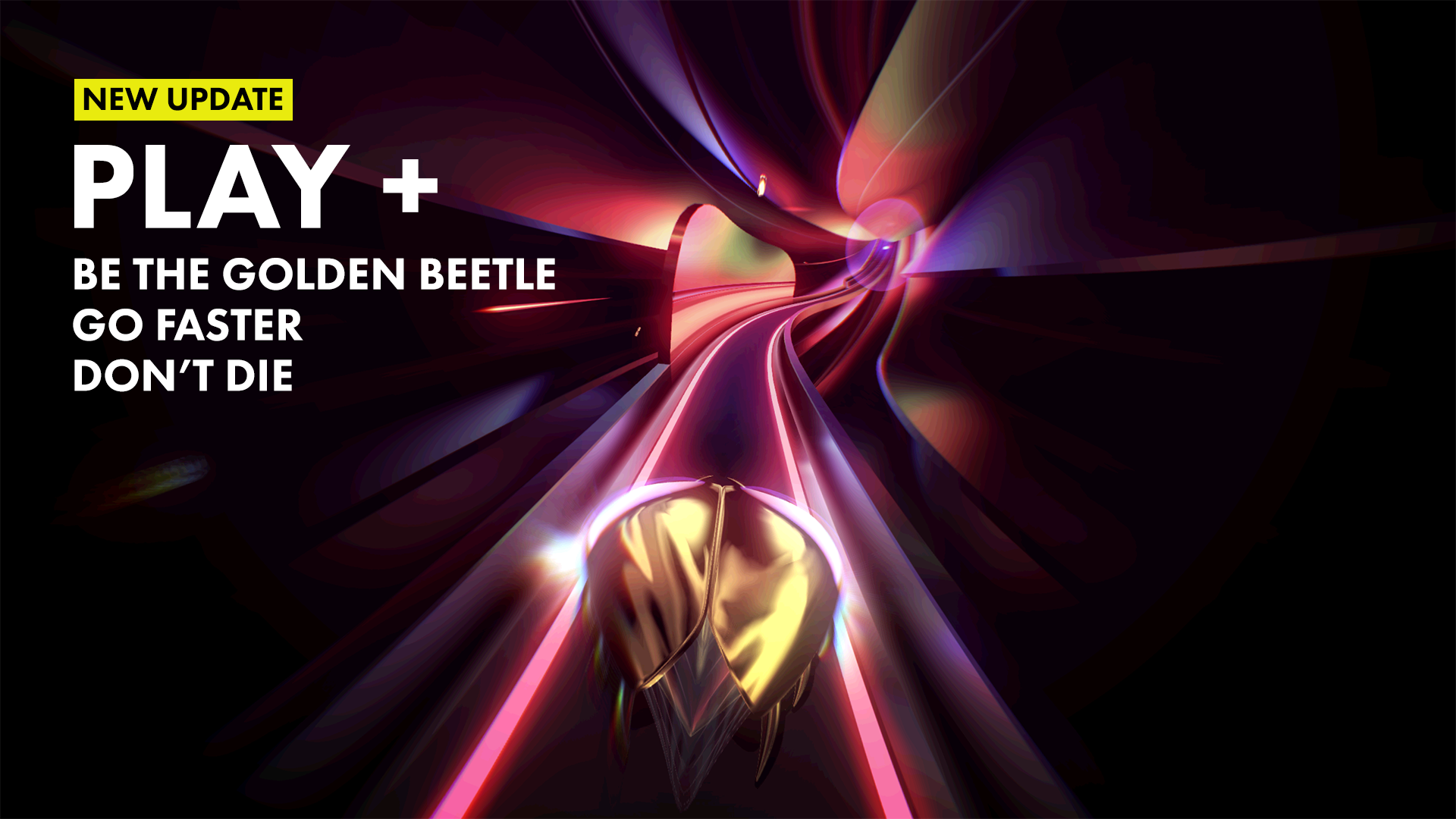
Thumper has been updated with the new PLAY + mode. Now you can play as the resplendent golden beetle. You’ll gain more points and hurtle through all nine levels faster than ever. But die once, and it’s GAME OVER.
If you’ve already beaten the game, we think you’ll find PLAY + mode challenging and a true test of your thumping skill. If you’re new to the game, just beat Level 3 to unlock the new mode.
See you on the leaderboards!
Update: Restart from Previous Checkpoint, Thumb Relief, and Fixes
- Restart From Previous Checkpoint. After passing a checkpoint, you can now restart from the immediately proceeding checkpoint (select PREVIOUS from the Restart From Checkpoint screen). Note that you can only restart from the current checkpoint or the immediately previous one. Also note that if you quit the level or app, you lose the ability to restart from the previous checkpoint. This feature is intended to reduce frustration for players who try to grind out S-Ranks.
- Controller thumb relief: R1/RB can be used in addition to (X)/(A) button as the primary gameplay input.
- Press and hold (X)/(A) button to speed up death animation.
- Hold (X)/(A) button on score screen to speed up animation.
- Fixed rare issue causing early damage on turns.
- Fixed rare issue causing energy pulses to "pass through" bosses.
We're still working on more features and fixing additional known issues.
If you're having any trouble with the game, please check our support page (http://thumpergame.com/support) or post on the Steam Community Hub forums (we'll be monitoring it).
The next update is coming soon!