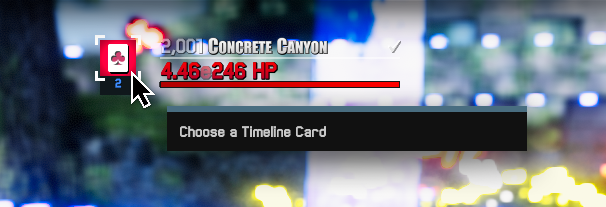
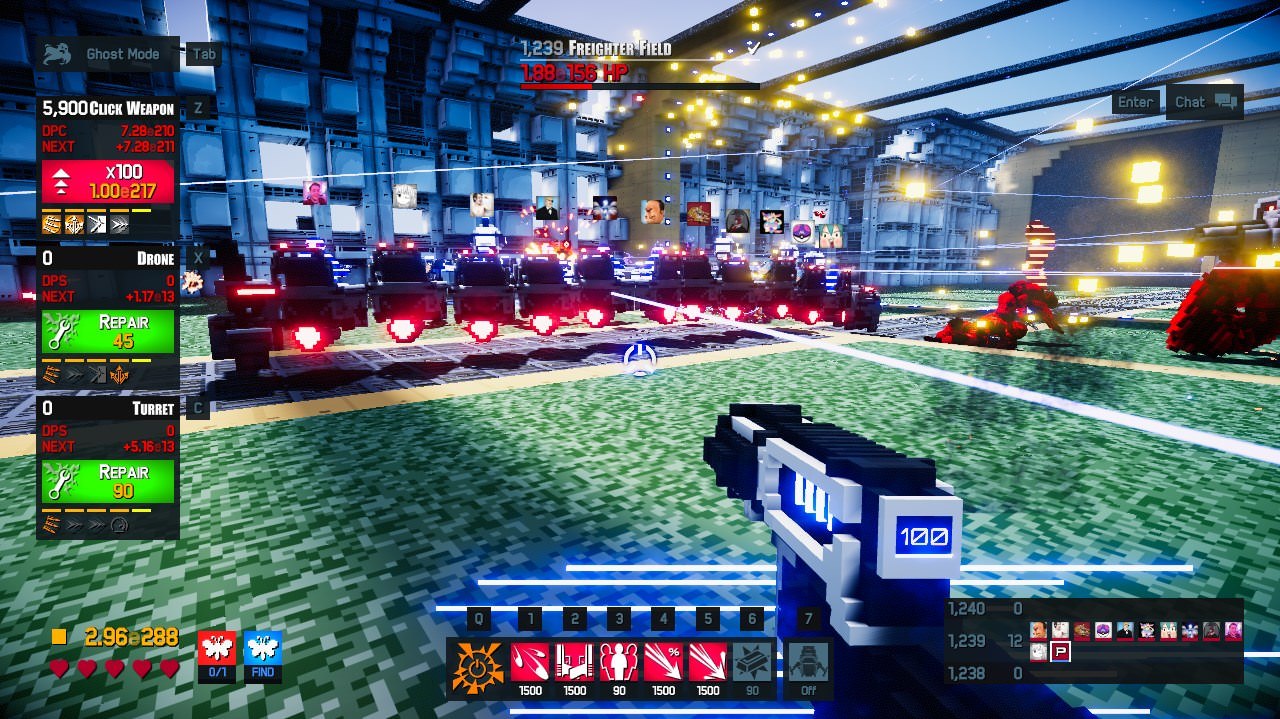
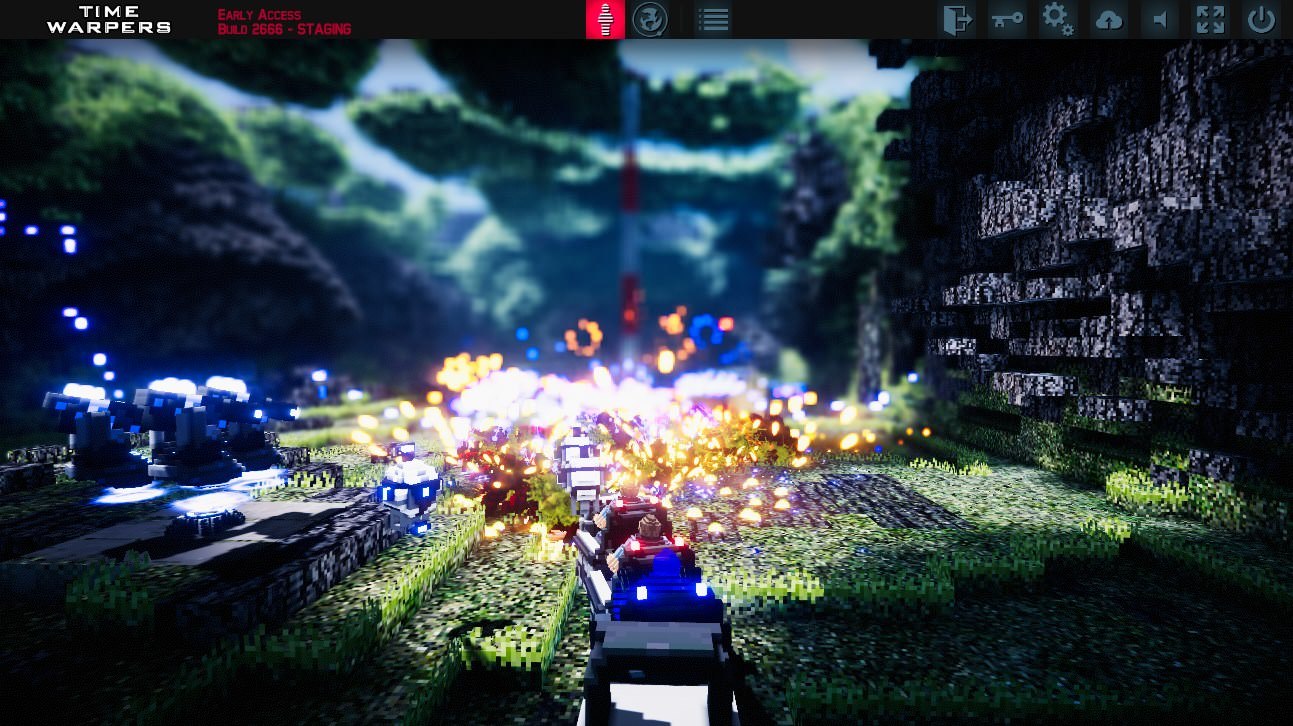
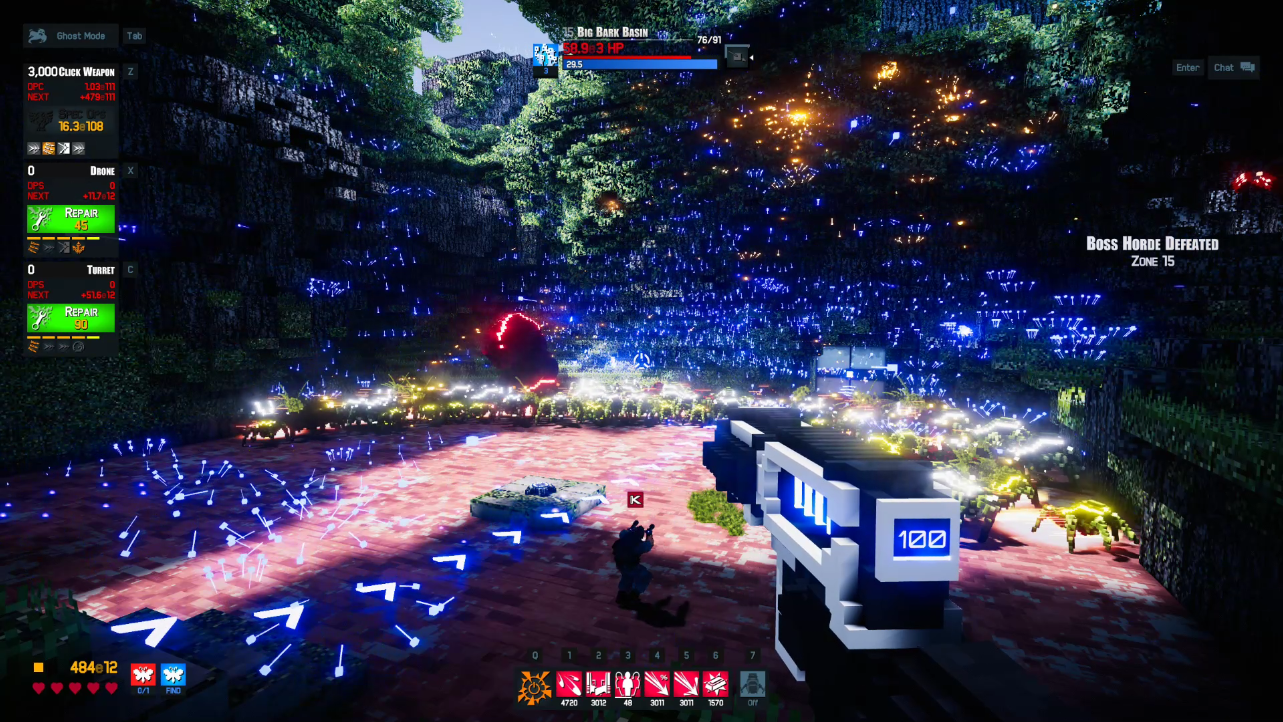
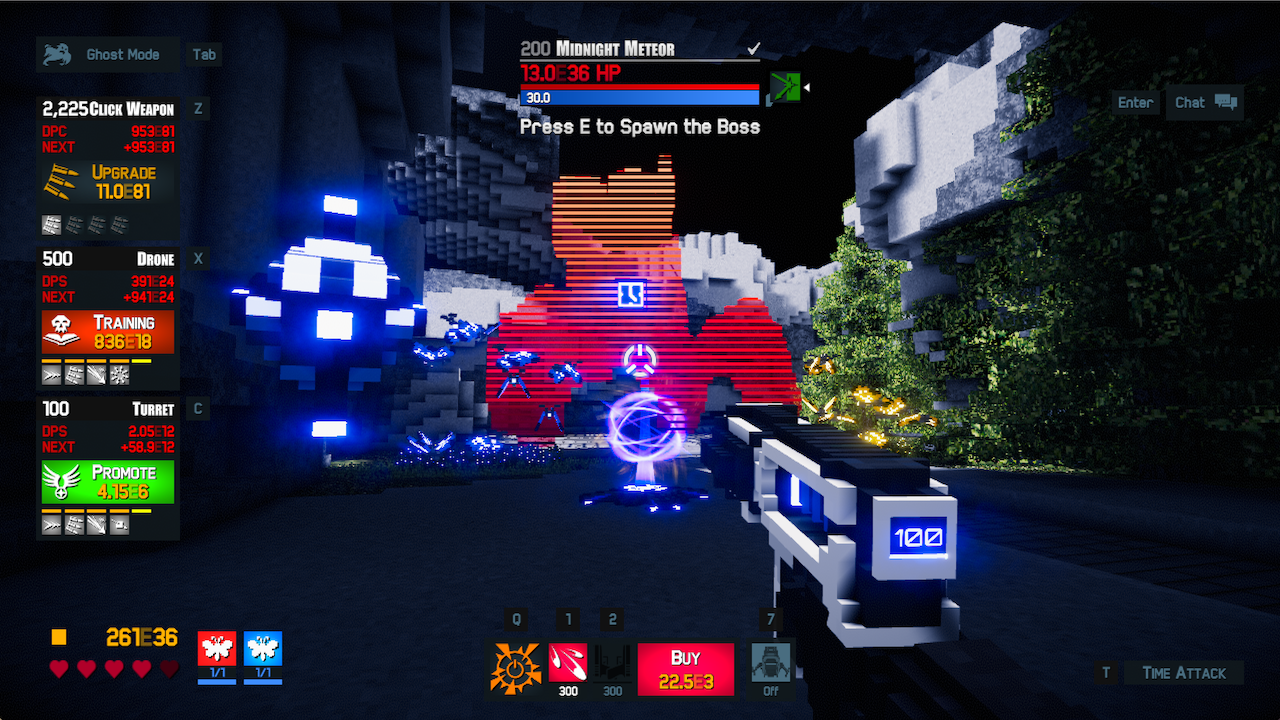
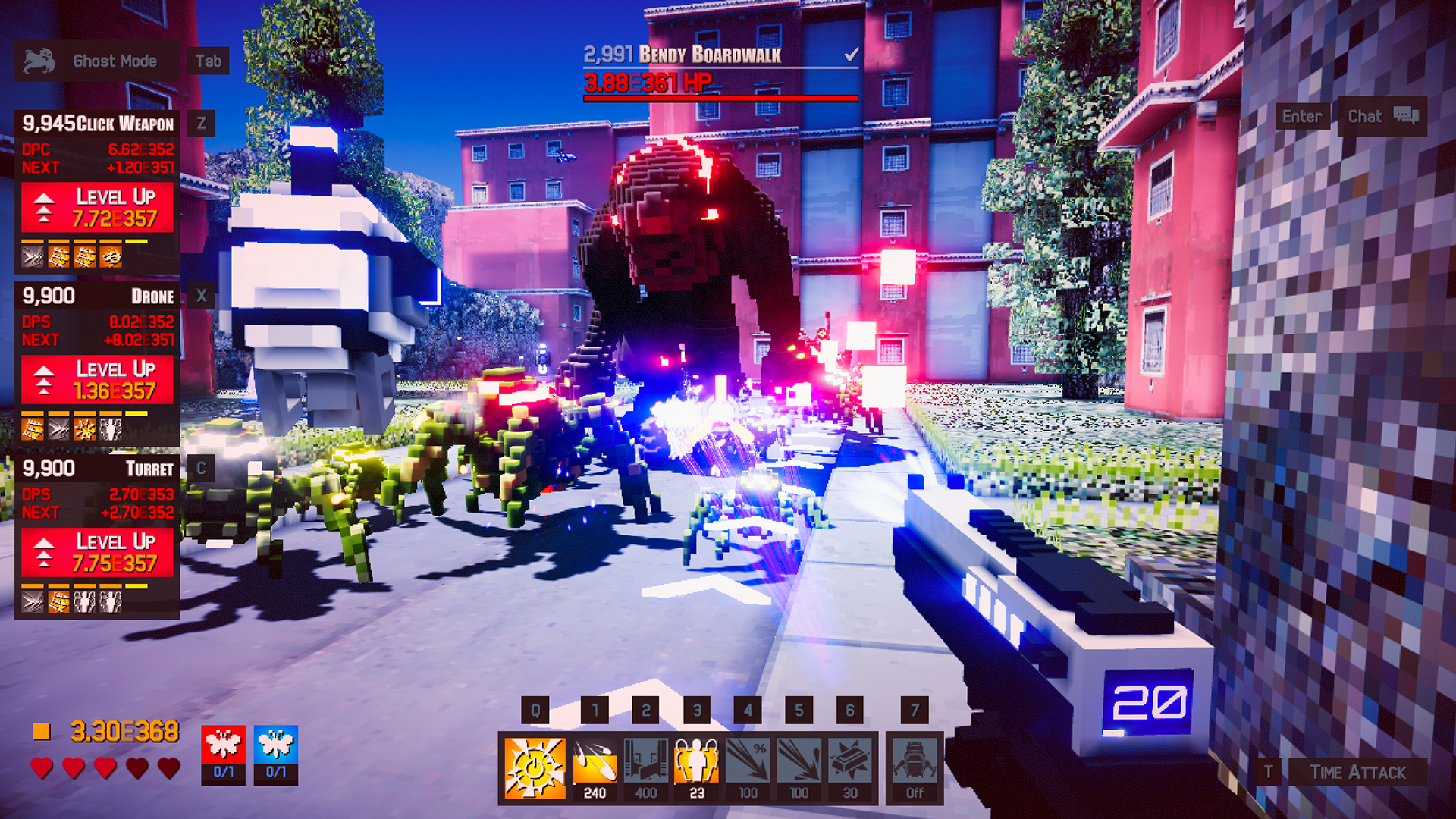
We now have Timeline Cards (per-run loot)! Promoting a teammate into Training (lvl 500, 1500, etc) gives you the ability to choose a card.
When choosing a card you can select from 3 options, each card has their own bonus.
There are 13 card types - each type has 4 cards (like a deck of cards). The more you collect of each card, the bigger the bonus.
Timeline Cards are only for the current timeline - deck gets reset when you Time Warp letting you rebuild a new deck on your next run.
The Modifiers Stat screen gives you an overview of all your modifiers and where they are coming from.
We've had lots of requests for Global Chat, so you can now toggle the ability to see chat for the entire server or just the players around you.
Lastly all the caps have been raised. Max Zone is now 5,000, max Perk Tier is Tier 6 and max Teammate Level is 20,000.
Next Friday Update will be on February 8, in the meantime continue to share your thoughts & feedback on the Steam Forums & our Discord.
UPDATE 5: Timeline Settings & Carry Capacity
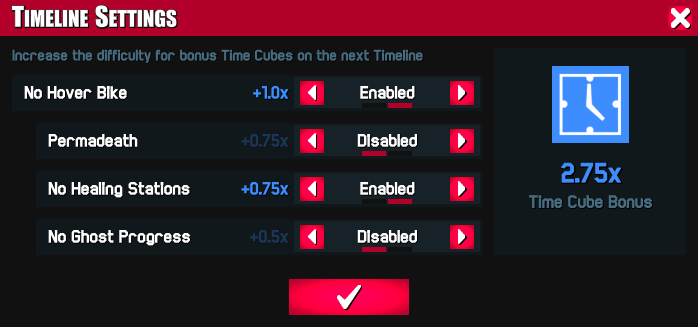
Active players are rewarded with bonus Time Cubes based on their timeline difficulty. When you Time Warp click on the Timeline Settings button and choose from:
No Hover Bike - must enabled to select other options
No Healing Stations - can't heal at respawn points
Permadeath - automatically Time Warp when you die
No Progress in Ghost Mode - no gold or wave progression when in ghost mode
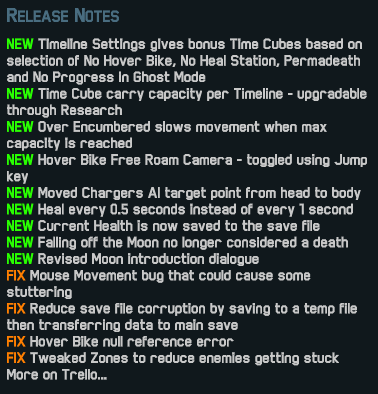
To balance out early game players being carried too far, there is now a maximum amount of Time Cubes you can carry before becoming over encumbered, which slows down movement. Carry capacity can be increased through Time Cube Research.
Another highly requested feature, when cruising in your Hover Bike press the Jump key to toggle the Free Roam Camera. Move around using your Mouse and WASD/arrow keys. The camera automatically re-docks to the Hover Bike when the Zone is complete, disabling free roam until you've entered the next zone.
The next Friday Update will be on January 25, in the meantime continue to share your suggestions & feedback on the Steam Forums & our Discord.
UPDATE 4: Big Boss Gold & Scrollable Chat
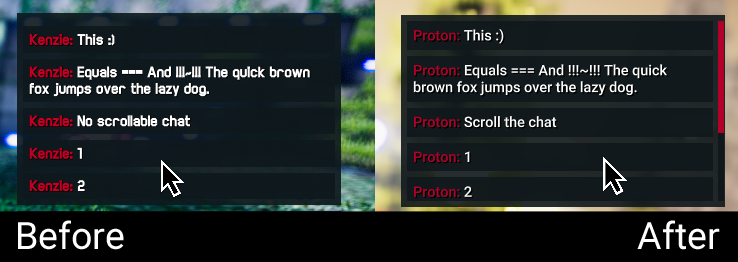
We've made a few updates to Chat. It's now scrollable, increased history to display the past 20 messages, and changed the font to Roboto.
Big Bosses now drop gold after you do 25%, 50%, 75% & 100% damage.
One of our most requested features was to be able to spawn a regular wave of enemies by pressing E, you now have the choice of either going into Ghost Mode or pressing the Spawn Horde/Boss/Wave key.
The next Friday Update will be on January 11, in the meantime continue to share your suggestions & feedback on the Steam Forums & our Discord.
UPDATE 3: Convoy Snakes
Now when there are multiple Hover Bikes in a zone they will merge creating a Convoy snake. The Convoy snake is sorted based on DPS with the highest Total DPS pushing from the back.
If a weapon's DPS is e5 lower than Zone HP (would take 24 hours to beat the zone) that weapon's projectiles won't be displayed over the network (still visible locally), increasing multiplayer performance.
The Lock to Convoy button will keep you with the convoy until everyone has completed the zone. We've also updated the Convoy Widget to display Total DPS & Percentage of Convoy DPS.
The next Friday Update will be on December 28, in the meantime continue to share your suggestions & feedback on the Steam Forums & our Discord.
UPDATE 2: Experimental Unity ECS Optimizations
This sprint was all about performance optimizations. Our main focus was on implementing Unity's experimental ECS technology, which is designed to take advantage of multicore processors, high performance code & optimized memory layouts.
Some ways we've been able to take advantage of this new system are:
More projectiles & gold pickups with even better performance
Consumes less memory with significantly fewer lag spikes
Faster streaming of Zone details (like border lights)
This was a top request from a lot of players, so let us know what you think of the performance improvements.
The next Friday Update will be on December 14, in the meantime continue to share your suggestions & feedback on the Steam Forums & our Discord.
UPDATE 1: Widgets & Blue Butterflies
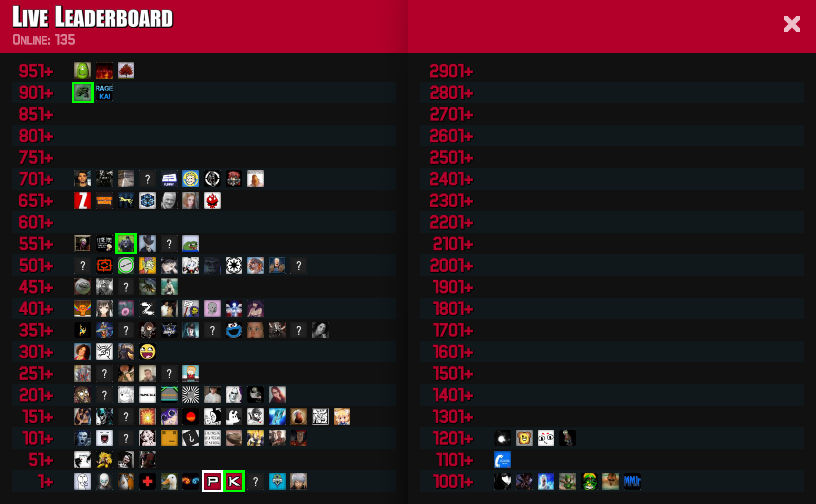
This is our first Friday Update since releasing into Early Access. It's been a great 2 weeks with some new records (135 players in the Public World) and a lot of great feedback from the community which helped shape this update.
To balance out Time Cubes gains, Blue Butterflies are now spread across all the Horde zones instead of all of them being in the end of planet zone.
A multiplier is added for every deposited Blue Butterfly, so the more you collect the higher the multiplier goes. This way you'll still get benefits from earlier collected butterflies as you progress through the game.
In addition to the current Time Attack widget, we've added a couple of new widgets.
The Convoy Widget displays the number of players & their icons that are in your zone as well as the zones in front & behind you. The red or blue line below the players icons show whether or not they've completed the zone.
The Time Cube Widget allows you to compare the Time Cube stats for your current timeline against your all time best stats.
We did experience some server stability issues for the first few days after release. We have identified & fixed the issues so the Public World should continue to be stable.
The next Friday Update will be on November 30, in the meantime continue to share your feedback & suggestions on the Steam Forums & our Discord
Changelog:
New
Deposit Blue Butterflies in Horde Zones instead of End of Planet
Added Multiplier to deposited Blue Butterflies
Convoy & Time Cube Widgets
Enemies teleport home if not defeated in 65 seconds
Zone Progression in Orbit Mode always displays as blue or red
Active Abilities stay active after Time Warping
Reduced cost for Waves Per Zone Research
Higher ground friction for better movement control
Removed heart beat sound effect
Scalable HUD setting
Volume Focused & Unfocused settings
Ghost Mode is now a rebindable key
Display Total Time Cubes in Research screen
Research Screen has note that won't lose DPS when spending cubes
Time Attack now displayed a - instead of + for better time
Toggle Buy/Sell mode by clicking anywhere on Research screen
Renamed Click Weapon, Drone & Turret Autobuy Research to Start Level
Renamed Punch Perk to Punch Through
Modified Moon zone 136 to prevent enemies from getting stuck
Modified Ship zones 280 - 281 to improve speed running
Modified Mountain Town zones to reduce enemies getting stuck
Modified exponent character from E to e for readability
Fix
Red Butterflies affecting Offline Gold
Current Timeline times in Stats screen reset after Time Warp
Switching Number formats no longer displays - number
Critical Chance Perk Mission marker location
Swarmers targeting other Swarmers
Custom cursor slightly misaligned
Time Warpers is Now Available!
Time Warpers is now available on Steam Early Access!
We've added some additional UI to the Orbit screen, making it a lot easier to track down those missing butterflies.
Thanks to the new Server Moderation tools, if you're hosting a game in the Co-Op World you'll have the ability to kick or ban players from your server. In the Public World this will be handled by our mods.
We've added a brand new number system, so if you like really big numbers we've got them.
In addition to our Public multi-player world, you can now play in a Private or a Co-Op World (through Steam integration you can easily join your friends).
A new build has been released to our Pre-Alpha testers. Interested in becoming a pre-alpha tester, join our Discord for more info.