We've just made live a new patch for Tracks! Take a read of the patch notes below for details.
Changes
Passengers have had a revamp with new animations, sounds and improved pathing to platforms
Passengers can now be placed directly on a platform to wait for the train
Passengers now board the carriage closest to them on a platform
Platforms can now be deleted regardless of whether passengers are walking to it
Improved responsiveness of the Toybox & Scenery menus
"Fullscreen" in the graphics menu is now real fullscreen and not 'Borderless Window'
Please let me know if this is annoying
Reduced game start up time and memory usage
Reduced file load time and memory usage
Model and texture optimisations
Bug fixes
Fixed various issues with certain achievements
Fixed sounds for the boosters/brakes
Fixed a crash and other issues with Tower Cranes
Fixed the Tractor facing the opposite direction to other vehicles
Fixed the Toybox sometimes creating a Small House when you opened/closed it
Fixed the Toybox not closing after clicking a category without picking a decoration
Fixed looking directly downwards reversing your movement direction in some environments
Fixed the mouse cursor not always staying in the place you left it
Fixed some issues with placing a Track Piece from the Toybox
Fixed the train whistle not always getting painted correctly
Fixed the train whistle changing colour when saving even if it wasn't edited
Fixed passengers getting stuck if their Platform was deleted when they were waiting on it
Fixed passengers in the main Tram not being aligned correctly
Fixed Passenger mode not always creating the correct amount of passengers
Fixed various types of passenger not having their colour option saved/loaded
Fixed the track build indicator being duplicated in Passenger Mode
Fixed the train sometimes becoming invisible in Passenger Mode
Fixed passengers being deleteable in Passenger Mode
Tracks: Winter Wonderland
Hi all,
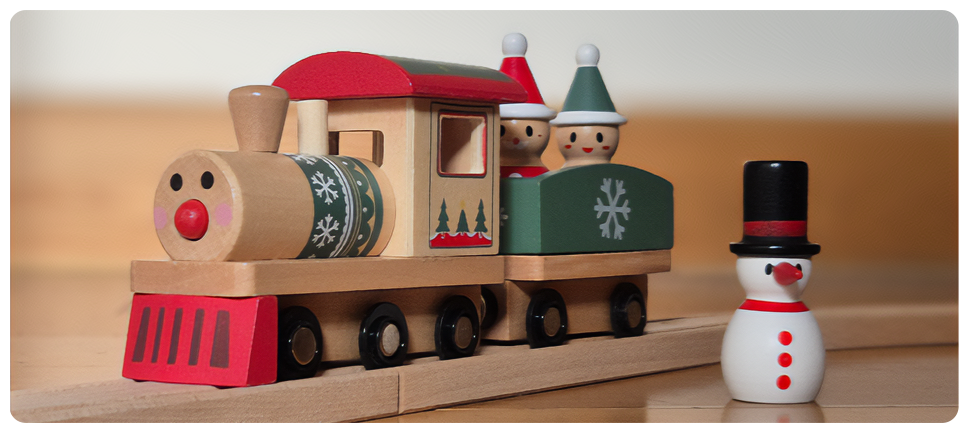
I'm excited to announce Tracks: Winter Wonderland! That's right, an actual physical wooden train, who knew such a thing was possible.
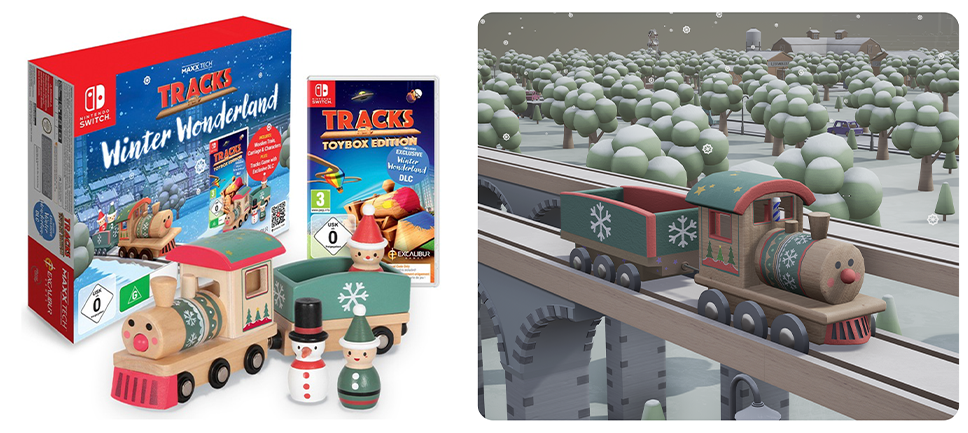
The Winter Wonderland bundle comes with:
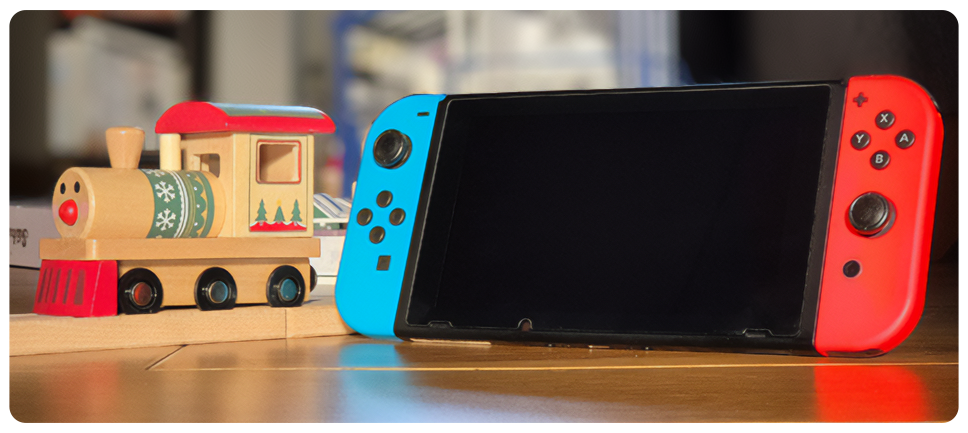
A Christmas themed wooden train and carriage with magnetic connectors (compatible with major wooden tracks pieces) and three passengers
A digital code for Tracks: Toybox Edition for Nintendo Switch
The exclusive Winter Wonderland DLC to add this train & carriage to the game
Together it costs just £24.99 making it a great gift for Christmas or any other time of year.
The bundle is available through Amazon, Smyths Toys (UK, Ireland, France) and several other places, hopefully one near you. It will become available in the United States hopefully some time next year.
Additional retailers in the UK: [expand type=details expanded=false] Argos Very Games Collection Rarewaves Game Booghe Toys [TAG-10] Retailers in Europe: [expand type=details expanded=false] Various retailers through Playman Distribution – Czech Republic Coolshop – Denmark Elkjøp and Co-op – Norway Various retailers through Just For Games Distribution – France Shinestar Distribution – Spain EB Italy - Gamestop – Italy Hope you enjoy it! Usual game updates will resume soon. Thank you!
Hotfixes
Fixed decorations being unpickable in the toybox if no DLC was installed
Fixed level crossings being placed at the point you’re looking instead of at the track intersection
Fixed the circus not allowing trains inside
Fixed a crash from using the Recently Used row in the toybox with a controller
Fixed Jump to category in the toybox in Grid mode
Fixed Jump to category in the toybox not working correctly when the search bar was in use
Fixed terrain blocks affecting the scale of decorations which were restored with undo
Improved autosave behaviour
Fixed variants being deleteable multiple times while they were being deleted
Fixed some decorations having the wrong colour values saved if they were restored with undo
Fixed bushes having an arrow when highlighted
Quality of Life update
Hi all,
For this update I decided to focus all of my time on code, doing things I've needed to do for *years* so no new decorations today, but hopefully you'll enjoy this update all the same for the many new features and improvements that have been made!
Autosave & Quicksave Your building progress can now be automatically saved as you play. Autosaves don't overwrite your manually created saves, instead there are three rotating slots dedicated to it. You can choose how frequently it happens in the options menu, or disable it if you prefer. Additionally, you can now press a key (F5 by default) to trigger a save.
Large world optimisation Several low level aspects of the game's code have been upgraded to improve the experience for players building gigantic worlds with a large number of decorations: (Comparison numbers from the world below (by TGC_Cris) with 82,000 decorations on my PC)
Greatly improved loading times for large saves ( 28 seconds -> 5 seconds )
Saving large files is much faster ( 9 seconds -> 0.4 seconds )
RAM usage has been slashed ( 3.5GB -> 1.1GB )
Eliminated hitches that happened when decorations were removed in a large world
Toybox improvements
Layout
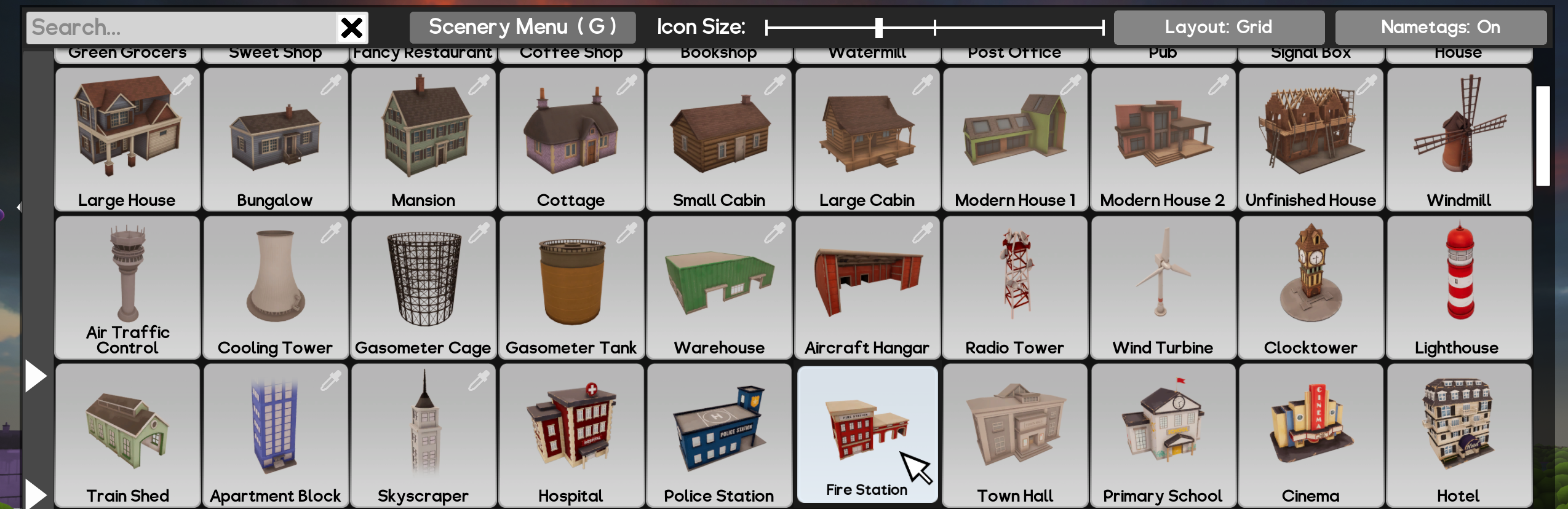
There are now two options for how decorations are laid out: "Rows" is what you're used to, one category per row with decorations stretching left to right. "Grid" removes sideways scrolling and makes all the decorations in one category visible at once. You can scroll up and down to move to other categories.
Category tabs
There's now an optional window on the left of the toybox with buttons to jump to each category, usable with either layout.
Label toggle
If you prefer to find decorations by looking for the icon rather than text, you can now hide the name completely to increase the size of the picture.
Rewritten controller navigation
Moving between options with a controller should now be more consistent and smoother
Passenger orientation Passengers can now be rotated to face a particular direction. The old random direction is still the default, though now you can see which way they'll be facing before you place them. Just press R to rotate them like any object and the random rotation will stop.
Breaks & Boosters There is a new counter-part decoration to the Booster called "Breaks" which rapidly slow down the train as it passes. Please note the way boosters work behind the scenes has been changed. I tried to match the old behaviour as best as I could but if you notice any issues, things which are no longer possible but used to be, please let me know!
Other improvements
Added Brazilian Portuguese as a language option
Highlighting is much more accurate for a range of decorations; I'm slowly making my way through them all, if there are any you find particularly difficult to work with let me know
Added a crosshair on screen to help when doing things far from the camera, and increased the maximum interaction distance
Added some missing songs to the soundtrack DLC
Improved versatility of repainting wooden slat decorations
Separate Small/Medium/Tall Painted House options replace the Random House decoration
Fixed the Merry-Go-Round not playing music
Fixed Wooden Trains with 100% condition still having a bit of paint chipping
Fixed an issue where a corrupt file would make the Toybox appear blank
New file loading screen and various other improvements to the UI
Added Constant Grid as a rebindable key in the Controls menu
Passengers who can't be deleted (e.g. because they're walking / on a train) no longer get highlighted when hovered
Fixed the Merry-Go-Round not playing music
Grooms now have an assortment of ties and can be recoloured
Fixed some collision issues around the presents in Bedroom (Night)
Fixed an active Fireworks (Toggle) continuing to play a sound after it has been removed
Fixed a small erroneous square on the Motel
March Beta - Help to test the next update!
Hi all,
A new beta is now available for anyone who would like an early look at the next update and is willing to try a potentially buggy version.
Accessing a beta on Steam:
Right click on Tracks in your Steam games list and click Properties
Go to the Betas tab on the left and choose the public_beta option from the dropdown menu (you don't need to enter a code)
Steam should start downloading an update, and Tracks should have a [public_beta] tag in the games list
If you find any issues please report them on the forums or discord. You can see a full list of changes below:
[expand type=details] For this update I decided to focus all of my time on code, doing things I've needed to do for *years* so no new decorations today, but hopefully you'll enjoy this update all the same for the many new features and improvements that have been made!
Autosave & Quicksave Your building progress can now be automatically saved as you play. Autosaves don't overwrite your manually created saves, instead there are three rotating slots dedicated to it. You can choose how frequently it happens in the options menu, or disable it if you prefer. Additionally, you can now press a key (F5 by default) to trigger a save.
Large world optimisation Several low level aspects of the game's code have been upgraded to improve the experience for players building gigantic worlds with a large number of decorations: (Comparison numbers from the world below (by TGC_Cris) with 82,000 decorations on my PC)
Greatly improved loading times for large saves ( 28 seconds -> 5 seconds )
Saving large files is much faster ( 9 seconds -> 0.4 seconds )
RAM usage has been slashed ( 3.5GB -> 1.1GB )
Eliminated hitches that happened when decorations were removed in a large world
Toybox improvements
Layout
There are now two options for how decorations are laid out: "Rows" is what you're used to, one category per row with decorations stretching left to right. "Grid" removes sideways scrolling and makes all the decorations in one category visible at once. You can scroll up and down to move to other categories.
Category tabs
There's now an optional window on the left of the toybox with buttons to jump to each category, usable with either layout.
Label toggle
If you prefer to find decorations by looking for the icon rather than text, you can now hide the name completely to increase the size of the picture.
Rewritten controller navigation
Moving between options with a controller should now be more consistent and smoother
Passenger orientation Passengers can now be rotated to face a particular direction. The old random direction is still the default, though now you can see which way they'll be facing before you place them. Just press R to rotate them like any object and the random rotation will stop.
Breaks & Boosters There is a new counter-part decoration to the Booster called "Breaks" which rapidly slow down the train as it passes. Please note the way boosters work behind the scenes has been changed. I tried to match the old behaviour as best as I could but if you notice any issues, things which are no longer possible but used to be, please let me know!
Other improvements
Highlighting is much more accurate for a range of decorations; I'm slowly making my way through them all, if there are any you find particularly difficult to work with let me know
Added a crosshair on screen to help when doing things far from the camera, and increased the maximum interaction distance
Separate Small/Medium/Tall Painted House options replace the Random House decoration
Fixed Wooden Trains with 100% condition still having a bit of paint chipping
Fixed an issue where a corrupt file would make the Toybox appear blank
New file loading screen and various other improvements to the UI
Added Constant Grid as a rebindable key in the Controls menu
Passengers who can't be deleted (e.g. because they're walking / on a train) no longer get highlighted when hovered
Grooms now have an assortment of ties and can be recoloured
Fixed an active Fireworks (Toggle) continuing to play a sound after it has been removed
Fixed a small erroneous square on the Motel
Thank you!
Tracks is 75% Off in the Excalibur Games Publisher Sale
Tracks - The Train Set Game is currently available at 75% off as part of the Excalibur Games Publisher Sale!
We also have the Sci-Fi Pack DLC and the soundtrack heavily discounted, both at 66% off.
Make sure to check out these limited time discounts on the sale page.
September Update
Hi all!
Thanks for your patience waiting for this new update, and thank you to everyone who tried the beta and reported the bugs they found. Here's a complete list of new content and changes:
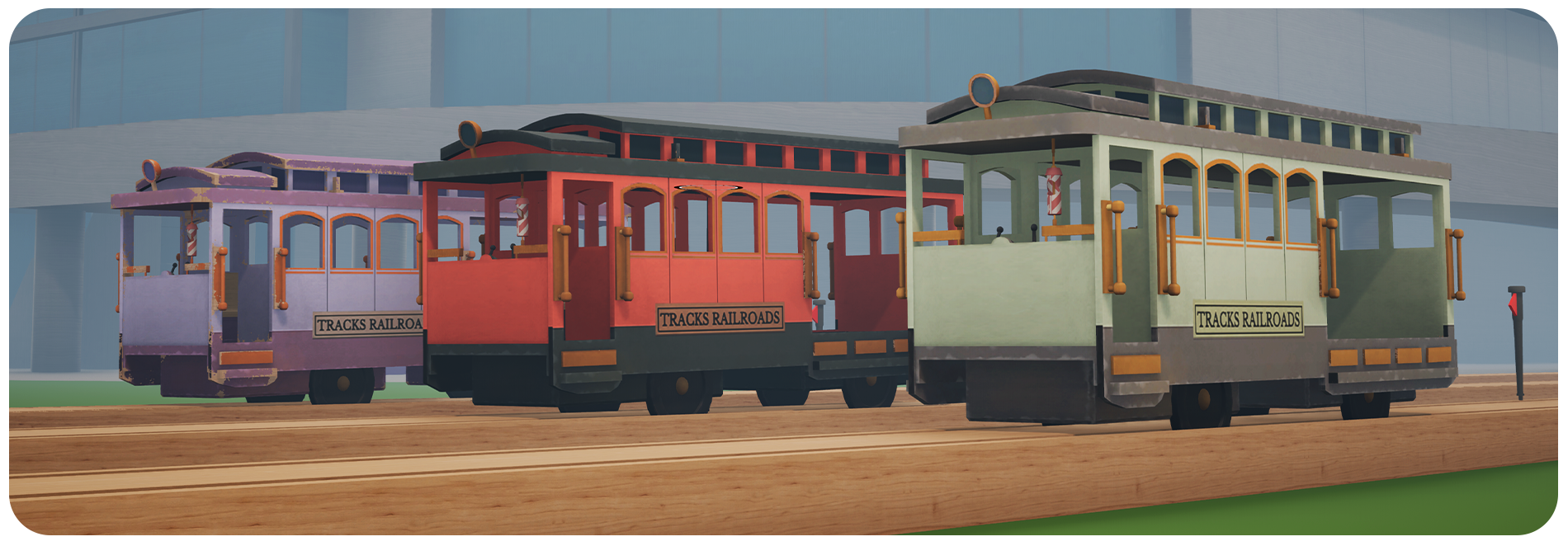
Tram A classic tram is now available as a train style. It combines a train and one passenger carriage into a single unit, and supports all the customisation options available for the standard train.
Cab Toys A new section of the Scenery menu gives you the choice between a whistle or a bell on your train.
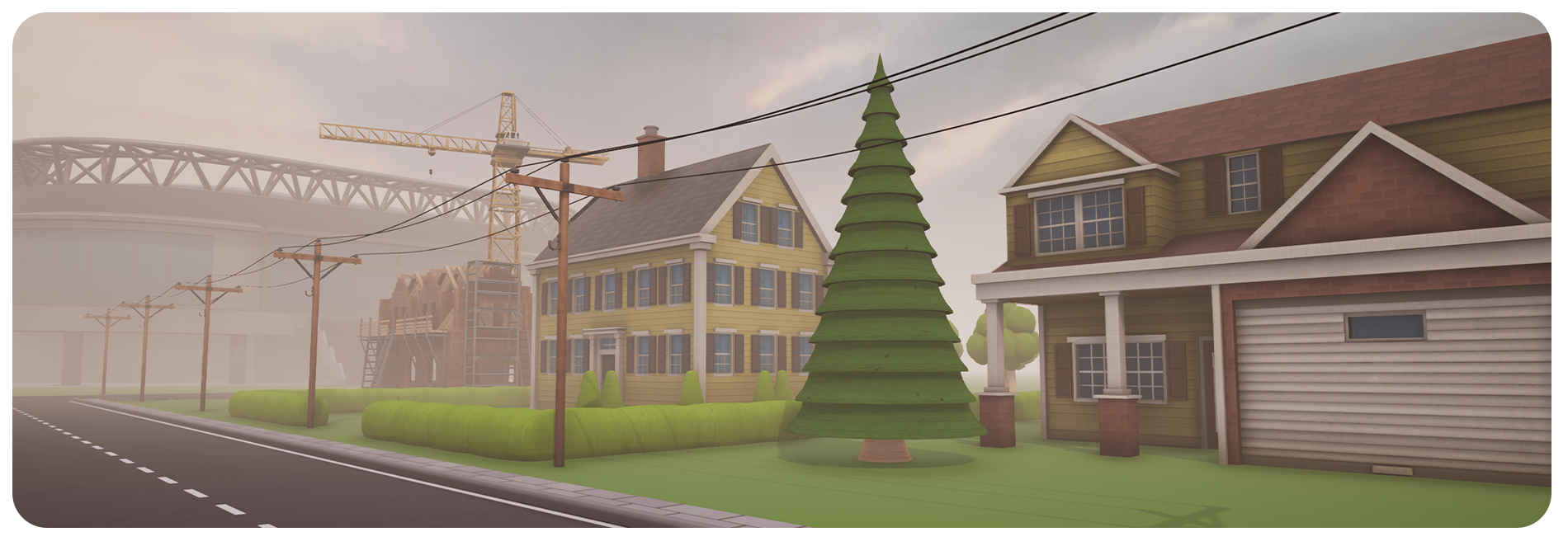
Utility Poles Utility Poles are a new decoration class which automatically attach wires between each prop you place. To start with there are two styles: Telephone Pole and a large Electricity Pylon
New Decorations There's a wide variety of new decorations including 10 new houses, 3 new passengers, and several large buildings like a sports stadium and motel.
Train Highlighting Certain actions could get awkward when you had a lot of trains. Now when you look at a train (or its carriages) you'll see a little arrow appear on top of it. With a train highlighted, any train-related actions will automatically apply to that train such as:
T to drive it without opening the train menu
Style options in the Scenery menu
Adding carriages from the Toybox
Other changes:
Replaced the font used for Latin and Cyrillic languages
Tracks, Roads & Rivers now create unique crossings when they meet a variant of other type.
Added pop-ups with key reminders and tips when using certain decorations for the first time
Added the Hungarian language option back into the menu
Several UI and quality of life improvements
Fixed several piece configurations not suggesting the proper junction piece
Fixed a crash on the tutorial when playing in Korean
Improved the game's start up time and memory usage
Optimised and reduced the size of the Sci-Fi DLC
Fixed an issue when F5 is pressed
August Beta
Hi all!
If you'd like to take an early look at the upcoming update you can now give it a try. Please note that this is a potentially unstable version, if you find any issues I'd appreciate if you could post about them in the forums or Discord.
Click below to see a full list of additions and changes:
[expand type="spoiler"]
Tram A classic tram is now available as a train style. It combines a train and one passenger carriage into a single unit, and supports all the customisation options available for the standard train.
Cab Toys This update adds a new section to the Scenery menu which gives you the choice between a whistle or a bell on your train.
Utility Poles Utility Poles are a new decoration class which automatically attach wires between each prop you place. To start with there are two styles: Telephone Pole and a large Electricity Pylon
New Decorations There's a wide variety of new decorations including 10 new houses, 3 new passengers, and several large buildings like a sports stadium and motel.
Train Highlighting Certain actions could get awkward when you had a lot of trains. Now when you look at a train (or its carriages) you'll see a little arrow appear on top of it. With a train highlighted, any train-related actions will automatically apply to that train such as:
Left Mouse click / Press T to drive it without opening the train menu
Style options in the Scenery menu
Adding carriages from the Toybox
Other changes:
Replaced the font used for Latin and Cyrillic languages
Tracks, Roads & Rivers now create unique crossings when they meet a variant of other type.
Added pop-ups with key reminders and tips when using certain decorations for the first time
Added the Hungarian language option back into the menu
Several UI and quality of life improvements
Fixed a crash on the tutorial when playing in Korean
Improved the game's start up time and memory usage
Optimised and reduced the size of the Sci-Fi DLC
Fixed an issue when F5 is pressed
[/expand]
Accessing the beta:
Right click on Tracks in your Steam games list and click Properties
Go to the Betas tab and choose the public_beta option from the Beta Participation dropdown menu (you don't need to enter a code)
Steam will start downloading a new update, and Tracks should have a [public_beta] tag in the games list
What's happening with Tracks?
Hello there, I’m sure many of you have been wondering what's up with the lack of news / Tracks updates.
I won’t go into details but long story short I’m now back to working on the game and I hope to do an update in the near future.
As always, if you’ve got any suggestions you can post them to the forums/discord, I'll be a lot more active than I have been.
Thanks for your patience!
Steam Deck compatibility update
Steam Deck
I'm happy to confirm that Tracks is now working very nicely on the Steam Deck!
As part of this work, the game now uses the Steam Input keyboard whenever you need to enter text (if playing with a gamepad) which allows for a much bigger range of characters and has better support for languages besides English.
We've submitted the game to Valve for their approval, though if you find any issues with it please post about them on the forums.
Other Improvements
Added Korean language support
Overhauled the language selection menu
Improved accuracy of Simplified Chinese, Traditional Chinese and Japanese translations
Fixed various small issues relating to the Steam Deck / gamepad support