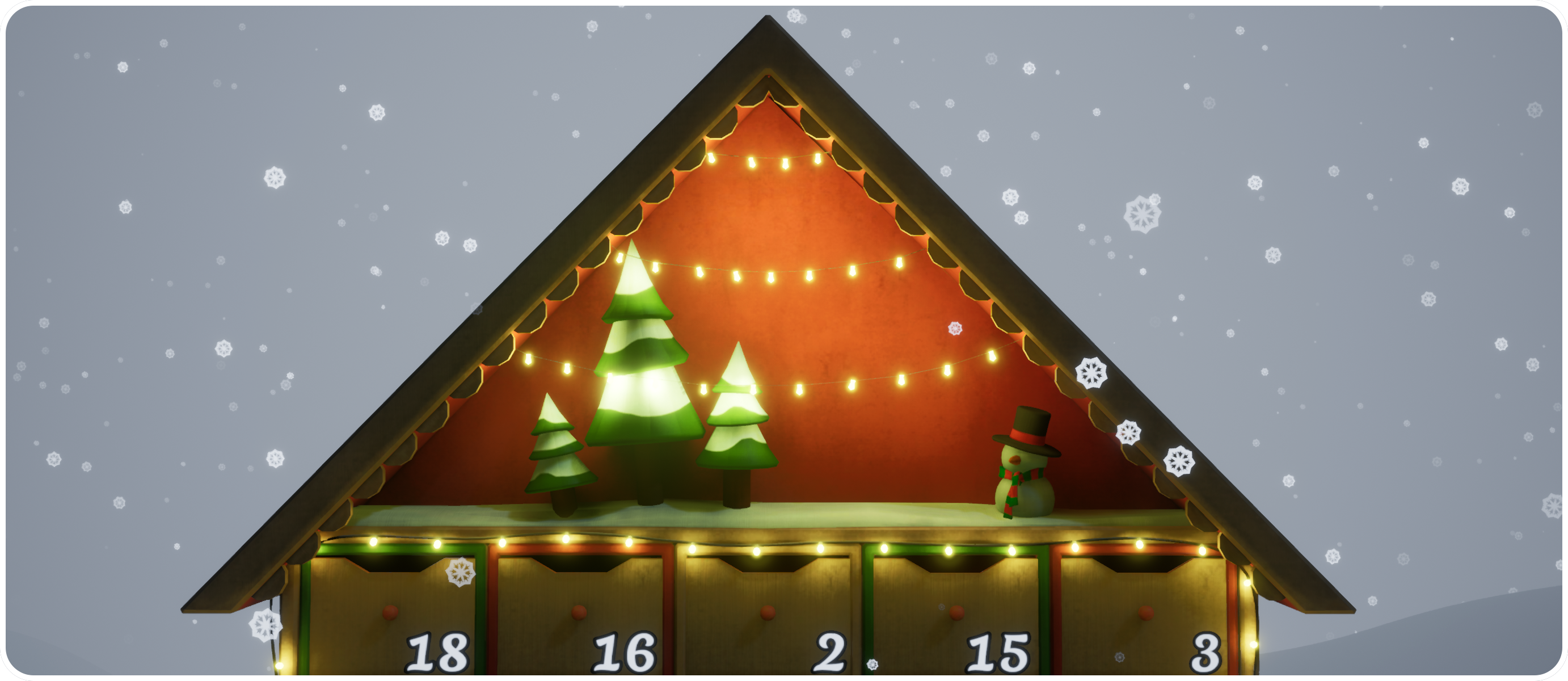
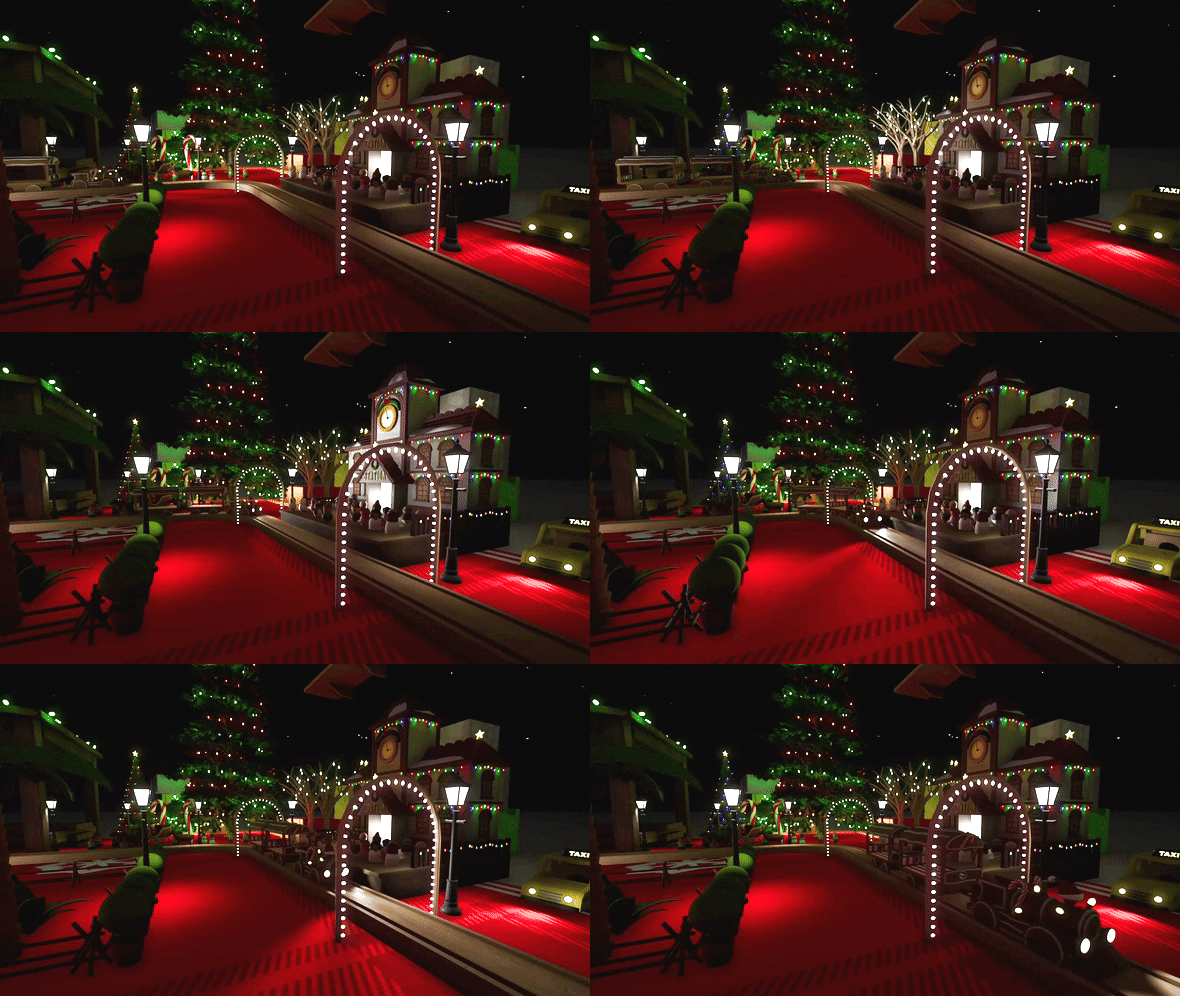
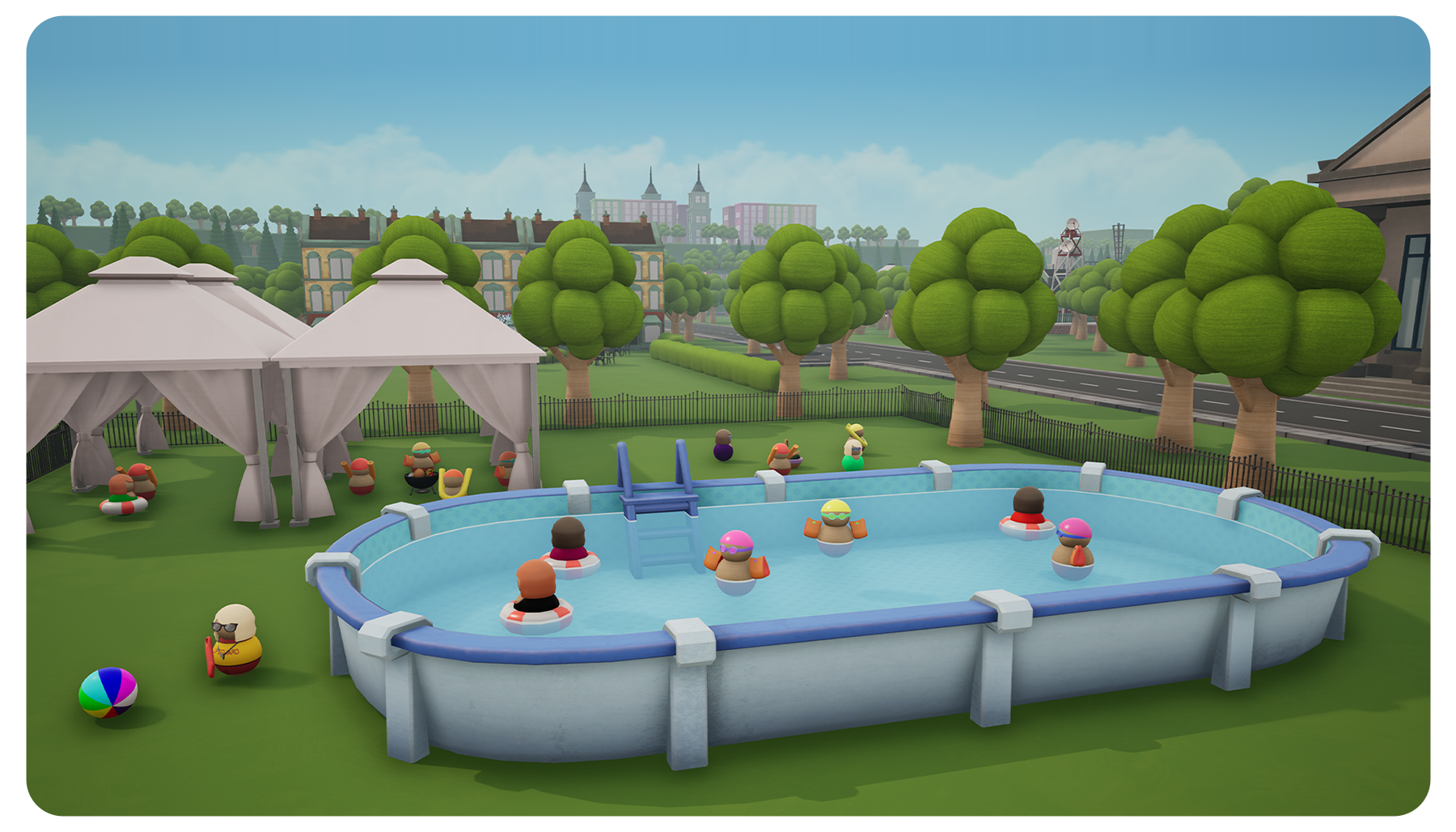
Starting tomorrow, a special advent calendar event will be available in-game. A new door will become available each day from the 1st until the 24th of December, with every door unlocking new decorations for you to use.
Don't worry if you miss some days, you can open doors from previous days and you can still play the event up until January 1st. In the new year the event will be hidden and all the event decorations will unlock even if you didn't open every door. The main menu has an icon to remind you if there's a door available that you haven't opened yet.
The decorations range from festive snowmen passengers, reindeer and Santa's sleigh, to more year-round items such as the steamroller! For the rest of the new decorations, you'll have to play the update to find out what awaits behind each door!
Other changes:
Fixed an issue with the 'A reference' achievement
Optimised several decorations
Improved behaviour when swapping from keyboard to gamepad in some situations
Since Tracks hit full launch two years ago, we've seen you continue to play and love the game. So we've continued to support the game with lots of new content and improvements.
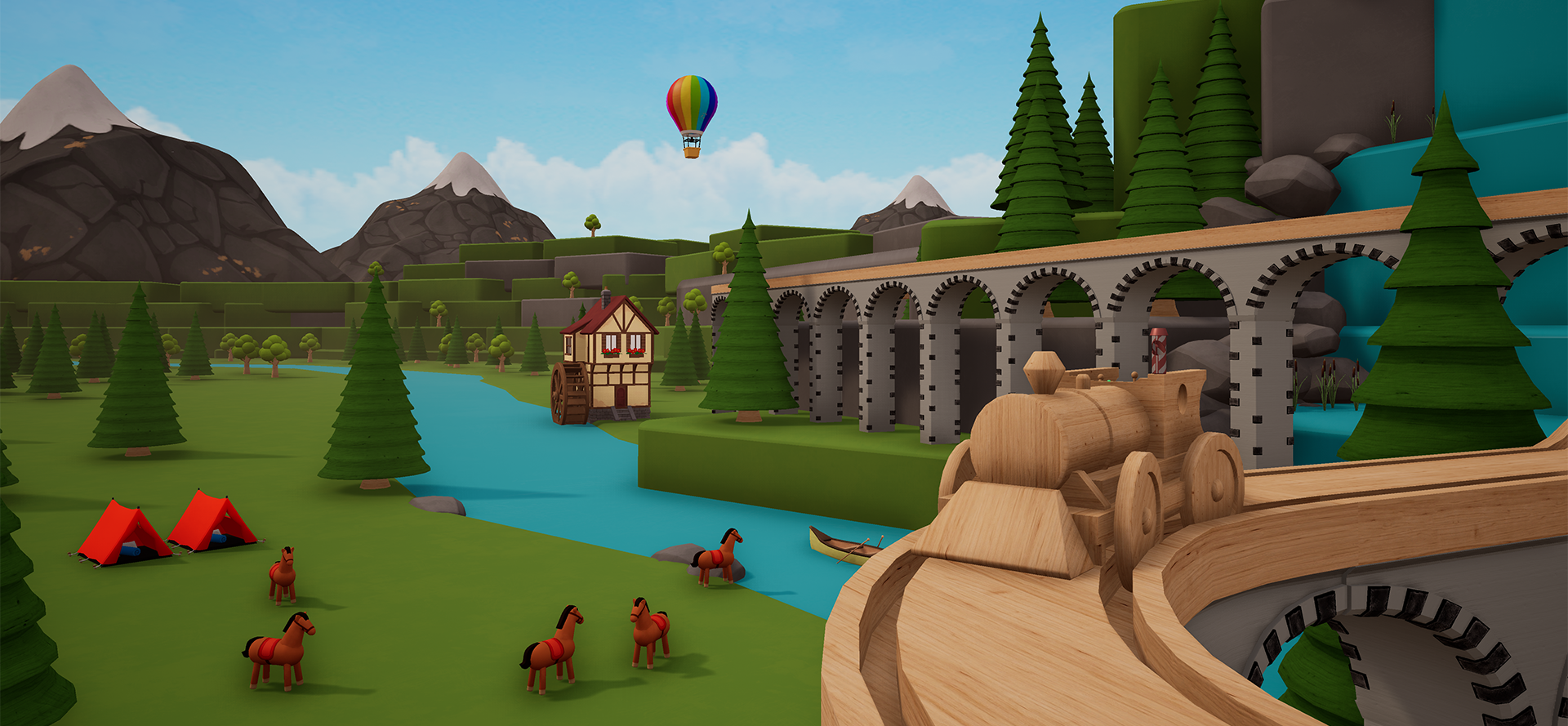
And we're not done yet! Launching next week is Tracks: Advent Calendar Update. Unlock new decorations every day from 1 - 24 December to use in your toy worlds. From holidays items/passengers like snowmen, Santa and reindeer, to non-festive decorations such as spiral trees and steamrollers, this free update will add plenty of fresh material to the toybox.
Steam Autumn Sale
Tracks is currently available at 66% off in the Steam Autumn Sale, so it's a great time to jump in if you haven't already, or maybe even to gift a copy to a friend.
All your save files and progress are now synced to the Steam Cloud so you won't lose anything if you delete the game files or your hard drive dies.
New Decorations
Changes:
Several existing walls/fences are now repaintable
Resizeable decorations now have a different icon in the toy box
The train field of view option now affects all of a train's cameras
Improved behaviour when you swap between keyboard/gamepad on the options menu
Fixed certain repaintable decorations appearing as black when being deleted
Fixed an invisible face on the triple junction
Fixed Passenger collisions sometimes being misaligned if they're placed on a decoration
Fixed emergency sirens and hi-vis passengers not glowing as intended
Fixed an issue with shadows on the Merry-Go-Round
Fixed some Toy Box headers not resizing with the zoom option
Fixed renamed save slots appearing twice with the new & old names until the menu was reopened
Fixed an issue with the train field of view slider if the build field of view has never been changed
Core update
Hi all!
This update features a lot of system overhauls I've been meaning to do for a long time so there might be some teething issues, but it'll ultimately be for the greater good.
The way trains move around tracks has been completely changed to allow for new more interesting track pieces. Many new pieces have already been added and I'll continue adding more if there is an appetite for them. The same goes for the new selection/collision system, it should feel just like the old one for now but will allow for nice new options in future updates.
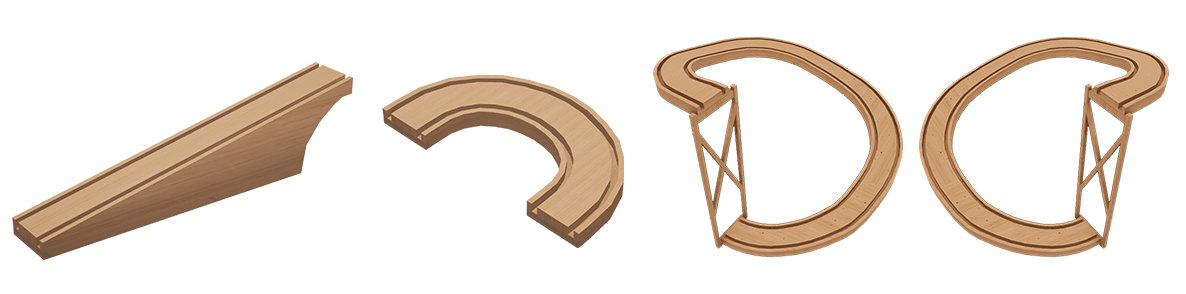
New basic pieces
Gentle slopes - (Alt mode) Scroll Up/Down to make a slope which goes up by 1 but is 2 pieces long, so less steep
Sharp turns - (Alt mode) Move the cursor like you're making a turn but go even further to make a sharp piece which turns back on itself
Clockwise and Anti-Clockwise Corkscrews
New Junctions
Y Junction - Turn into a turn piece to make a junction with turns going both ways
Triangle Junction - Run a straight piece through a Y Junction
Double Junctions - Turn into an existing Single Junction to make one with turns on both sides
Super Crossing - Click on or turn into a Crossing to upgrade it with turns at all sides
Track Improvements
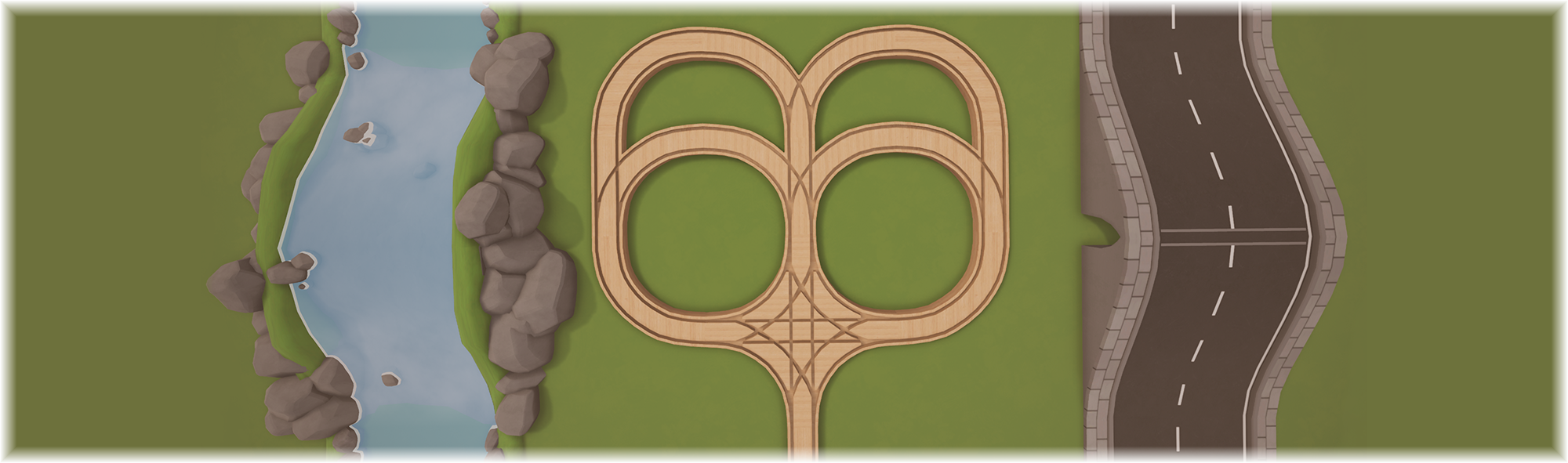
Joining Junctions - The joining piece for connecting parallel tracks now has versions with 2, 3 or 4 endings so the train won't fall off the track if every side isn't connected
Smooth slopes - Up/Down pieces which are next to others will automatically flatten themselves for a smoother ride when going through many of them
Variant improvements (Roads and Rivers)
Variants now have appropriate Up/Down pieces
Junctions default to Triangle Junctions so you can turn in either direction
The train now runs at the correct height instead of floating slightly above any variant it is on
The model itself can now be highlighted instead of just the (invisible) track piece on top
Improved passenger placement
Train redirector
The old system of clicking on track pieces to choose a direction for the train wasn't any good on the new junctions with multiple sets of choices, so now you can control the train using Train Redirectors. Place them near pieces and they'll snap to endings with turning options. Click on the redirector to cycle through the available turns.
'Recently Used' row
The toy box now has a dynamic row with your 20 most recently used decorations. It'll only appear after you've used at least 5 unique decorations.
General Improvements
Trains can now turn while reversing
Improved Train-Track alignment and turn smoothness
The Colour Picker now has a Hex value box
Colours stored in the Colour Picker are now saved/loaded with track files
Improved performance when there are many trains
Improved CPU performance when there are many track pieces
General train movement along tracks should be smoother
Carriages can no longer overpower the train on a slope
Improved building behaviour at the edges of the level
Added a "New Content" banner on the menu
Added a Clear button to the Toy Box search bar
Made train customisation saving more reliable
Trains and carriages no longer block selection/building
Added helpful signs for when a Station in Passenger mode gets moved/hidden
Tweaked the Pub to make it line up with other buildings better
Tweaked the Metal Fence to make it line up better
Bug Fixes
Fixed the train sometimes subtly bouncing from side to side when on a straight piece of track
Fixed pieces which were overwritten by a forced Joining piece sometimes losing the correct rotation when that action was Undone
Fixed the pause menu not appearing when driving a secondary train
Fixed some issues with Tunnels
Removed an invisible text box from the Train menu
Fixed certain valid junctions being blocked if the end already had a piece there
Fixed 2 Straight pieces going in opposite directions not offering a Crossing when approached
Fixed the Speed Check showing the wrong side of the sign
Fixed the pop-up message when changing languages not appearing
Testing a fix for Steam not allowing some people to use the Suburban DLC
Fixed some typos and mistranslations
We're also running a big 75% sale at the moment so if you haven't got the game yet or want to gift it for a friend, now is a great time.
Thanks for reading and I hope you enjoy the new update!
The next update is nearly ready and I've completely revamped quite a few things. Not all of it will be visible just yet but the upgrades give me a lot of nice new options going forward. Naturally this can introduce new bugs, so if you're interested in getting an early preview of the new content and helping iron things out there will be a beta available for the next week or so.
The main new features:
Complete rework of how trains move Allows for more complex track pieces, smoother movement and improved train controls
~15 new track pieces New junctions, new [alt] pieces, new road/river pieces
New "Redirector" object for choosing where the train turns Replaces the old system of clicking on track junctions
New "Recently Used" row in the Toy Box To make it easier to find decorations you're currently using
Accessing the beta:
Right click on Tracks in your Steam games list and click Properties
Go to the Betas tab on the left and choose the public_beta option from the dropdown menu (you don't need to enter a code)
The beta should start downloading and Tracks should have a [public_beta] tag in the games list
If you have feedback on the new items or find any bugs I'd really appreciate if you posted them in the beta thread on the Steam forums or in the Tracks discord server.
Thanks!
Scenery Hotfix
17th December 2020:
Removed the faulty speed cap when using ramps or falling
Improved how the train behaves at very high speeds
Fixed the Speed Check and Train Start Point sometimes getting stuck in the world
Fixed trains moving slower when they are off screen
Fixed cloning a save potentially overwriting a previous clone of it
The gamepad control menu now shows an Xbox Controller instead of a Switch Joycon
Added some missing Level of Detail meshes
Added an arrow to House Lights so you know which side is the front
Fixed distant Barns not always having the correct custom colours
Fixed an issue with loading tracks in passenger mode
Fixed newly created passengers not walking to existing Platforms in passenger mode
Fixed a piece of furniture's collision in Modern Apartment
11th January 2021:
Fixed various issues with the Start Point
Improved passenger mode UI
Fixed an issue with bonsai trees
Tracks: Toybox Edition for Nintendo Switch
I'm happy to announce that Tracks: Toybox Edition is now available on the Nintendo Switch! Enjoy Tracks on the go with all previously released DLC included.
You can get it now through the eShop: Americas or Europe.
[previewyoutube="nDvLIIvExW8;full"]
Scenery update
Hi all!
This update features a lot of big improvements. New sky options, weather, better performance, a new save/load system and lots of fixes.
Backdrops
Instead of having a blank void overhead, there are now several sky textures to choose between ranging from distant clouds to a vivid sunset. Backdrops also change the lighting in your world for quick fitting results, though if you want to do something different you can tweak it with the Sky Colour option, which now lets you change the colour of the sky and lighting separately.
Weather
The Snow button in the Scenery menu has been replaced with a new Weather option to cycle through Sunny, Snow, Light Rain or Heavy Rain effects. The new Rain options give everything a slick and shiny look with the choice between a gentle drizzle or a downpour.
Improved fog
The fog density slider has been upgraded to give better control, especially at lower values. If you made changes to fog density in a save file you may need to adjust it for the new system.
Save system upgrade
Complex save files will now be much smaller and load a lot faster. For a real world comparison, one file I use for testing (~50,000 decorations) was 19mb and took 50 seconds to load, now it is 0.3mb and loads in 7 seconds. Old saves will still work just fine for now, but I recommend updating any saves you care about to the new system by loading them and then saving them again. The new system also includes an animated progress screen and will save your current position so you start right back where you left off.
Sensitivity
The Options menu now lets you adjust look sensitivity, this will affect both the mouse and gamepads.
Improvements:
Vehicle light settings are now saved/loaded
Idle passengers can now be highlighted and removed like decorations
Improved passenger behaviour when walking to platforms and stations
Made passengers bigger to improve their size compared to decorations
Physics decorations now have a base to make them easier to remove after they are hit
Improved how the Clear Track button works
More decorations are now paintable
Improved readability on various menus
Improved tooltips on various menus
Improved train/build transitions
Improved the train menu's chase camera
Alternate mode now toggles off after placing 1 piece
Improved gamepad menu navigation
Gamepads can now access the alternate train cameras (Y on Xbox controllers)
Performance:
Tweaked the lowest graphics options to increase performance gains
Greatly improved CPU performance for worlds with many trains
Optimised the Toy box and fixed a hitch when opening/closing it on low end machines
Optimised train headlights
Improved performance on Modern Apartment (Night)
Reduced install size
Added new and tweaked existing LoD models on several decorations to improve performance
Fixes:
Additional trains no longer start with 0% paint strength when you first customise them
Fixed issues with saving/loading train customisation
Fixed train wheels becoming rotated off axis
Fixed the Barber shop having the wrong thumbnail
Fixed fog density not updating the first time you open the Scenery menu after loading a file
Fixed falling snow not being visible from all trains
Fixed Track Supports extending infinitely down if placed beyond the world's floor
Fixed certain Track Supports not being removed properly
Fixed certain recently highlighted objects being removed when trying to clear your current piece
Fixed track sockets not appearing properly on crossings
Removed some developer tools left in by accident
Long save game names now wrap instead of overflowing off the edge
Fixed an object recolouring bug when using a gamepad
Tracks - The Train Set Game | Halloween Items
Hello all,
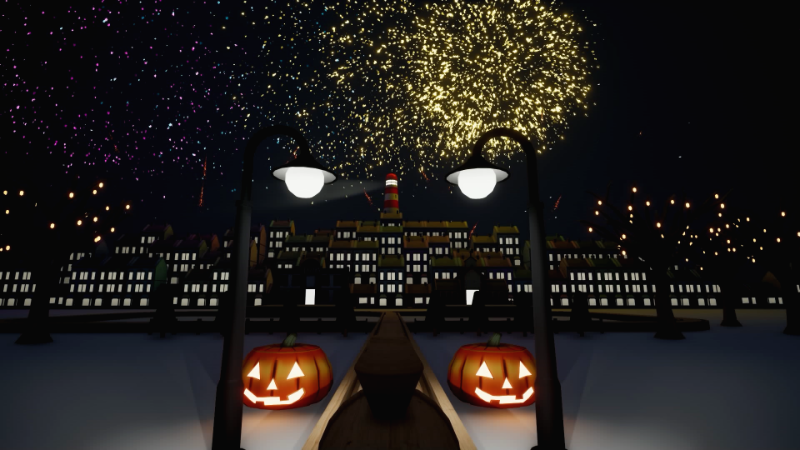
Halloween is here once again and one big focus of the upcoming update is new tools for setting the right mood, so here's a sneak peak at a spooky scene featuring the new sky and weather systems:
Level by TGC-Cris
The update is scheduled for release in a couple of weeks, so in the meantime you can have fun with some of the Halloween items available in-game! We have Jack'O'Lanterns, normal pumpkins, lanterns and of course a night time mode.
If you're looking for a bit of family-friendly Halloween gaming fun, look no further.
We're excited to reveal that Tracks is part of the Tiny Teams festival! This means that the game is now 25% off until 15 Aug. For new players jumping in during the festival, make sure to check out the (free) Suburban DLC and the (paid) Sci-Fi DLC too!