Firstly thank you for all of the support for the Sci-fi DLC! I wasn't sure how everyone would respond to the slightly wackier theme but I'm glad to see people enjoying the new decorations.
A summary of small fixes for the latest content:
Fixed the Alien Plant pulsing wildly if placed on an elevated surface
Improved Crater texture
Fixed Craters in different areas of the level not updating when the floor texture is changed
Fixed Craters loaded from a file getting stuck on their initial texture
Fixed some issues on the splash screen
I'm aware of an issue with trains not saving their styles and carriages, I'll be working to fix that asap.
Sci-Fi Pack: Out Now!
Hello all,
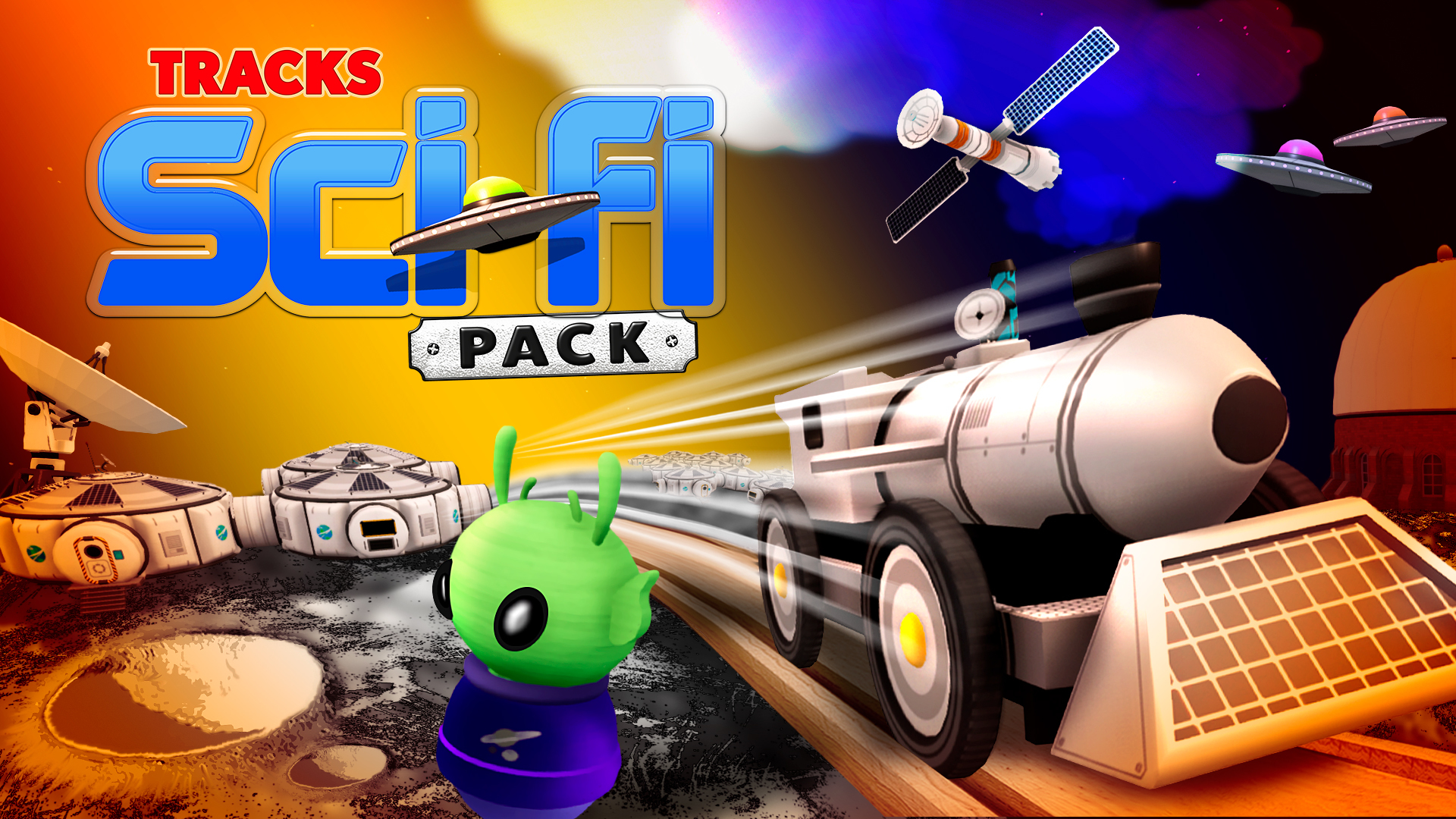
We're happy to announce that Tracks - The Train Set Game: Sci-Fi Pack is available now!
Over 30 new decorations including unique buildings, rockets, asteroids and a crater terrain block
10 new passengers
A rocket-themed style for the train and carriages
A new environment
New achievements
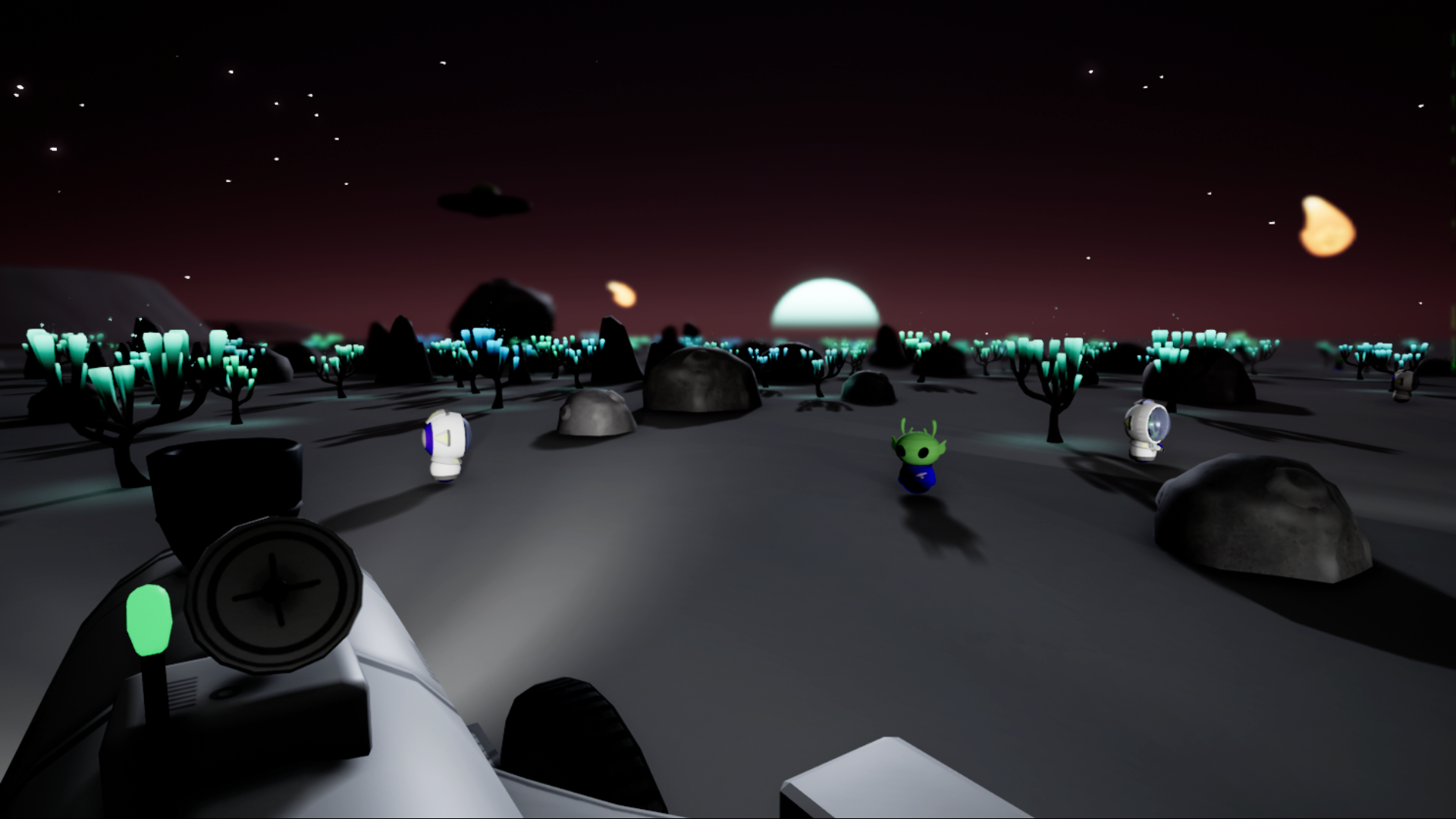
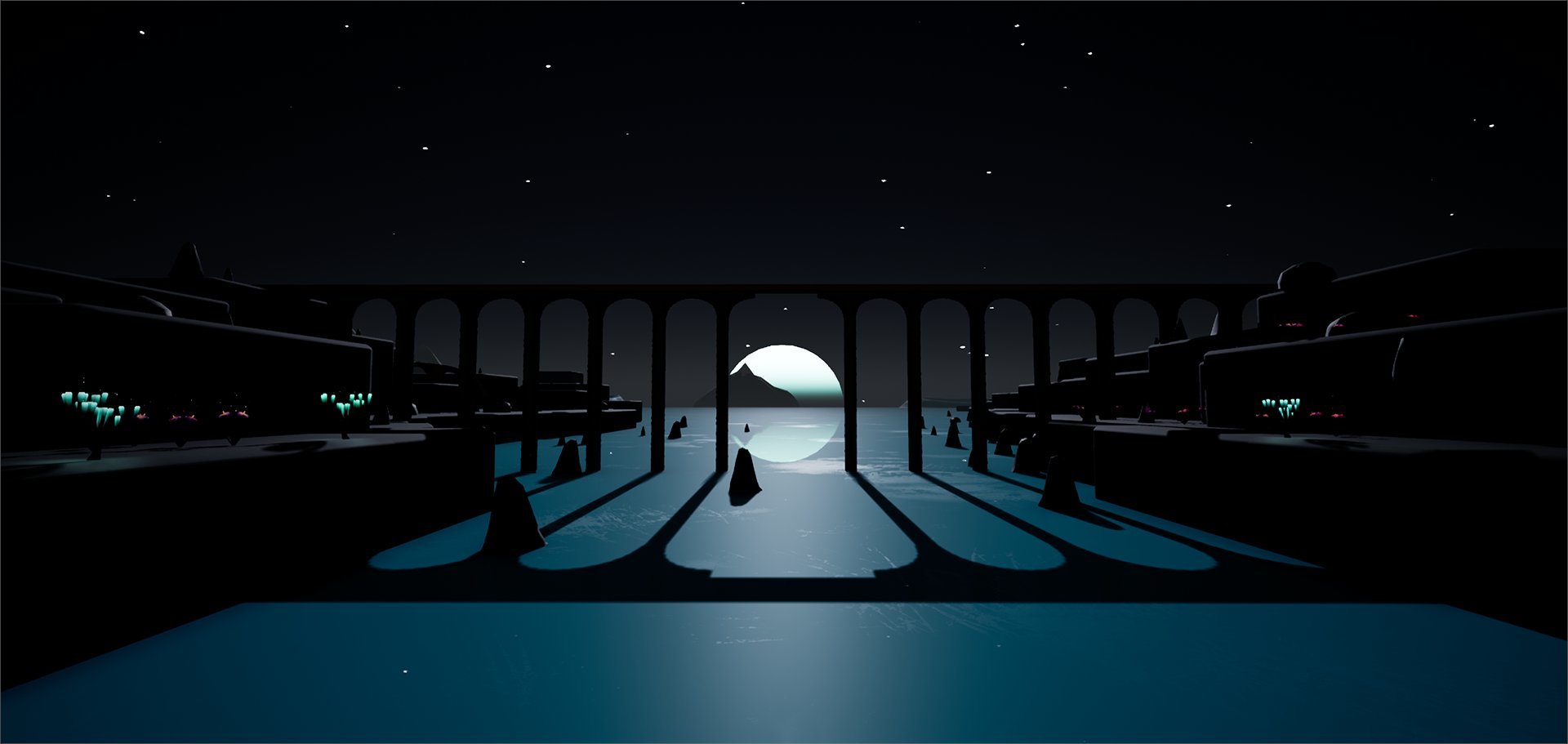
The Moon environment features low gravity, allowing the train to jump much further and higher, as well as debuting the new volumetric fog effect to give lights a nice 3D look when fog is very dense. It also has a unique floor texture, a planetary sky theme and new music.
We hope you enjoy this new pack - as always, let us know your thoughts! We're excited to see what you all get up to with the new decorations!
Tracks: Sci-Fi Pack Lifts Off on 26 June
Hello all,
We're happy to announce that Tracks - The Train Set Game: Sci-Fi Pack will lift off on 26 June!
Return to the rails with Tracks - The Train Set Game: Sci-Fi Pack! Expand your toybox with over 30 items to use in your worlds.
Look to the stars and take your train set further than ever before with new buildings, passengers, vehicles and a rocket train. Why not create an uncharted world with the new space rover, UFO, asteroid and alien? Perhaps take a giant leap for mankind with the new moon base, flag, craters and moon lander? Tracks' already expansive toy sandbox has just got bigger.
This pack will be priced at approximately $3.99/£2.99. Add it to your Steam wishlist:
We're looking forward to seeing how you all put the new items to good use!
Suburban Hotfixes
Firstly, thank you for all the kind words and feedback on the latest update!
If you find that you can't place Suburban decorations and the icons don't load, try restarting the game, installing the DLC while the game is running currently isn't supported.
12th June 2020:
Fixed the train not updating position when it wasn't on-screen, sometimes resulting in it appearing to be invisible
Fixed the lighting on the lamp in Modern Apartment (Night)
The Twitter/Discord links no longer activate with B/Y on gamepads
Removed the recolour icons from some decorations which aren't recolourable
Fixed the barrage of placement sounds you get when loading a large save
1st June 2020:
Fixed decorations having an odd rotation after using the passenger brush
Fixed passengers being sunk into the bed on Bedroom
Fixed skyscrapers not saving their custom colours
Fixed train wheels sometimes being rotated 90 degrees
Fixed an inconsistency with level selection when using a controller
30th May 2020:
Fixed certain bushy decorations leaving a phantom model that you can't delete or interact with
Fixed rail crossings not letting you build track through them
Fixed Fancy passengers having no icon or label in Passenger mode
Fixed passenger labels in Passenger mode not being localised
Fixed some base game passenger icons being stored in the Suburban DLC files
Free Suburban DLC + Update Out Now
Suburban DLC
This update introduces the first content pack, Suburban, available right now and for free! In total it contains over 30 new decorations including buildings, passengers, vehicles and animals.
Players with weaker PCs or very large worlds should see some nice performance improvements. As part of this, MANY decorations have had major (hopefully invisible) reworks so if you notice anything odd about existing decorations please let me know! There are also several new tools in the options menu to improve performance even more.
Achievements
There are now 10 Steam achievements to earn, with perhaps more coming in future updates.
Sprint
You can now hold Shift to move faster in build mode, very useful for big creations. If you have previously made changes to key bindings you might need to open the Controls menu and manually assign Sprint to a key of your choice.
Passenger changes
The "Single" and "Group" system for passengers in the toy box has been replaced. There is now one option per passenger style. Placing a passenger with a key press will put down one just like the "Single" used to, and holding the key will quickly place up to 30 passengers in a circle.
New menu options
Tutorial toggle The tutorial will no longer automatically appear when this is off
Save game reminder toggle Hides the "Time since last save: " pop-up
Motion blur toggle Removes the motion blur effect for people who don't like it
View distance scale An option to change how quickly objects will reduce in quality/disappear at a distance. Decrease it to improve performance or increase it for a better view
Simple materials Replaces certain materials (like the snow effect and landscape textures) with simpler alternatives. The difference is subtle but it can improve performance quite a bit.
Improvements
Improved train physics so speed affects how far you can jump
Bug fixes
Several existing decorations have been upgraded to support recolouring
Expanded the floor in Clear (Night) to be the same size as Clear
Specular highlights now become more diffuse in heavy fog
Emergency vehicles now cycle through lighting states when clicked, instead of being all on/all off
Tracks: Sci-Fi Pack Arriving in June
That's not all. In June, we'll be launching the Sci-Fi Pack, featuring 30+ new items and a new train type.
Look to the stars and take your train set further than ever before with new buildings, passengers, vehicles and a rocket train. Why not create an uncharted world with the new space rover, UFO, asteroid and alien? Perhaps take a giant leap for mankind with the new moon base, flag, craters and moon lander?
This pack will be priced at approximately $3.99/£2.99. Add it to your Steam wishlist:
Introducing Tracks - The Train Set Game: Suburban Pack!
Hello all,
I'm excited to introduce you to Tracks - The Train Set Game: Suburban Pack, a free DLC arriving on 29 May!
Jump back into Tracks - The Train Set Game with this completely free DLC: the Suburban pack! Expand your toybox with over 30 new items to use in your worlds.
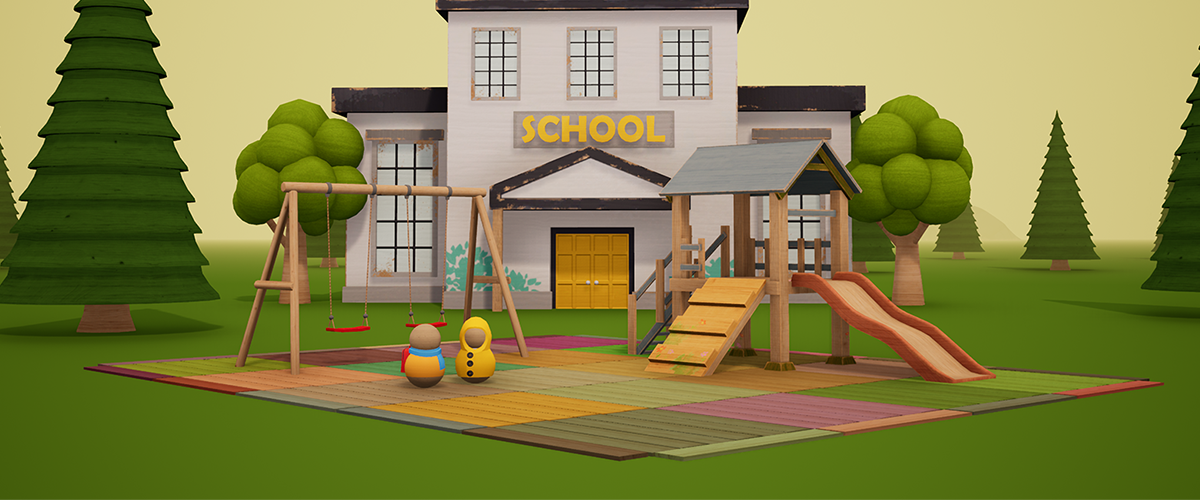
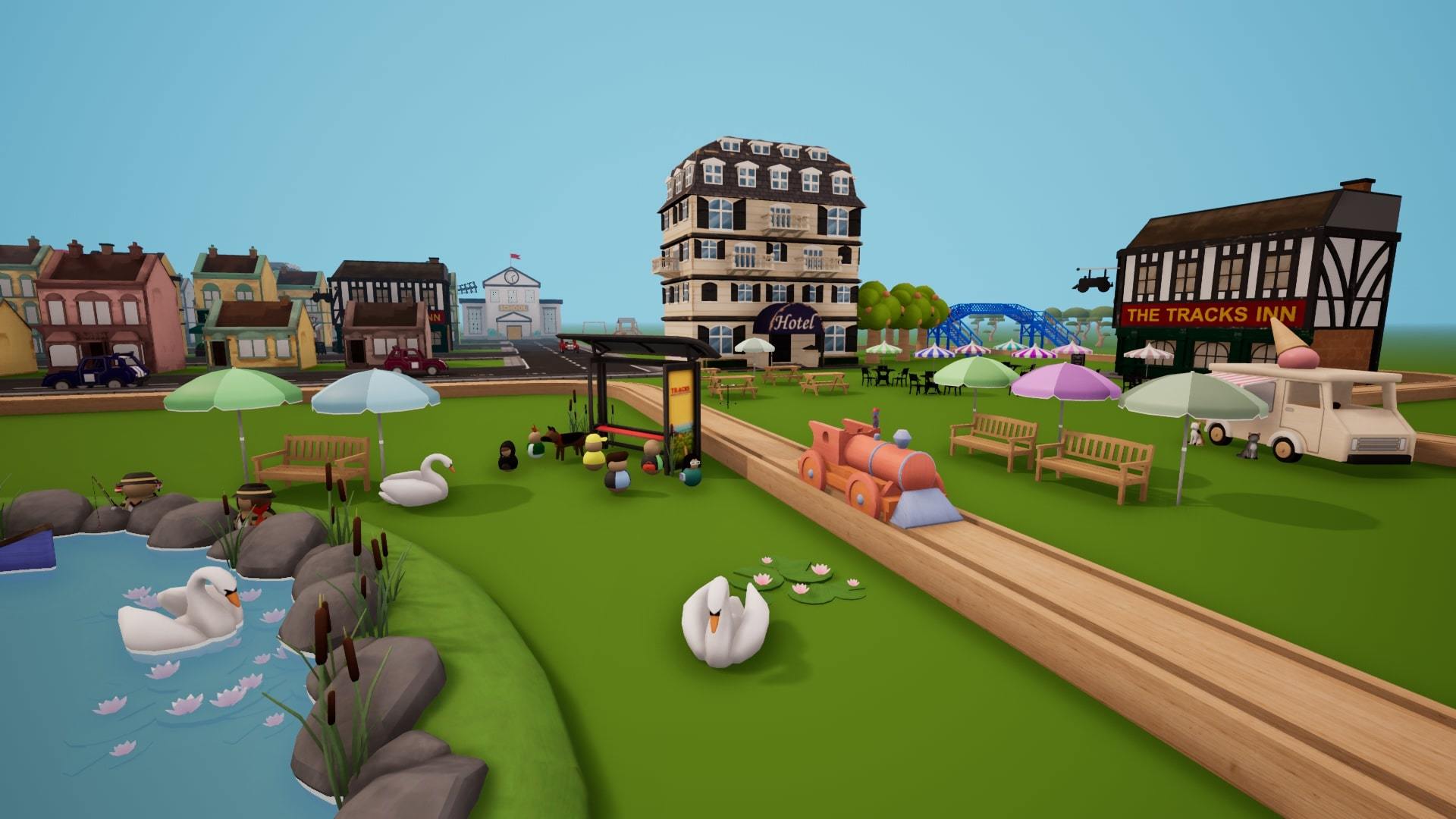
Unlock a world of suburbia, with new buildings, passengers, animals and vehicles. Why not build a town square, with the new pub, cinema, cafe, school and bus stop? Perhaps create a local play park, with the new slide, swing set and ice cream van? Tracks' already expansive toy sandbox has just got bigger.
Add Tracks - The Train Set Game: Suburban Pack to your Steam wishlist:
This is just one of multiple DLC packs we have lined up for you all. And you won't have to wait long to hear more about them! While not all of the DLC packs will be free, we are over the moon to be able to deliver this one to you all free of charge.
While the Suburban Pack is designed more so as an extension of the themes already found in the base game, future DLC will expand your toybox in some more out-there and perhaps surprising ways. We think you'll love what we've got coming up. Stay tuned!
Snow
Snow upgrade
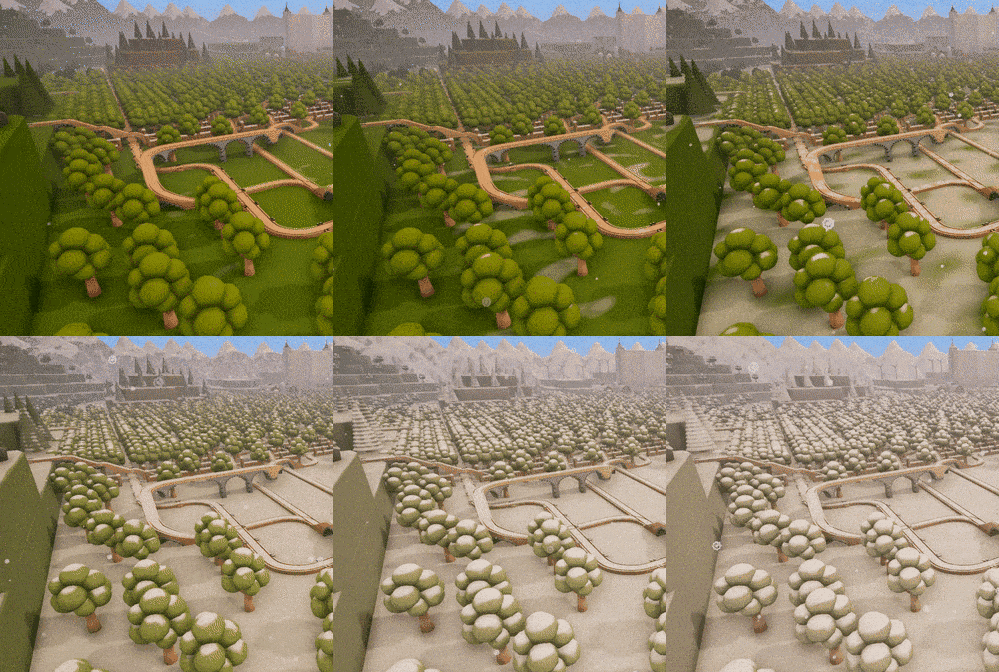
Enabling snow will now blanket the entire level with a lovely coat:
Environment made by TGC-Cris
Also:
Added Hungarian as a language option
The train shouldn't fall through the tracks as often
Firstly thank you to everyone for the positive response we've had since launch! I'm so glad people are enjoying the game and I'm taking on board all the thoughts and feedback from the forums and discord.
There'll be some tastier content coming soon but for now this patch is just a quick one to fix some bugs.
General:
You don't need to be looking towards the train whistle to use it any more
Fixed the progress screen getting stuck on when loading very large saves
Fixed various issues with the object recolour/resize menu
Fixed Small and Tall Houses becoming a Medium House after being loaded
Fixed the build cursor and decoration highlighting being visible from the train
Fixed trains not being able to travel over Crossings via the road
Fixed the train picker indicator being invisible in certain versions
Fixed Passenger Spawners causing issues if they are placed too quickly
Optimisations
Controllers:
You can now change the train's speed with left/right triggers
Fixed tutorial keywords being in English even if another language was selected
Fixed various issues with Toy Box search and navigation
Fixed recolour/resize menu continuing to change from a gamepad stick after the menu had closed
Fixed the train menu not scrolling through the list if there were more than 6 trains
Fixed needing to reselect the previously highlighted train menu option before using it
Tracks v1.0
Hello all!
The day has finally come for Tracks to leave Early Access (and also launch on Xbox One and Windows 10) A huge thank you to everyone who bought, played and gave feedback at any point in the last 2 years. The game is bigger and better than I ever imagined it would be and that is down to all of you supporting the game and letting me create something great.
I'm not ready to announce anything as far as post-launch content goes, but know there will definitely be updates full of lovely stuff just like you've gotten used to.
There is a new official Discord server for Tracks right here. Join if you'd like to chat about the game or keep up with development.
ːHealUpː Recolour revamp
Random buildings are gone. Well, you can still have them if you want. But there is a new colour picker tool available when placing paintable items. This applies to any object which had random colour variations:
Houses
Apartment block and Skyscraper
Vehicles
Extra objects which can now be recoloured:
Flower pot
Circus tents
Camping tent
Hydrant
Tractor
Cafe tables
Picnic table
Bench
Light Arch
House Lights
Fireworks
Fairy Tree
Fountain
Bushes
Hedge
Pine tree
Christmas tree
Press G (Scenery menu) while placing a paintable item (indicated by an eye dropper icon in the Toy box) to bring up the colour picker.
ːHealUpː Terrain block resizing
Similar to recolourable decorations, you can now open the Scenery menu when placing a terrain block to change the size of it
ːHealUpː Passenger mode
Progress and current track layout are now automatically saved when you finish each stage
Several new stages in Modern Apartment
Whole new set of stages in Bedroom
ːHealUpː Performance
This update introduces a massive rendering overhaul which should dramatically improve framerates in large creations. There are a lot of components to this and it has been in the works for a while so if you notice anything strange (e.g. things not looking right, wrong colours, ghostly objects which you can't delete) let me know!
Also:
The game should now start up faster when you launch it
Improved save game load times by up to 50%
Potentially big framerate improvements on any environment with furniture
Various improvements to model and material performance
Reduced the download/install size
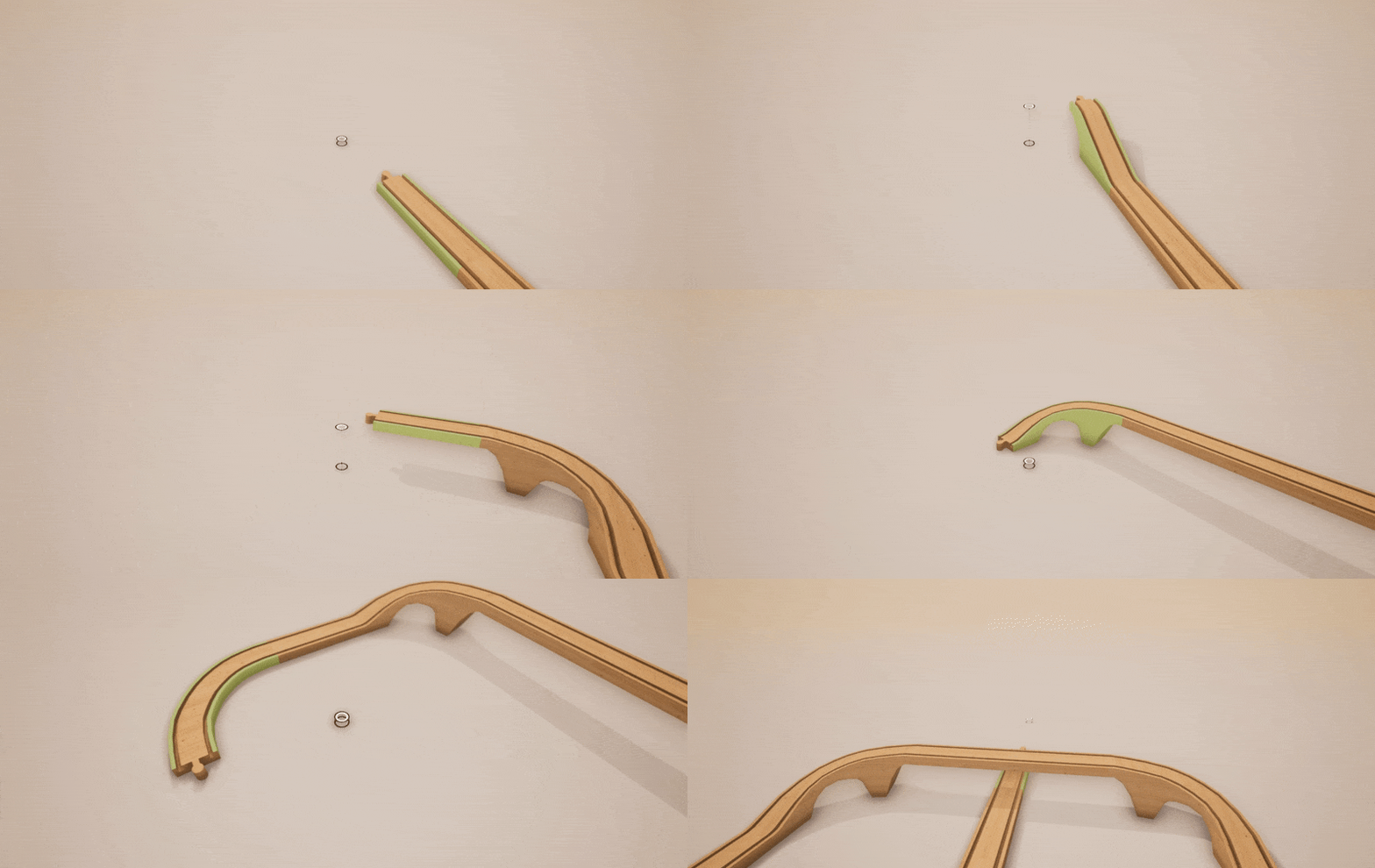
ːHealUpː New track piece: Vertical turn
It has been a real long time since I added a new piece. There's a long story but getting this one working properly should make it a lot easier to add new pieces going forward.
ːHealUpː UI improvements
New Options:
Invert Look - Inverts vertical movement for both the mouse and controller sticks
Cursor Scale - Adjusts the size of the mouse cursor
Also:
General improvements to Toy box visibility and layout
The size slider in the Toy box now adjusts more than just the icon size
Various improvements to the tutorial including better text size, styling and wording
Improved cursor style
Audio options and Toy box zoom size are now saved between sessions
ːHealUpː Controller improvements
Removed the 'beta' tag from controller support
Massively improved toy box navigation and scrolling behaviour
You can now use the D-Pad to navigate the Scenery menu, with snapping options moved into the column of buttons.
New tutorial style better suited to gamepads
Tutorial now uses rich text formatting like the Keyboard/Mouse tutorial
Fixed the tutorial showing one point twice and leaving out another
Colour wheel value is now set with the right stick instead of the X/Y buttons
Fixed pressing X on the Scenery menu deleting the object you were placing
Fixed movement speed varying based vertical look angle
Fixed the restricted objects warning in Passenger Mode causing the Toy Box to get stuck
Fixed the warning about your track being cleared not being navigable
ːHealUpː Miscellaneous
Added 3 new pieces of music
Fixed track pieces sometimes disappearing from save files
Fixed Field of View options not saving if only one of them was set
Removed the Experimental category from the Toy Box, added Terrain and Signs categories
Fixed save game discovery getting stuck if you only had passenger mode saves
Removed the Experimental category from the Toy Box, added Terrain and Signs categories
Like 50 nice improvements which have been lost to the cyberweb because my list got deleted when Steam introduced the new announcement system
Added columns for several Track Support pieces
Improvements to every terrain material and block mesh (resizing coming soon)
Improved visual effects for a lot of decorations, passengers, sockets, train rerouting
Tweaked the train's acceleration on slopes to make climbing while reversing easier
Fixed tunnels causing a permanently black train view if used with 2+ carriages
Fixed tunnels letting the train enter even if it isn't linked to another tunnel
Fixed a double placement bug caused by quickly clicking on new decorations
Various improvements to the mechanics and visuals of deposit/collection towers, and removed them from the experimental category
ːHealUpː New languages
Spanish
French
Italian
If you notice any mistakes or issues with these translations please let me know in the forums!
ːHealUpː Decorations
ːromopolis_houseː Signs
Traffic Signal
Semaphore
Crossing
Level Crossing
Railway Crossing
Light Signals
Stop
Pedestrian Crossing
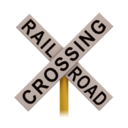
Rail Crossing
Cattle
Workers
ːromopolis_houseː Signal Box ːromopolis_houseː Mountain ːromopolis_houseː Campfire
Beta update version 2
Thank you to everyone who tried the last beta version, there is a new optional update available on the beta branch. For details on the last beta update you can get a full rundown from the previous announcement.
Tracks will leave early access on Steam and officially launch on Xbox One and Windows 10 on November 14th, but you can get a preview of the (almost finished) version right here!
How to Access the v1.0 Update Beta
To access the beta version of the 1.0 update, please do the following:
Load up Steam and head to your library
Right click on Tracks – The Train Set Game and then select "Properties"
Head to the Beta tab and in the drop down select "1.0beta" (no password needed)
This will then download the new update for you
ːHealUpː Discord
There is now an official Discord server for Tracks right here. Join if you'd like to chat about the game or keep up with development.
ːHealUpː Terrain block resizing
Similar to recolourable decorations, you can now open the Scenery menu when placing a terrain block to change the size of it
ːHealUpː Passenger mode
Progress and current track layout are now automatically saved when you finish each stage
Several new stages in Modern Apartment
Whole new set of stages in Bedroom
ːHealUpː Other changes
Added 3 new pieces of music
Fixed track pieces sometimes disappearing from save files
Fixed Field of View options not saving if only one of them was set
Removed the Experimental category from the Toy Box, added Terrain and Signs categories
Fixed save game discovery getting stuck if you only had passenger mode saves
ːHealUpː Decorations
ːromopolis_houseː Signs
Traffic Signal
Semaphore
Crossing
Level Crossing
Railway Crossing
Light Signals
Stop
Pedestrian Crossing
Rail Crossing
Cattle
Workers
ːromopolis_houseː Signal Box ːromopolis_houseː Mountain ːromopolis_houseː Campfire