
Vermillion
Fixed controller tracking with OpenXR
Moss x Vermillion
https://store.steampowered.com/bundle/51050/Mouse__Masterpiece_2Pack/
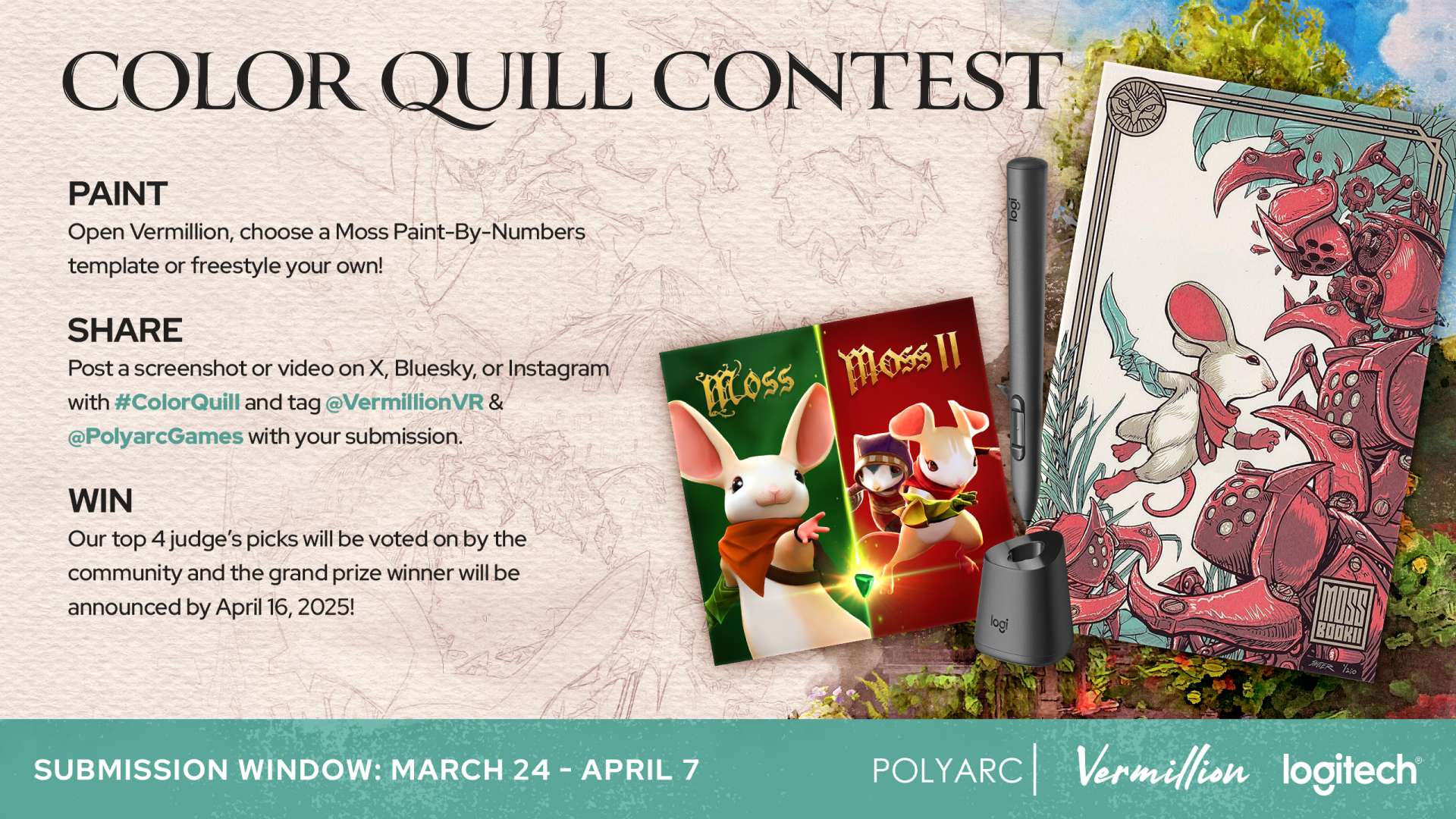
You'll find a free paint by numbers pack of five beautiful Moss artworks on the Paint by numbers page. There's also a new feature to assist you in painting this pack and any other PBN image: the Paint within lines feature. When enabled, it masks out an area around the color you have selected, so that it's easy to paint the shapes of the PBN template. If you stray too far outside of the lines you'll still put down paint though, so no cheating!
Be sure to participate in the contest for a chance to win an MX Ink stylus and a limited edition Moss poster!
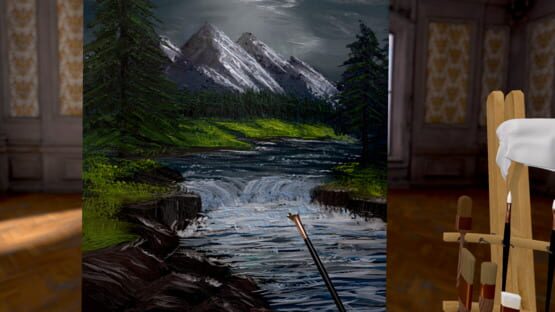
Eye dropper & more!
- Vermillion now features an eye dropper. Press and hold the former clean brush button (the lower button on your brush hand controller) to pick any color from the canvas, palette, mixing tray or rag. Aim into empty space to clear the brush.
- Paint blobs on the palette now resist mixing so you don't have to clean your brush before sampling another color on the palette.
- Paint blobs on the palette are bigger.
- You now get a posed ghost hand to hold the brush.
- The laser pointer is stabilized to make it much easier to click things.
- The laser pointer is now always following the direction of your controller, rather than the brush.
- Fixed hand stabilizer ruler not rotating properly depending on how the easel is facing.
- Fixed palette and brush stand being in the wrong position when changing handedness with the easel at a non standard orientation.
- Web pages can now be dragged to scroll them.
As always, if you're enjoying Vermillion, please consider leaving a review. Thanks for your continued support!
Fixed screen stuck in floor
Easier easel movement!
Built-in paint by numbers pack & more
Additional changes:
- The tutorial now skips the palette undo action, and instead the button binding is shown on a foldout panel on the palette.
- The tutorial now has clear calls to action on every step, to avoid any confusion on what is expected.
Paint by numbers update!
Additionally, you can now open local images on the floating screen directly from inside Vermillion, which you can also use to generate paint by numbers templates.
As always, if you're enjoying the update, please consider leaving a review! Greatly appreciated. Have fun! 🙏🏻
Twitch support!
Small overlay fix.
Grab distant objects is now a setting, plus some fixes.
- Distant grabbing of studio equipment (brushes, palette, easel and stand grips) is now a setting that's disabled by default. You can enable it again from Settings > Controllers.
- Fixed 3D model export being blank and 10m under the origin.
- Fixed brush disappearing when grabbing someone else's brush and then repositioning an easel or a stand.
- Autosave doesn't happen while painting.