

Virtual-O
New beta branch build with instanced rendering of vegetation
there is new beta branch build available.
Change log:
Running backwards is enabled
Game engine is updated by one generation. So it's important to check if everything is working as before. Please let me know if you would find something strange.
Vegetation rendering was replaced with new system in each map which uses instanced rendering and it will help eliminate
hiccups when building grass patches around player.
There are new graphics options for Grass Density, Vegetation Distance, Additional Tree Distance, Additional Billboard Distance. Which are adjusted automaticlaly with graphics preset slider. But you can still override them manually.
Grass Density
You can now adjust grass density dynamically. 100 is really only for ultra settings.
75 is nice and peformant. But if you have lower graphics you can lower it down to get much better performance.
Vegetation Distance
Is the visible range for grass and trees.
Additional Tree Distance
Is added to the Vegetation Distance. It will render Trees as meshes in this additional Range.
Additional Billboard Range
Is distance on top of the additional tree distance. In this range billboards of trees will be rendererd.
You can access this beta branch if you perform these steps.
1. Right click on Virtual-O in Steam library. Choose Properties -> Betas
2. Pick beta branch in beta dropdown
3. New build will start to download
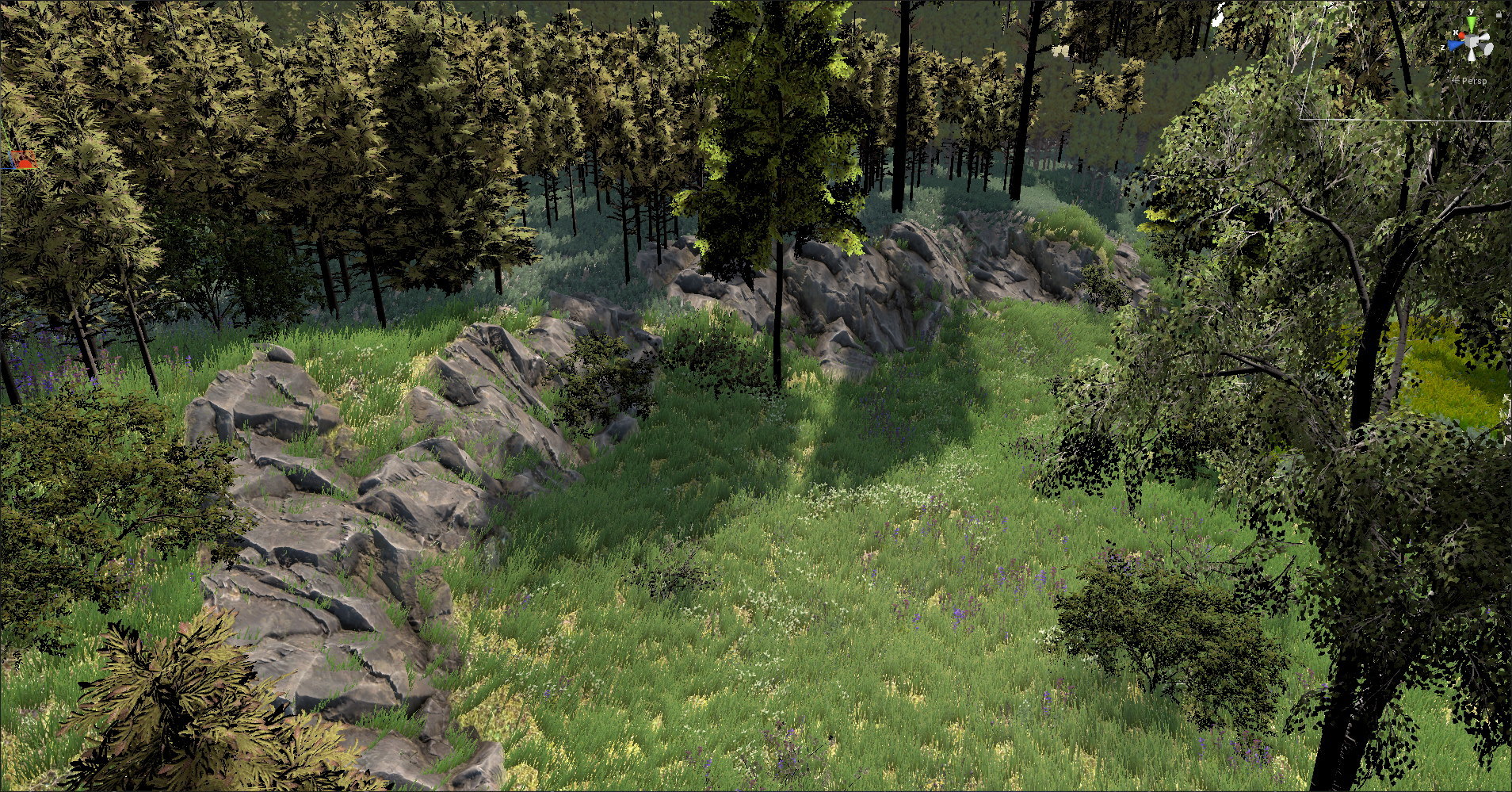
New cliff converter
Today I will release beta build with new cliffs on Landvetter Landehof map.
You can compare old cliffs with new on screenshots
Before
After

Before

After

See Simone Niggli playing Virtual-O!
Loading times for map catalog and course replays improved!
And waiting while course replays wasn't too nice too with increased amount of player replays.
So it was just right time for massive optimization. Everything is now parallelized.
Time needed for map catalog building or for downloading replays were improved by whole magnitude. Map catalog will be most often be built till you will enter course list.
Other changes:
Removed colliders for streamed rocks in Landvetter maps. As it was annoying to avoid them.
Please let me know if you will experience some issues. Like loading of replays will get stuck forever or too long etc.
Merry Christmas! New Landvetter Landehof map has arrived
Get Virtual-O with great 50% discount and new Landvetter Landehof map!
What could be better gift for all our players than new map!
Enjoy it's really nice huge scandinavian map.
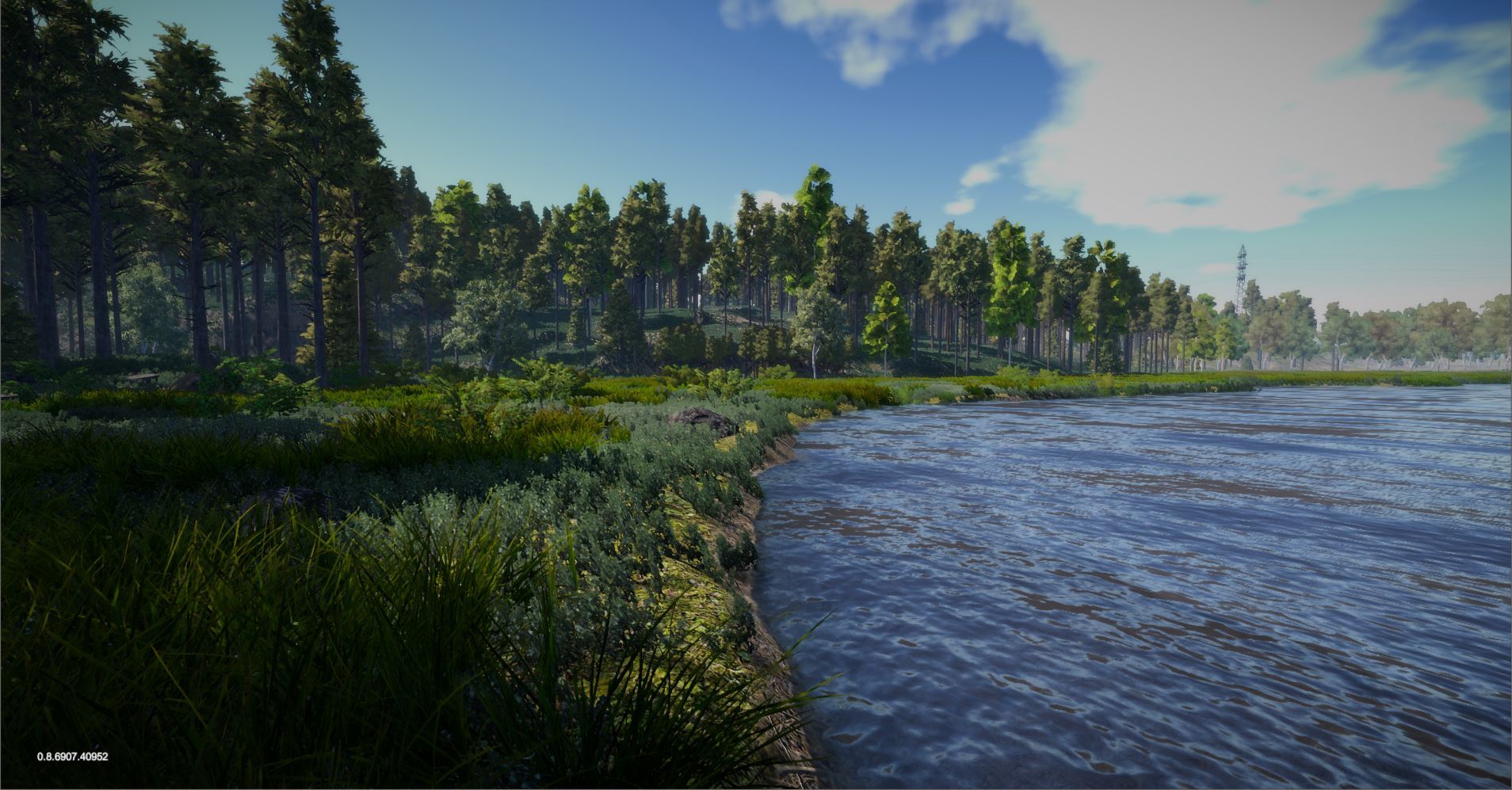

Implementing new instanced rendering of trees and grass
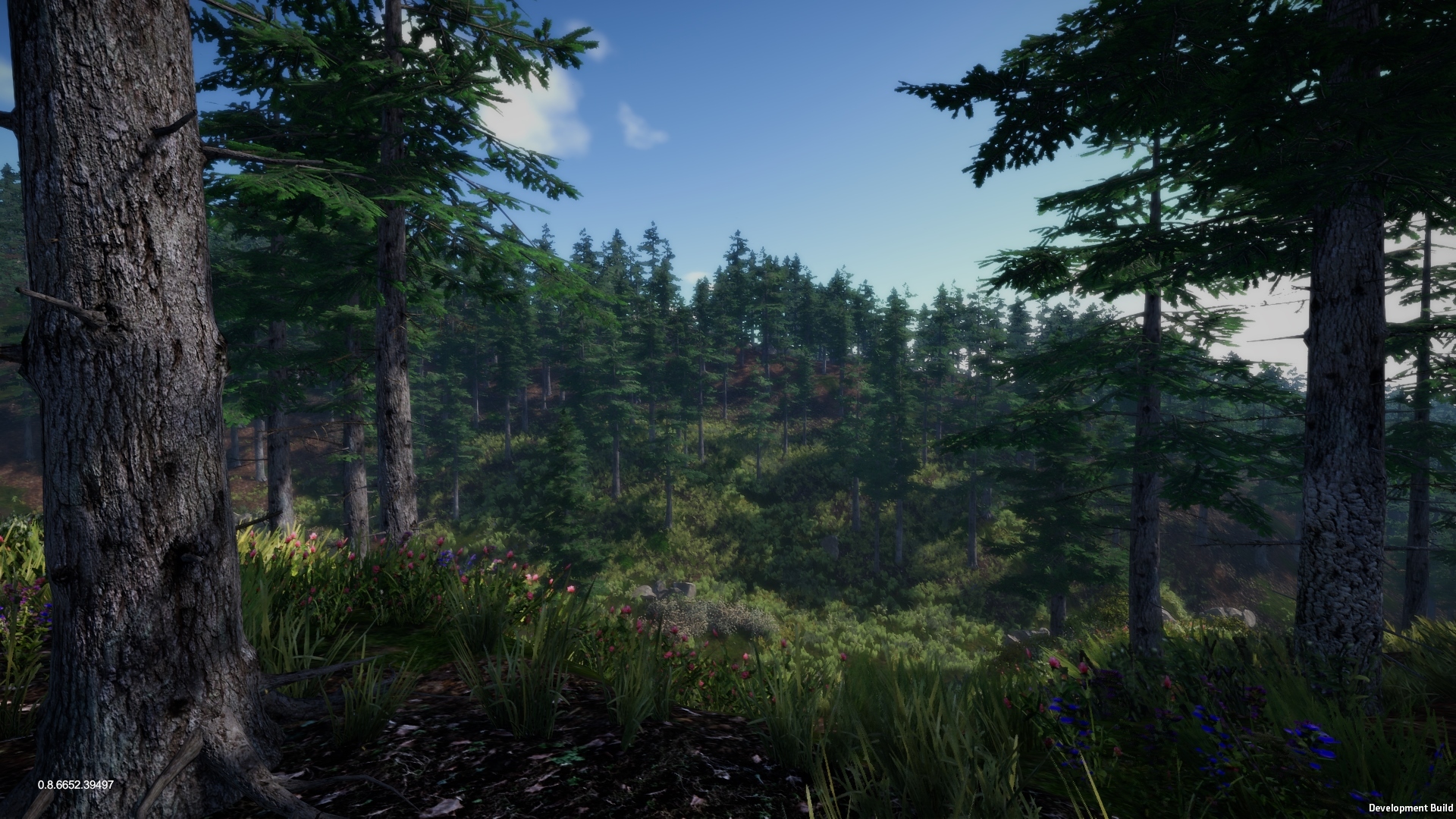


Long awaited feature is now available in Virtual-O. Strafing
STRAFING
At the same time you could see short video from latest Gironella map
https://youtu.be/OCjoUFBdg-0
Merry Christmas! Get Virtual-O with 30% discount and new Gironella map!


Change log:
- Added Gironella map
- Added water quality slider
- Upgraded WorldPoliticalMapGlobe
- Check if control is punchable to evade problem of punching control through another side of fence on micro maps
- Disabled tutorial disabling...
- Fixed bug with checking of unused controls when uploading course
- Fixed bug with null reference exception while validating course
- Added scaling of race log with game mode. Now it's logging route in these intervals (Beginner = 10ms, Normal = 5ms, Elite = 2ms). Before it was fixed to every 5ms. So Elite mode was less precise
- Added movement tail smoothing
- Finished corridor training support. Added support for corridor training into all maps (added map overlay layer)
- Fixed timer slider width in course replay
- Increased world globe zooming speed 4x times
Using Virtual-O for Orienteering Coaching and Training
I’ve always found that the perceptual and decision making skills involved in orienteering are better learnt than taught a view that is backed up by recent trends in cognitive science. To become a world class orienteer you have to practice the relevant skills for thousands of hours. Traditional training with a map is time consuming and expensive so I’ve been an advocate of regular ‘armchair training’. Things like leg planning, simplification, map perception etc. can all be practiced with a mixture of fast decision making exercises under pressure and slower analytical exercises with coaches feedback, and I’ve found a strong correlation between speed and confidence in armchair training and performance in orienteering races.

Photo by Laura Harrison
The idea of using an orienteering simulator takes armchair training a step closer to the real thing, offering a more complete training experience at a fraction of the cost in time and money. It’s also a lot easier for coaches to observe and offer feedback, particularly for larger groups. The challenge is to make the simulator realistic enough so that the skills required are as close to real orienteering as possible. From a coaching perspective realistic ‘game play’ is critical - rewarding good technique so that right skill-sets are reinforced, whilst a realistic visual experience makes the overall game more engaging and enables training of map perception skills in different types of terrain, but the most important thing is it needs to be fun. If Virtual-O can make training fun for novices and elite athletes alike.
I’ve been experimenting with using Virtual-O for coaching sessions with club, regional and national squad level athletes with the sessions varying to suit the size and needs of the particular group.
At a recent South Yorkshire Orienteers club night we had a couple of class room sessions - Group 1 was for younger children (under 11s) mostly novices and Group 2 for older children and adults with a mixture of abilities, about 30 in each group. For both we used one computer and a large screen and distributed printed sheets with screen grabs of the courses to allow people to follow where we were going on their own map. For the younger group the courses were all on paths, for the older group we used a some easy courses on contour only maps plus a more difficult course as an introduction to Swedish terrain.
For each leg one of the group proposed a plan which we discussed and which the I then executed. For some legs I stopped and asked the group where we were -either at our planned checkpoints or deliberately (or accidentally) off course at which point we discussed relocation strategies. I used ‘Beginners’ Game Mode (x1 speed) for most of the exercises, which I think offers a more realistic experience particularly when it comes to distance judgement, and also made it easier to follow and point out key features en-route. So we were able to discuss and practice leg planning, relocation and contours in one session. It seemed to work well and we had good feedback.

Photo by Laura Harrison
I think it would be better to have one person driving virtual-O and another interacting with the audience. It would have been useful to pause the game and enable a pointer on the map or even overlay drawing tools to highlight map features, but a laser pen would do the job. As with any large group it’s difficult to pitch the standard at the right level to keep everyone engaged all the time – if anything I’d aim higher to keep the more experienced interested and give the novices a chance to stretch themselves in a safe environment. One or two of the younger children just wanted me to run through the marshes and jump off crags and a few struggled to follow the action, but most were answering and asking questions.
At the last YHOA regional squad session we managed to get 3 computers running virtual-O so we did a hands on session. We had 3 teams racing each other on the same course with 3 in each team taking it in turns at the controls so 9 children involved in each race. It worked well! All three team members seemed engaged throughout discussing plans and helping to relocate when necessary and the competitive element adds to the fun and training benefit. As a coach I was able to see much more of the action than a typical forest race and got a pretty good idea of individual styles and abilities. Most seemed to pick up the controls very quickly but I think I pitched the technical level a little too high for the less experienced.
We used ‘Normal’ game mode (x2 speed) to get through the races quicker, but it added to the challenge particularly with distance judgement with lots of overshooting which makes relocation doubly hard in Virtual-O as you see less of the map than normal. A lot of the athletes use baseplate compasses so one of the challenges was learning thumb compass style map orientation – it would be good to see a proper baseplate compass option in Virtual-O in the future.
One of the elite athletes I coach is a sprint specialist who’s looking to improve compass use, contour interpretation and confidence in non-urban terrains. We used the club night courses but as a hands-on exercise with myself observing and occasionally offering feedback. We’re hoping that her laptop will be powerful enough to allow her to use Virtual-O for regular session, but if not then we’ll certainly continue to use it as part of our joint armchair training.
There are lots of features already in Virtual-O which I can imagine adding variety with different map levels, weather conditions, night orienteering and prototype of tools for corridor and window exercises. I can see Virtual-O being an excellent tool for increasing the number of hours of technical training for serious athletes, but it also has the potential for offering a fun alternative to normal orienteering particularly for older juniors who play video games. With that in mind that in mind it would be great to extend the online gaming features to allow private competitions, leagues, rankings within a club or other orienteering community.
Nick Lightfoot

How to enable AMD CrossFire for Virtual-O
I have just provided recipe how to run Virtual-O in exclusive mode and Angus have researched it further and tested. I'm pretty sure hat you can perform similar steps to enable SLI for NVIIDA cards.
CrossFire setup guide
To enable Virtual-O to utilize AMD CrossFire you first must force the game to run fullscreen (not windowed borderless, the default setting).
To do this you need to go to your Steam library, right click on Virtual-O, Properties and under General click ‘Set Launch Options…’ and enter the command line:
-window-mode exclusive
Then open AMD Radeon Settings, Gaming then Virtual-O (if it’s not there, then click add in the top right corner and either scan or add it manually).
In AMD CrossFire Mode I found that using ‘Optimize 1x1’ resulted in the best performance.
Once you have launched Virtual-O make sure to have Antialiasing set to FXAA or lower, as TSAA results in some serious issues with outlines, and to have V-Sync enabled to reduce screen tearing.
P.S.:
I have posted this guide in FAQ too:
http://steamcommunity.com/app/529020/discussions/3/1489992080503003183/