
- Improved Player 2 Start and exit buttons
- UI text fixes
- Eliminated instability caused by some projectiles
- Minor resolution support improvements
- Improved memory performance of projectiles
- Added context indicator to drop down menus
- Improved some button visibility
- Fixed issue with saved paint palettes
- Fixed dialogue overflow issues
- Audio Equalization

Vulture
Maintenance Patch 1.3.3
Community Feedback Patch 1.3.2
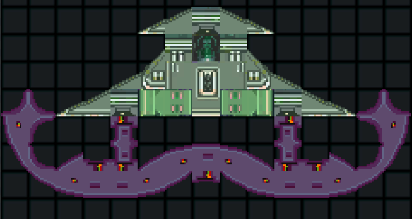
After some recent promotion we have received a ton of great feedback on Vulture and wanted to address some of it as quickly as possible in a free content patch. There are still some points of feedback we are considering for future patches but the big change here is the addition of better wing blocks, significant improvements to the Shield Bomb Weapon, and improved loading times.

This Patch also contains several Quality of life improvements, ranging from removing options listings for unsupported screen resolutions, to better loading screens now with concept art and tips, and more intuitive ship editor features.
Change Log
- Correctly Categorized rusted hull blocks as wings
- Added new 22 Wing Blocks
- Re-worked shield bomb system
- Re-worked shield animations
- Added half block shield
- Added concept art to loading screens
- Added tips to loading screens
- Removed tips from level select
- Added ability to place multiple blocks by mouse drag in ship editor
- Removed some resolution ratios that were not properly supported
- Default selected ship no longer resets to first in hanger
- Default selected level is last played
- Improved loading times
- Fixed issue with two player scoring causing lag
- Fixed invulnerability blinking causing ships to disappear briefly
Patch 1.3.1 Linux Control Hotfix
Change Log
- Rolled Unity Version forward to 2018.2
- Fixed Block Data error
Multiplayer Comes to Vulture
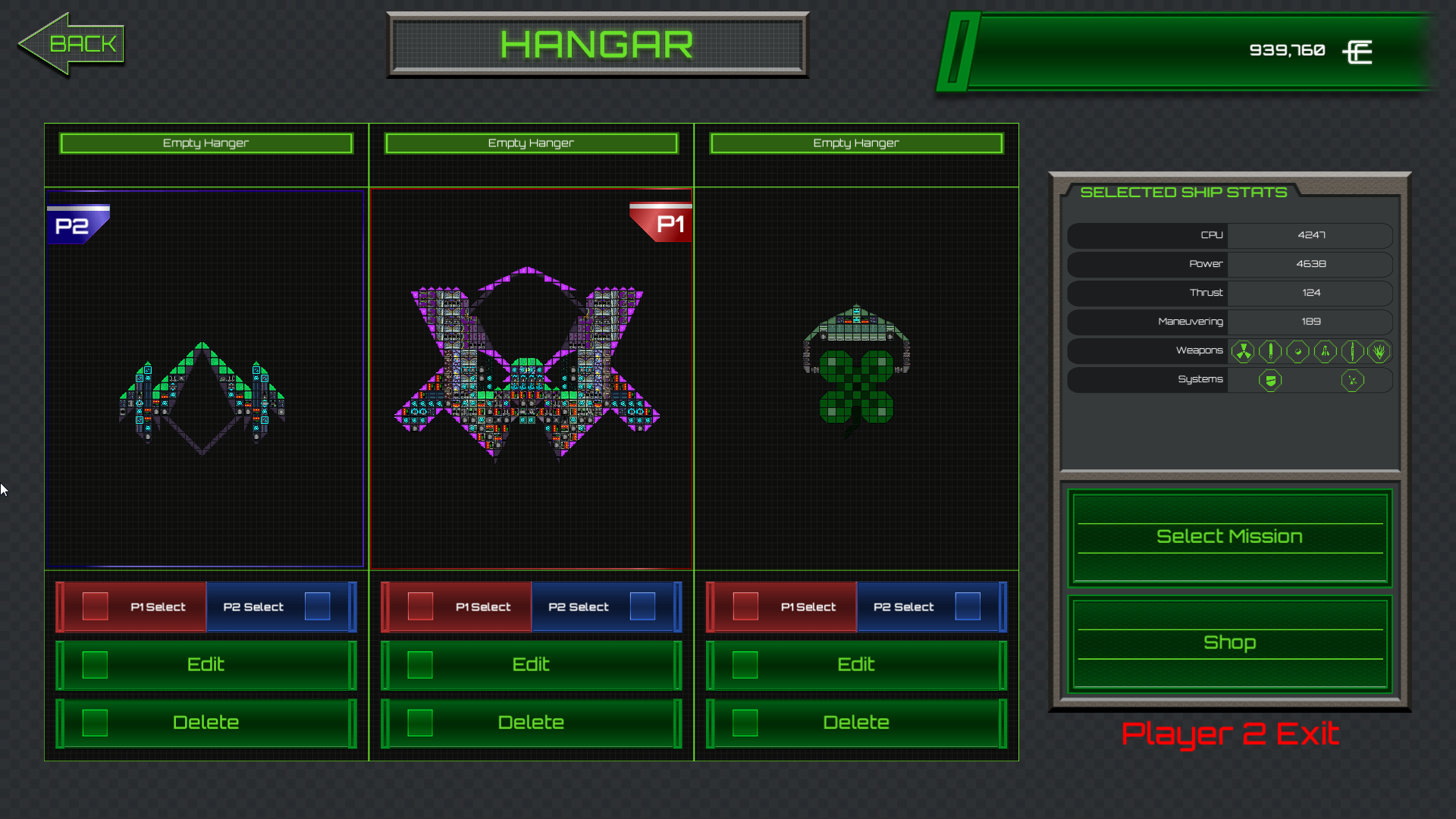
You can configure player keyboard and controller assignments from the options menu on the title screen for both players. From the options menu you can also assign mouse input to a single player if that is your preferred input method.

Change Log
- Added local co-op support to main game
- Added Multiplayer UI elements to core game screens
- Added Multiplayer UI elements to Hangar Screen
- Added player 2 controller configuration to options menu.
- Added player scoring distinctions
- Improved mouse support
- Made a secret achievement more reasonable

Patch 1.2.0 Arcade Mode
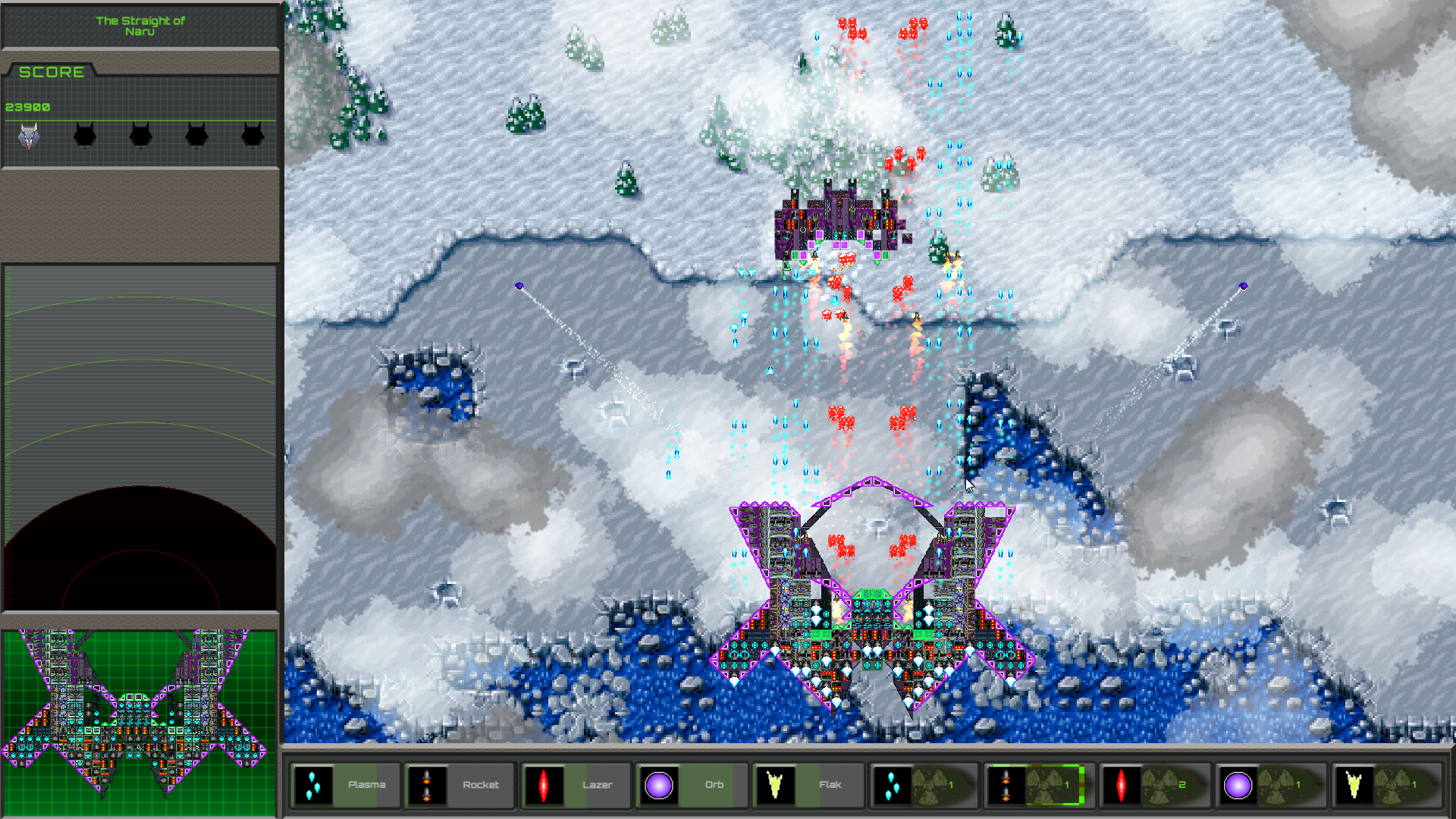
Arcade mode gives you a more zoomed out perspective and a less physics driven gameplay experience more in line with classic shoot em up’ games. The player ship no longer takes additional time to accelerate/decelerate when moving and the movement is constant regardless of ship design. Since this makes engines purely a cosmetic item in Arcade Mode, Computer and Power system costs are altered to reflect this to maintain game balance.
For those of you who want to be able to customize the movement of your ship you can still play the previous version (story mode) in any existing save files or by selecting it when starting a new game.
Change Log
- Added core arcade mode gamleplay system
- Added Arcade Mode when starting new game
- Added save functionality for arcade mode
- Extended level graphics to accommodate larger camera frame
- Minor enemy placement adjustments
Arcade Mode Release & Public Test Branch Hotfix 1.2.0b
We have uploaded a minor fix available to the Public Test Branch.
Change Log
- Minor graphical fixes to all boss battle areas in arcade mode
If you want to help us out testing new and upcoming content you can check out this post for more information.
https://steamcommunity.com/games/689000/announcements/detail/1672402444816665347
Arcade Mode Enters Testing
What is Arcade Mode in Vulture?
Arcade mode is our latest gameplay mode to be released as a free content update for Vulture. Arcade mode offers a more classic shoot em’ up experience with some re-balancing of your drone’s systems to accommodate tighter controls and a larger field of view while still providing an exciting feeling of progression as you build your drone.
You can play Vulture in arcade mode by selecting the arcade mode play option when starting a new game of Vulture. You can also still play the classic “Story Mode” by selecting it from this menu as well. All of your old story mode save files will still work but these cannot be converted to arcade mode play-throughs.
We want to maintain our vision of this project while still providing our customers with the best value for their purchase and we hope that by making more ways to play our game available we can achieve this.
Public Test Branch?
We have made a public test branch available to all Steam owners of Vulture. This branch is where you can preview new content to Vulture prior to it being added to the full game. Since this is for testing we hope that people will comment on the content and let us know if they encounter any bugs or have ideas on how we might improve.
To access the public test branch:
- Right click on "Vulture" from your Steam Library
- Select “properties” from the menu that appears
- Click on the "Betas" tab in the properties window
- From the drop down select “Public Test Branch”
- Close the window and wait for steam to download the updated game files.
Patch 1.1.4c
Change Log
- Fixed ship hangar display bug
- Fixed enemy turret alignments
- Fixed mouse locking issue
As always if you have any issues with this update let us know in out support forum:
http://steamcommunity.com/app/689000/discussions/3/
Patch 1.1.4b Hotfix
Change Log
- Changed mouse input system
- Updated Unity internal version
- Fixed some OS input compatibility bugs
- Moved OSX 32 bit and OSX 64 bit to use Universal code base
As always if you experience and bugs or have any feedback on how we can improve Vulture leave us a message in our community forums.
Patch 1.1.4
Change log
- Corrected Linux and Macintosh controller support issues
- Added controller support systems to shop, level select and Hangar
- Fixed Hidden Achievement bug
- Added extended controller options
- Added mouse input support
- Fixed bug that could cause tutorial not to end
- Added better highlighted object graphic for controller support
- Fixed shop navigation bug
- Minor text fixes
- Re-balanced some block weights