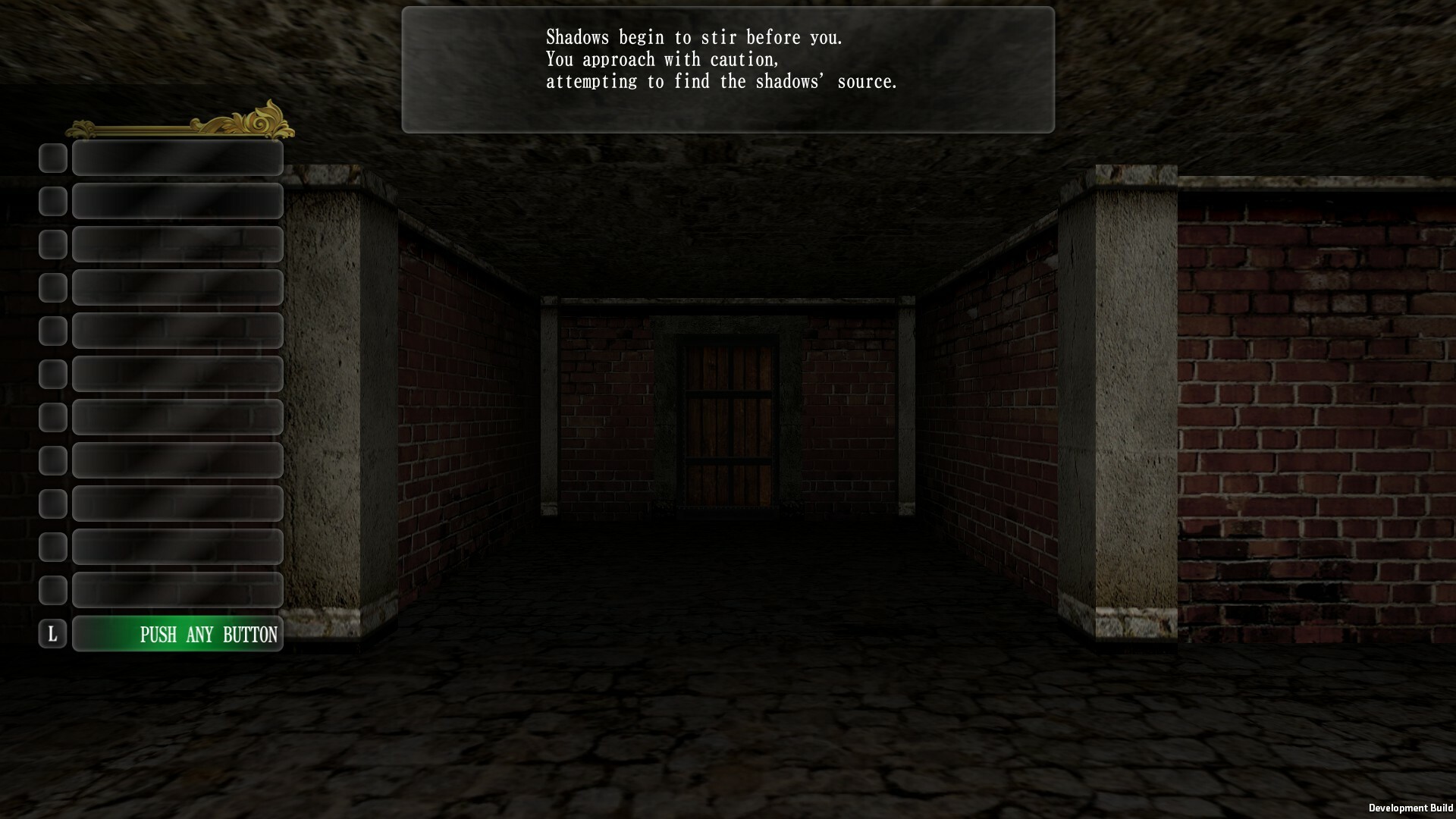
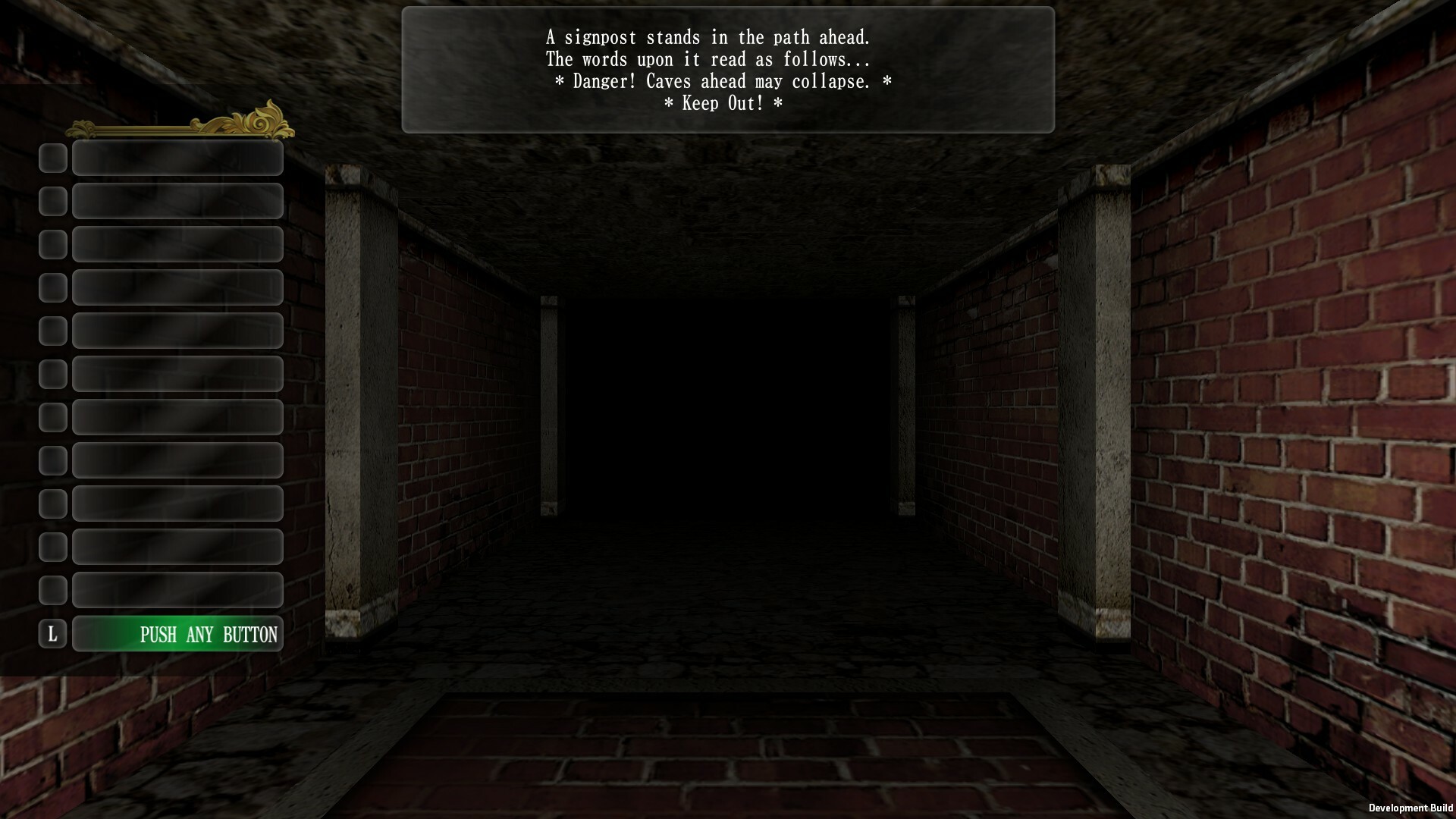
New - Official scenarios are now officially available in English. - Reworked lighting in dungeon - In SD/3:2 UI, dark zone and magic ban status are now indicated by icons.
HDUI will be supported at a later date.
Updates - Japanese/English names for initial character creation now change depending on the "Interface" option in the game. - Slightly lighten the texture of the water flow - Changed the location of the game log from My Documents to "Game installation location\Data\Temp\GameLog" - Changed the location of some files associated with scenarios from My Documents to "Game installation location\Data\Temp\ScenarioData"
The game does not use My Documents anymore.
- In the HDUI, when selecting a portrait in the training area, portraits other than _a will be displayed when the cursor is moved. - Changed the initial cursor position when selecting a portrait to the portrait number currently in use by the character. - Significantly increased possibilities for portrait types
Please stay tuned for further details on the update.
- Tentatively changed cursor for brightness on options screen.
Major changes are planned for the options screen in the future.
Fixes - In the brick wall labyrinth, the normal floor texture was incorrect. - In the brick wall labyrinth, the texture settings for the bottom of the columns were incorrect. - In the brick wall labyrinth, the texture of the walls differed depending on whether the door was opened with or without a doorjamb. - The disappearing mouse cursor affected the menu selection. - In the "Normal" movement mode, if the movement key was pressed immediately after the camp was broken, the speed would be the same as in the "High Speed" mode. - The flow of lava and water flowed differently depending on the direction the player was facing. - The instant death effect of the spell "Prismic Missile" was not set correctly in the default spell settings.
We finally have English! New Update includes English translation for the official scenarios.
The major update includes:
English translation for the official scenarios for the first time.
Contents of the beta version, which was deployed in March 2022, including the ability to change equipment during battle and various bug fixes.
Please note that before starting the game, please read the Official Online Manual, if possible. The content of the manual is subject to change without notice. https://steamcommunity.com/sharedfiles/filedetails/?id=2853306644
important: From the previous stable version
Location of the folder where the portraits will be placed, format from face1-20, and file name for 96x96face
Location of the game log folder
Location of some temporary files generated by scenario data
are changed.
The new location of the game log folder is Where to install the game\Data\Temp\GameLog
The new location of some temporary files generated by the scenario data is Where to install the game\Data\Temp\ScenarioData
The new location of the folder where the portraits will be placed is Where to install the game\Data\User\face
The folder format will be the same for portrait face1-20 as for face21 and onward. Also, portrait faces 1-20 are now in the same folder format as face21 and later, and the file name for 96x96 faces has been changed from face.png to face_a.png. The file name of 96x96face has been changed from face.png to face_a.png.
Please see the patch notes for other updates. https://store.steampowered.com/news/app/1308700/view/3243175505178485064
To celebrate the release of this major update, we have a 15% off sale on Steam. Please take this opportunity to purchase the game!
■DLC “the Absence of Misericordia” and “Prisoners of the Battles” announced! Thanks to the support from our enthusiastic users since the start of early access, we have officially decided to develop the following additional scenario download contents.
the Absence of Misericordia
Prisoners of the Battles
Both scenarios were originally developed by the same developer in 2005, and each has a sufficient volume of content. The official scenarios of subsequent downloadable contents will be available in Japanese and English from the time of release.
In addition to the above two scenarios, we are also planning a variety of additional downloadable contents to let everyone enjoy the game even more. We will continue to brush up the main game with functional improvements based on feedback until the official release. We appreciate your continued support.
Beta Update 2022/7/13
This is Beta version, we cannot guarantee compatibility of save data, etc.
before playing the beta version, Users\username\AppData\LocalLow\59Studio\WizardryFoV2\savedata You can back up your saved data from above location.
If you agree to the above, right click on "Wizardry: The Five Ordeals" in the Steam library, select properties, and enter the password "IReadAnnounce" in the beta tab. The "publicbeta" version can be selected. This will automatically update the system, and you can also return to the current normal version by selecting no beta from the Beta tab. However, we will not be able to provide support for data corruption caused by version inconsistencies due to the use of this switch.
New none
Updates - The labyrinth theme "Granite" floor has been lightened. - The wait after the message of enemy appearance in the trap "Alarm" is shortened to the same as in normal combat. - Items that appear in the re-combat when an enemy escapes during the trap "alarm" are unified in the "room treasure chest" table. - Change maximum long of characters for character names to 8 2-byte characters (16 1byte characters).
Fixes - When a party was split up and then plunged into the rock without restarting, the party status of the remaining members was incorrect. - The BGM in the re-combat when a player ran away during the trap "alarm" was the same as in normal combat. - Riddle input was not correct in 3:2 UI. - When strafe movement in the dark zone, the display was momentarily distorted. - The direction of cloud movement differed depending on the movement mode and direction. - When a monster used indeterminate CG for definite CG, there was a possibility of display confusion in the Monster Pictorial Book.
For Japanese Users
for japanese users. It is less relevant for English users. We are working on implementing the English version, so stay tuned!
Beta Update 2022/7/8
This is Beta version, we cannot guarantee compatibility of save data, etc.
before playing the beta version, Users\username\AppData\LocalLow\59Studio\WizardryFoV2\savedata You can back up your saved data from above location.
If you agree to the above, right click on "Wizardry: The Five Ordeals" in the Steam library, select properties, and enter the password "IReadAnnounce" in the beta tab. The "publicbeta" version can be selected. This will automatically update the system, and you can also return to the current normal version by selecting no beta from the Beta tab. However, we will not be able to provide support for data corruption caused by version inconsistencies due to the use of this switch.
New - Added map icon "rock" and added "rock" to the description of map icons in HD UI.
Updates - The auto-map will now fill up when entering the "Rock" map event. - Enemies are now registered in the Monster Dictionary when a summoned monster kills an enemy with a breath or spell. - Enemies are now registered in the Monster Dictionary even when they are killed by poison DoT. - In the SD UI, even if the item name is set to English, if the actual content contains non-English characters, a Japanese font should be used. - Portrait faces 01-20 are now placed in a folder like 21 and later. - The following changes have been made to the specifications of the "Alarm" trap
In the trap "alarm" combat, it is possible to escape as usual. There is no penalty.
If a player escapes in a trap "alarm" battle, the battle will end once, but a battle with another enemy group will occur afterwards.
However, in this new combat, surprise attacks from the enemy occurs as usual. Since it is the same as usual except that no preemptive action is taken from the player's side, the spell "Levitate" and magical effects in some scenarios will also be affected as usual.
Changed the location of some user files such as portraits.
Old: Documents\59studio\WizardryFoV2 New: (Where the game is installed)\Data\User
Since the data will not be moved automatically, you need to move the necessary data by hand.
- 96x96 portrait "face.png" for SD UI has been renamed to "face_a.png". As the renaming is not done automatically, users are requested to rename the necessary data by themselves.
Fixes - The game was behaving incorrectly when the spell "teleportation" was used to move to the location of a teleportation event. - Fixed typos in some monster names in the English version of "Traveler's Property" (automatically updated).
For Japanese Users
for japanese users. It is less relevant for English users. We are working on implementing the English version, so stay tuned!
Finally! English Iteration 1 Beta Update 2022/6/24
This is Beta version, we cannot guarantee compatibility of save data, etc.
before playing the beta version, Users\username\AppData\LocalLow\59Studio\WizardryFoV2\savedata You can back up your saved data from above location.
If you agree to the above, right click on "Wizardry: The Five Ordeals" in the Steam library, select properties, and enter the password "IReadAnnounce" in the beta tab. The "publicbeta" version can be selected. This will automatically update the system, and you can also return to the current normal version by selecting no beta from the Beta tab. However, we will not be able to provide support for data corruption caused by version inconsistencies due to the use of this switch. New - The first official English-language scenario, "Traveler's Property".
Scenarios are updated automatically. English can now be selected in the message.
Updates - In the battle in the state of magic disablement (magic disablement zone) by the event, the message at the time of spell use has been renewed and differentiated from other spell failures. - Initial behavior of auto-map recording for events "Flag Teleport" and "Item Teleport 2" has been changed to the same as the 2006 version. - Changed the timing of the end-of-battle jingle / treasure chest BGM and the labyrinth music to switch after returning to the labyrinth. In addition, the treasure chest BGM is now played on the result screen even in battles where treasure chests do not appear. - Changed the language setting of many parts of the site to "interface" setting, such as the description of magic effects of items.
It is no longer necessary to English the item name and see empty item name in order to see the item's magic effect description in English.
- The event "flag rope ladder" status is now reflected as show/hide of the icon on the automap.
Fixes - One of the boon spell wishes, "health and revival", silence and confusion was not treated.
Please use the Steam forum for comments on english glitches and translations.
Announce for Japanese
Announce for Japanese. English users, never mind, enjoy the just-implemented English-language scenario beta!
Beta Update 2022/6/16
This is Beta version, we cannot guarantee compatibility of save data, etc.
before playing the beta version, Users\username\AppData\LocalLow\59Studio\WizardryFoV2\savedata You can back up your saved data from above location.
If you agree to the above, right click on "Wizardry: The Five Ordeals" in the Steam library, select properties, and enter the password "IReadAnnounce" in the beta tab. The "publicbeta" version can be selected. This will automatically update the system, and you can also return to the current normal version by selecting no beta from the Beta tab. However, we will not be able to provide support for data corruption caused by version inconsistencies due to the use of this switch.
Updates - In scenarios with AUTO magic effects, when a random treasure chest appears in a battle set by an event, the treasure chest set level on the floor is now correctly applied to the items obtained from it. - random encounters don't happen on the grid of entrance/exit type events.
Fixes - When using the "Teleportation" spell, the destination dungeon name was not always displayed correctly. - When purchasing items, bulk purchases could not be made correctly. - Some shop functions did not work properly when using the left and right keys to change character. - Menu titles were unified when resuming an adventure at the outskirts of town. - Some fonts were not correct in the English mode when camping. - Some minor corrections have been made to the English mode.
We are already in the process of implementing the first official English-language scenario. The first test batch (it is only a test. The official response will be a while longer.) coming soon!
Beta Update 2022/5/30
This is Beta version, we cannot guarantee compatibility of save data, etc.
before playing the beta version, Users\username\AppData\LocalLow\59Studio\WizardryFoV2\savedata You can back up your saved data from above location.
If you agree to the above, right click on "Wizardry: The Five Ordeals" in the Steam library, select properties, and enter the password "IReadAnnounce" in the beta tab. The "publicbeta" version can be selected. This will automatically update the system, and you can also return to the current normal version by selecting no beta from the Beta tab. However, we will not be able to provide support for data corruption caused by version inconsistencies due to the use of this switch.
Updates - Added English names for default characters created when a scenario is first launched or data is initialized, so that the Japanese or English name is determined according to the Steam's UI language.
Fixes - There was a possibility that game would stop if fighting under certain equipment conditions. - In scenarios where the magic effect AUTO, ineffective spells were generated when both spell level settings were set to "None". - In scenarios where the magic effect AUTO, special items were appearance even when the contents of the special item table were none (all junk). - In the "the devoid of apotheosis" scenario, item corruption was not occurring in the effect of specific items.
We are already in the process of implementing the first official English-language scenario.