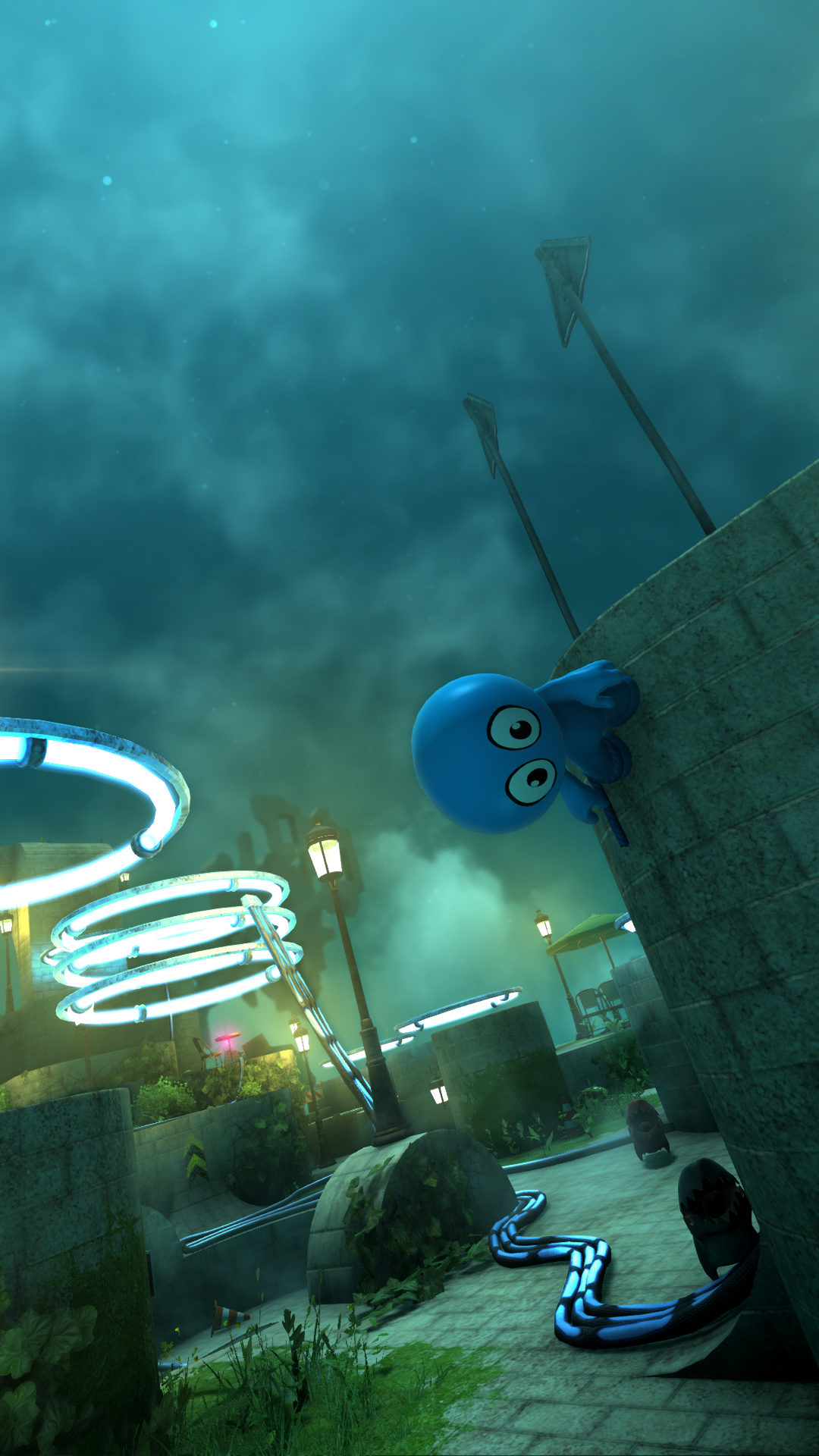
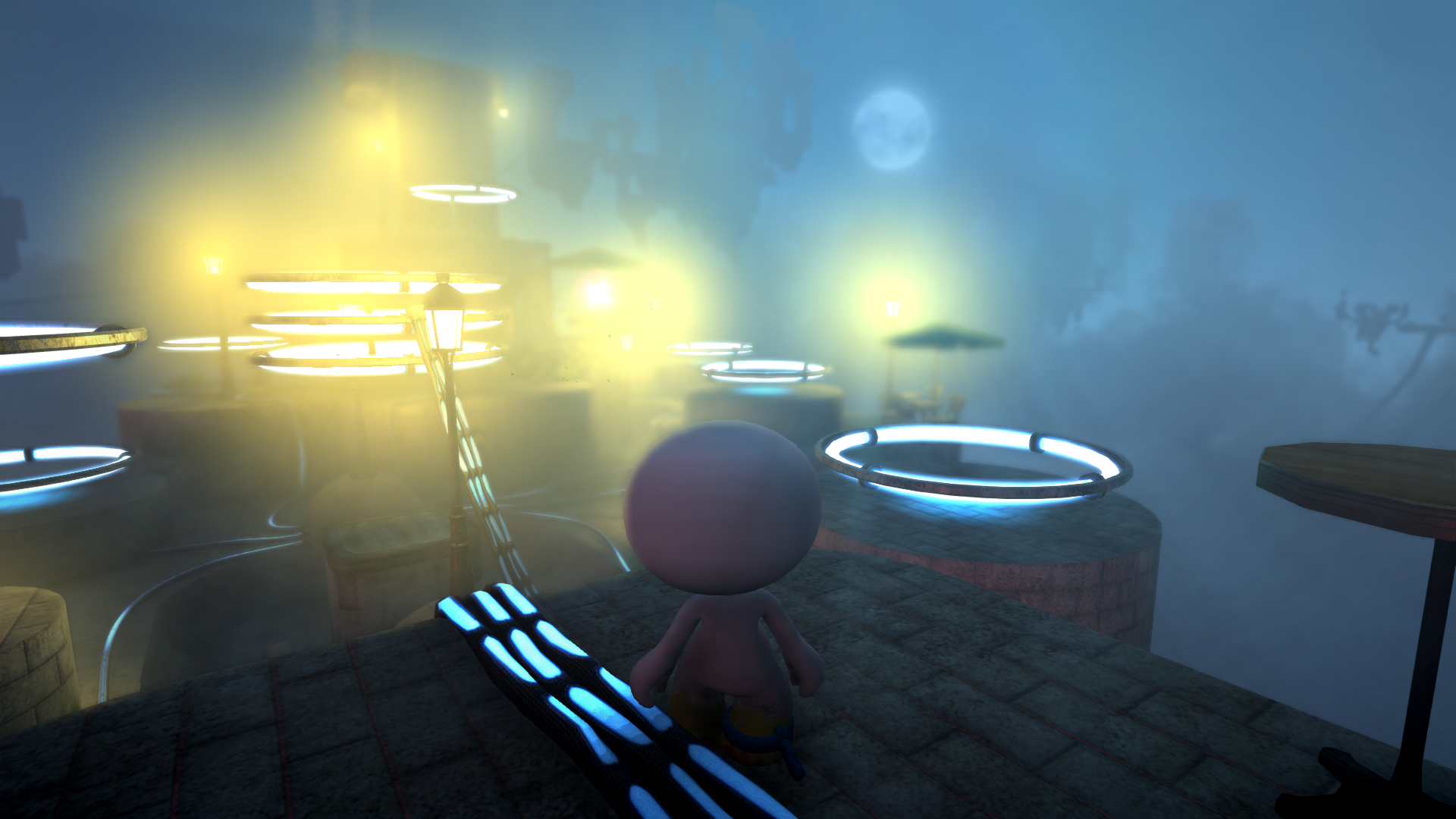
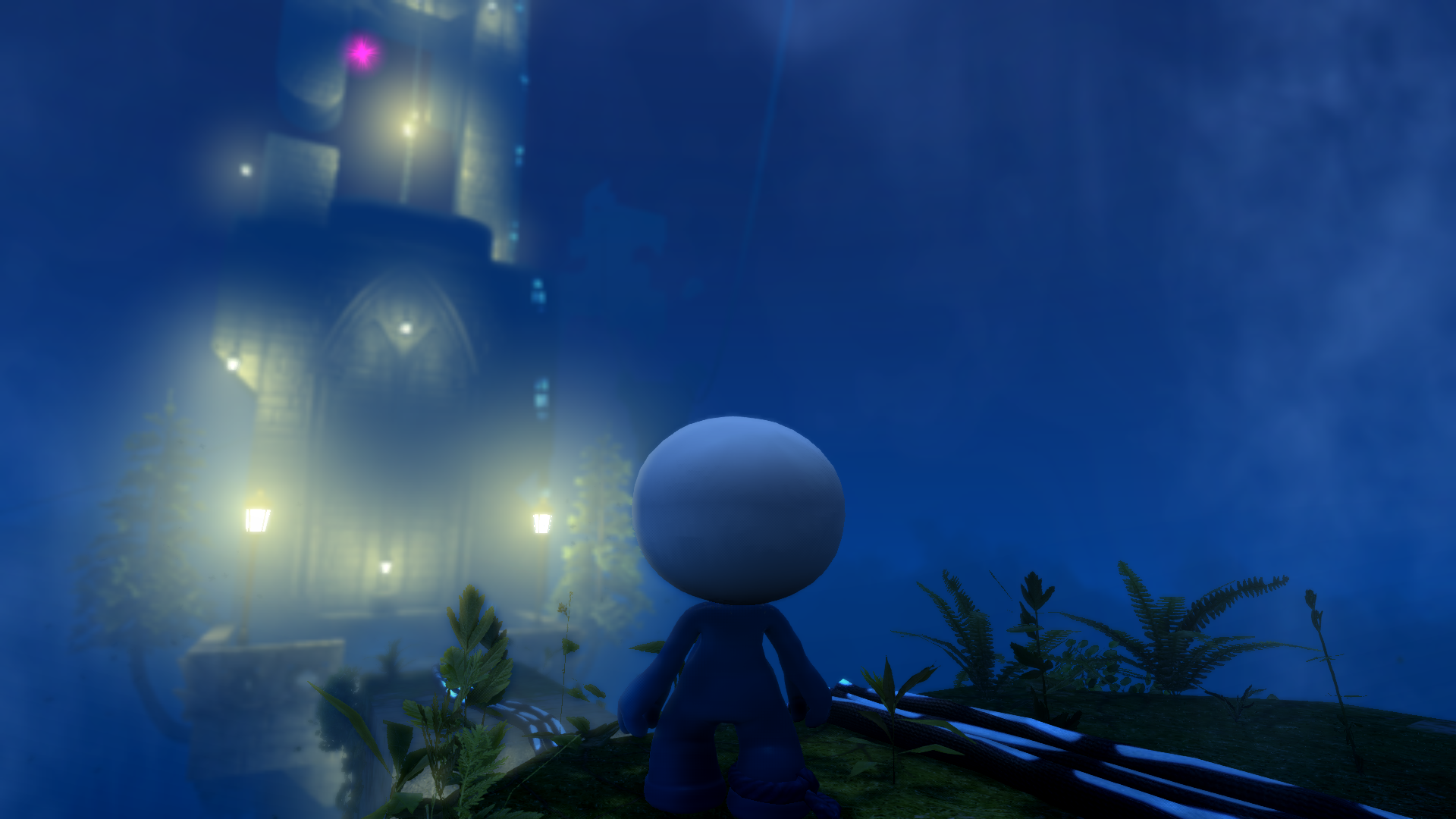
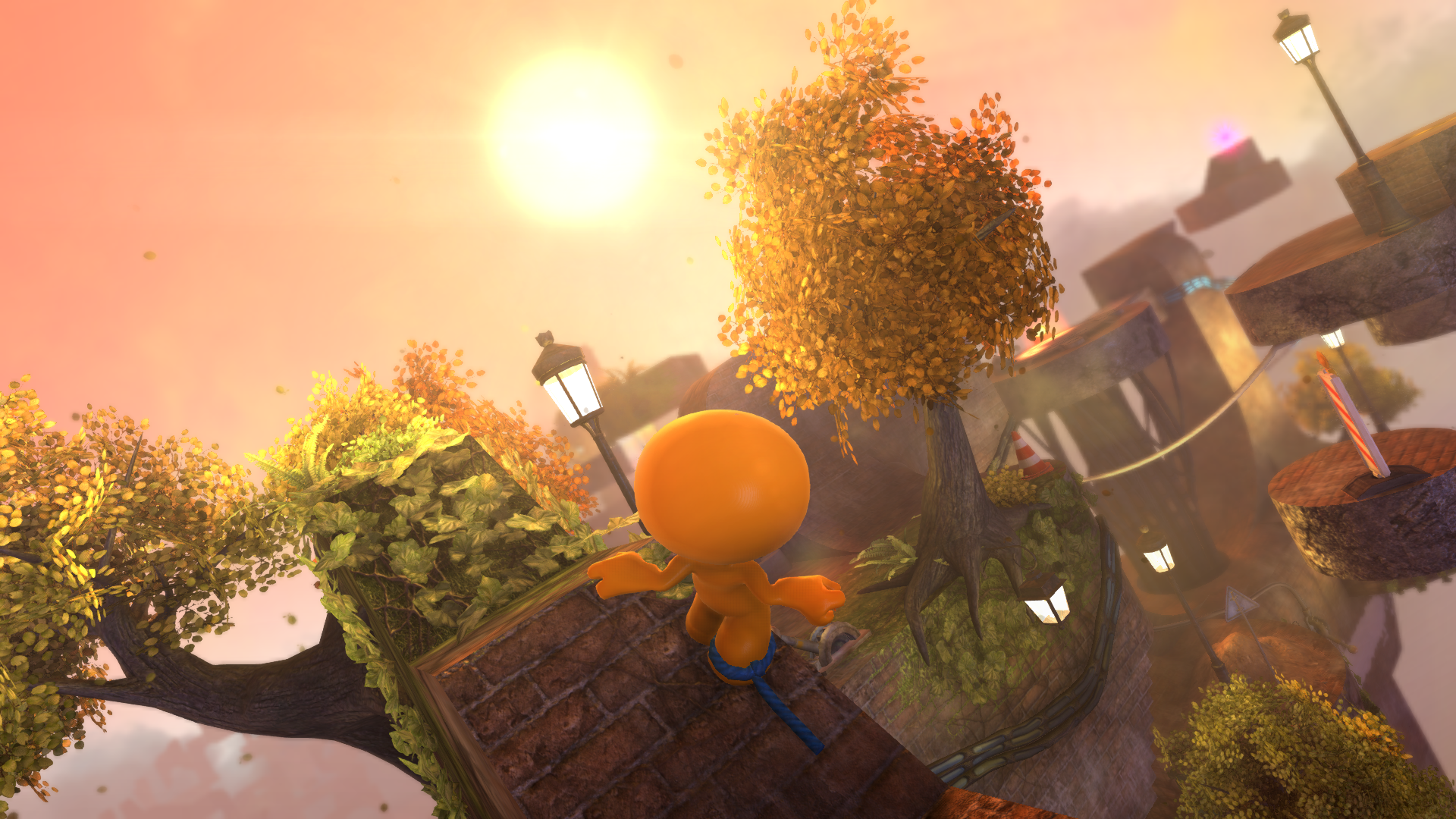
Here is a short list of what's new in the latest update:
- General - Fix for texture seams on characters - General - Adjustments to frame timing code - General - Fixes to some animations not playing at correct speed - General - Removed some debug - General - Graphics/Controls/Audio settings are now saved per device, and is not synced on Steam Cloud. - Audio - Adjusted music levels, to improve general audio mix - OpenGL - Fix for several shader issues - OpenGL - Fix for bad shadow sampling - Share - Fix for issue with playing levels from Steam Workshop - Share - Added Subscribe button for each level/character in the browser - Share - Added Subscribed tab to You section in the browser - Steam Deck - Support for Frame Limiter. Enable "Variable Frame Rate (Steam Deck)" in Options/Graphics to ensure the game runs at the correct speed, when the Frame Limiter is enabled. It should be enabled by default. - Steam Deck - Fixes for On Screen Keyboard - UI - Increased smallest font size - UI - Improved layout for resolutions above 1920x1080
If you find any bugs, drop me an email at support@frecle.net
Happy Festivus and have a great New Year.
Have fun, Mikkel
Fixes in 2.0.7
Hi,
Here's a brief overview of what's changed in version 2.0.7:
General - Fix for not loading correct texture after character had been splatted and then designed.
General - Fix for crash when attempting to load preview of a completely empty level.
General - Fix for water pipes not generating any particles when running at 120Hz and higher.
General - Fix for some keys mapped to multiple things in the character designer.
General - Fix for two statues unlocking the same design.
DirectX - Fix for crash when saving thumbnail of character design (attempt to render from system memory).
DirectX - Fix for crash when resetting some rendertextures (attempt to access invalid texture).
OpenGL - Fix for incorrect rendering of clouds on some GPUs (invalid access to depth buffer).
OpenGL - Fix for crash on some GPUs due to missing extensions.
OpenGL - Fix for shader compilation on some GPUs (wrong return type).
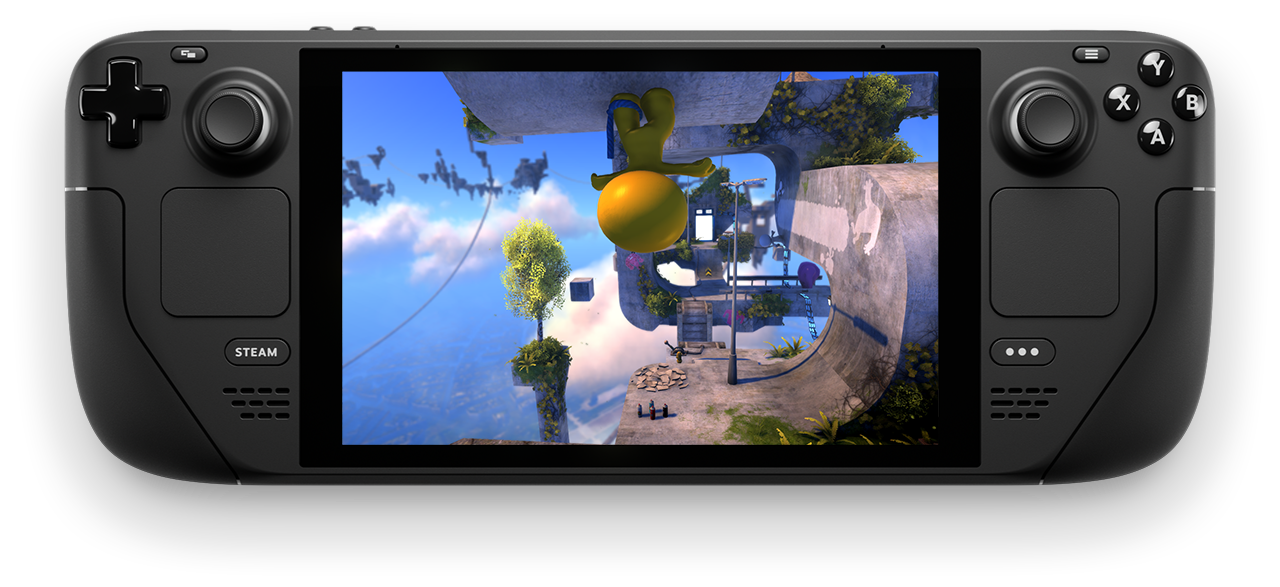
These fixes also means that Youropa should be running on Steam Deck without issues! If you do hit any issues on Steam Deck, be sure to let me know!
And as always if you find any bugs, drop me an email at support@frecle.net or post in the forums.
Have fun, Mikkel
Super Youropa Update
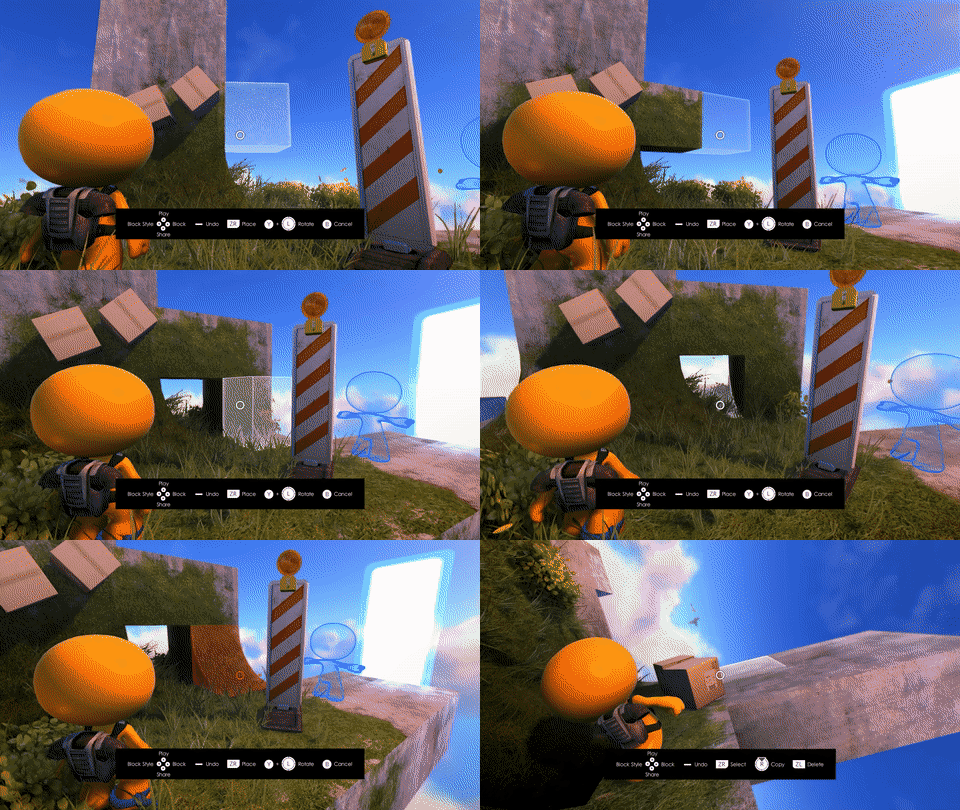
I'm happy to finally bring you a new update, packed with features, tweaks, fixes and changes. It's the biggest update ever, with lots of cool improvements. Let's take a quick look...
[table noborder="1" equalcells="1"] [tr] [td] [/td] [td] Create mode lets you build a level while playing it. And you can share it on Steam Workshop directly inside the game. [/td] [/tr] [/table]
What's new?
Create mode - Build levels while playing them, including a full tutorial.
Share - Built-in sharing makes it easy to show your friends the levels and characters you've designed.
Improved character designer - More options and easier to use.
Paintable statues - Find and paint statues to unlock unique character skins.
More levels - A new hidden area to find.
Challenge mode - A new mode to unlock.
Hundreds of smaller bug fixes and adjustments - Everything from optimizations to coyote time and crash fixes.
Adjustable Refresh Rate (beta) - Select the framerate that fits your monitor.
OpenGL renderer (beta) - Might make the game run better on some machines. OpenGL is now the default renderer, add "-driver directx9" to the command line to force the D3D9 renderer.
DirectInput (beta) - Support for more controllers.
[table noborder="1" equalcells="1"] [tr] [td] Sharing a character design from the updated character designer. [/td] [td] [/td] [/tr] [/table]
Bugs?
If you find a bug (very likely) let me know, so I have a chance to fix it. As always, it's easiest if you drop an email at support@frecle.net. I read every email sent, but I might not have time to reply to all of them.
It would be super nice to hear how it plays with mouse and keyboard, and whether it runs well on Steam Deck, or somethings need to be fixed.
If you have been creating levels in the original editor, there might be some issues carrying that over to the new Creator mode. If you encounter any problems please send me an email, and I'll help you out.
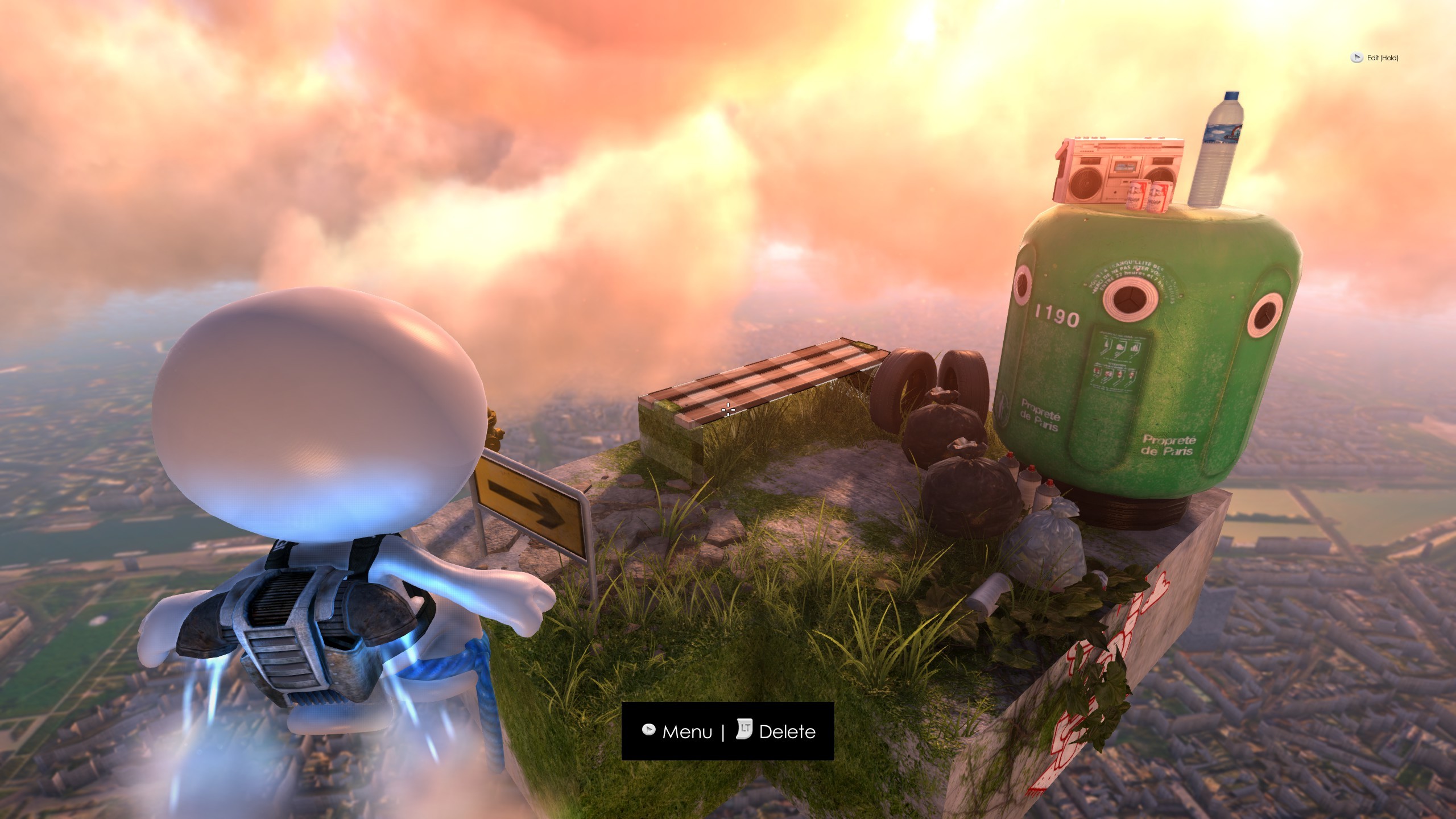
[table noborder="1" equalcells="1"] [tr] [td] [/td] [td] Painting a statue unlocks special character designs. Can you find them all? [/td] [/tr] [/table]
I've just uploaded a small patch for a number of issues, that has caused problems for a number of players.
The patch should (hopefully) resolve the following issues: - Crash/hang when Alt-Tabbing out of fullscreen or switching between monitors in a multimonitor setup. - Crash/hang/missing character when respawning/entering a level. - Some problems using mouse/keyboard in character customization.
Thanks to everyone who sent crashes and bug reports, both on Steam and to support@frecle.net. While it's annoying that there are bugs, I cannot fix them without all your help.
More interesting updates will arrive in a not too distant future.
Have fun!
/ Mikkel
Creator Mode - Preview
We've finally gotten to a point where we'd like you to take the Creator Mode (name is not final) for a spin. If you'd like to try it out, do this:
Join the preview
Right click on Youropa in Steam
Select "Properties"
Go to the "BETAS" tab
Select "Beta - " from the dropdown
Steam may need to restart before it downloads the beta version, depending on your settings.
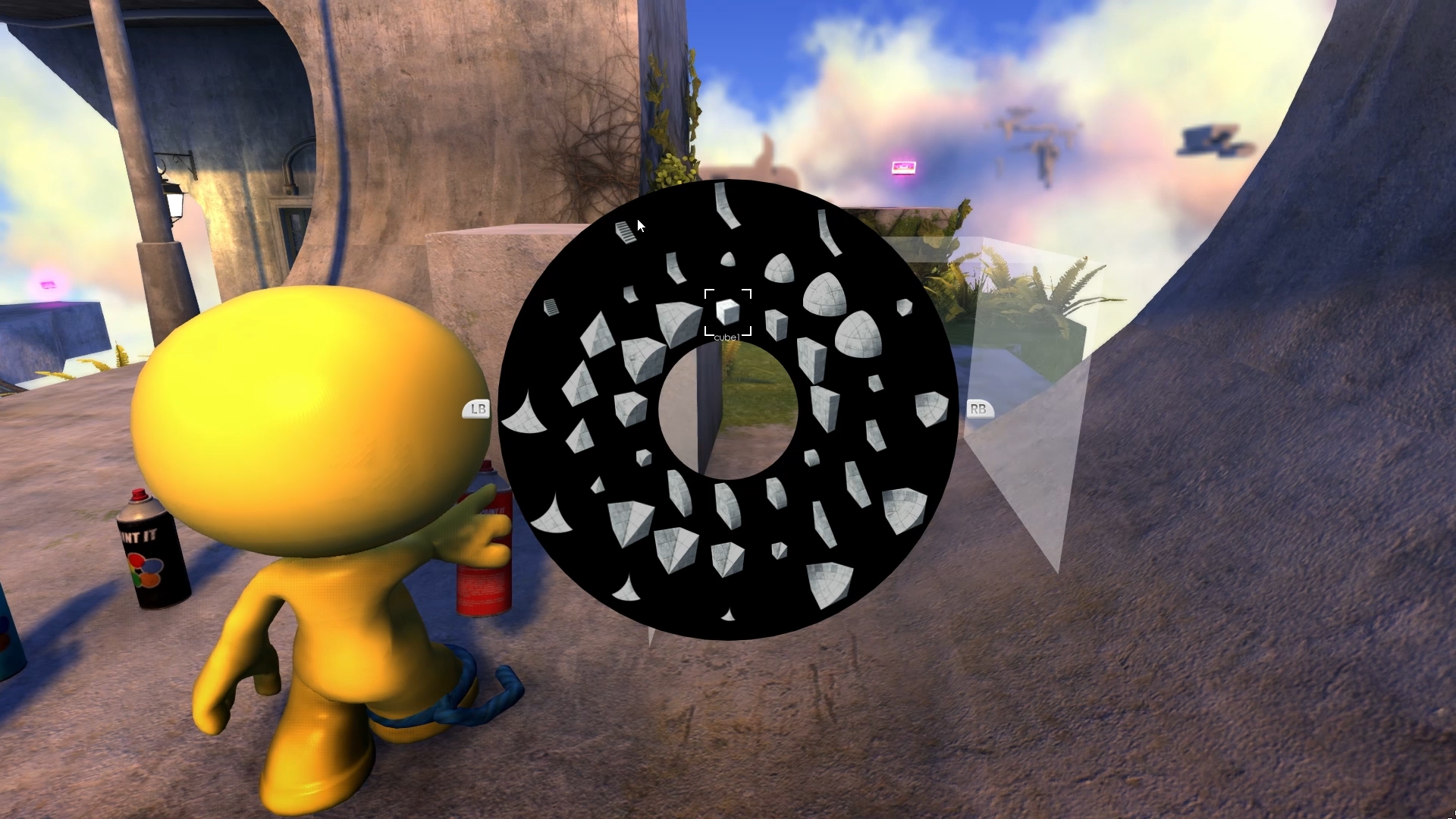
Once you're in the game go to "Create" mode, and either make a new level or load one you already made. Hit "C" on the keyboard or "LB/L1" on the controller to enter Creator Mode. The rest has onscreen display to help you out.
Work In Progress!!!
Slowly we hope Creator Mode will be able to replace the editor completely, but for now there are a number of things that it doesn't do. Here's a quick list of things you should be aware of:
- No auto saving!!! you need to open the editor, select a block and move it for the level to be saved. Auto-saving in Creator Mode is top of the list for the next version.
- No undo!!! - No styling!!! to adjust time of day, weather etc. you still need to do it from the editor.
- No editing of wires or patrol paths go to the editor to edit those.
- Some objects change rotation etc. when being created the preview of what you're about to make is not always accurate.
- UI WIP!!! the object selection is pretty confusing if you're new - we're working on making it much more accessible.
- The game is running while you're editing so watch out for enemies etc. This may change in the future.
- Overview going into overview while in creator mode can cause weird stuff .. we aim to make the overview navigate a little like the editor at a later stage, to make it easy to adjust things far from yourself.
- Unlock some objects won't become accessible until you've completed parts of the main game.
- Jetpack to let you get easily around there's a jetpack .. Hold "space" or "A" on controller to go up, the jetpack will let you hover in the air. Tap "space" or "A" to drop down.
Give us feedback!
Again please note that this is a preview and some things aren't working and almost everything else will change. But having said that we'd love to get your feedback, so let us know what you like and what you don't like - and be sure to post your cool creations and ideas, to help us make the game better.
We really hope you have fun with the preview!
Happy You Year!
The first update of the new year brings minor tweaks to gameplay, rendering and fixes a couple of nasty crash issues.
We're working on getting the "create while you play" aka "playground mode" ready for a first round of testing, but it's taking a little longer than we had initially anticipated. We hope to have an update for you on that very soon.
Here's a list of changes for this version:
Crash - Fixed issue with Alt+Tab where directx device was not reset in correct order
Crash - Fixed issue where texture compression could crash
Crash - Fixed issue where using Overview during power up sequence would crash.
Share - Added UI for level previews etc. No more entering ID's to play shared content
Share - Added like button
Share - Added subscribe button
Share - Added button to open Steam workshop for an item
Rendering - Added air particles
Rendering - Improved vegetation particles
Rendering - Dither vegetation when overlapping camera
Rendering - Added torus light type for race rings
Rendering - Added area lights for portals
Menu Fix - Quickly exiting map after returning to menu could cause incorrect camera position
UI - Improved ui for character customization
UI - Controllable using keyboard only
Level Fix - Minor fix for Scooter Gate
Editor - Properties are now more readable
Audio Fix - Reset Level no longer mutes audio
Audio - Added audio to look tutorial
Audio - Added audio to tutorial pop
Have fun!
Playground - Coming soon
As some of you already know we've been thinking about how to make level editing easier and more fun. And what we've come up with is that it's a lot more fun to play and build at the same time, so we're working on a new playground mode that gives you access to all the blocks and logic from the editor but in a much simpler way - all while playing the level you're making!
There's still lots of stuff to iron out, but it's already lot of fun. Check out a few examples here:
Building Blocks
B-B-B-Boxes
Ooops!
We hope to be able to share a beta version with all of you in the near future.
Let us know if you have some great ideas for how to make level building more fun! And as always let us know if you found a bug, got stuck, or think something isn't working properly - we're here to help!
Have fun!
More Tweaks!
We've just uploaded a patch with some minor tweaks and adjustments - there are no editor or sharing updates included in this version as we are still working on improving that.
Here's a list of included changes:
Level - Checkpoint in upside down
Level - Add checkpoint after door in look temple
Level - Action temple moved wire to other side of the door
Level - Mystic Stairs - Fixed billie jean button to stay on
Options - VSync setting is now correctly saved to disk
Camera - Fix lockup after overview
You - Fixed issue with grabbing Dog
Gameplay - Objects now collide with triggers while being carried
Controls - Fix for mouse buttons not registering for axis input
Controls - Added alternate layout which uses mouse for forward movement
UI - Adjust control help display based on resolution (bigger text when display resolution is higher than 1080)
Editor - Fix for animation issue when creating an element
Rendering - Improved some block textures
Rendering - Fix Youropean statue holding spray can
Rendering - Fixed texture sampling issues with graffiti
Rendering - Fix for texture loading issue
Rendering - Adjusted volumetric lighting
We're working on some really nice editing stuff, that we can hopefully show you a little of next week!
As always if there's something that isn't working or could be better, let us know! Either post on the community forums or send us an email at support@frecle.net
Have fun!
Tweaks!
The latest update includes a number of minor tweaks. This is what's changed:
Play menu - Fixed scrolling issue
Controls - Added keyboard smoothing
Controls - Added deadzone for max controller input
Rendering - Fixed crash issue related to mesh rendering.
Editor - Fixed issue related to not loading save data correctly when entering a new level after editing a level
Map Editor - Fixed Start Powers not removing powers previously stored in save game
Grinding - Fixes when landing on rail
You - Improved skinning
You - Adjusted controller rumble during dog attack
Dog - Improved skinning
Dog - Fix for incorrect ragdoll shape
Dog - Fix for ragdoll transition
Onesider - Improved skinning
Onesider - Fix for ragdoll transition
Security Camera - Fix for input not working
Conveyor Belt - Fixed editor snapping
Level - Slide Tower adjusted checkpoints
Level - Oil Slide adjusted cassette location
Level - Onepad Island adjusted styling
Did you find something that isn't working or could be better? Let us know!
Got an idea for how the game could be better? Let us know!
The next update will focus on level sharing and minor editor tweaks.
Stay tuned!
Ride & Slide Update
The latest update includes a bunch of smaller fixes to the driving and sliding sections, as well as a number a visual improvements.
Gameplay Adjustments & Fixes
Vehicles - Fix for keyboard input not working correctly
Vehicles - Improved handling
Vehicles - Fixed issue causing vehicles to bounce while driving and launching incorrectly at jumps
Vehicles - Improved collision model
You - Fixed crash issue related to animation
You - Adjusted oil sliding speed
You - Adjusted oil slide friction / drag
You - Adjusted oil slide animation
You - Fixed rail grinding
Characters - Fix for overlapping voices
Visual Adjustments
Vegetation - Texture improvments
Trees - Texture improvements
Lamps - Texture tiling fixed
Phone pole - Texture improvments
Building Blocks - Texture improvements
Stones - Texture improvements
Cracked Concrete - improved
As always if you find any issues or think things could be improved let us know!