AirportSim provides you with a variety of devices and vehicles at your disposal. It may take some time to familiarize yourself with all their functions, but we're here to make it easier for you. Today, we will introduce you to how the Catering truck works.
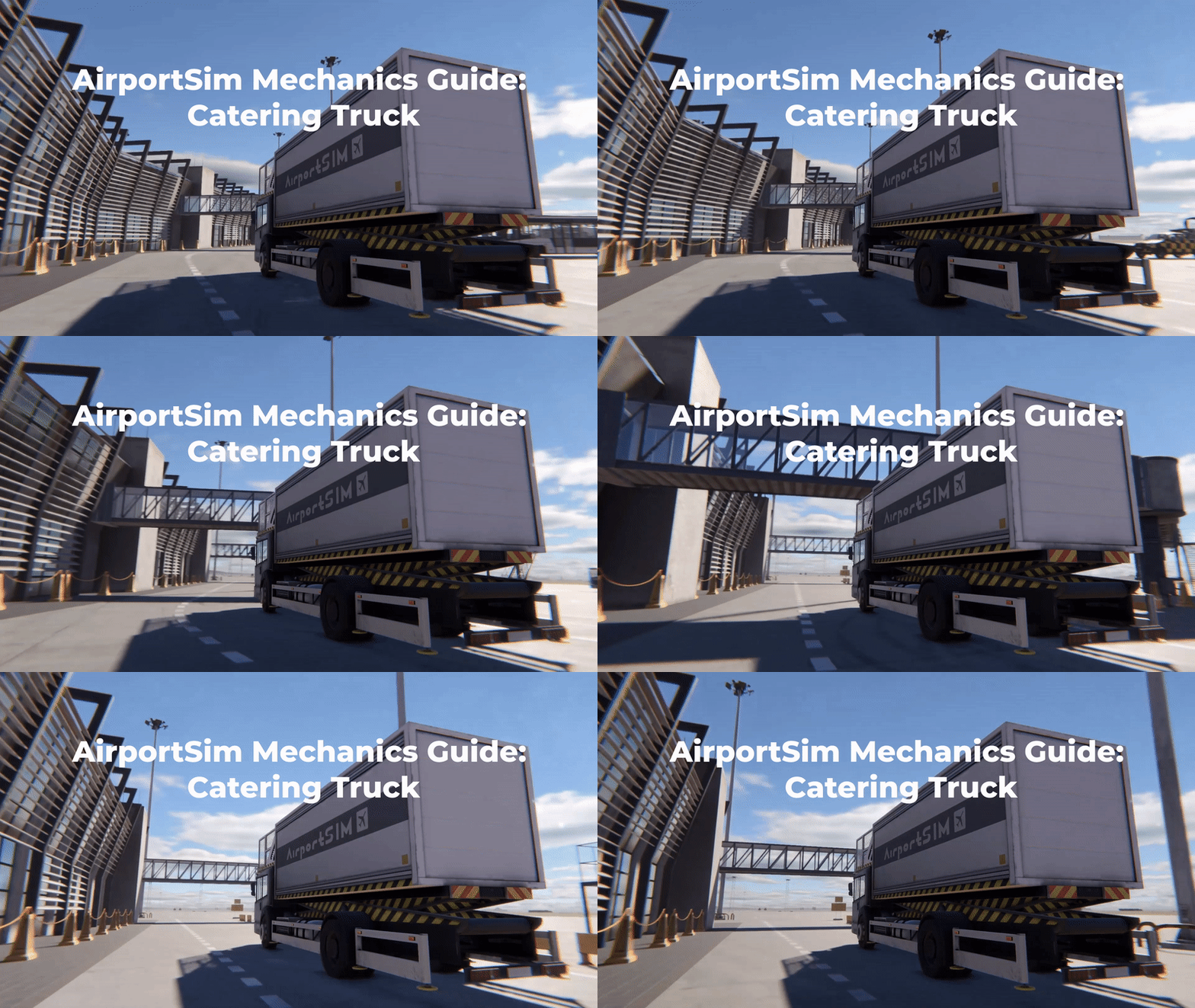
In the game, the catering truck is used to deliver food on board the aircraft. Thanks to it, the delivery is quick and efficient, which is crucial in a busy airport with a tight schedule. The raised container allows for loading directly from the aircraft instead of carrying everything up the stairs, saving time.
To correctly operate this vehicle in the game, you need to learn the proper sequence of tasks, remembering that not only speed but also safety is important in performing this job. Here are the following steps for using the catering vehicle
Sequence:
1. Approach the rear doors. 2. Release the supports (indicator light will turn on). 3. Raise the container. 4. Start unloading. 5. After the unloading process, disconnect from the aircraft. 6. Lower the container. 7. Retract the supports. 8. Move away from the aircraft.
In AirportSim, exciting challenges await you in handling the catering vehicle. It will be up to you to ensure the delivery of meals on board the aircraft, taking care of passenger and crew satisfaction. Will you succeed?
See how its creators play AirportSim and what they have to tell
Refueling Truck: Unleash the power
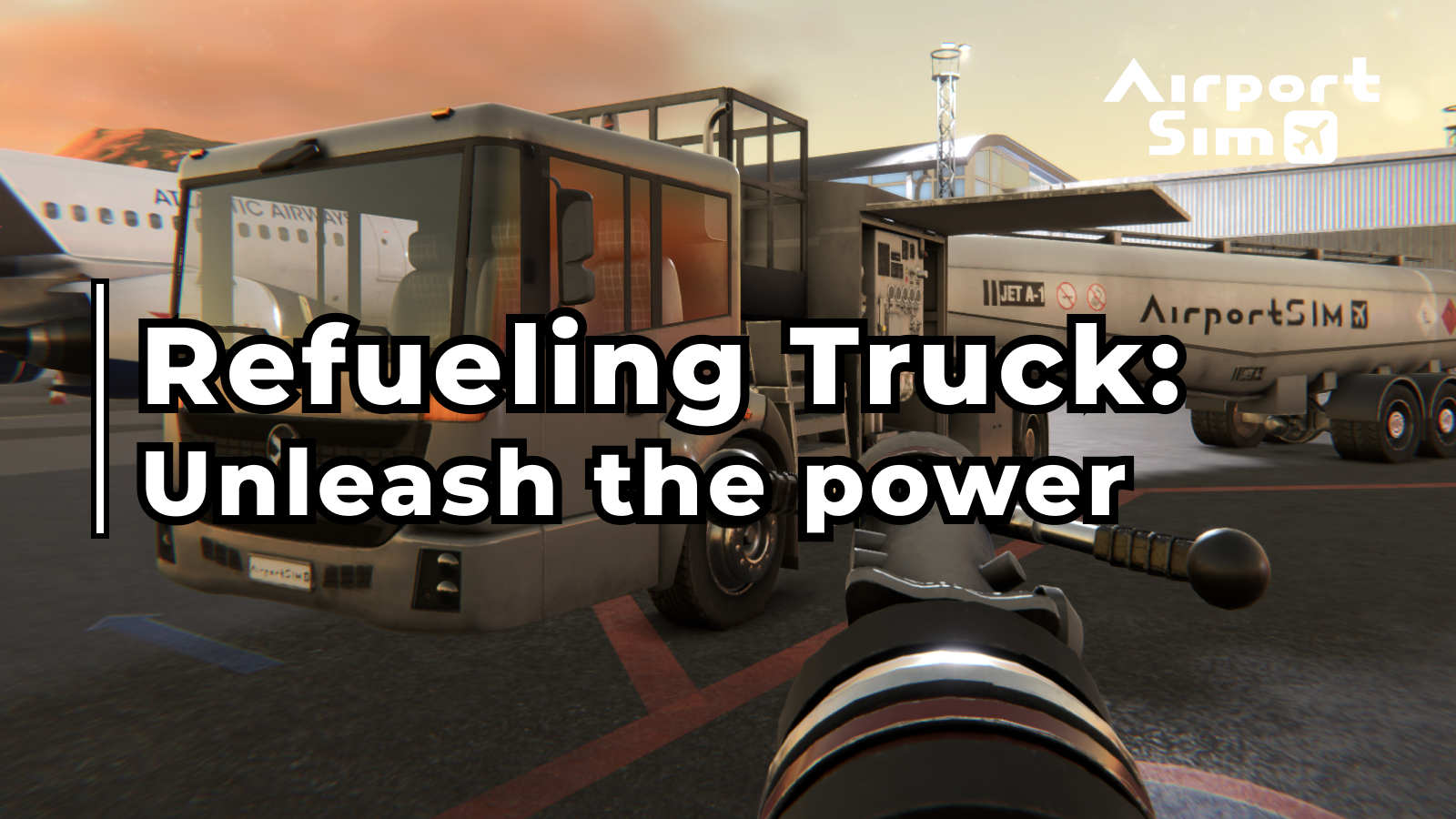
Have you ever wondered about the role of an aircraft refueling truck? In our AirportSim game, you can experience the excitement of being a ground handler and operate this heavy and powerful machine, equipped with a robust engine to overcome the daily challenges of aircraft refueling.
The primary function of the aircraft refueling tanker is to provide fuel to aircraft directly on the airport apron. By enabling on-site servicing, it eliminates the need for transporting the entire aircraft, thereby preventing any chaotic situations at the airport.
This remarkable vehicle possesses versatility. In addition to its task of transporting a substantial amount of fuel, which in itself is quite a demanding feat, it comes fully equipped with the necessary tools and gear to facilitate aircraft refueling.
As the driver, your responsibility is to locate the refueling panel, which can be found in different positions on the wings of various aircraft, and expertly connect the fuel hose to initiate the refueling process. Every step must be carried out with utmost attention to safety measures, including proper grounding, which minimizes the risk of fire.
Tankers are specialized vehicles that play an indispensable role in ensuring efficient and safe airport operations. Considering the immense fuel requirements of aircraft, these powerful machines allow for the delivery of fuel without the need to relocate the aircraft to designated refueling areas.
While enjoying the AirportSim game and taking on the role of a ground handler operating these tankers, it's crucial to prioritize safety at all times. Remember, they may be part of the game, but they are not toys. Safety should be your utmost priority.
AirportSim Mechanics Guide: The GPU vehicle
When playing our game, AirportSim, you will have the opportunity to operate various ground handling vehicles, including the GPU vehicle. Let's begin with a brief explanation of what the GPU vehicle is.
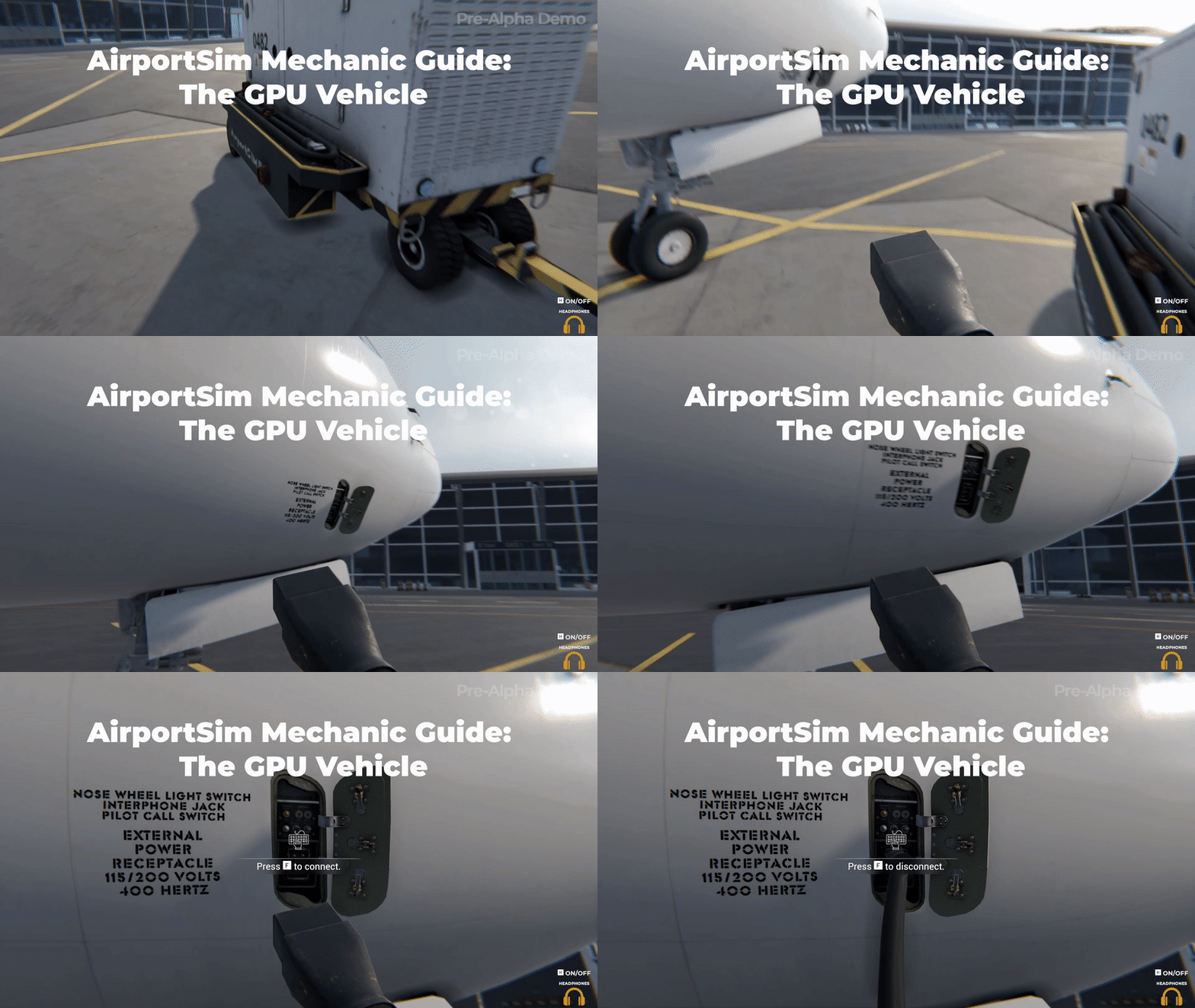
In the game, the GPU (Ground Power Unit) vehicle serves as a power generator that supplies electrical power to stationary aircraft or helicopters, enabling the starting of their engines. This power source can also be utilized for servicing and maintenance tasks. The GPU power unit can either be stationary or mobile, mounted on a cart or a vehicle. To connect the GPU to an aircraft, an appropriate electrical cable with a standard plug is used, which connects to a socket hidden in the aircraft's fuselage or front landing gear compartment.
In AirportSim, players can experience the challenging task of operating the GPU vehicle. As part of the game mechanics, you will be responsible for connecting and disconnecting the GPU from the aircraft. Here is a step-by-step guide for this process
Connection
1. Turn on the Engine Power switch (this will illuminate the green Engine Start LED). 2. Press the Engine Start button to initiate engine start-up and increase the engine's RPM. 3. Wait for 60 seconds for the oil temperature to reach 80 degrees Celsius (number 9) and the engine temperature to reach 150 degrees (number 10). 4. Connect the GPU cable to the aircraft. 5. Switch the ENGINE knob to the RUN position (this will increase the engine's RPM). 6. Set the DC OUTPUT switch to ON. 7. Signal the flight crew that GPU is running and APU is ready to be turned off
Disconnection and GPU shutdown:
1. Signal the flight crew that they should start up the APU 2. Set the DC OUTPUT switch to OFF. 3. Set the ENGINE knob to IDLE (this will decrease the engine's RPM). 4. Disconnect the GPU cable from the aircraft. 5. Turn off the engine by setting the Engine Power button to OFF (this will shut down the engine).
By following these mechanics in AirportSim, players can master the operation of the GPU vehicle and successfully power aircraft engines while enjoying the immersive gameplay experience.
Meet the AirportSim Partners: TLD
Partnership Announcement: AirportSim Game Teams Up with TLD Group for Realistic Ground Handling Experience!
We are thrilled to announce a groundbreaking partnership between AirportSim Game and the esteemed TLD Group, a leading provider of Ground Support Equipment (GSE). This collaboration is set to revolutionize your gaming experience by introducing a range of TLD's top-of-the-line vehicles into the virtual world of AirportSim.
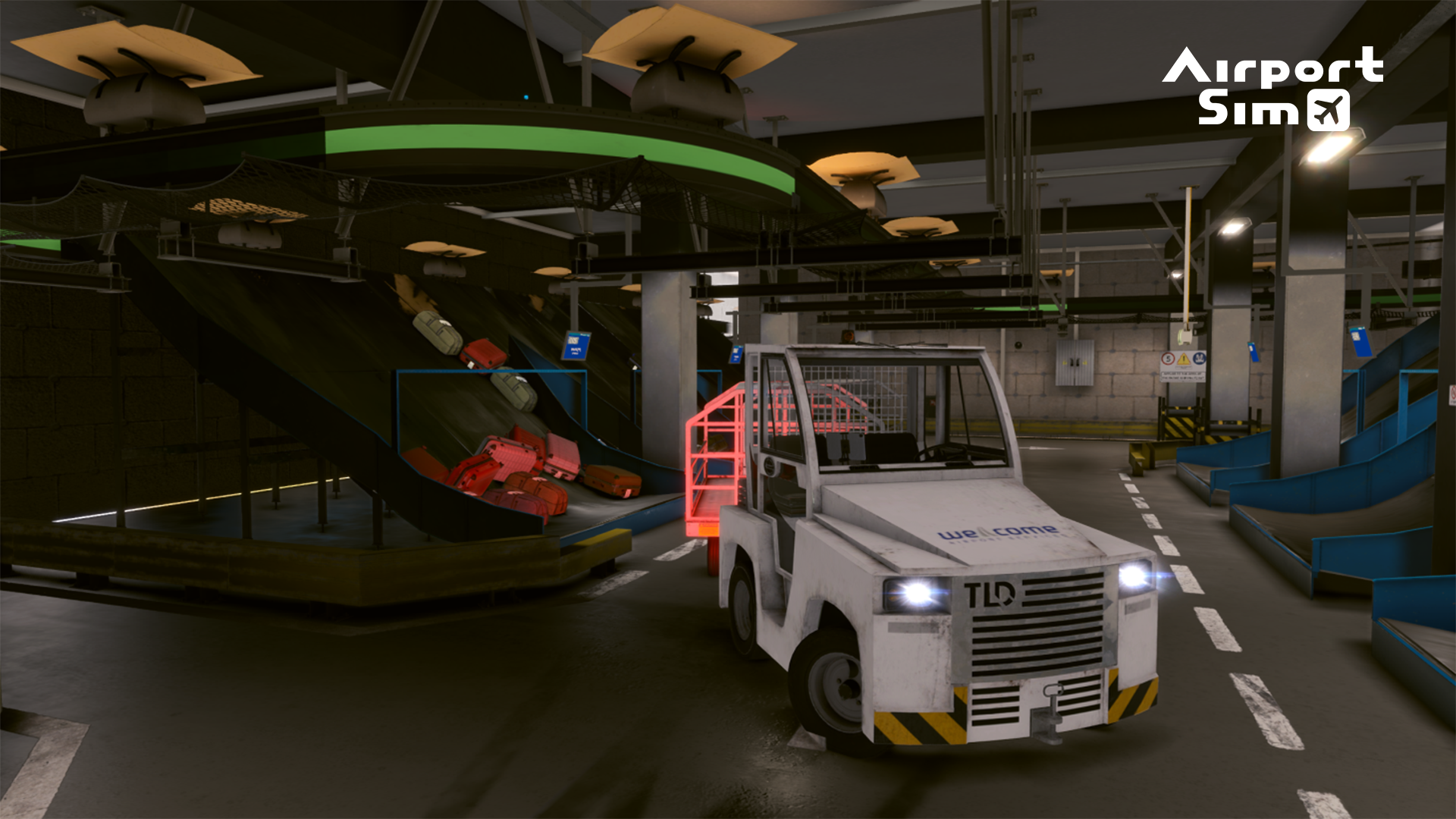
Get ready to immerse yourself in an unparalleled ground handling experience as you take control of TLD's cutting-edge vehicles, including the JET-16 electric baggage tractor, ABS-580 passenger steps, JCT-60 baggage tractor, and NBL belt loaders. These meticulously designed vehicles have been carefully integrated into the game, delivering a realistic and authentic gameplay environment.
Let's take a closer look at what these remarkable vehicles have to offer:
1. JET-16: This electric baggage tractor guarantees safe and efficient operations on the ramp. With its sturdy steel chassis, superior stability, and excellent maneuverability, it ensures smooth handling of baggage and even light aircraft and helicopters. Its adaptability allows for customization according to your preferences, providing an unmatched user experience.
2. JCT-60: Built for heavy-duty cargo handling and pushback operations, the JCT-60 tow tractor combines power, reliability, and operator comfort. Its ergonomic design and efficient suspension make long-distance towing a breeze, while the single-piece chassis ensures durability and performance even in challenging conditions.
3. ABS-580: Offering passengers the utmost safety and comfort, the ABS-580 self-propelled passenger stairs provide seamless access to narrow, medium, and wide-body aircraft. With adjustable height, non-slip steps, anodized handrails, and bright lighting, it adheres to the highest standards of quality and compliance.
4. NBL: The NBL belt loader, known for its modularity and reliability, is a versatile piece of equipment designed for various applications. Equipped with advanced technology and simple controls, it ensures maximum driving comfort, excellent visibility, and low maintenance costs. Its innovative boom design allows for efficient loading at various aircraft doorsill heights.
This collaboration with TLD Group marks a significant milestone for AirportSim Game. We are committed to providing you with the most immersive and authentic gaming experience possible, and the inclusion of TLD's vehicles will undoubtedly elevate your ground handling operations to new heights.
TLD Group's expertise in Ground Support Equipment, coupled with their worldwide sales and service network, ensures that our partnership will bring you the utmost quality and satisfaction. With TLD's vehicles at your disposal, you will have the tools to efficiently manage ground operations and navigate the intricate world of airport logistics.
We extend our gratitude to the TLD Group for their dedication to excellence and their support in making this collaboration a reality. Together, we aim to redefine the boundaries of realism in airport simulation gaming.
So buckle up, gamers, and get ready for an unmatched ground handling experience in AirportSim Game!
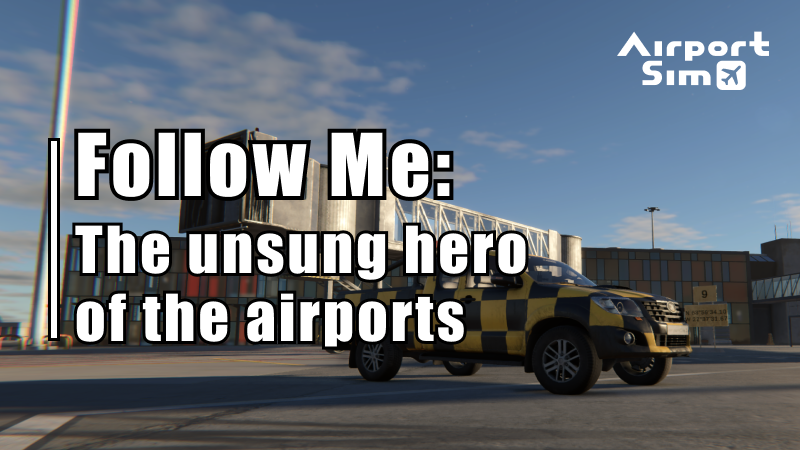
Follow Me: The unsung hero of the airports
If you have ever flown into a busy airport, you might have seen a car with a bright yellow or orange livery driving around the apron, with a large “Follow Me” sign on top. These cars are used to guide aircraft around the taxiways, from the runway to the parking spot, and are an essential part of airport operations. In this article, we will take a closer look at the Follow Me cars and their role in ensuring safe and efficient aircraft movement on the ground.
The primary function of a Follow Me car is to guide aircraft from the runway to the parking area, or vice versa. When an aircraft lands and taxis to the runway exit, the Follow Me car driver receives instructions from the air traffic controller to guide the aircraft to the designated parking spot. The driver positions the car in front of the aircraft and uses hand signals to guide the pilot. This process is particularly helpful in low visibility conditions, such as fog or heavy rain, where pilots may have difficulty seeing the taxiway markings.
Follow Me cars are equipped with a variety of features that make them well-suited for their role. On top of the car, there is a set of antennas that receive messages from the air traffic control tower, allowing the driver to communicate on airport frequencies. The driver also controls the Follow Me sign on the roof of the car, which is used to signal to the pilot where to go. Additionally, the car has extra-bright lights mounted on the roof or hood to illuminate the taxiway or runway during nighttime operations.
Inside the car, the driver has access to a dashboard with associated switches and a traffic screen that allows them to send and receive messages from dispatch and listen to the given clearances. The car also comes equipped with standard safety equipment, such as a fire extinguisher and wheel chocks, to ensure the safe operation of the aircraft.
Follow Me cars are not just helpful for pilots, but also for ground crews and airport staff. When an aircraft arrives, the Follow Me car can guide it to the correct parking spot, ensuring that other aircraft can move around the apron unimpeded. Additionally, the cars are used during safety inspections of the runway, taxiways, and other areas, ensuring that any hazards are identified and addressed promptly.
In conclusion, Follow Me cars play a critical role in the safe and efficient movement of aircraft around airports. They are equipped with a range of features and functions that make them well-suited to guide pilots during takeoff, landing, and taxiing. Whether you are a passenger, a pilot, or a ground crew member, the Follow Me car is an unsung hero of airport operations, making your journey smoother and safer.
Meet our airports!
Welcome to the world of AirportSim, where you get to experience the thrill of being a ground handler in four different airports. You might have heard about three airports from us, but here's a surprise - we have one more airport in the game! So, let's take a tour of the sceneries in AirportSim.
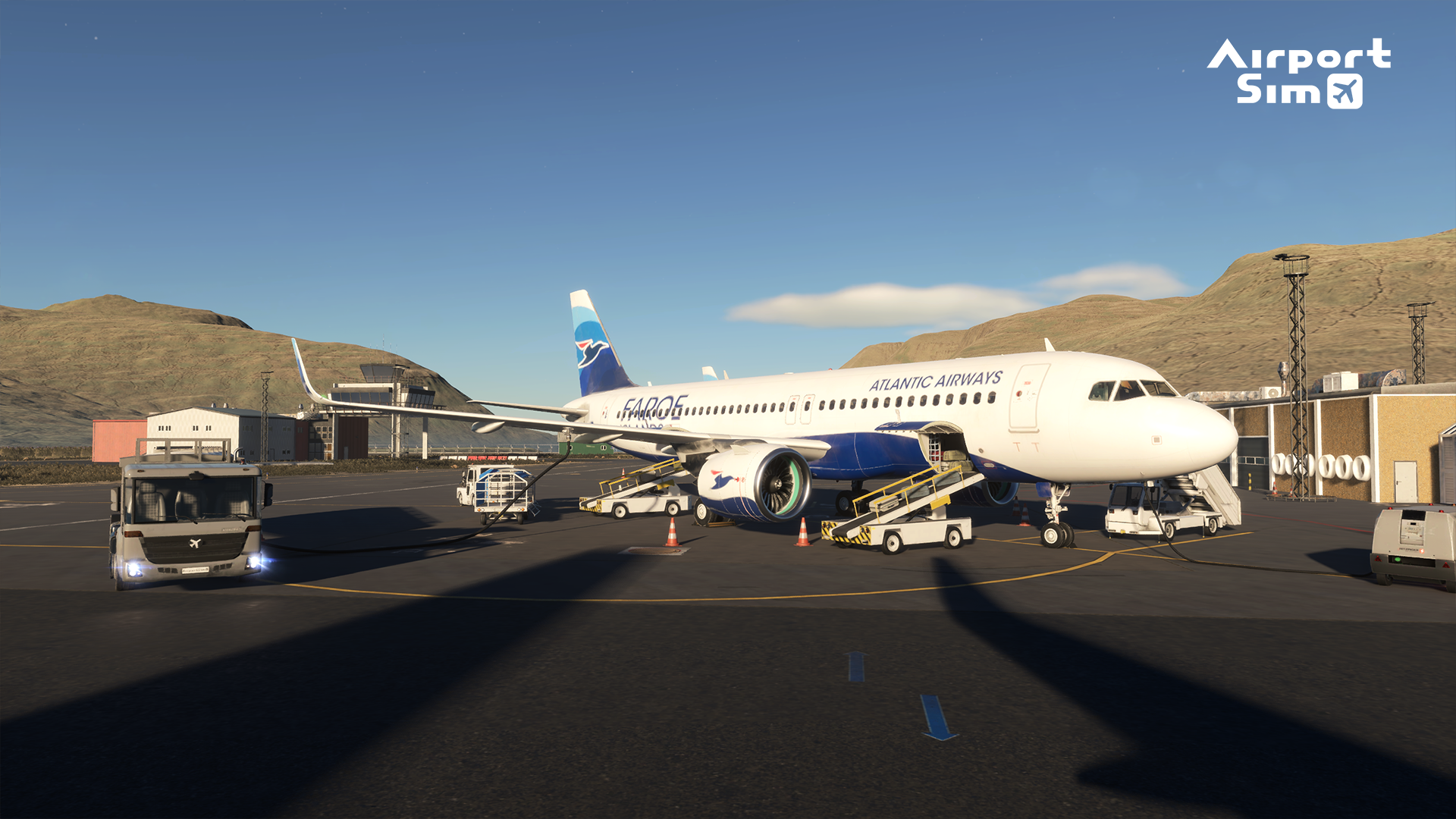
Let's start with the Land of unique views - Vagar Airport in the Faroe Islands. This autonomous country within the Kingdom of Denmark is known for its breathtaking natural beauty, and Vagar Airport is located in the heart of this stunning archipelago. The airport's nickname is "the heart attack airport" because of its short runway and frequent severe weather conditions. As a ground handler in AirportSim, you'll experience the challenge of working in such a unique location.
Moving on, we have the largest airport in Poland - Warsaw Chopin Airport. The airport is named after the famous Polish composer Frédéric Chopin and serves as a hub for several airlines, including LOT Polish Airlines and Wizz Air. As a ground handler at this airport, you'll have your hands full of work with more than 18 million passengers passing through the airport annually.
Our next stop is Keflavik Airport in Iceland, located on the southwestern coast of Iceland. It’s Iceland's largest airport, and serves as the main gateway for international travel to and from the country. Known for its unique architecture, with a modern terminal building designed to resemble the natural features of Iceland's landscape, as a ground handler, you'll get to experience the stunning views of Iceland's snow-capped mountains, fjords, and the ocean while working at this airport.
And now, we come to the newest - Key West Airport in the United States. This airport is located in the southernmost point of the country, in the city of Key West, Florida. It has a single terminal building and runway, and pilots have to fly low over the water during the approach. As a ground handler at Key West Airport, you'll be surrounded by tropical landscaping, with palm trees and other tropical plants lining the walkways and parking areas.
AirportSim offers a diverse range of sceneries, each with its own unique challenges and stunning views. So, buckle up and get ready for an exciting experience as a ground handler in these four different airports.
Belt Loader - control it better!
We recently received a ton of feedback from you all, and of course, we couldn't just ignore it. We've heard your requests loud and clear, and we're excited to announce that we'll be adding the ability to control luggage loader by using external controls (just like in real life) in addition to current control set up that you have seen in Pre-Alpha Demo.
Thank you so much for your feedback and support. We're always striving to make our game better, and your input helps us get there.
We are excited to invite you to listen to an engaging interview with our CEO, which can be found on the website of our partner, Truckstop radio. If you are a fan of simulators and especially aviation-themed games, then you will want to tune in to this interview to learn more about AirportSim and its creator.
Truckstop radio is not only a great source of entertainment through their selection of music, but also offers valuable insights into the world of simulators, including AirportSim. As a partner of AirportSim, Truckstop radio has access to a wealth of information about the game and its development. Additionally, the radio team is passionate about all types of simulators and in the future, you will be able to hear them discuss their experiences with AirportSim.
During the interview with our CEO, you will discover the fascinating story of how AirportSim came to be, gain insight into our experience with aviation and learn about what sets our game apart. Our CEO will also discuss the future of AirportSim and what exciting developments we have in store for our players.
So, whether you're a long-time fan of AirportSim or new to the game, be sure to check out this captivating interview on Truckstop radio.
Grab the luggage!
Hey there! We just wanted to let you know that we really appreciate all the feedback we receive from our players, and we always take the time to discuss your ideas as a team. Recently, we noticed that many of you have requested the ability to manually load and unload luggage from the cargo hold of an aircraft, and we loved this idea so much that we've decided to make it happen!
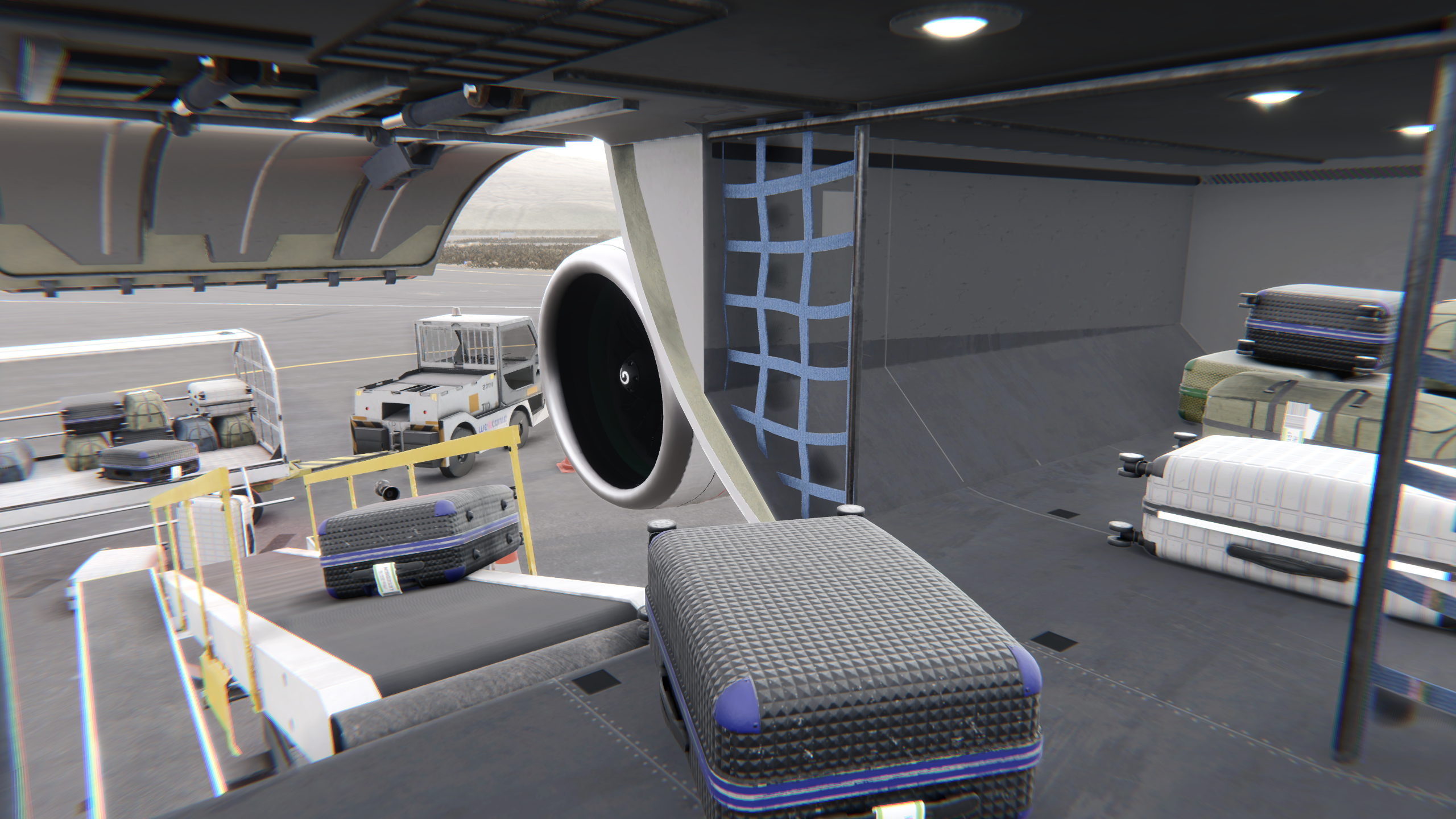
In the full version of the game, you'll be able to enter the cargo hold and manually load and unload bags yourself. We think this feature will make you feel even more like you're really working on an airport apron, and we're excited for you to try it out!
Thank you again for your feedback and for being a part of our community. We can't wait to hear what you think of this new feature!






 When playing our game, AirportSim, you will have the opportunity to operate various ground handling vehicles, including the GPU vehicle. Let's begin with a brief explanation of what the GPU vehicle is.