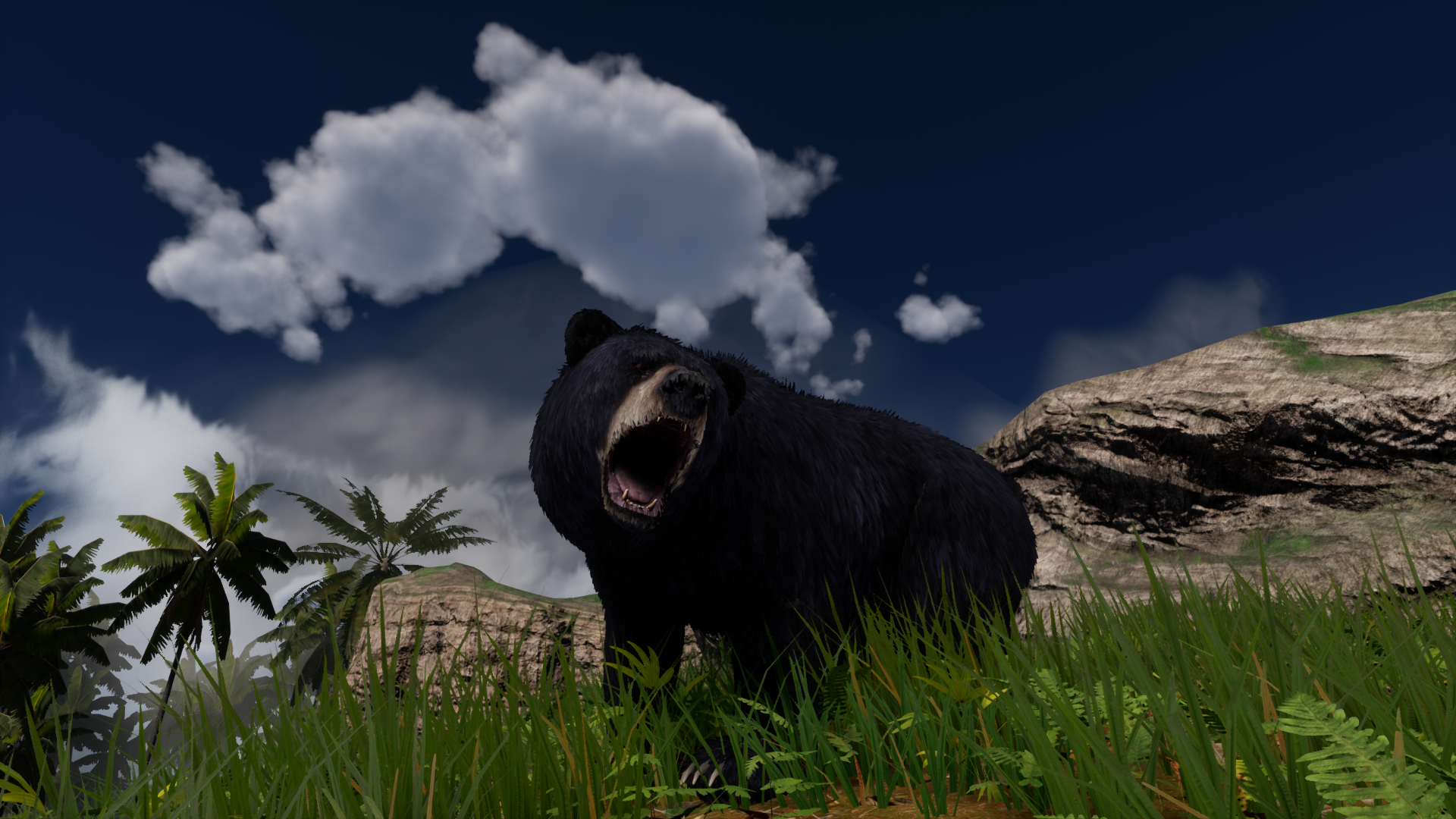
Today I am updating the game to newest version of Unreal Engine 5
Please in mind this is only the first iteration of game on this new engine and it is performance heavy. Use graphics settings to improve your performance - especially settings for Shadows and Grass.
Loading of the game will take longer.
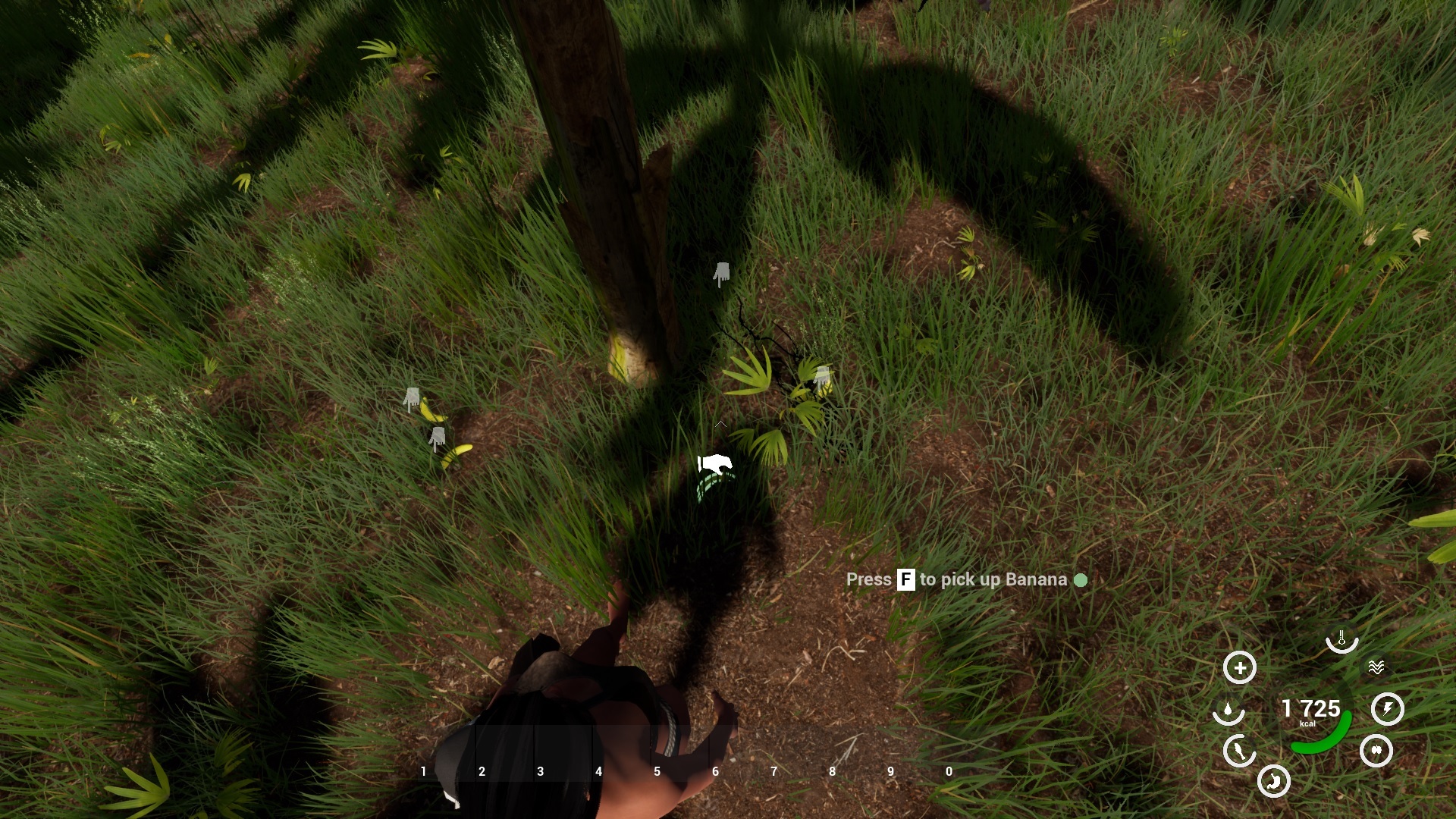
Switching to UE5 gives me possibility to greatly improve the game with new lighting Lumen, new 3D objects Nanite. Additionally to it to finally start using IK for exact placing of feet on ground, so they will not float in air.
So you will see great improvement in future updates.
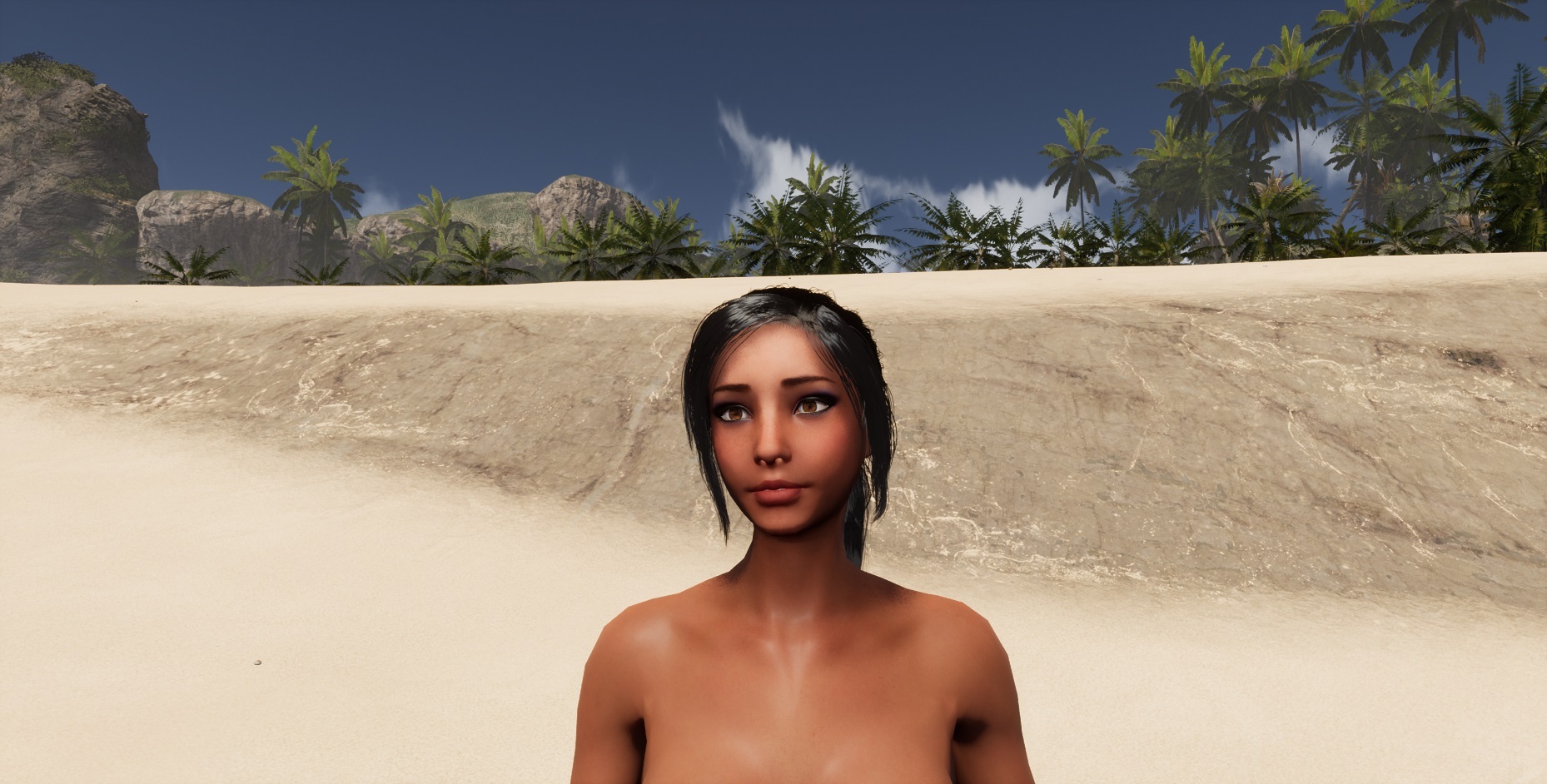
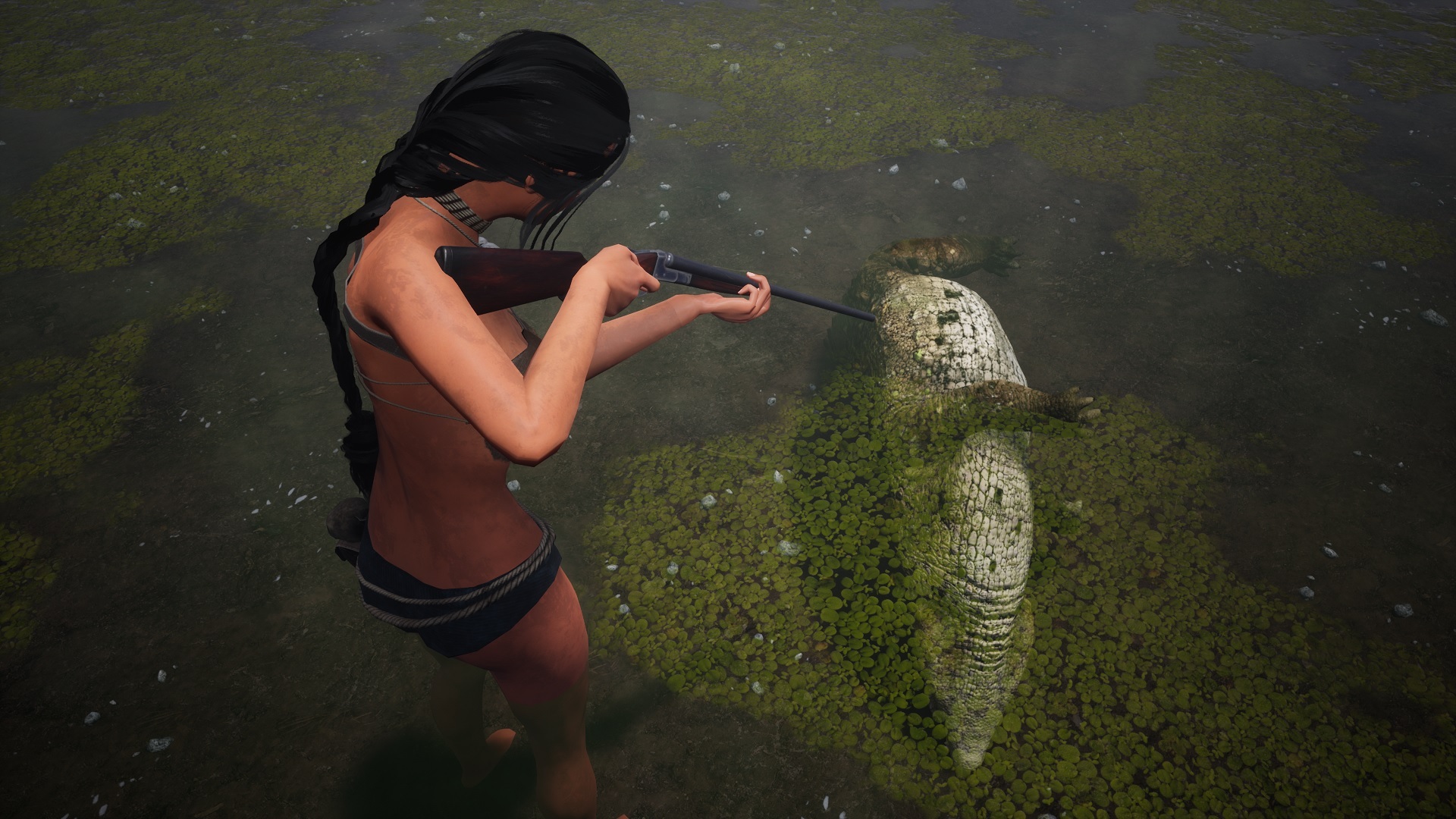
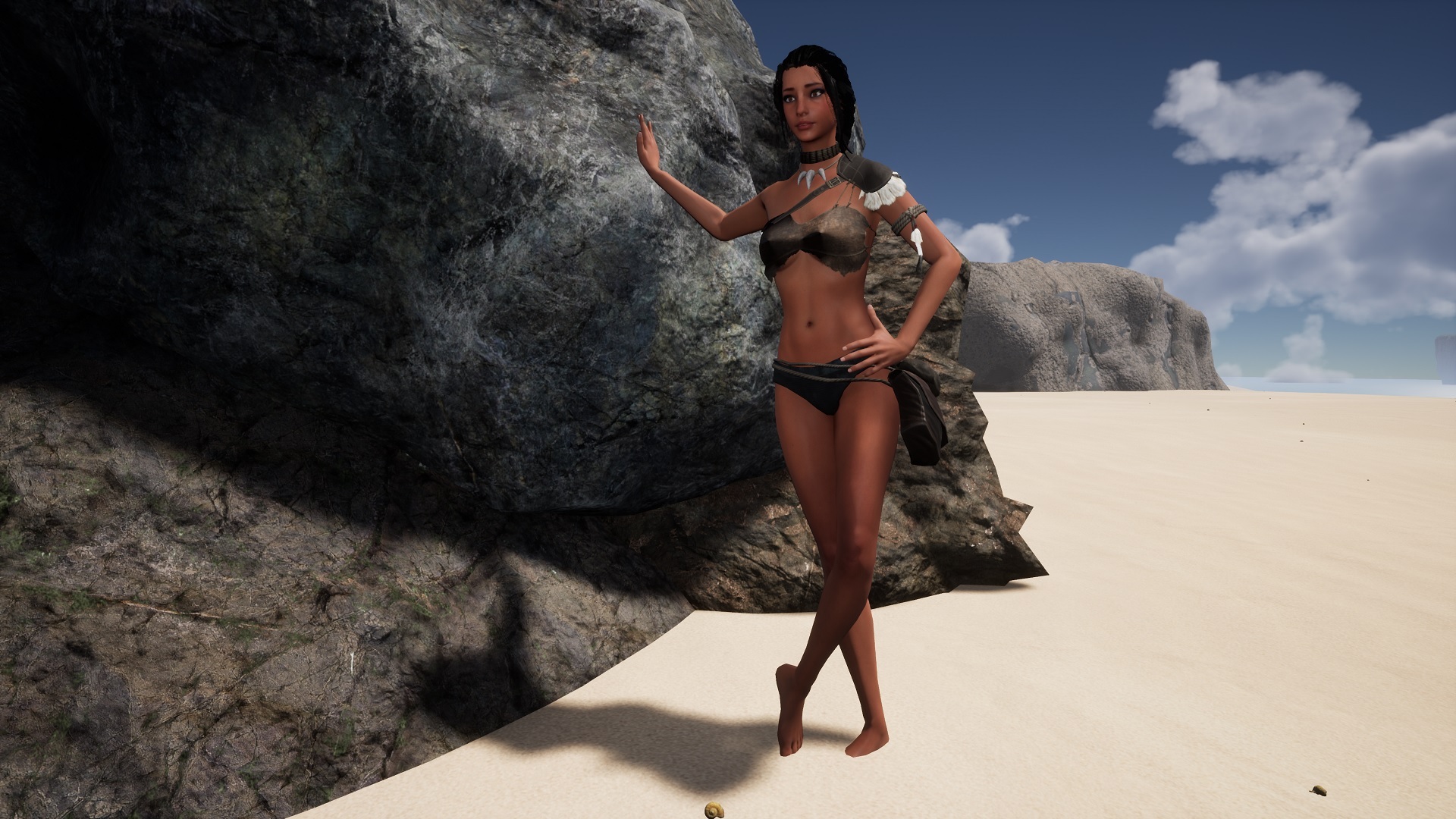
As you can see on picture above I have already replaced the hair to much more realistic one.
And using the lighting, objects and landscape tools I can finally start to work on 2 new maps with more content.
There are some minor issues in this update: - as mentioned is performance heavy as it is first iteration - Menu UI parts might not be shown correctly - Some animals tend to teleport - therefor I had to remove the bear from first map - Had to hide advanced settings in Photomode, as I need to rework the postprocess handling - Leaderboards + Death map on web will not be updated, till I have new interface
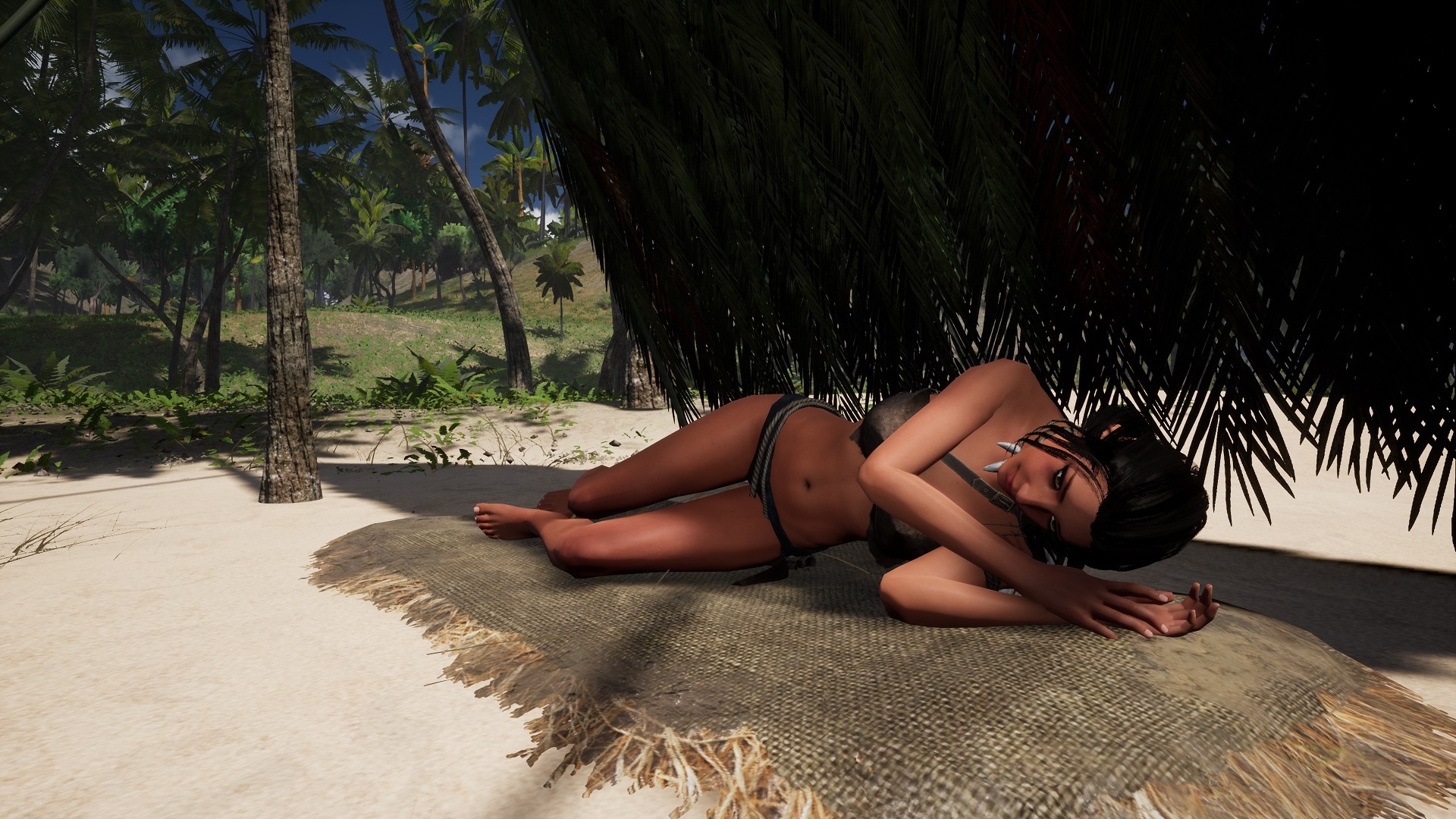
Hi, all. Decided to add to game functionality you have been asking so long for: - sleeping - respawn instead of permadeath - exploration mode (god mode)
You can now craft simple bed from palm leafs and liana. You can sleep on it when looking on its icon and pressing interaction - by default "F". During sleep the day time will be greatly speed up, including ocean movement. The animals speed will be not affected. You will also faster digest food to calories. You can wake up by pressing X key, or automatically on morning at sunrise. You will also wake up if you placed your bed on unaware position on beach and got hit by rising ocean water level.
You can now choose respawn after death in game. You will respawn at beach, or on bed, you have build - placed last or has last slept on. The game will continue, so you will keep your progress, inclusive items placed/dropped in world. You will loose all items in your inventory - so no point to run back to your corpse.
For those who would like just to explore and build - a new game mode was added - called Exploration. Its basically god mode, where nothing inclusive animals, drown, hunger, thirst would kill you. Animals will mostly ignore you. You will still need to acquire food to be able to craft. Please note you can get to the parts of map, there you were not supposed to go like open sea.
This mode is also excellent for Virtual Photographers to take shots using our ingame photomode.
Hi, first I want to apologize, due covid situation I had problem to focus to make the game lately, so it took longer.
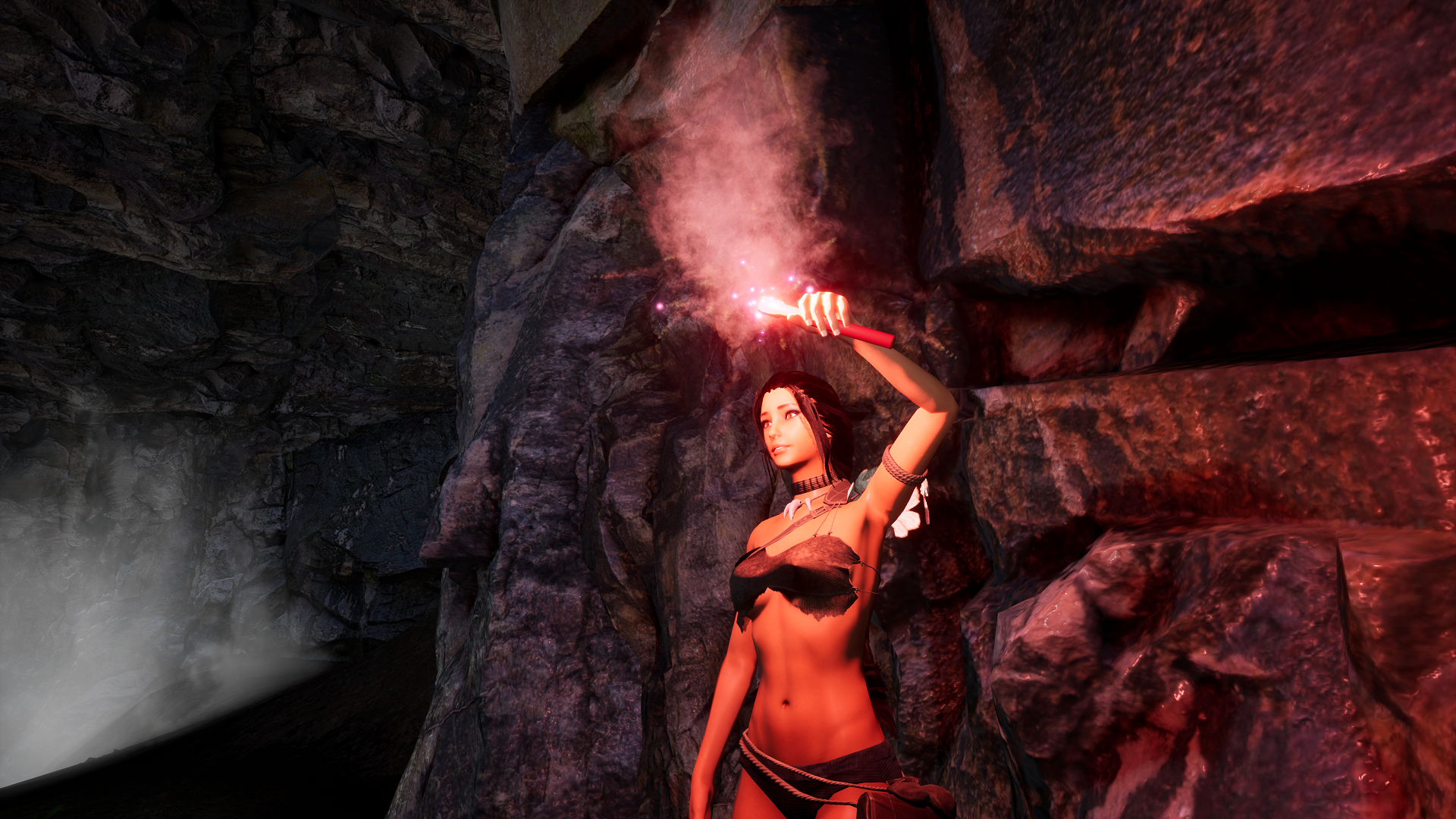
This update focus on fire VFX and items that use fire effects like fireplace, torch, flare, jack o lantern.
- replaced deprecated Cascade VFX for new Niagara system. This allows new features, has better performance and is Unreal Engine 5 friendly - size of fire effect now depends on amount of fuel - light is now provided by effect itself and not by attachable spot light which has great positive performance impact - flare has now nice sparks effect instead of old "lightsaber" flame - new coal mesh - there is only one type of wood now (the second type was removed). There are still 2 types of sticks and big wooden logs - existing Fireplace was renamed to "Campfire".
New Fireplace was added. It is simpler to build - just 1 piece of wood in each hand and cost less calories. It has 3 slots for fuel (still requires stick to start fire) and just one slot for food cooking.
It can directly boil water in bamboo bottle, but the bottle will be quickly damaged by fire.
It can not cook eggs, oysters, nor heat up stones.
So it is helpful, when you are traveling and exploring, but for more cooking a bigger campfire at base is still more suitable.
You can upgrade the fireplace to campfire by holding 6+6 small stones and looking on it. You have to remove all attached fuel or food first.
Also added some hints to campfire if the fuel or cooking inventory is full. This is just information, will not prevent you to try it anyway.
Additionally done some changes to items handling and some recipes. Items are now considered as "consumables" and "tools". Where consumables are intended to be held in left hand, while tools (including empty hand) in right hand. Therefore wood handling was changed from right to left hand, this includes putting it to fireplace by left hand now. Matchbox and lighting a fire with it is now right handed as tool. I will go through other items and recipes as well and adjust them to this logic.
Some fixes: - Flare/torch will not reinitialize when picking objects with left hand. - When fireplace is flooded and attached items such wood will float away, you can not more exploit it by reloading the game. There are gone now - Deleted testing fireplace I forgot on beach on last update (sorry about that). But write me if you liked it on Discord :D - Stone with dew water will not display water level after reload, if empty - Removed fish from pond due nav problems
Some more features I might bring in future: - cooking time and warm up speed of items/character depending on fuel amount - cooking pot to boil water or cook soups/tea
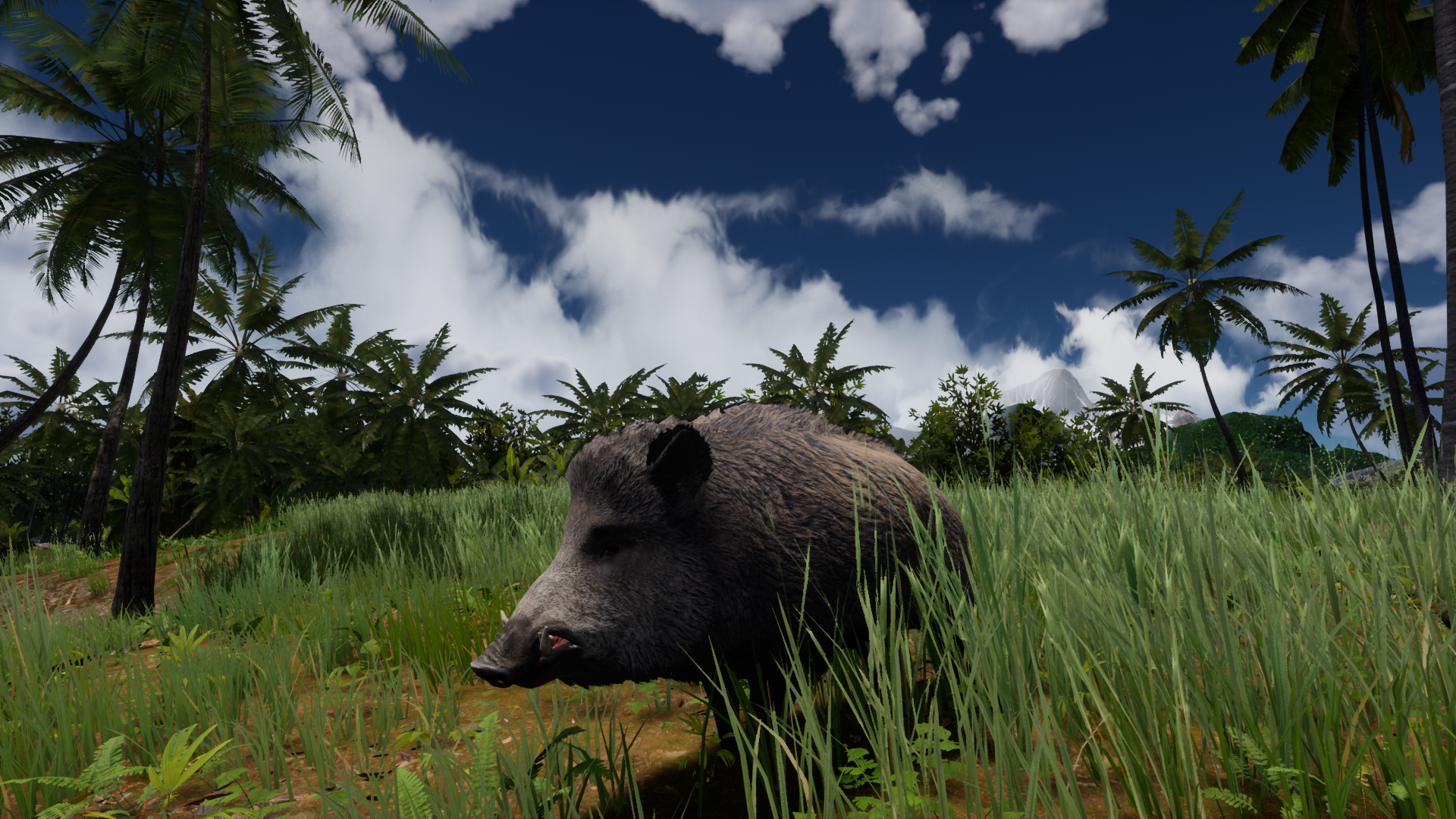
Hi added Wild Boar temporary to the first map. Will be moved to second map similar to Bear and Mountain Goat when available.
Been working on other animals such as Fox, Wolf, male and female Deer. Those will be available on other maps only.
Larger animals can now knock your character to ground. Crocodile can strike you with its tail. where Wild Boar, Mountain Goat (and deer) can headbang you and run away.
[previewyoutube="5xeAiGwMW5U;full"]
Started to replace old Cascade effect for Niagara ones. First is the fire, you can see fire now depends on amount of fuel in fireplace. Effects for torch and especially flare will be adjusted, as soon I have them from artist.
I will be really happy for your feedback and hope to see a lot of nice screenshots on social media and Steam page. It will help a lot with the visibility of the game.
Please feel free to use hastag #areaz_game on Instagram, #areaz on FB or #areaz on twitter it will help a lot.
as you have my noticed from before, I am starting to replace and add new realistic animals and this is thanks to your support.
This update brings: 1) Realistic crocodile 2) New Hammerhead shark 3) Rabbit replacement 4) Mountain goat
Please note, that the Mountain goat and Black bear are placed on first map temporary. Will be moved to third Mountain map during development.
Above mentioned animals are more realistic, and have nice fur, that can interact with environment. There is some LOD issue with goat fur - this will be fixed.
Additionally to it they have tons of animations I will be adding into the game.
Also they include turning animations, that allows me to turn them more smoothly.
Following animals have now turning implemented: Black Bear, Crocodile, Hammerhead, Rabbit, Goat, Rat, Sea turtles, Giant turtle, Tortoise.
Unfortunately I do not have turning yet for Komodo dragon and "standard shark" and some sea life. Will solve this in future.
There is one more topis I want to mention - it is the position of legs to ground. I am stil waiting for final release of Unreal Engine 5, to see if it is suitable for this game, And UE5 should have this feature build into it.
There are more animals coming, such as wild boar, fox, wolf, elks. Those will be available on second Inland map.
Also added some setting for eyes and mouth to Photomode.
I will be really happy for your feedback and hope to see a lot of nice screenshots on social media and Steam page. It will help a lot with the visibility of the game.
Please feel free to use hastag #areaz_game on Instagram, #areaz on FB or #areaz on twitter it will help a lot.
1) Photomode UI can be switched off - so you can take pictures with other tools like Steam Screenshots or Nvidia Ansel. Use "u" key to toggle its visibility. Remainder this also toggles HUD when not in Photomode. 2) Belt pouch can be made invisible by "Crtl+Shift+B"
Photomode
Hi, added Photomode into the game!
Got inspired by some beautiful screenshots you made from this game, so decided to make it for you easier and implemented a Photomode similiar to AAA titles. Now you can use camera settings and various Poses to take pictures, you can share on your social media or game Steam Page.
This Photomode version allows you: - take screenshot to your harddrive - rotate, zoom camera on character, use camera offset - use advanced camera settings like Depth of Field, Field of View, Contrast, Tint, Noise etc. - grid/cross can be switched on/off - choose from various character poses - that will help you to bring story to your pictures or create meme
Please note: - Photomode settings will not reset when opening/closing Photomode. Will reset on game Respawn and Load, as they are not connected to Savegame yet. - The character will freeze when in Photomode. Most of vital functions will be paused (so you will not drown underwater). After leaving Photomode, the animation like crafting will restart instead of continue. - Animals will stop to move, but still perform the last animation in loop. This is not a bug, just there are too many animals and I have to set this new feature one by one. - Spawn zones should not spawn new loot
- Environment and Items are NOT paused. So Sun/Day cycle will continue including Ocean Tide. Items can be damaged or cooked/burned. I might address this in future, as environment behavior is really complex here with dependencies on game world. its not just lighting day/night behavior.
Screenshots resolution is set to 3840 x 2160 in case you want to zoom or crop them.
Known Issues: Using Spacebar to take screenshot, when in Advanced mode, Pose scroll down List, will not work properly. This is a Windows/UE issue, when space bar is used for Forms for list selection. I will try to solve this or bind the action to another key. Some poses have wrinkled wrist. This will be fixed on Animation Update.
In future I plan to connect the Photomode screenshots with Steam functionality including Steam Achievements.
I will be really happy for your feedback and hope to see a lot of nice screenshots on social media and Steam page. It will help a lot with the visibility of the game.
Please feel free to use hastag #areaz_game on Instagram, #areaz on FB or #areaz on twitter it will help a lot.
Hi, done some important change to loot interaction, so please read the following text carefully.
I have played the game for long hours on various developer/publisher events lately and noticed, it is still difficult to spot and highlight desired loot, especially in jungle long grass. So made following changes:
1) all loot and interactibles now have icon above themselves. This will be shown, when item is in player vicinity, usually 2.5 meters. 2) to highlight the item to interact with, point the arrow in middle of your screen on that icon instead of the item. This is important change.
We had issues before, because root of the item needed to be focused, which was not always in the item body center. So now just point to icon above the item.
3) Some items or better said interactibles, do have bigger icon placed more above, so it does not interfere with attached loot. This goes especially for fireplace, also for traps, basebuilding, harvest, stone with water, raincatcher, leather dryer, and dead animals, that need to be skinned in place. This icon also provides additional information how to interact with the item. Please have a look on pictures bellow.
4) Some larger items - objects, do not highlight anymore. Most of them are mentioned in previous point. Simple because they did not looked good when being highlighted. So again focus on new icon to interact with them. Smaller items keeps highlight to spot them more easily.
Please note this is not the final optimization, and I will make more changes for better loot handling. Especially widening the trigger area, icons placement. F.e. driftwood interaction zone was expanded from 1.5 to 2.5 meters.
I would gladly hear some feedback about this on our discord. Which way do you like better.
Done also some fixes: - fish in pond should be blocked now to swim on land (thank you for report on discord) - animals will not loop hit sounds when multi[ple hits are triggered at once - in crafting menu - recipes in crafting>crafting category were not shown - Also renamed this category to crafting>general which is more appropriate
Next update should include a brand new Photomode - which will enable you to take high resolution srceenshots, in various situations and will include camera settings and positions/rotations. I am already testing it on development branch.
Hi, I have acquired bunch of new animals and will start to implement them into the game. First one is a Asian black bear, which is replacing the early access brown bear placeholder.
Additionally to it, I am now using Gfur plugin - that make the animal fur look much more realistic.
And not only it is the new look, but I got a lot of new animations waiting to be implemented. So look forward for better turns, various idle, hit, attack animations. And finally the foot placement.
Following will be: New realistic crocodile, hammerhead shark, rabbit, wolf, deer, wild boar, wild goat. Really looking forward to this!
Anyway I owe you an explanation for longer update.
I had a lot of work, which was related to administrative work such as preparing documentations for potential investors and publishers.
Additionally to it - I have attended several online events with the game showcase - Gamescrunch in Slovakia October 2021. Also I will be attending and showcasing the game on Game Developers Session in Prague (Czech republic) next week, following by Game Days in Kosice (Slovakia).
To it I was preparing for new Steam event, that will be announced this Monday Nov 15th.
Secondly - Epic announced and released early access for new Unreal Engine 5
I spend more then a month just to test the build and new features on various engine versions from 4.25 I am currently in, to 4.26, several subversions of 4.27 and finally UE5.
Full version of UE5 is expected to be released in mid 2022.
Therefore i had to postpone the development of 2 new maps - as it is not clear, if I should make them on current version and then transfer to UE5, or start their development already on UE5.