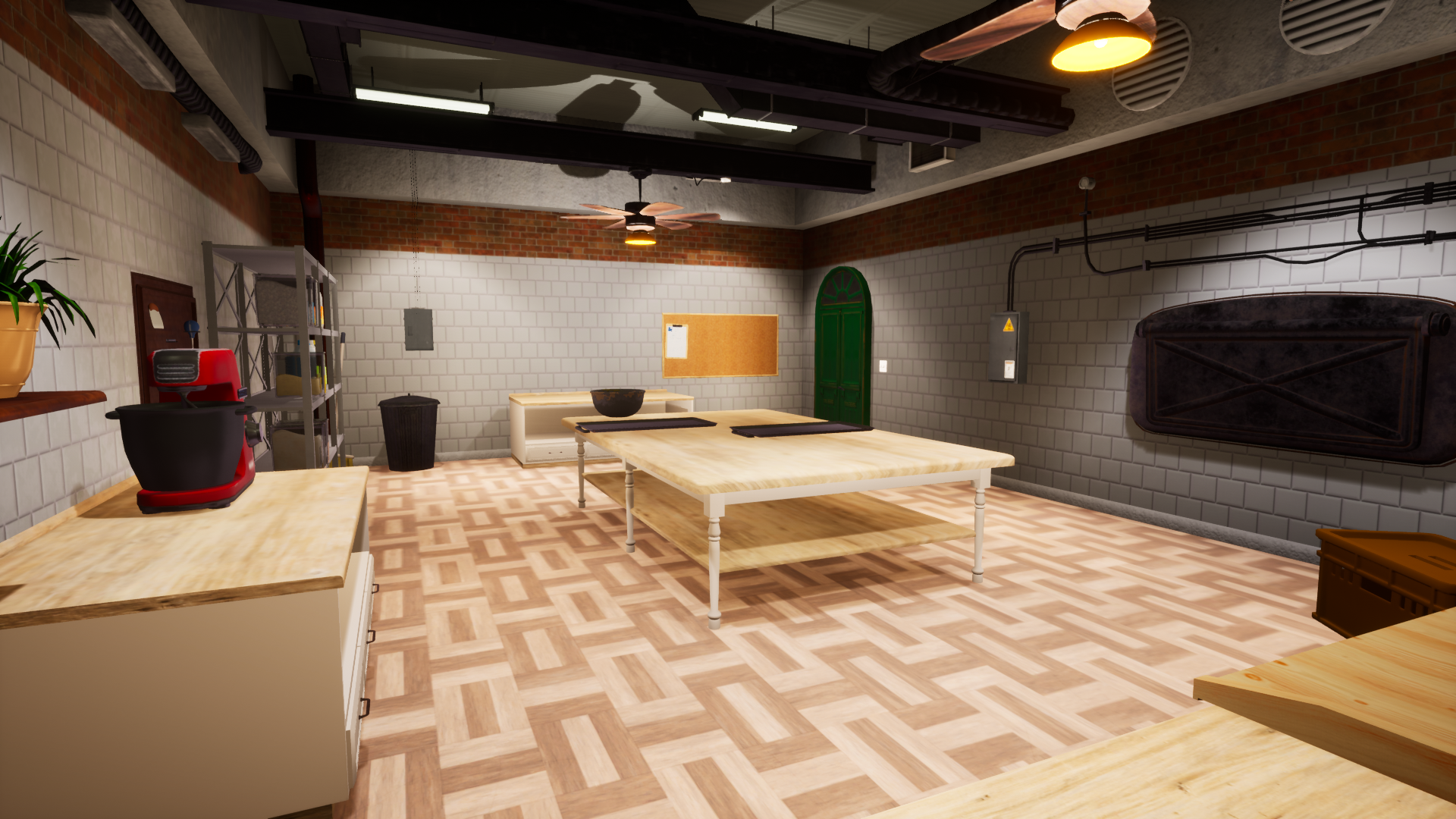
I know you wait for some content from this game but our friends have a premiere of Castle Flipper.
Along with it comes:
• Stream that should start in few moments • Giveaway - for the best Medieval jokes we will be offering some Steam Keys of Castle Flipper • Great deal on launch with very nice price - just 18.99$ - 15% • Royalty bonus for those who own House Flipper or/and Train Station Renovation
• Be quick! The offer lasts between May 26 – June 2
Bakery Simulator - Devlog #76 “Overmixing and burning!”
Hello Bakers!
It's important to know when you're making a mistake and what mistake you are making - to learn that you will simply have to take a look at the tooltips!
Thank you for your participation in the survey from our last devlog - we appreciate your input a lot!
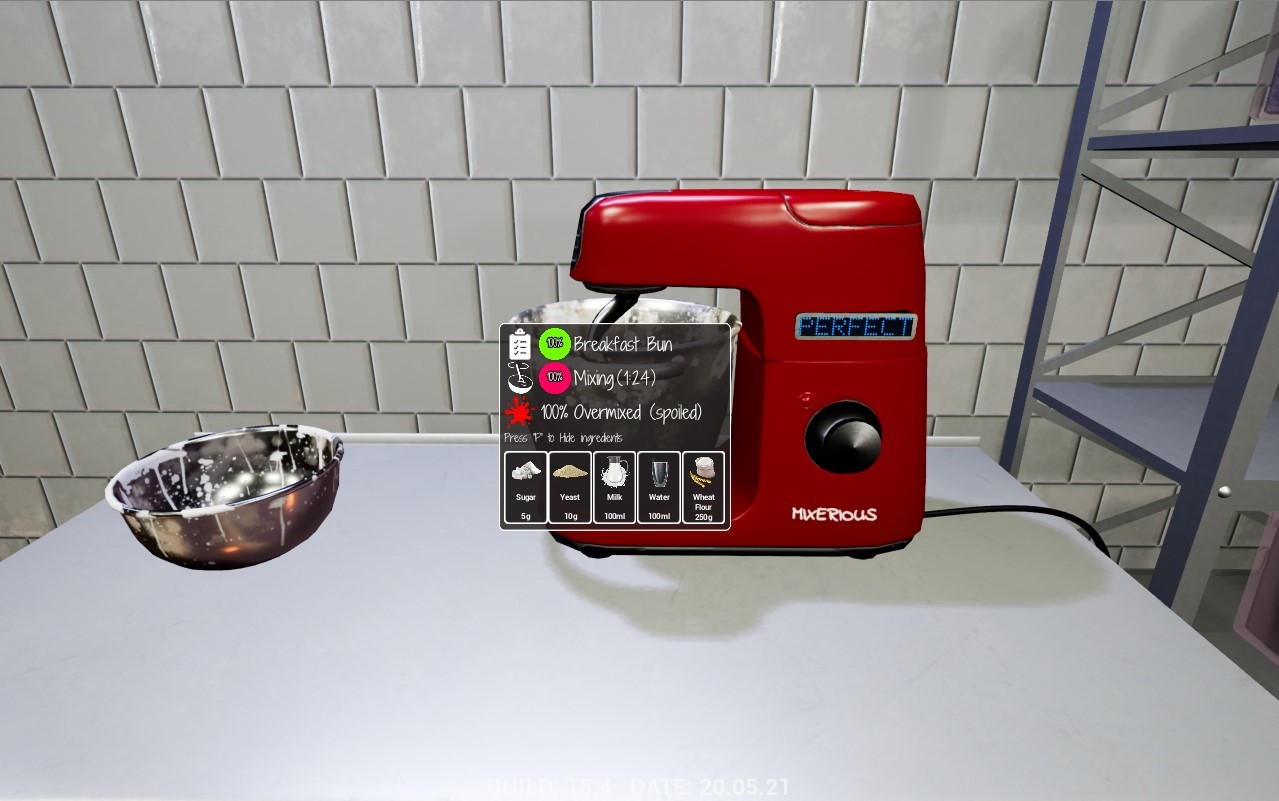
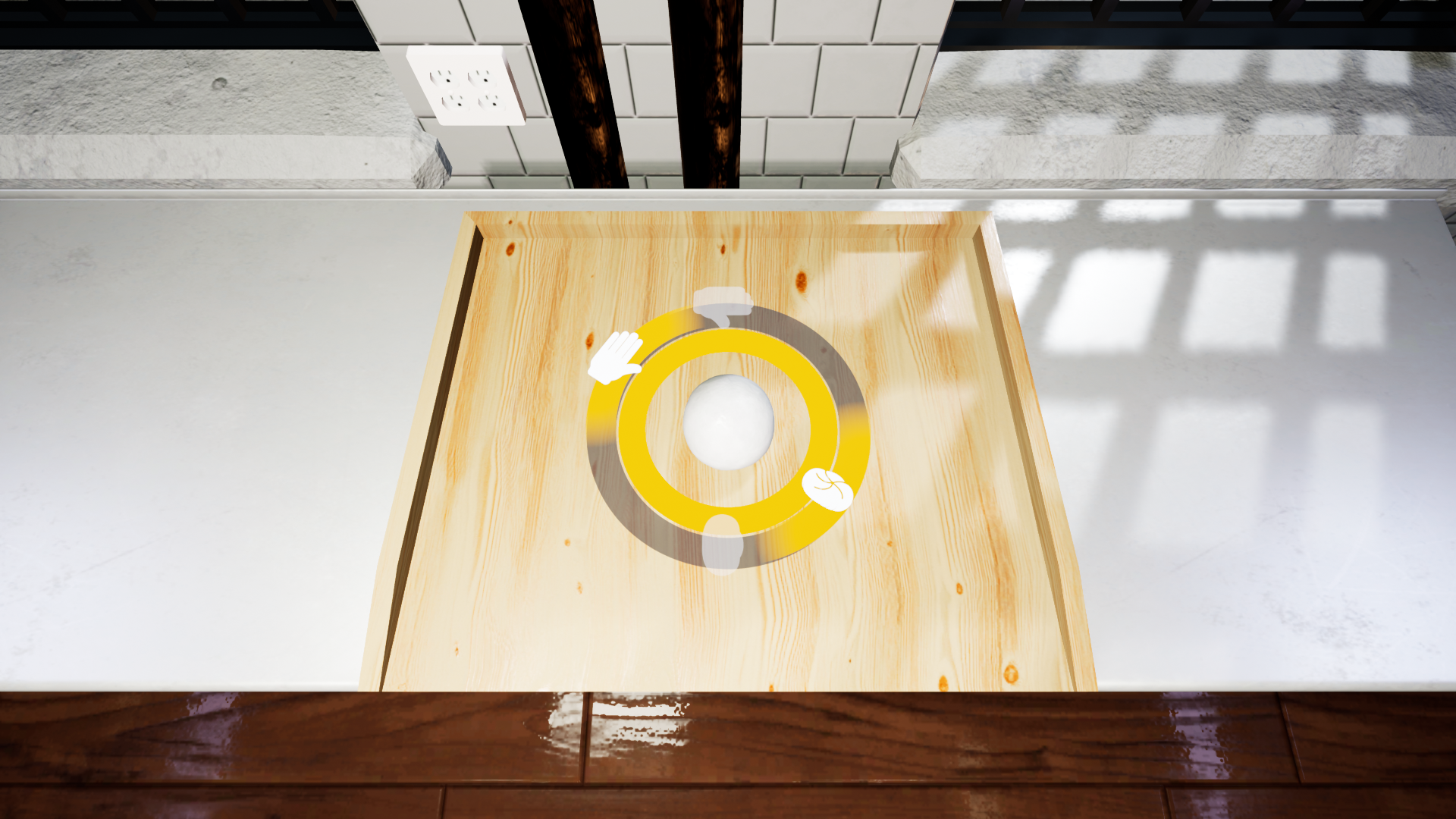
Let's take a look at mixing tooltip. Tooltips in general will help you recognize whether what you are doing at the moment is correct and what kind of mistake you might have committed. In this particular case you can easily see the problem - the culprit is overmixing.
The tooltip indicates that while you've followed the recipe in regards to the ingredients (the green 100% next to the Breakfast Bun) the next step of the procedure was not completed properly. You might still continue with your baking however you need to take into an account that this particular set of buns might not turn out perfectly.
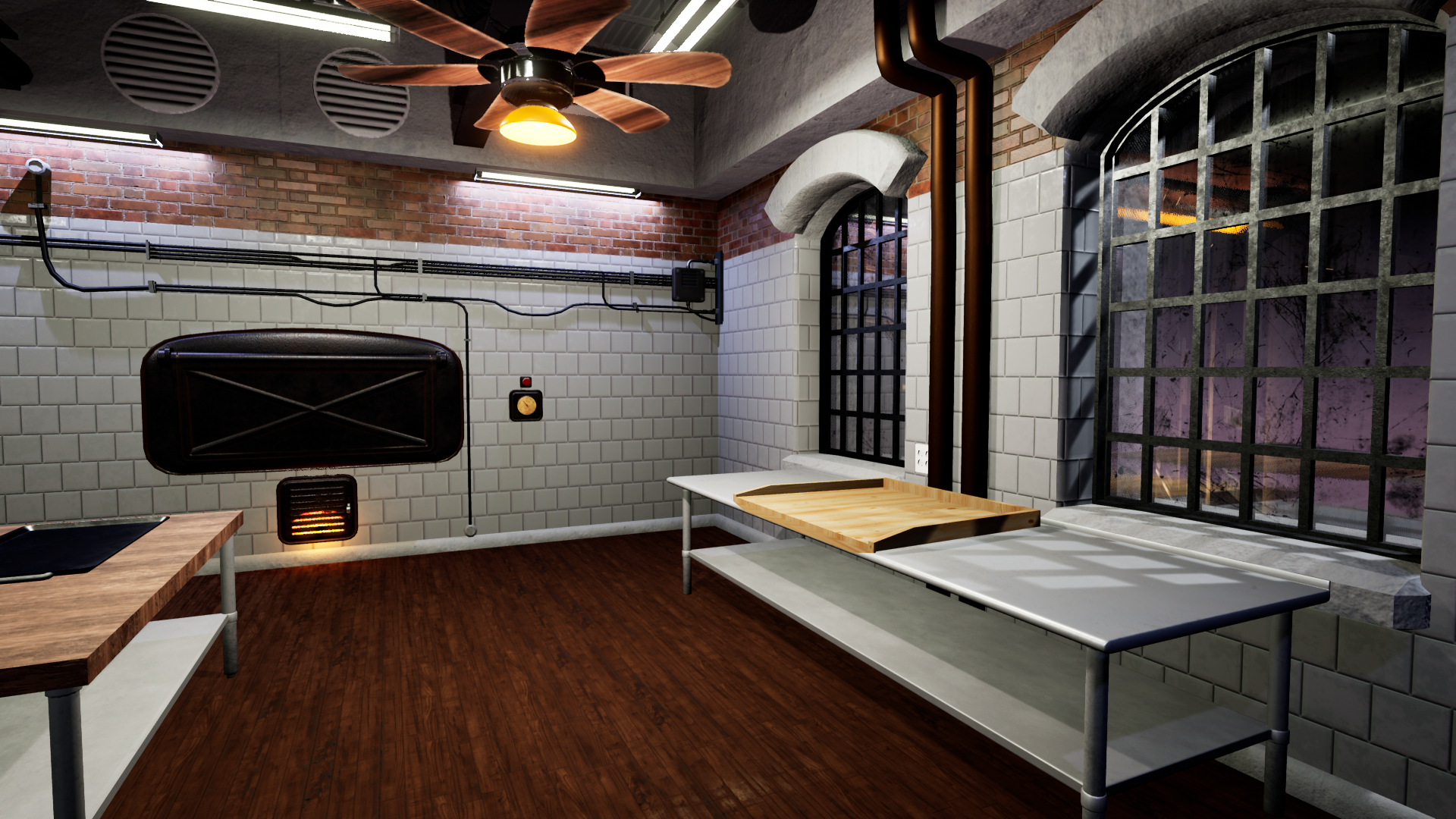
Baking itself is also prone to making mistakes. In one of the previous devlogs we've talked about making the big ones - like setting your own creations on fire. In order to avoid that it's good to check periodically on things you've put in the oven. Right now, visible on the screenshot above, tooltip let us know that you should still keep your bun in the oven for a bit longer. However if you forget about it and put it there for too long you risk it getting burnt...
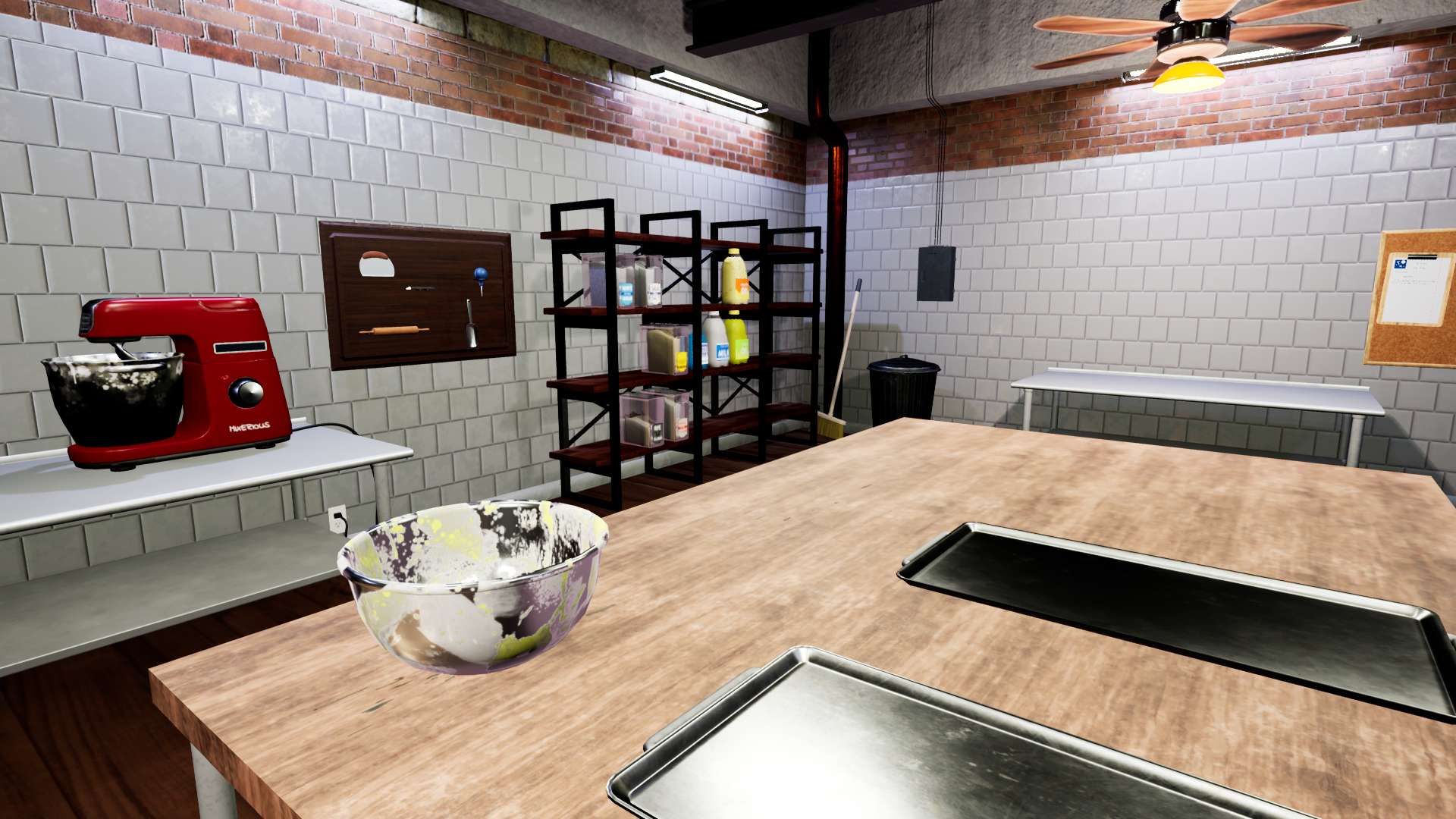
Finally - after taking your buns from the oven you'll be able to check their final state and condition. In this particular case we've definitely overmixed it and burnt the buns a little bit.
Now you face the final decision - do you still try to ship this particular batch of buns or do you want to redo it? Even if they are a little bit spoiled you might want to try to sell them however keep in mind that your score and reputation as a Bakery will take a hit as a consequence.
Thank you for your thoughts and feedback - until next time!
Best regards,
Bakery Simulator team
Bakery Simulator - Devlog #75 “Game Icons - Which one do you like the most?”
Hello Bakers!
Almost every gaming session starts with one thing - clicking on the game icon!
Icons are somewhat a second face of a game - first being the game logo - and we are well aware of that fact. While the overall design for the Bakery Simulator is done and ready we still have some wiggle room when it comes to the icons you'll be clicking on before entering the world of baking. We'd love to show some of them to you and what is even more important - ask for your opinion in regards to them.
We have prepared 5 different icons for your consideration and we'd love to hear back about your thoughts. Which one is the best looking, which one do you like the most? We are interested not only in your choice but also in your reasoning for the particular option. As you can see the designs are overall pretty similar but with some distinct differences. You might think that number 3 is the same as 5 but closer inspection will reveal a small difference between those. If you can't really explain your choice - go for the gut feeling - it is also a valid and helpful feedback!
📝 In order to collect your votes we've prepared a very small survey available right here.
Thank you for your thoughts and feedback - until next time!
Best regards,
Bakery Simulator team
Bakery Simulator - Devlog #74 “Loading Screens”
Hello Bakers!
Loading screens are something that we as players are well accustomed to... well, our mission is to make them look nice and interesting!
It's definitely better to have something to do when the game is loading, isn't that right? We believe that to be true so we tried our best to make sure that the loading screen will not just be an absolutely static screen that you will always be greeted by. We made sure to incorporate into it many different artworks that can randomly show up on your screen when waiting for the particular location to load.
This way you'll be able to check out some of the graphics we've prepared and in turn that should make your waiting time (as short as we'll try to make it) more comfortable.
But that is not all - we also want to offer you some advice for your playthrough and that is why we'll be also offering you tips and tricks on the loading screens. Perhaps it's wise to make yourself familiar with them? After all it's a free advice handed out to you just like that and as with all good and free things - it's a shame to not take it! So when you're waiting to get into your Bakery or you're about to depart for a delivery - make sure to read a little bit about the game itself and reap those profits!
Thank you for reading and see you next time!
Best regards,
Bakery Simulator team
Bakery Simulator - Devlog #73 “Road Radial Menu”
Hello Bakers!
It's important to know what options you might have when you're hitting the road!
After getting your products ready, packed properly and transported to your car you can start deliveries. If you decide to take control of those by yourself you will find yourself on the road. Now the only thing you have to do is to transport your goods to the customer. Easy enough... right?
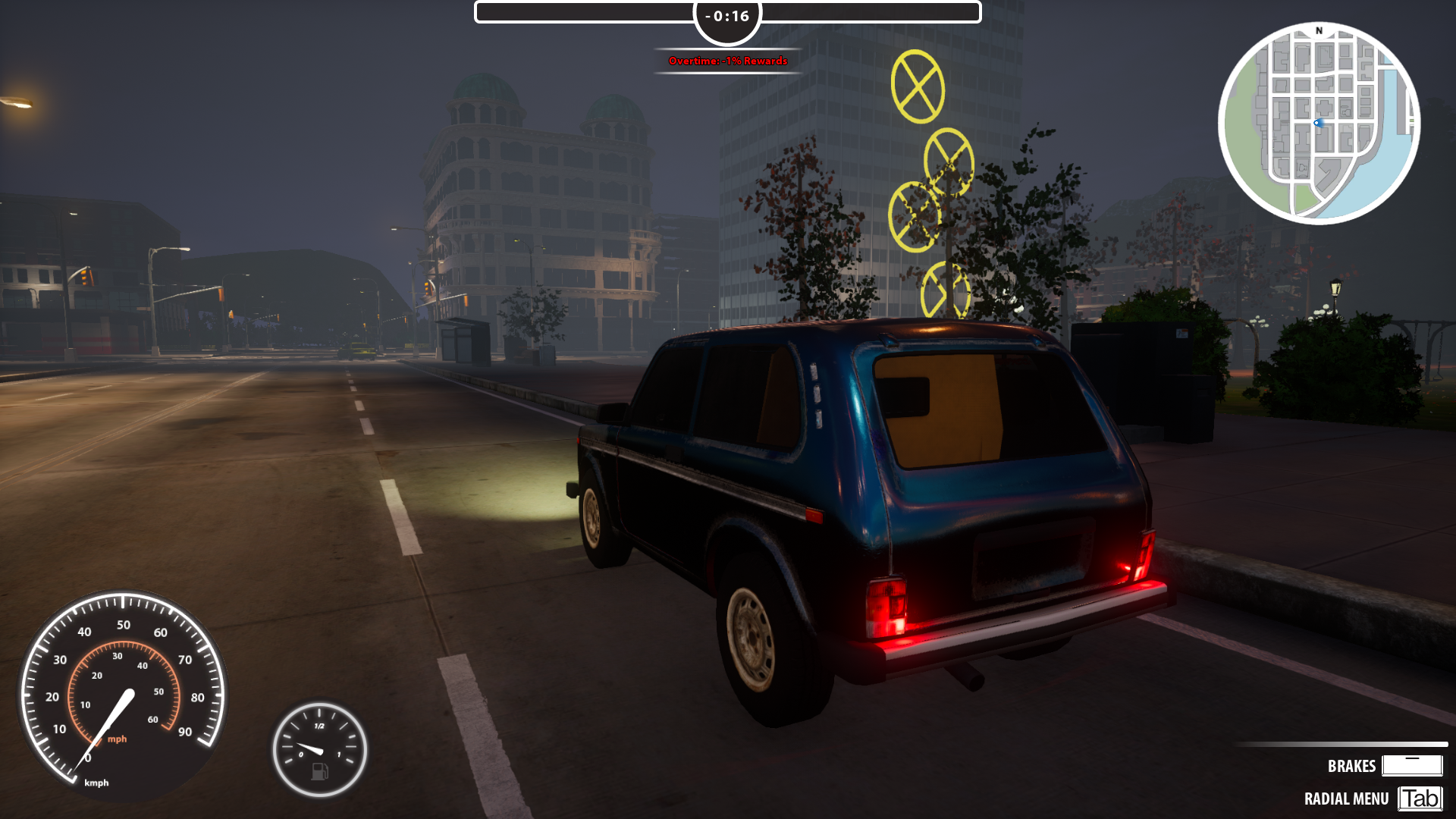
Sometimes unexpected can happen and then it's good to be aware of the options you have. While driving around the city you'll be able to access the radial menu by pressing "TAB". The menu will contain some options that you can use when you're driving around the city.
As you can see by the gif you'll be able to reset the position of your car - bringing you back to the place where you started your drive. You can also decline orders and end the current day without ending orders if you wish to do so. Checking the map is always a good idea in addition to always being mindful of the minimap and calling for the delay might add you some precious bonus time for your deliveries.
Thank you for reading and see you next time!
Best regards,
Bakery Simulator team
Bakery Simulator - Devlog #72 “Just before you go out!”
Hello Bakers!
Ah, the deadlines are hurrying you, you almost have tears in your eyes, it's so easy to make a mistake now but try to stay calm!
Whatever you do you need to remain calm and yet quick! You start making the appropriate dough with the speed of lightning and keeping your wits - to the left, to the right, slowly the dough takes the necessary shape. You're tempted to maybe make the process shorter but you can't - you need to go through with it!
Next is the oven! This is something that you simply cannot do anything about - it just takes time. You need to let it bake the right amount of time or you risk repeating the whole procedure again. One look at the clock, one look at the oven door - you repeat that simple movement few times before you finally realize it's time. Don't burn yourself grabbing the goods from the oven!
You pack your deliveries ensuring that they will not fall out during the delivery and verify the order once again. It wasn't that much but yet sometimes it's the smallest and easiest tasks that can be your downfall. You do your best now - with bread safely stored you go outside.
Thank you for reading and see you next time!
Best regards,
Bakery Simulator team
Bakery Simulator - Devlog #71 “UI to the rescue!”
Hello Bakers!
You start adding ingredients to the bowl but then suddenly someone calls out to you. When you get back to your mix after a little chat with friend you don't remember anymore - what did you add? What should you add now?
We definitely understand how frustrating it is to forget about the right order of adding ingredients or exact proportions within which you should operate. Sometimes you lose concetration for a second and it's really hard to recall whether you've added 10g or 100g of sugar. It's especially problematic when you have a particularly strict recipe and you need to follow it completely to reach a certain result. No worries though! Our team was quick to realize that it might lead to some unsatisfying or straight-up irritating moments in the game and that is why we've prepared a solution for it.
Take a look at the screenshots - as you can see every single ingredient that you've added to the bowl is displayed on the screen next to an appropriate bowl so you will not mistake it with any spare bowl you might have. Thanks to this solution it's easy to check what has already been done within your current baking process. Combining that with the note on the top right corner of the screen you can always easily check your progress.
In other words - when you'll be playing the game and you'll have to suddenly pause it for any reason - it will still be very easy to come back to it and continue from the point you left it off. You will face many challenges when baking and managing your own Bakery but we'll be sure to prepare many tools to make the whole journey very satisfying.
Thank you for tuning in this time and see you next week!
Bakery Simulator - Devlog #70 “Knowledge is power!”
Hello Bakers!
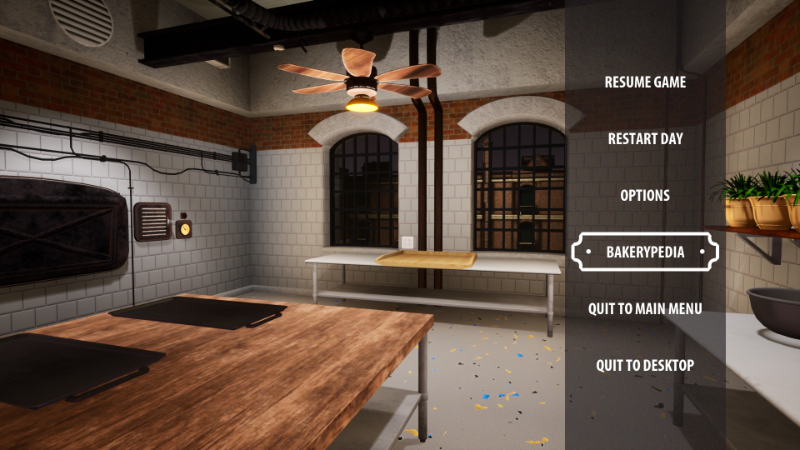
There are many features, machines and tools in the game... so what happens if you forget the purpose of one of them? Well, then it's time to check the Bakerypedia!
Bakerypedia is a powerful tool - it holds the answer for any and all question you might have for things laying around in your Bakery. Every single machine and tool is labeled in the book and you can quickly, with few clicks, access the information for each of them. Bakerypedia will explain how to use a certain feature, what are the requirements and what is the purpose of the selected tool/machine.
For the enhanced ease of use we have separated the information in the Bakerypedia into few categories - machines, tools and various - the last one collecting all of the useful information you might want to check when playing the game. Machines tab cater exclusively to various installation you will find in your Bakery. It's here where you will learn how your oven works or what does the divider do. Be sure to check it often when using a particular machine.
In tools tab you will find information about smaller objects such as bowl or pluck. The text will explain its usage and what can accomplish using them through your playthrough. For example we can learn that pluck will help us in a miserable moment of clumsiness when we added a wrong ingredient to the bowl - it can gather it back and save us from misery. And if we completely messed up... well, you can read about trashcan too...
To sum it up Bakerypedia is a great place of knowledge that was designed to help you in your Baking career. Make sure to use and treat it well and you will definitely go far!
Thank you for tuning in this time and see you next week!
It's a very special weekend ahead of us - we just had to prepare for that occasion!
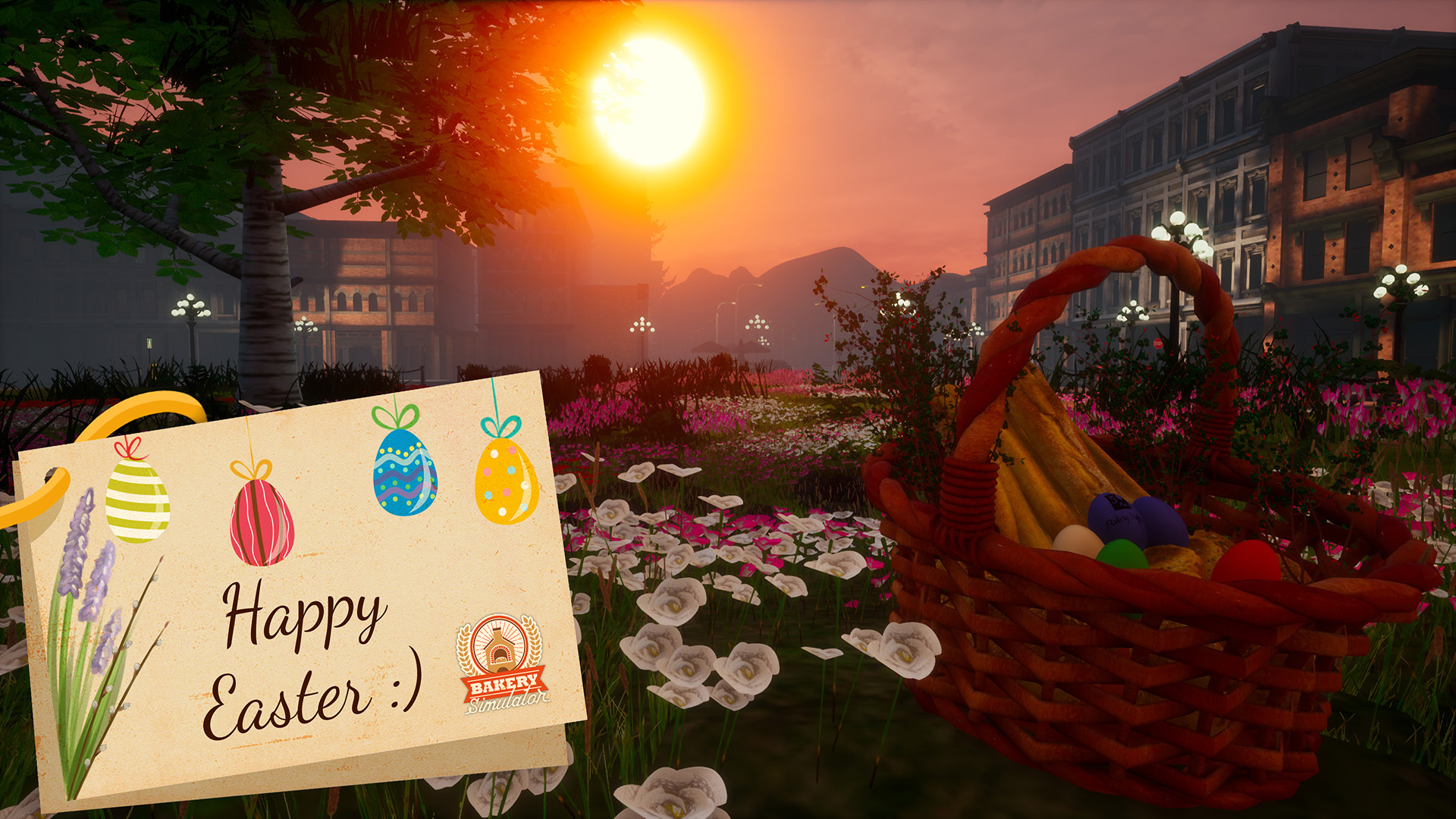
Every event or holiday is always a special occasion for each and all Bakeries! Afterall people want to purchase their special pastries that they can only get in times like this to properly celebrate the day. Even though we're busy making sure that each of our customers will get their own share of our baking treats we still found time to properly celebrate Easter - as should you!
Let's see... We've got our basket, we've just baked our special bread prepared just for this occasion, we've got some Easter eggs and we're ready for the moment! Let's all have a happy Easter!
We sincerely hope that the coming weekend will be a great time for all of you bakers - let it be a time where you can rest, recuperate, connect with your friends and families and enjoy yourself. Recharge your batteries and let yourself feel the magic of the moment!
And also be sure to share your best Easter recipes and dishes in the comments - here at Bakery Team we would love to try your traditional dishes and ideas for great treats. We're also interested in the variety such vast community can bring to the table - in this case literally!
Bakery Simulator - Devlog #68 “Let's go shopping!”
Hello Bakers!
Oh, how wonderful it would be if shelves magically got full over the night...!
That is however not the case. You know, every time you use some of the ingredients on your shelves you need to keep in mind that it is not magically or miraculously getting refilled. Doing your job will mean using up the ingredients you purchased for your daily duties. Purchasing new ingredients and restocking should be something that comes to our mind naturally however it is not always so. After all... we all know the feeling of forgetting about buying that one necessary thing after the shops have already closed...
Additionally you will most likely not always use up all of your ingredients only on the succesful baking endeavours. Most likely sometimes you'll make a mistake - you'll add too much water to the mix or perhaps overpour the olive and the whole mix is ruined. Throwing away the ingredients that were incorrectly used might be painful however it is something that you will have to do... You want to deliver only the best quality of goods, isn't that correct?
Thankfully Bakery Simulator will feature an option of restocking your shelves. You'll be able to go shopping and buy necessasry ingredients. There are limits! You cannot buy more than what your shelves can hold and obviously if you don't have money then it will be no shopping for you! However if your finances are doing okay and you have space on your shelves then you will be able to purchase as you see fit. You will even have a convenient option to purchase everything you lack by clicking on an option to select missing ingredients - what a luxury!
Don't panic then if you don't have enough to bake the buns or croissants requested by your customers. Extra shopping will always be an option!
Thank you for tuning in this time and see you next week!