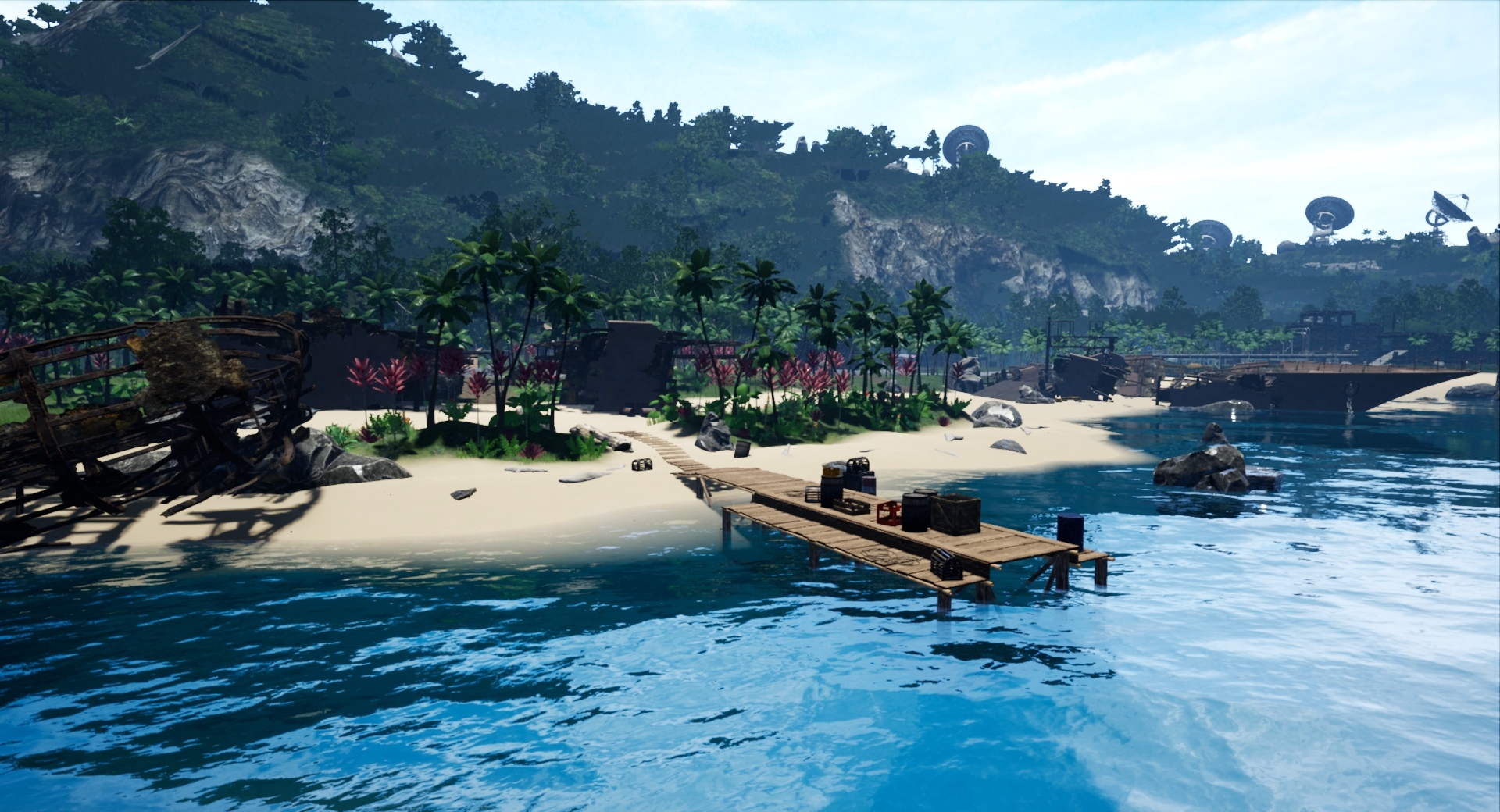
This update continues with the theme of improving coastal areas by tackling the section between Tori and Matira. These areas now feature rocky cliff sections, various additional trails as well as a reworked coastal road. There's also various additional homes and vehicle spawners placed around the Matira area specifically. Also on one of the rocky outcrops is a new camp location that can be reached by a rock bridge which connects to the shore.
You can join the Official Capsa Discord here: https://discord.gg/6F8z83g
Plus can follow on Twitter: https://twitter.com/vetron
Patch Notes:
Environment
Added significant improvements and additions to Tori and Matira areas, primarily focusing on the coastline areas, making them more drivable for vehicles.
Added waves effect to west coast of Metarahi.
Added additional homes to west coast of Metarahi.
Fixed various terrain smoothing on west coast of Metarahi.
Fixed various foliage placement on Metarahi and Naupata.
Fixed placement of various vehicle spawners.
Fixed placement of homes on Naupata and some near Pitonga that were floating a bit in regard to outside blanket placement.
Fixed various sparse grass spots on Naupata.
General
Added a few handling adjustments to ground vehicles.
Update 0.11.5.0
This update focuses on improving the stretch of coastline primarily on the east side of Naupata island, part of the Arohata area. Part of this area includes a small new cinema location on one of the off-shore rocky islands tied together with rope bridges.There is also added pathways connecting east to west as well as to other areas. Some screenshots showing off these area additions are included below.
You can join the Official Capsa Discord here: https://discord.gg/6F8z83g
Plus can follow on Twitter: https://twitter.com/vetron
Patch Notes:
Environment
Added significant improvements and additions to the Arohata area, tidying up most of the remaining stretch of coastline on the east side of Naupata island.
Added additional torches around Naupata.
Added various terrain and foliage tidyups around Naupata.
Added wave effects to various locations on Naupata island coastline.
General
Added various fixes to handing on some of the ground vehicles, notably the Scorpion that was hard to control on sand at times.
Added additional homes to Naupata.
Added additional horse spawners to Naupata.
Update 0.11.4.0
This update expands and completes one of the coastal areas on the big island Metarahi. It covers the area between Wai Tai and Pitonga on the east coast. Included are new roadways, tracks and trails to drive, as well as added coastal detail. Below are several screenshots showing off various parts of this area.
You can join the Official Capsa Discord here: https://discord.gg/6F8z83g
Plus can follow on Twitter: https://twitter.com/vetron
Patch Notes:
Environment
Added significant improvements and additions to the Wai Tai area, completing the unfinished bit of Coastline between Kura and Pitonga.
Added improvements to dirt roads leading into other areas from Wai Tai
Fixed orientation of some concrete dock/foundation floors.
Fixed performance of some light emitters.
Fixed various terrain that needed smoothing in places (notably around Pitonga area).
General
Fixed an issue where when sitting or dancing outside of a club, cinema or home area the camera wouldn’t change while in this state.
Update 0.11.3.0
For this update we’ve done improvements to some of the coastal areas as well as added new effects such as waves. Below is a screenshot showing improved shoreline effects, so far this has been added between Mataara and Kura areas, but will be rolled out to other areas and islands in future updates.
There is also various background fixes to homes and camps in this update, as fixes to anything else reported with full list of fixes below.
You can join the Official Capsa Discord here: https://discord.gg/6F8z83g
Plus can follow on Twitter: https://twitter.com/vetron
Patch Notes:
Customization
Added wood variant options for the ‘default’ stereo option as well renaming it ‘Old Radio’.
Added the improvements to stereo items to the Camps so you can now customize items such as the Boom Box at them.
Fixed position of Jukebox when placed in San Fran home types.
Environment
Added improved coastline between Katara and Rohai areas.
Added new waves effect to shore lines (currently between Mataara and Kura currently, will be adding other places soon).
Added a new vehicle jump to Katara area and have removed a previously not very good jump spot in Paka area. This new jump spot will use that achievement.
Fixed an issue where outside patio firepits would have their lighting bleed into some home types.
Fixed various homes that had blankets sat in or above ground.
Fixed a home at Kataara that had grass inside.
Fixed various beach areas that needed smoothing.
Fixed part of Katara beach area that was hard to drive a vehicle through.
Fixed position of various area volumes.
Fixed various foliage positions near Katara.
Fixed position of a dock in Katara.
General
Fixed an issue where after claiming a second home instead of your first, it wouldn't show up in the radial menu.
Update 0.11.2.0
This update consists of various further improvements and fixes to homes, we’ve also added a few new items to decorate with, both free and to existing item packs. One other addition to homes is that most decor items now have additional wood and metal variant options where they previously didn't. This allows you to greater tailor items to fit the theme of your home.
If you wish to complete your Capsa collection or maybe just support on-going development then currently all Capsa DLC is 75% off for the Steam Summer Sale, with the essentials bundle being 85% off!
You can join the Official Capsa Discord here: https://discord.gg/6F8z83g
Plus can follow on Twitter: https://twitter.com/vetron
Patch Notes:
Customization
Added Room Divider to homes large item slots.
Added abstract wallpaper set to all home types.
Added second large item slot to the Beachshack (found a spot it would fit).
Added improvements to San Francisco home Door textures.
Added color customization to the Boombox included with the Home Retro Kit, also included silver and gold variants.
Added Kahio Media Console to Home Old Kit.
Added a small retro fan to Home Retro Kit.
Added gold option to Lagring side table.
Added gold option to Gammal Lamp.
Added silver option to Large Globe.
Added honey and silver options to Old Globe.
Added color tint ability to the Boombox, as well as silver/gold variants.
Added gold and chocolate options to Vinyl Player.
Added a Jukebox to the Home Old Kit.
Added gold option to Tracy and Dixon sofas.
Added various additional options to the Puinen lamp.
Added gold option to the Gumball machine.
Added additional color presets to various items.
Fixed a naming issue with the Bristol and Earl Grey sofa variants.
Fixed various unlocks relating to wallpapers.
Fixed various items to have standardized gold options.
Fixed an issue where the Vinyl player couldn't have its variant changed in some cases.
Fixed a naming issue relating to the Boombox.
Fixed a naming issue relating to the Vinyl Player.
Fixed various other naming issues related to items.
Environment
Fixed various homes placement, notably the San Francisco homes around Katara and Pitonga areas which had their outside blankets floating as a result.
Fixed various issues with default home appearences.
General
Fixed an issue with photo mode that could allow the menu to get stuck while hidden for a screenshot if steam fails to trigger the screenshot event. It will now return automatically after a few seconds should this occur.
Fixed various issues with a few San Francisco homes (notably including a badly positioned side table and door movement issues).
Fixed an issue where you could open the home editor when not actually at a home.
Update 0.11.1.0
For this update we’ve continued with refining the improved homes from our last major update, we’ve also introduced a new home type. There has also been considerable improvements and additions to some areas, to accommodate these new homes.
Shown above is the new home type, the Fresno, with a nice spacious layout, large windows and sliding doors. It comes with all the features of other homes and will support all item types. If you’ve bought flowers for the San Francisco home on our item store, we’ve updated the item definition so they will also be available for this home as a free upgrade.
For both the San Francisco and Fresno homes we’ve added a second Large Item slot, so you can add additional décor. Also in this update we’ve added some new home décor items such as a table fan, heart-leaf plant stand for floor items, a second side table also for floor items plus various other additions.
Shown above are shots of the new area additions, this covers a large stretch of coastline with the intent of making driving more interesting for these parts. You’ll also find the new home type along this stretch within the south part of the Kura area by the water (you’ll find an access road near the large abandoned wooden house south of the school).
You can join the Official Capsa Discord here: https://discord.gg/6F8z83g
Plus can follow on Twitter: https://twitter.com/vetron
Patch Notes:
Customization
Added Lagring Side Table to homes.
Added Heartleaf plant to homes.
Added Magic 8-Ball to homes, part of Home Retro Kit.
Added Gumball Machine to homes, part of Home Old Kit.
Added Makani Fan to homes.
Added Grill Mate and Grill Master to homes.
Added Madeira media console to homes.
Added various items for upcoming Home Mid-Century Kit.
Added second large item slot for larger homes, such as San Francisco and Fresno (Beachshack is too small).
Fixed an issue with oak floor for the San Francisco home.
Fixed an issue with material on the garden cinema for San Francisco home.
Fixed some home customization back end functions from throwing unneeded console messages.
Environment
Added significant area improvements along the coast from Hianga down to Wai Tai.
Added area expansion to Kura, with water-front pier, homes, camp and additional paths/roads.
General
Added new Fresno home type.
Added improvements to how the door behaves on the San Francisco, flipped it around, reduced open radius so can’t get stuck behind and increased the radius of trigger to open it so you don’t just run into it.
Fixed position of cinema screen on San Francisco home types.
Item Store <*>Added Petunias and Rosa Rugosas for Fresno home, these have been added to the same flowers used on the San Francisco (free upgrade).
<*>Fixed a few large home items having wrong unlocks.
Update 0.11.0.0
This is our version 0.11.0.0 release and consists of a huge update to various elements of the game. Notably including brand new media queue / playlist for cinemas, considerable improvements to homes, Mataara area expansion featuring new cinema, brand new HUD elements for vehicles, and physical gauges on all water vehicles.
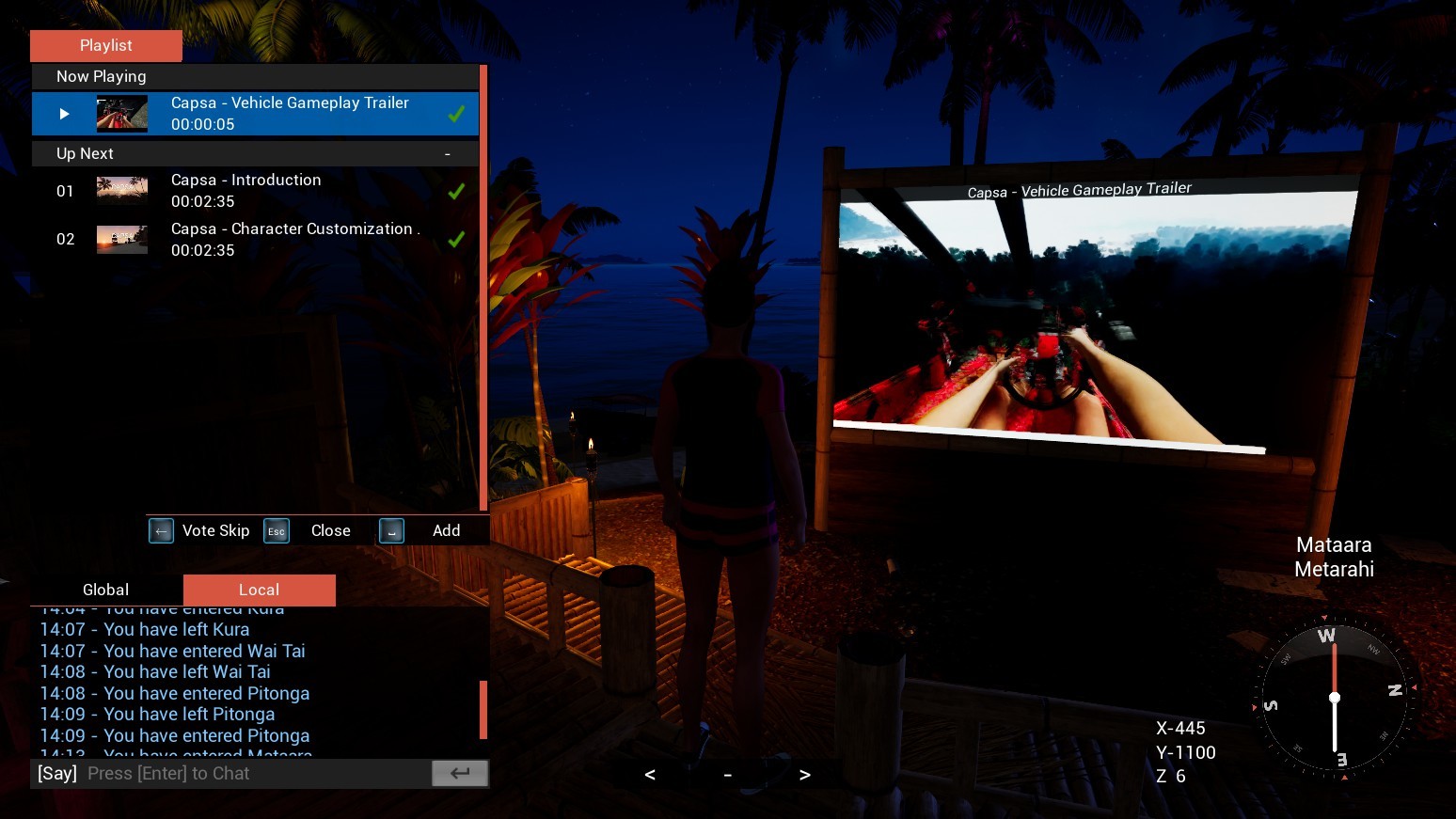
The most notable feature in this update is the media queue, shown above; this allows all players to contribute to a playlist which will then be cycled through. This currently works with YouTube videos. Its possible to vote to skip on submissions, as well as use share links with start time specified.
This media queue feature can be found at cinemas, homes and vehicles, with players able to set permissions on things they own (homes, vehicles etc.) to be steam friends only if they so wish. Cinemas are always set to public and no longer need claiming, simply walk up and press Q or select from the radial actions menu to open the media queue menu. For Homes and vehicles, players will need to set to "Queue" mode instead of "Slots", from the customization menu under options (where you usually set media to play etc.).
To go together with the new media queue system addition, we’ve considerably improved the current homes with lots of new items, patterns and options. Shown above is how two default homes now look. For first time users when they claim a home for the first-time, they will be automatically given this customization by default to their initial save game. Existing home item packs have been updated with new additions, and we are working towards bringing out a combined DLC for all these item packs likely next week.
Next major addition is the vehicle orientated HUDs, this means vehicles now use a much easier to read ribbon compass and have on-screen speedometers (tachometer with digital speed output). Some vehicles such as boats also have physical gauges added to their dashboards which will be expanded to more vehicles across future updates.
Another addition is a new Cinema area added to the Mataara area, this one more designed for sitting, watching movies etc. rather than watching music vids and dancing. Other areas around Mataara have been improved, there’s additional road and paths, better lighting as well as general added detail.
On top of all this there has been various bug fixing and back-end improvements to the core systems (including the recently added photo mode, shown above). One notable improvement is adding a delay timer for movement input when in a sitting or emote state, so you must hold input active for a second before you will leave the state. This means no more accidently leaving dances or sitting because you knocked the wrong key when typing. Sitting, in chairs, has also had its back-end systems reworked to hopefully be more reliable.
There is also a new feature that allows you to focus on the cinema screen when you toggle through cameras while in dancing or sitting state. This should make it easier to see a video if you aren't directly in front of the screen.
Many more additions are mentioned in the full notes below, please let us know on the forums or on the official Capsa Discord if you encounter any bugs or issues :)
You can join the Official Capsa Discord here: https://discord.gg/6F8z83g
Plus can follow on Twitter: https://twitter.com/vetron
Patch Notes:
Customization
Added wood color options on sofa’s, tables and other items.
Added cushion patterns to sofa’s
Added additional items to homes.
Added improvements to the applying of homes and vehicles hidden slot items to ensure no leftover triangles.
Added names to sofas available in the home editor.
Added 5 new sofa’s, 1 of these will be free, 2 will go into existing item packs, and remaining 2 will go into an upcoming dlc.
Added Large item slot to homes, 3 items are available, 1 free, and one for each existing item pack.
Added outside speaker options to homes, 4 options are available, 1 being free and the other 3 going into an upcoming DLC.
Added rug option for home with various pattern options included.
Added additional items and floor items featuring plants. 1 Floor Item and 3 regular items are available (2 of these being free).
Added additional photo slots to homes.
Fixed an issue with moray preset colors on Hull.
Fixed issues with steering wheel materials.
Fixed character pose and head movement when in character editor.
Fixed an issue with the rear left Rim 3 for Buggys.
Fixed fuel cap not sitting correctly on Fuel Tank 7.
Fixed an issue where home editor wouldn’t revert settings when leaving the editor via pressing back button.
Fixed instances where the home or pet editor was able to open without a valid pet/home in range.
Fixed a texture issue with the beachshack frame.
Fixed some indexing issues with home customization.
Environment
Added significant additions to Mataraa area on Metarahi, including new cinema area, new roads and pathways plus various lighting improvements.
Added tweaks to the sky. Reducing white brightness from clouds and reducing cloud wisps somewhat. This makes white HUD elements easier to see against the sky.
Fixed collisions that were causing unwanted behavior with foot IK’s on some wooden docks.
Fixed lods of some small objects such as drink cans which were a little close.
Fixed various terrain issues around Kataara area.
Fixed various foliage placements.
General
Added new on-screen ‘speedometer’ (tachometer with digital speedometer) for all vehicles.
Added new compass ribbon for all vehicles.
Added gauges to all water vehicles for keeping track of speed and RPM.
Added a new focus on cinema screen camera when you are in an emote (sit, dance etc.) state. You can get this by toggling camera, and one of the available cameras will be focused on the screen.
Added improvements to replication of boat engine sounds, plus engine cut-off.
Added significant rework to sitting (chairs) logic to improve reliability across networked environment.
Added improvements to move from dancing/sitting state, you now need to accumulate 2 seconds of full movement to transition back to walking.
Added new cinema playlist system. This allows all users to submit videos to the current playlist as well as vote on skipping videos.
Fixed an issue relating to Photo Mode when the character is in a ragdoll state.
Fixed some minor performance related issues with ground vehicles.
Fixed an issue where first camera when customizing a home isn’t handled correctly.
Fixed an issue where speed cameras would trigger below speed limit.
Fixed an issue where a duplicate vehicle selection menu could appear under some conditions while using a gamepad.
Fixed an issue where boats spawned didn’t load the appropriate outfit slot.
Fixed various issues with sitting in chairs.
Fixed an issue where unable to rewind when swimming.
Fixed instances where passengers were slow to disappear from vehicle when dismounting.
Fixed an instance where a youtube video may continue to play when respawning, or returning to the main menu.
Fixed various issues with text input relating to outfit naming.
Item Store / DLC <*>Home old kit and Home Retro kit each recieve an additional new sofa and large item.
<*>Capsa Starter Pack now gives Home Garden Blanket item.
Update 0.10.30.0
This update introduces two new features, a vehicle selection menu for use during vehicle spawning, and secondly a photo mode. We’ve also added a new motorboat, the Moray which has been added into the Capsa Starter DLC which all owners of (plus all owners of the game when it was sold) will get as a free update. It can also be purchased individually from the item store.
To get the vehicle selection screen, simply walk into a Ground Vehicle or Water Vehicle spawner as before and instead of spawning your chosen vehicle that you’ve set in the character editor, you will instead be presented with a new selection menu screen and can choose easily from there. When a vehicle is spawned you can still change it via the character editor as before and it will respawn.
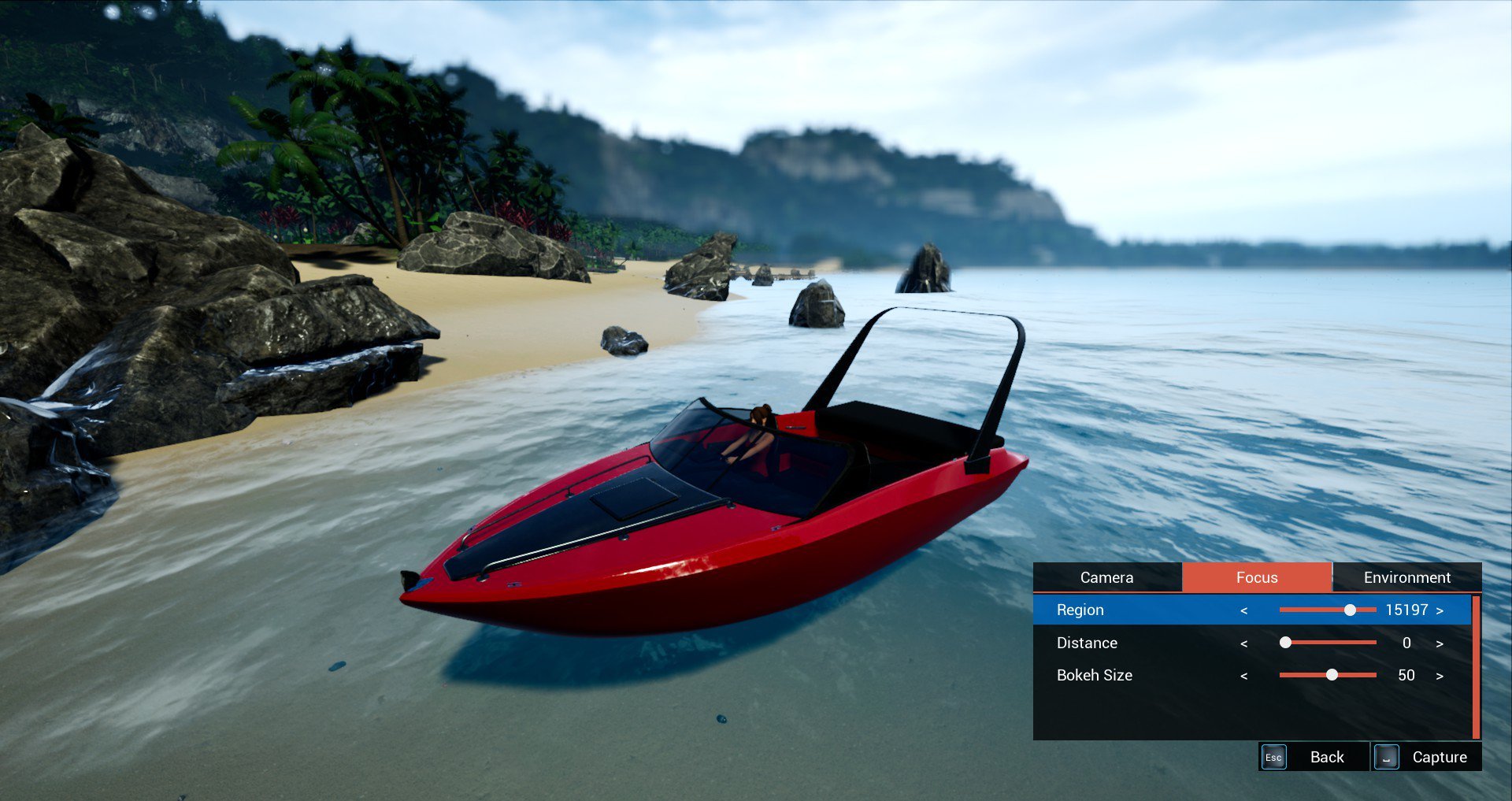
Second is the Photo Mode, via pressing the hotkey (P by default) you can artificially freeze your character and parts of the world. In the included menu when in this mode you can adjust your camera, tweak the focus (Bokeh Depth of Field), and adjust environment settings (such as time of day, bloom, lens flares). As Capsa is a multiplayer game this obviously does not freeze the entire game as that’s not practical, what it does is freeze other people's characters and vehicles from your perspective, meaning they are still moving around and doing things, you just don’t see it while everything is paused.
A useful part of this, for example, is if you are standing on another players party boat and wish to take a screenshot, the world and your character will freeze in position but only from your perspective. This means, when you exit the photo mode you are still standing on that boat, wherever it may have travelled to when you were paused and not something silly like throw you off into the water at the position you paused.
Beyond all these changes we've also included fixes to various reported issues found in full notes below. As this is a major update we'll likely be following up with a hotfix or two over coming days to any issues reported.
Patch Notes:
Environment
Added improvements to the way the time of day updates via manual command, so it can effectically make changes in real time rather than a fraction to a second or so delay.
Fixed culling of some wooden platforms including docks being a little too close.
General
Added vehicle choice menus for both Ground Vehicle and Water Vehicle spawning.
Added photo mode (activatable via P key via default) that freezes the action and lets you adjust your camera, focus and environment settings to get a better screenshot.
Added general improvements to the replication of waves.
Added general improvements to the horse, utilizing some of the back end locomotion improvements previously done to the main character.
Added speedometer and tachometer, currently only on Moray motorboat for now.
Fixed an issue relating to boats not moving with waves over network when you are no longer in the boat.
Fixed an issue with the cat hats when cat is sitting on shoulder of a boat driver.
Fixed an issue where you couldn’t hear other boat users engine sounds correctly.
Fixed an issue where title wouldn’t show for passengers under various circumstances.
Fixed a minor animation issue where the rider doesn’t remain aligned correctly when starting moving on a horse.
Fixed an issue with swimming animations not handling speed.
Fixed an issue where camera state was not persisting to main character.
Fixed an issue where a driver would still be seen in a boat from the perspective of the player who has joined after the owner of the boat has dismounted.
Item Store <*>Added Moray motorboat, this will be added to the Capsa Starter Pack DLC. Users who already own this DLC will receive this vehicle as a free update.
<*>Added Moray motorboat Bimini kit and Race kit, these will both end up in either the Bimini DLC or Race DLC, and users will also get this as a free update.
Update 0.10.29.0
This update focuses on the ground vehicles primarily, making changes to the handling so they can perform jumps better (fixes the bouncyness upon landing) as well as including a bunch of small fixes to various things.
We've added some revised textures to the Buggy seats in this update, such as to reduce the shinyness (that was most prominent on the Scorpion seats) as well as adding a two color pattern mask. We've also fixed textures on a few other parts, such as the split patterns on the various bar covers.
Finally, we've also done a few tidy ups to prop placement, notably around Hianga which recieved an expansion in our previous major update. You can read about that update below:
https://steamcommunity.com/games/588120/announcements/detail/1652167950309660253
Patch Notes:
Customization
Added 2 color pattern option for all buggy seats.
Fixed split pattern for various buggy bar covers.
Fixed various issues with buggy engine parts.
Environment
Fixed various prop placements around Hianga area.
General
Added improvements to vehicle jumping behavior, making landings less bouncy.
Added improved material for ground vehicle seats.
Added improvements to vehicle wheels behavior, hopefully fixing some back-end issues relating to left wheels.
Fixed various LOD issues with rims.
Fixed vehicle particles not pointing correct direction in reverse.
Fixed various tagging of item drops in steam inventory.
Update 0.10.28.1 + 75% DLC Sale
This is a hotfix for our recent major update that added pet roaming ability, outfits for cats and a significant area expansion.


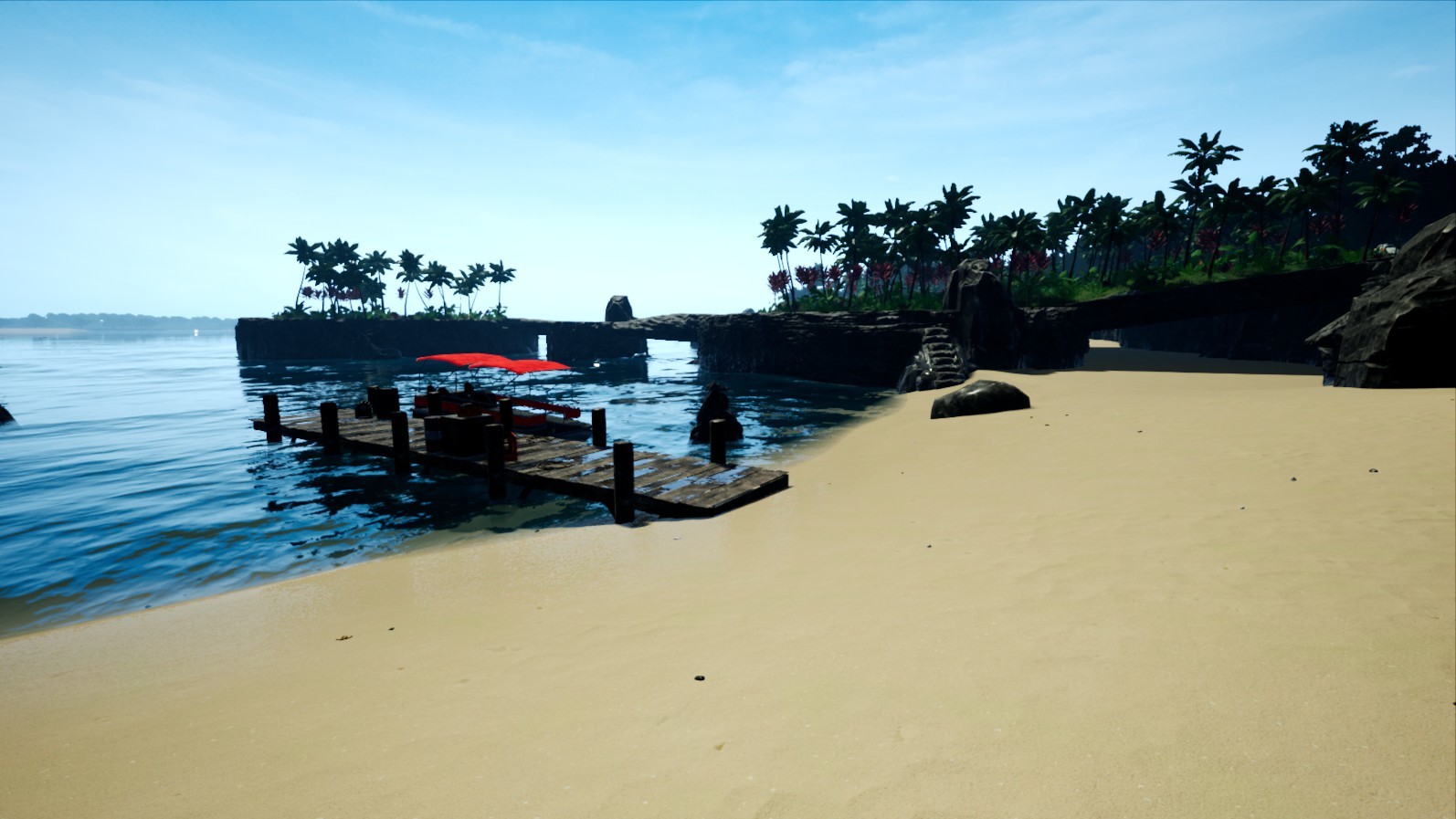


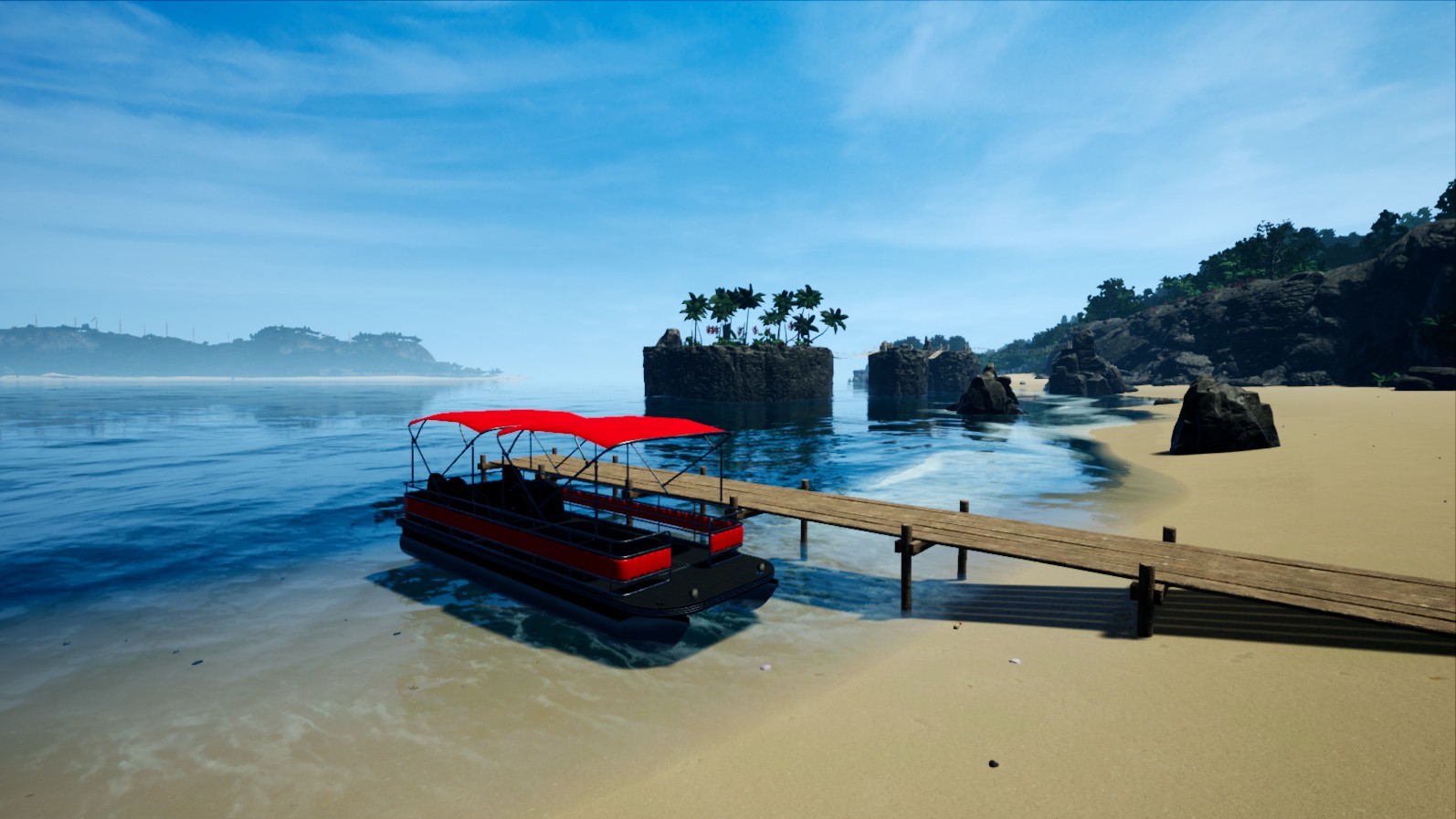


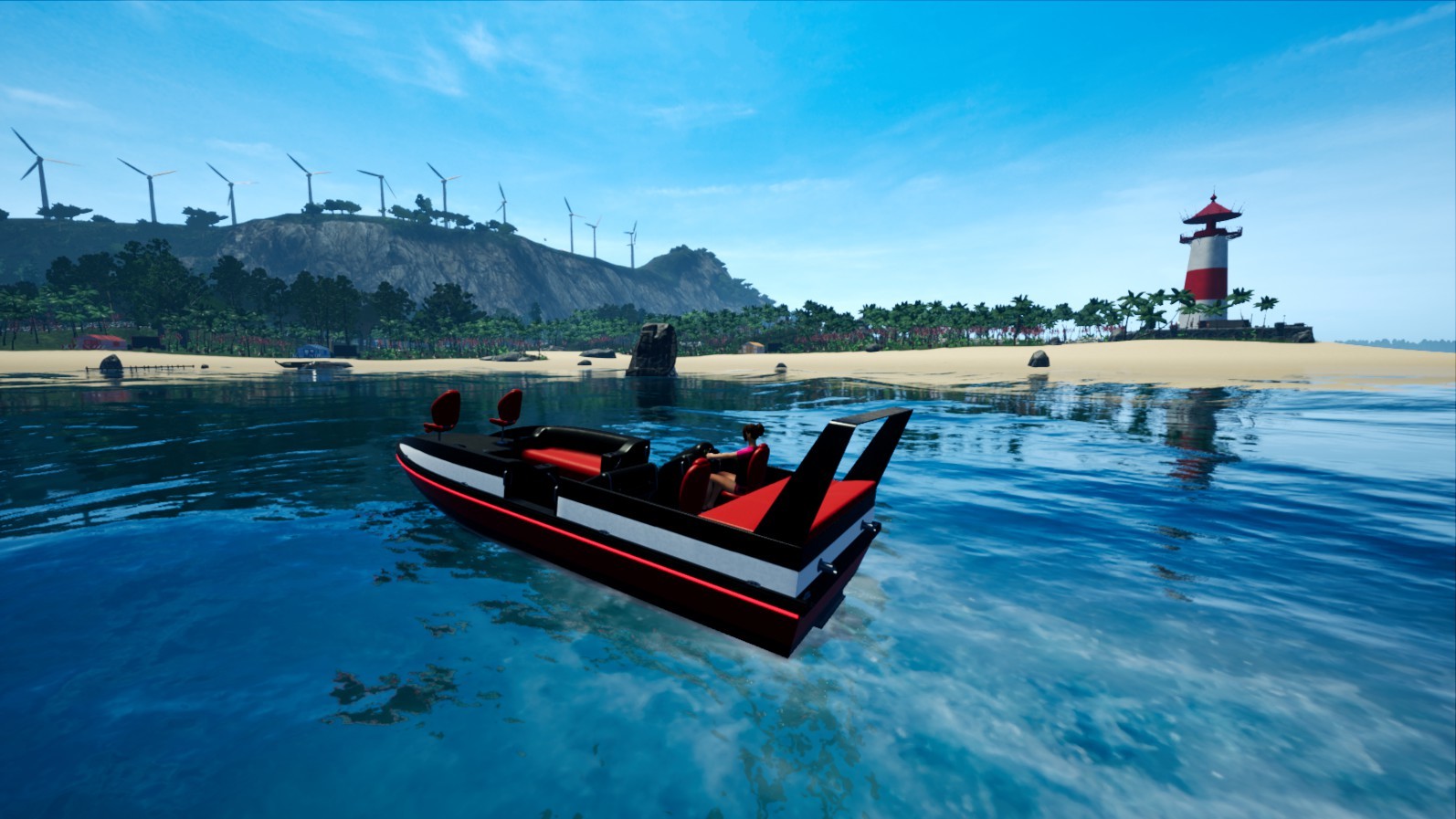


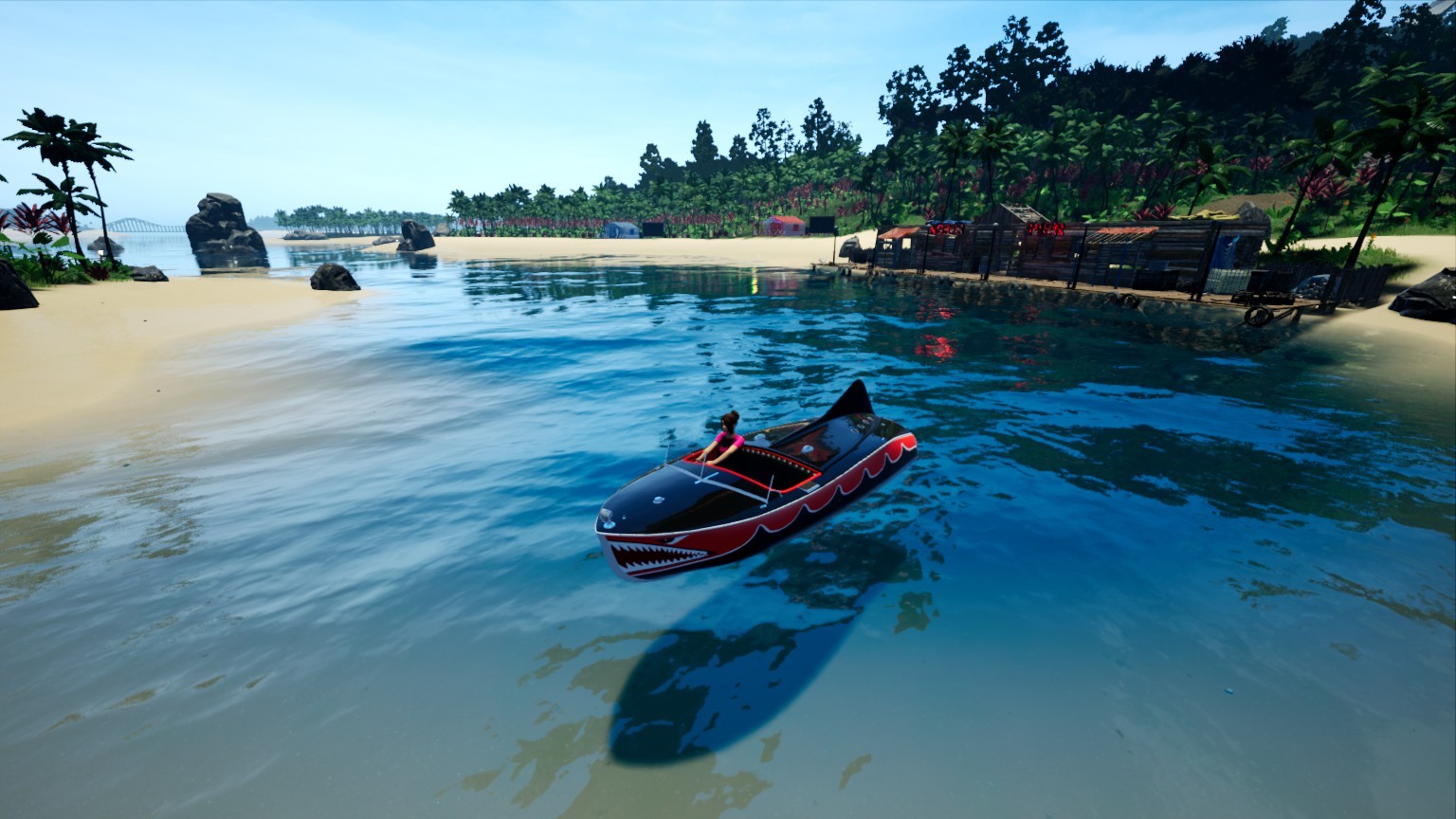

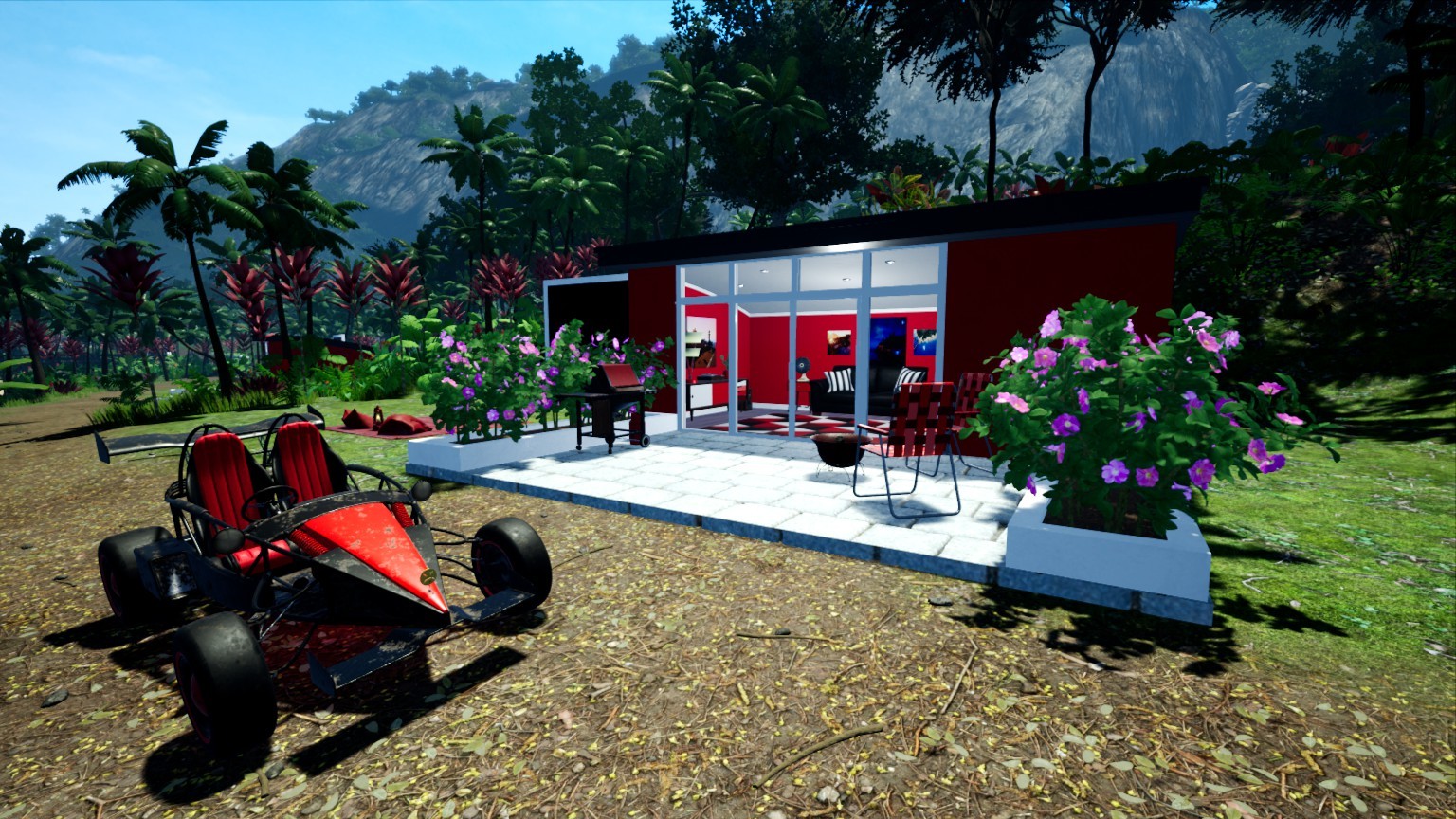
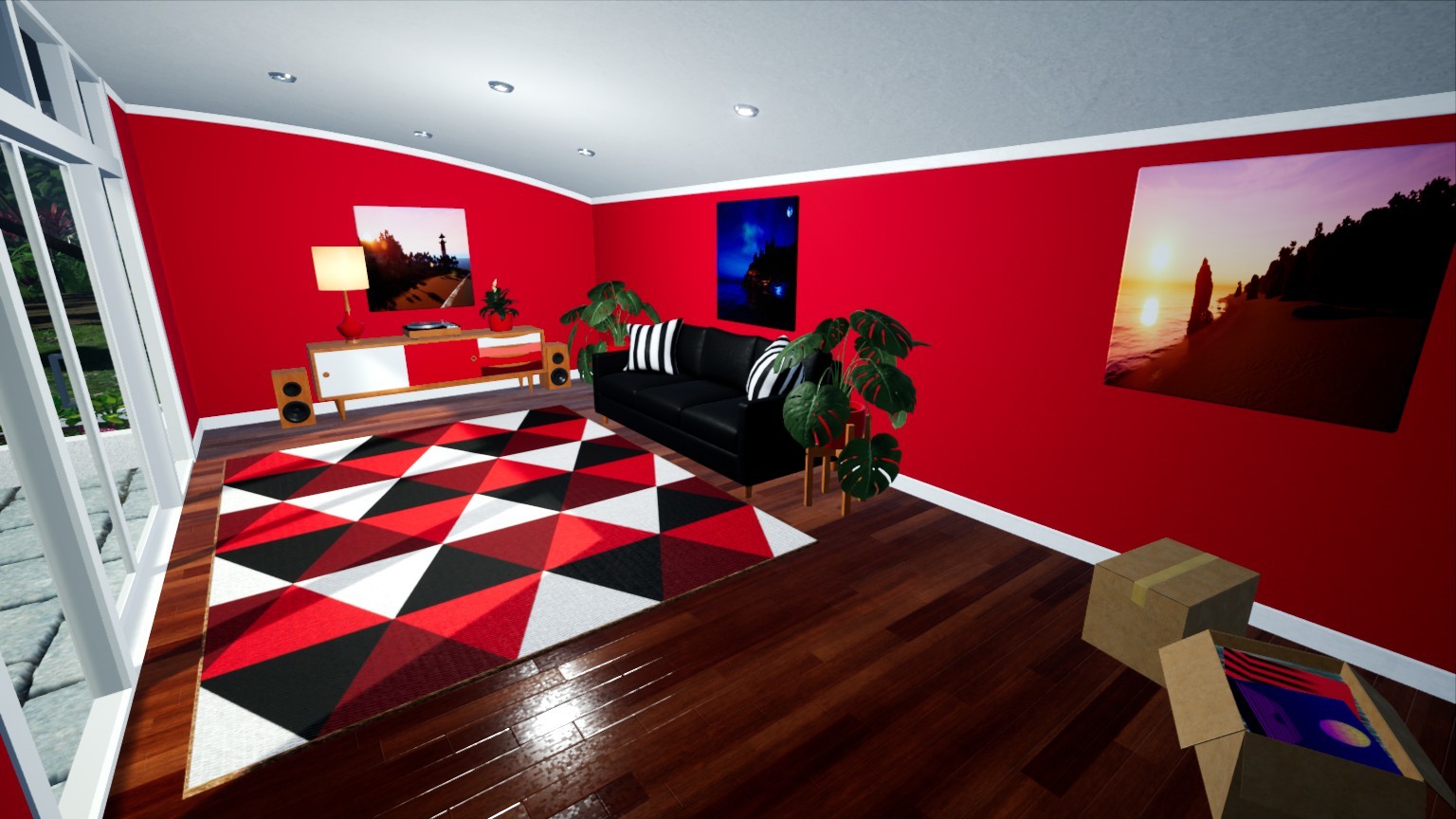


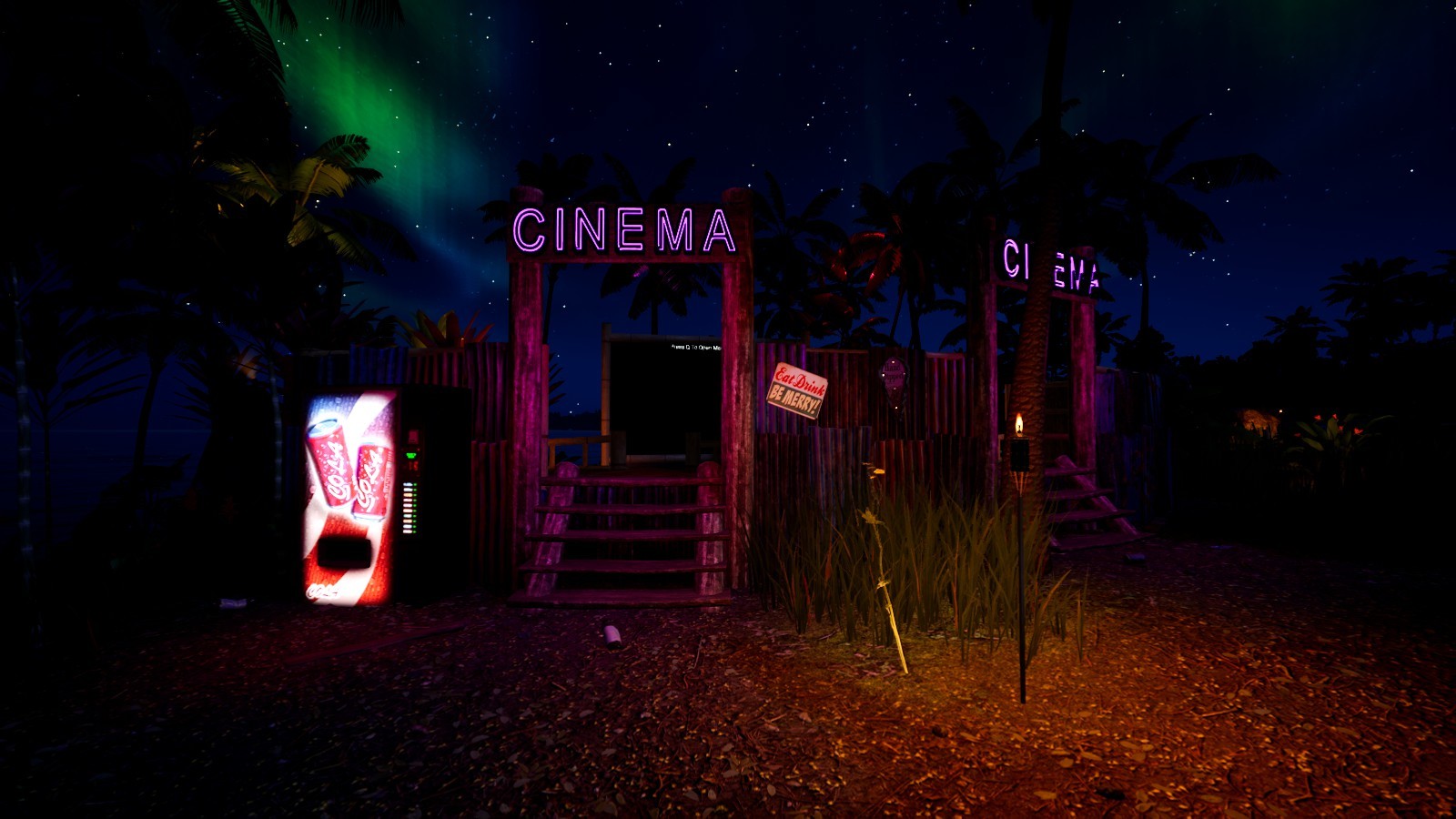




 This update focuses on the ground vehicles primarily, making changes to the handling so they can perform jumps better (fixes the bouncyness upon landing) as well as including a bunch of small fixes to various things.