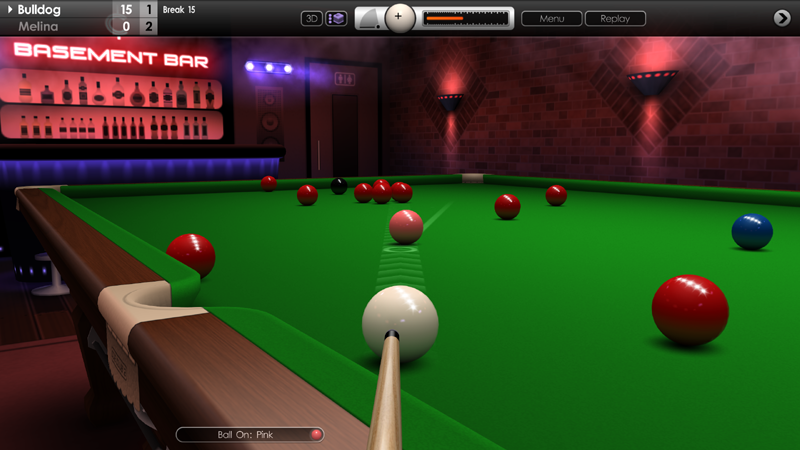
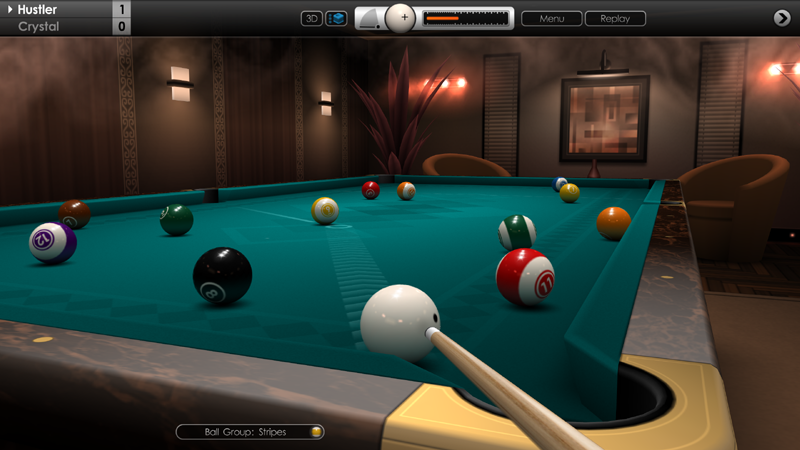
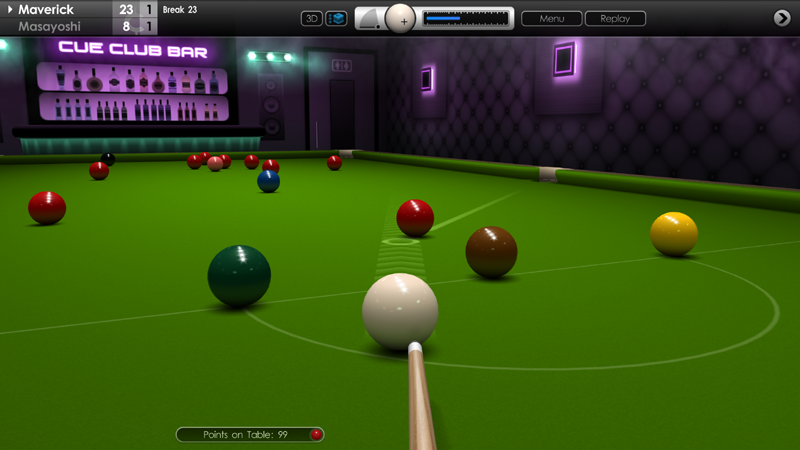
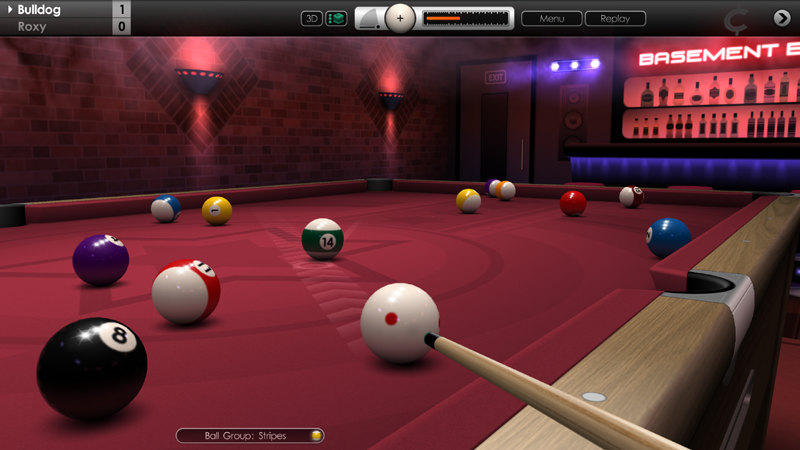
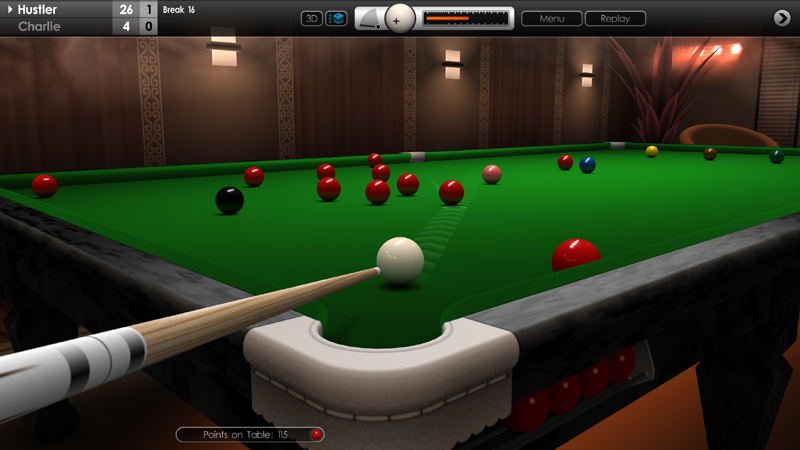
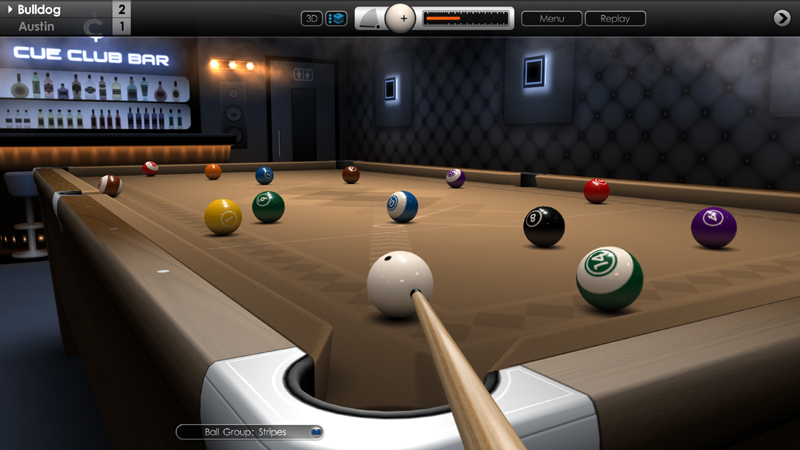
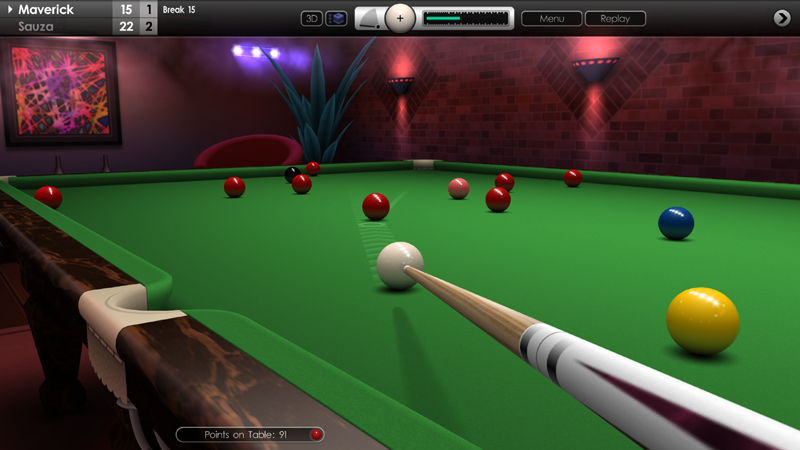
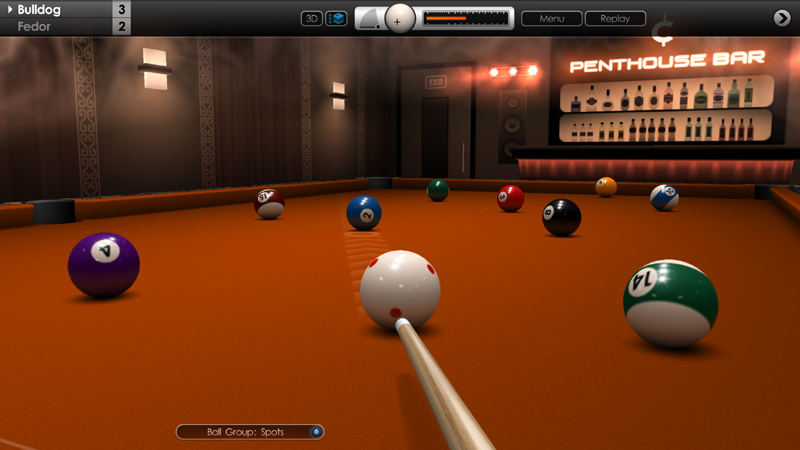
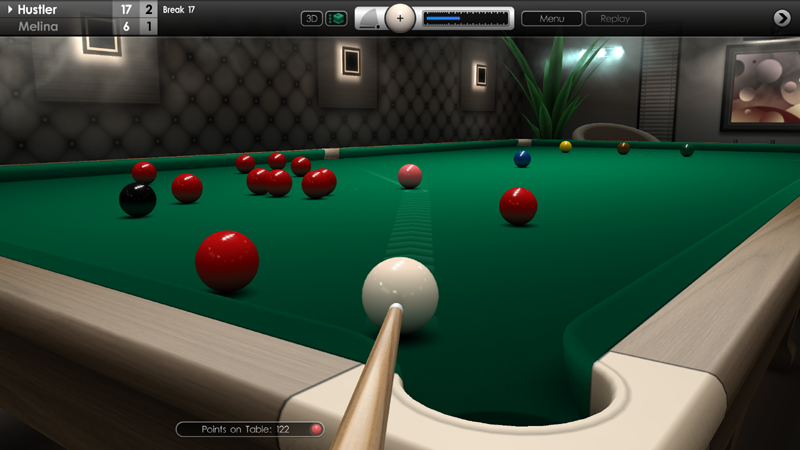
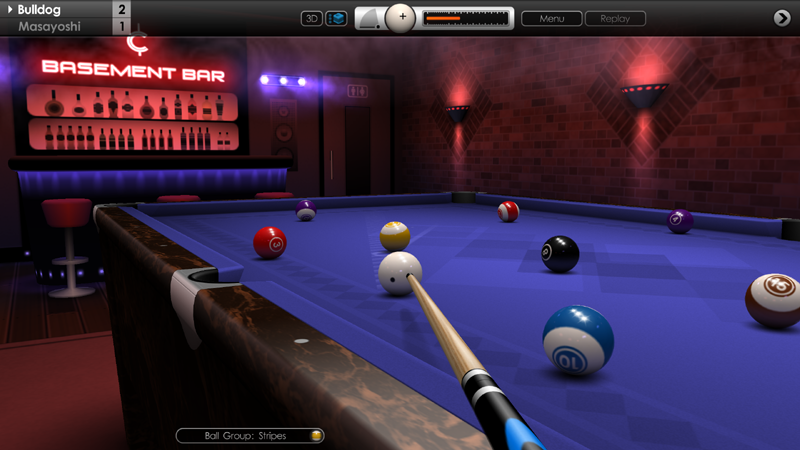
We're pleased to release another new update to Cue Club 2 today, with some nice new feature additions requested by the community, plus a few bug fixes too.
CUES
Added support to change the size of the cue during a game. From the menu, select 'Change Cue' and pick from one of the three sizes available. This can be useful if you prefer to use a longer and heavier cue for break shots, or wish to use a shorter and lighter cue to play an extreme swerve shot.
ACHIEVEMENTS
Added silver and gold trophies and Steam achievements for gaining 5,000 points and 10,000 points in multiplayer. The existing award for earning 1,000 points is now the bronze trophy.
GRAPHICS
Added an option to toggle the display of the Cue Club 2 logo on the outer edges of the pockets in pool and snooker (3D mode). See 'Options > Tables & Equipment > Tables > Global Settings > Pocket Logos'. Default setting is 'On'.
CONTROLS
Added support for 'H' and 'V' keys to adjust horizontal and vertical spin on the cue ball whilst moving the mouse. Note that pressing 'H' resets top spin to zero, and pressing 'V' resets side spin to zero. To adjust both together use the 'E' key (for 'English').
Added support for 'C' key to reset spin and return the cue to the centre position.
CAMERAS
Fixed an issue that failed to return the camera view to 2D mode at the start of the next frame in a match, when auto switching (2D to 3D) is enabled.
MENUS
Fixed an issue that presented the 'progress will be lost' message in the menus when trying to exit after the match had actually been completed.
Fixed an issue that stopped the 'Fast Aiming' control method being saved when changing from 'Options > Controls > Mouse and Keyboard'.
Fixed an issue that displayed the pool table instead of the snooker table in the background of the tournament opponent screen when snooker was selected.
Other minor fixes and enhancements.
Cue Club 2 Update V2.099.4
Hi Everyone,
We have another update today containing further fixes and improvements to the game. See below for a full breakdown of the changes:
PHYSICS
Increased available power when playing shots with high cue elevation, allowing for longer and more impressive swerve shots to be played.
Increased angle deflection when playing off a cushion with side spin applied to the cue ball.
Improved break shot dynamics in snooker. Soft collisions against the outer reds are now less likely to split the pack too far.
Default cue power setting on the break shot in snooker has been re-calibrated for each table size, taking into account the size and weight of cue chosen by the player.
A.I.
In snooker (6, 10 and 15 reds), A.I. players now use slightly less power on the opening shot to make safer and more tactical breaks.
CONTROLS
Cue power can now be increased in 0.5% intervals up to 20% power for increased precision. Beyond this threshold power will increase in 1% intervals up to 100%.
When setting power using 'Automatic' cue control method, forwards and backwards mouse movement has been re-tuned to give finer control. This setting can be changed from 'Options > Controls > Advanced Settings > Power Adjustment'.
When using '7' and 'F7' keys to restore a previous shot in practice mode, and fast aiming is enabled, the aiming target is now restored to its previous position if the target is currently visible on the table.
AIMING
Fixed an issue where the secondary aim line sometimes did not display as a fan, when setting up a long distance swerve shot and a potential deviation to the cue path exists.
LEADERBOARDS
The re-upload button is now permanently shown on offline snooker and speed pool leaderboards for all newly qualified entries to the Cue Club website leaderboards. The button resembles a small globe and appears to the right of the record entry. Please note this button appears for new records only, created after this update. Qualified top 100 records are automatically submitted, but the button allows for further attempts to be made as a backup.
MENUS
Fixed an issue where 'Fast Aiming' and 'Cue Control' menu options sometimes became permanently greyed out when changing settings in 'Options > Controls > Basic Settings'.
Fixed a similar issue for 'Use Default Screen Resolution' in 'Options > Display > Graphics Settings'.
Fixed a similar issue for 'Room Colour' in 'Options > Match Settings > Competition Venue'.
Fixed a similar issue for 'Allow use of 2D Camera' in 'Options > Cameras'.
Fixed a similar issue for 'Number of Games' in 'Games > Quick Match > Killer Pool'.
Fixed an issue where game controller navigation around certain menu buttons was off-centre.
Other minor fixes and enhancements.
Cue Club 2 Update V2.099.3
Hi Everyone,
In today's update we've introduced more features requested by the community along with some further bug fixes and improvements. Full details below.
AIMING
Fixed an issue where the cue ball would sometimes not follow the exact path of the aim line, if a shot was played with side spin and the cue raised, and power was changed immediately before shooting. This applies when the cue control method is set to 'Automatic'. See 'Options > Controls > Basic Settings > Cue Control'.
In rare instances where there is some margin for error in aiming, the secondary aim line now fans out to give feedback to the player that some deviation may occur. Applies mainly to swerve shots where low power is used or there is a long distance to cover to reach the object ball.
CONTROLS
Navigation speed for the aiming target now has a separate settings for 2D and 3D modes. See 'Options > Controls > Advanced Settings'.
Navigation speed upper and lower limits in 2D mode have been recalibrated, offering finer, more gradual increases across the range of settings.
Navigation speed in 3D mode can now be boosted along the Y axis for faster movement. See 'Options > Controls > Advanced Settings > Y Axis Boost (3D)'. There are 5 settings available ranging from 'Off' to 200% in 50% increments, with the default boost level set to 100%.
Fixed an issue where holding down the F10 key would continually re-rack the balls in practice mode and speed pool.
CAMERAS
Added setting to automatically switch the camera between 2D and 3D mode after playing a shot. See 'Options > Cameras > Auto Switching (2D to 3D)'. This is useful if you prefer to play shots in 2D but watch the action in 3D.
Fixed an issue where the first person camera was not always set correctly at the start of a match.
MULTIPLAYER
Fixed an issue in human vs human online matches where qualification for online leaderboards would be turned off, if the secondary aim lines where enabled in menu options but disabled in the multiplayer lobby.
Fixed an issue where conceding a game immediately after playing a shot would break the connection. It is now only possible to concede when it's your turn and also before taking a shot.
USER INTERFACE
Added a 'Random' option for power bar colour, which resets at the start of a new match or a reload. See 'Options > Display > User Interface > Power Bar (Colour)' and click the left button to find the new setting.
GRAPHICS
Fixed an issue when using an ultra-wide monitor where edges of the screen were sometimes not rendered correctly when playing in the bar venues.
MENUS
In speed pool, after clearing the table, the in-game leaderboard can now be navigated through by using the arrow buttons at the bottom of the menu.
Fixed an issue where ball textures were not visible in the ball set selection menu, if a game of snooker had just been played.
Fixed an issue where it was possible to load a saved shot from the main menu and then actually play on, instead of only being able to replay the shot, when using certain key press combinations.
The Polish language in-game keyboard now uses a standard 'qwerty' layout.
Other minor fixes and enhancements.
Cue Club 2 Update V2.099.2
Hi Everyone,
We're pleased to release a new update today with a range of feature improvements and fixes. See below for a full breakdown.
AIMING
Improved auto aiming in 3D mode. Aim now tracks camera position if the camera has been rotated by the user after the last shot was played. This feature can be useful to line-up your next shot while the balls are still rolling, speeding up gameplay.
Auto aim now tracks the black ball by default in snooker, when the player has potted a red and is then on a colour. Only applies if the camera has not been rotated by the user after the previous shot was played.
Added new custom 'Target' option to 2D aiming menu, to compliment 3D mode. See 'Options > Aiming > 2D View > Target'. There are three settings available.
When playing a human vs human multiplayer match, it is now possible to change settings in the aiming menu mid-game, apart from the length of primary and secondary aim lines.
Secondary aim line length has been increased slightly in both 2D and 3D modes.
CAMERAS
Improved camera positioning in 3D first person mode when cue is elevated high, resulting in a better view of the far end of the table and pockets.
SNOOKER
AI players now concede when they realise they're too far behind on points, instead of occasionally continuing to play on and deciding to concede later.
Fixed an issue when adjusting the AI player behaviour from the in-game menus. Changing settings for 'Concede Game' now works mid-game instead of having to start a new match. See 'Options > Match Settings > Virtual Players > Tactics (Concede Game)'.
LEADERBOARDS
Offline leaderboards for snooker breaks and speed pool times have been expanded from top 20 entries to top 100.
MULTIPLAYER
Fixed an issue in multiplayer that allowed players running an older version of the game to play against users with the current version, potentially leading to sync errors.
CHAT
Added support for longer chat messages in-game and in the multiplayer lobby.
In-game messages now stay up longer before fading out.
ACHIEVEMENTS
Trophy summary screen modified to allow for future expansion with new awards. See 'Achievements > Trophies > Summary'.
Fixed an issue where if a new trophy had just been won then sometimes it was not selectable from the trophy summary screen.
GENERAL
Fixed an issue that sometimes prevented the tournament quarter-final match length from being adjusted. See 'Options > Match Settings > Tournament'.
Various tweaks to localised text files.
Code updated and compiled to use to the latest Steam SDK libraries.
Other minor fixes and enhancements.
Cue Club 2 Update #99a
Hi Everyone,
Today we released another update to the game with a small collection of feature additions and fixes.
A.I.
Added finer-grained control over AI difficulty. See 'Options > Match Settings > Difficulty Level > Fine Adjustment'. There are now 15 levels available.
'Expert' and 'Pro' level AI have been toned down slightly.
MENUS
Added strong outline to 'Load Previous Game' buttons for increased visibility when enabled. These buttons activate when a game is auto-saved after a PC crash or accidental power off. From the main menu, go to 'Games' or 'Games > Tournament'.
Fixed link when navigating back from aiming menus to leaderboards, via the 'Qualification' button.
MULTIPLAYER
Increased error-checking in game packets, to assist with game stability and help prevent any sync issues from occurring.
Other minor fixes and enhancements.
Cue Club 2 Update #99
Hi Everyone,
Today's build addresses a handful of items covering multiplayer, AI players and controls. Thank you for providing feedback through the forums and we hope you enjoy these latest improvements to the game.
MULTIPLAYER
Improved connectivity in multiplayer and fixed some recent server issues that may have prevented some matches from completing.
Fixed an issue where replaying your opponents' shot did not always produce the same result as the original shot.
A.I. PLAYERS
Slightly improved AI potting ability over the 5 difficulty levels.
Improved overall balance of AI difficulty between pool and snooker games.
CONTROLS
'B' key now enabled to reposition the cue ball when player has ball in hand, and fast aiming control method is turned off.
Increased outer table boundaries of aiming target when using cursor keys or WASD keys for fine movement control in 2D mode.
Other minor fixes and enhancements.
Cue Club 2 Update #98
Hi Everyone,
We're pleased to release another new update to the game today. Included are a range of new features requested by the community, along with more tweaks and fixes. Full breakdown included below.
GRAPHICS
Added option to visually scale cue length in-game. See 'Options > Tables & Equipment > Cues > Global Settings > Length Reduction'. Default setting is 25% and ranges from Off (0%) to 40%, in 5% intervals.
CONTROLS
Added 0/F10 key shortcut to re-rack balls in practice mode and Speed Pool.
Fixed an issue where chalking using the 2/F2 keys was possible when the in-game menu was active.
Fixed an issue where the ESC key would not always work in the main menu to go up a level.
Chalking no longer possible when moving a ball around on the table by hand.
GAMEPLAY
Added support for 'Best of 11' and 'Best of 13' match lengths in Quick Match and Bar Challenge.
Fixed an issue with aiming where sometimes the cue ball would not travel in the same path as indicated by the primary aim line. This would happen when side spin was applied with the cue elevated due to the cue ball being against the cushion or directly in front of another ball.
Slightly enlarged limits of the aiming area around edges of the table in 2D mode.
EURO 8 BALL POOL
Fixed an issue where the referee would not move the cue ball behind the headstring if ball-in-hand was requested after a foul. This only applies when using 'Right to Left' table configuration. See 'Options > Tables & Equipment > Tables > Global Settings > Table Orientation'.
MENUS
Added quick adjustment for difficulty setting in a new tournament. Buttons are located on the silver banner in the tournament fixtures screen. Similar buttons are now used for Bar Challenge difficulty adjustment.
Fixed an issue that sometimes prevented match length adjustment in 2 player games.
Fixed instances where the 'Restore' button on the in-game control panel was incorrectly greyed out in practice mode.
Fixed an issue where pressing the enter key repeatedly on a saved replay menu would prevent a return to the main menu.
Other minor fixes and enhancements.
Cue Club 2 Update #97
Hi Everyone,
In today's update we've included a number of new features, plus a range of further improvements and fixes to many areas of the game. As always, many thanks for the continual support and feedback.
CHALKING
Added ability to chalk cue when a shot is in progress (balls rolling), or if it's your opponent's turn. Press 2/F2 keys or controller X button.
MULTIPLAYER
Further improvements made to multiplayer connectivity with fewer interruptions.
Increased maximum points awarded to winner of 'Best of 9' match (now 50 points), and also 'Best of 11' match (now 60 points).
Match lengths adjusted to 'Single Game', 'Best of 3', 'Best of 5', 'Best of 7', 'Best of 9' and 'Best of 11'.
MENUS
Multiplayer lobby settings for game type, match length, table size, cushion speed, pocket shape, ball size and aiming lines are now saved out to file, so these do not have to be reconfigured each time you play.
Added a 'Reset Options' button to the multiplayer lobby, to set the above options back to default values if needed. Advance to page 2 of the control panel where it is located on the lower right hand side of the screen.
In the 'Ball Sets' menu, ball finish settings are now saved out separately for American pool, European pool and snooker ball sets. See 'Options > Tables & Equipment > Ball Sets'. There are 4 settings available: Matte, Satin, Gloss and High Gloss finish.
Fixed an issue where the in-game menu button was selectable after minimising the menu then pressing the ESC key. Clicking the button could then override other gameplay notifications leading to errors.
Modified the way the 'Reset' button works for tables and ball sets. The button now only restores default values for the currently selected tab (American pool, European pool or snooker).
Fixed an issue that prevented access beyond page 1 of the leaderboard for online snooker breaks.
Fixed an issue that could occasionally cause the game to hang or produce an error after attempting to exit from the main menu.
8 BALL POOL
Fixed rule variation for '2 shots on 8-ball', where no extra shot was awarded to the incoming player when a foul was made. See 'Options > Rule Variations' then select US or Euro 8 Ball Pool.
Fixed an issue in practice mode where the money ball would not be respotted after watching a replay then pressing the 'Restore' button.
Fixed an issue in US 8 ball when 'ball in hand after foul' is disabled in rules variations. A scratch on the cue ball with cue ball replaced behind headstring now requires the incoming player to play the cue ball across the headstring before striking a ball. As a warning the aiming target now turns orange when aiming for an object ball behind the string.
Ball icon representing 'nominated ball' is no longer displayed for 8-ball in the notifications capsule if call shots are enabled and a safety shot is selected.
In the rule variations menu, selecting '2 shots on the 8-ball' rule now automatically enables the '2 shots' rule for standard fouls.
If safety shots and the '2 shots' rule are enabled in rule variations, then electing to play a safety when you have 2 shots no longer results in end-of-turn for that player.
If call shots and 'free ball' are enabled in US 8 Ball, and player is on the 8-ball with a free ball, then nominating a spot or stripe but potting the 8-ball now results in a loss of game.
Fixed an issue in Euro 8 Ball where the referee would fail to identify snookers following a previous shot where a free ball was awarded.
SNOOKER
Fixed an issue in the menus that allowed the winner of a frame to use the 'Claim a Win' button more than once to falsely increase the score.
Accessing the match information screen at the end of a frame of snooker now informs you that the frame has completed.
CONTROLS
Fixed controller navigation issues when trophies are awarded in-game.
PHYSICS
Fixed a bug that occasionally caused AI players to play the cue ball off the cushion with incorrect side spin applied.
AUDIO
Fixed an issue where music volume was not always restored after accessing the in-game menu, when the 'Volume Reduction' setting is enabled.
Fixed an issue where the 'Reset Device' option did not correctly set the sound effects and audience volume.
Added a short delay on the Bar Challenge completion screen before playing the victory music.
CAMERAS
Fixed an issue that sometimes placed the cue at the wrong vertical angle when replaying a shot.
Fixed an issue that would occasionally make the 3D first person camera stop abruptly when an AI is lining up a shot.
GAMEPLAY
In practice mode, the 'Restore' button is now enabled when the balls are racked or a game has been loaded, and a shot has not been played, but one or more balls have been moved by hand, or added / removed from the table.
Fixed an issue that allowed the player to watch a replay of a shot that had been cancelled, just before committing to play it.
Fixed an issue that would sometimes make the cue rotate horizontally after playing a shot.
TEXT
Various tweaks made to localised text in game rules documentation, rule variation menus and match information screens.
Other minor fixes and enhancements.
Cue Club 2 Update #96
Hi Everyone,
We have released another update to Cue Club 2 today with a collection of new features, and a few fixes too. See below for full breakdown.
MENUS
Added Red and Yellow ball set option to start screen. See 'Initial Setup > Start Screen > Ball Set'.
Added Blue and Yellow ball set option to start screen. See 'Initial Setup > Start Screen > Ball Set'.
Added 'Random' ball set option to start screen. See 'Initial Setup > Start Screen > Ball Set', and click the left arrow button.
Added real-time fade effect when 'Random' colour theme is selected. See 'Options > Display > Menus > Colour Theme', and click the left arrow button.
VENUES
Added 'Random' theme option when the Cue Club venue is selected. This setting picks a new colour theme for the room each time you start a match. See 'Options > Match Settings > Competition Venue > Room Colour', and click the left arrow button.
POOL: 6, 7, 9 & 10 BALL
Fixed an issue in practice mode where the red ball-release button could be pressed after the money ball was potted last with a scratch on the cue ball, and the money ball is respotted.
KILLER POOL
Default cue power now set to 100% on the break shot if the balls are re-racked during a game.
GRAPHICS
Fixed a visual glitch when playing in theatre venues, where sometimes unexpected white specks could appear in the audience seating area.
AUDIO
Updates to achievement sound effects.
Other minor fixes and enhancements.
Cue Club 2 Update #95
Hi Everyone,
In today's update we have included a number of new features, improvements and fixes to the game. As always, a big thank you for the continual feedback and suggestions which help us to further refine Cue Club 2.
GRAPHICS
Improved cloth texturing effects on 2D and 3D tables, with deeper shadows around and underneath cushions.
Fixed an issue in 3D first person mode where pocket jaws sometimes did not render correctly if located close to the camera.
MENUS
Added a 'Table Size' button to the bottom of 'Game Type' selection menus, to allow the table size to be changed more easily when starting a new game.
Added qualifying information to leaderboards. See 'Achievements > Speed Pool Times / Snooker Breaks'. Advance to the online record table, then click the 'Qualification' button for details.
Fixed the link when clicking the 'back' button when returning from cue selection screen in quick match mode.
Fixed an issue where deleting saved speed pool and snooker breaks could leave some data intact which could then be uploaded to online leaderboards.
Fixed an issue where exiting from the in-game menu to multiplayer then immediately returning to the game would give control back to player 1 instead of the AI, if it was the AI's turn to play.
POOL
In practice mode, pocketing the 'money ball' last in 6, 7, 9, or 10 ball pool and scratching at the same time now results in both balls being replaced on the table.
Fixed an issue where the red ball-release button could be pressed when the ball stack was not completely full.
AUDIO
Added a menu button to reset the audio device, which is useful if you switch playback devices when the game is running. See 'Options > Audio' then click the 'Reset Device' button at the bottom of the page.
Music volume is now set correctly when skipping tracks and the 'Volume Reduction (Game Menu)' setting is turned on.
CONTROLS
Fixed an issue where buttons on the in-game control panel could not be selected after tabbing out then back into the game.
Fixed instances where 7/F7 keys (restore balls) would not always work immediately after the break shot in practice mode.
SAVED GAMES
Fixed an issue where a saved game file could be accidentally deleted by starting a new game then immediately exiting to the main menu.