<*> Ficterra now has Traders. These are special NPCs that will trade you special items and services for your materials <*> The Blacksmith can improve your gear or craft some new ones <*> The Marble Sculptor can sculpt items out of marble you supply <*> The Technologist has several unique machines and tech that they are willing to trade <*> Added 'Social Skills' research to the game which unlocks calling the Traders <*> Added 'Call Blacksmith', Call Marble Sculptor', 'Call Technologist' researches to the game. <*> Calling a trader makes them appear in front of you. You can ask them to follow you if you want them to stand somewhere else. They stay permanently and you can only call one of each type <*> Right click on them to bring up a list of trades they offer, and click on the trade you want, to exchange items. You can do a trade as many times as you like
Trader Wares
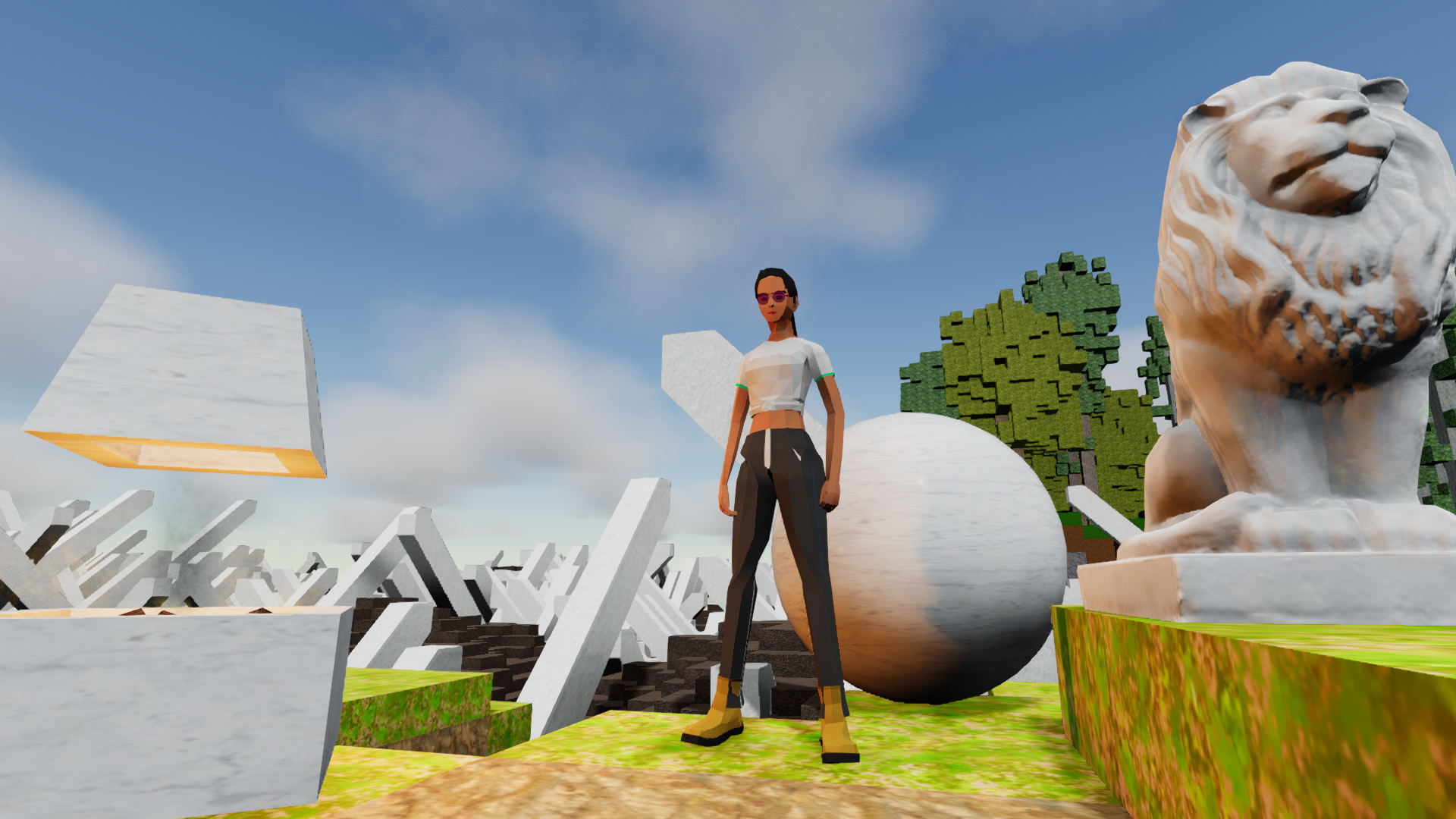
New Mythic 'Marbled Shoulders' added to Ficterra. These shoulders come with an extra 6 armor and are available from the Marble Sculptor
Added a Trade for Marble Lion Statue and Giant Marble Door from the Marble Sculptor
Added the Marble Furnace to the game. This is a decorative version of a Furnace made with marble, you can get it via trade from the Marble Sculptor
Added the Marble Ball to the game. This is a larger ball made from marble available from the Marble Sculptor
New Mythic 'The Carry' added to Ficterra. These shoulders increase your carrying weight by 75 and are available from the Blacksmith
The Blacksmith can reinforce your Chest equipment and set its armor to the maximum
The Blacksmith can also trade for a random common rarity item
Added the Rainbow Panel Light to Ficterra. This is a Panel Light that changes color over time, cycling through all the vibrant colours. The Technologist can trade you this
Particle Decorations are in the game. These are decorative particle emitters that can have their colour set. Trade the Technologist for them
The Depth Generator is a new generator that generates more power the deeper into the ground it gets. Trade for it at the Technologist
Also added from the Technologist, the Compact Pipe Chest. This is just a smaller pipe chest that fits in a 1x1x1 cube
Breezy Beach
Added 6 new relaxing locations to the Breezy Beach biome
See a sand castle, look for buried treasure or hang out at a beach house
Beach Chairs and Umbrellas have been added to the game
Picnic Tables have also been added to Ficterra
Surfboards are in the game. These can be used to travel over water, much like boats, but with a little different movement
Volleyballs can now be found in the game
All these items are exclusive to the Breezy Beach biome and are uncraftable
Other
Inspecting People NPCs now shows their name
People NPCs now have a proper icon
Added 'Tradeable At' to the mod editor for crafting plans. Use this to add the plan as a trade for traders
Fixed a bug where descriptions of some items weren't being shown
Added UI for Trader interactions
Banners and Imperial Halls
Banners
Banners have been added to Ficterra! There are two types of banners; Standing Banners held up on a wooden post or Wall Banners that can be hung on walls
Banners come with a in-world editor that let you choose their design
You can change the following
Background
Line Pattern
Symbol
Border
You can also choose the colour for each of these elements
The designs you come up with are also saved so you can reuse them later
Create banners for your bases or representing your group
You can craft both Banners at the Woodshop with Planks, Cotton Fabric and Thread
Portal & Dungeon Rework
We've reworked how portals work and how you access dungeons
Previously you would use a portal focus to create a portal to a dungeon and destroy the portal when you were done. Each portal you used would create a new dungeon instance (and remove the last)
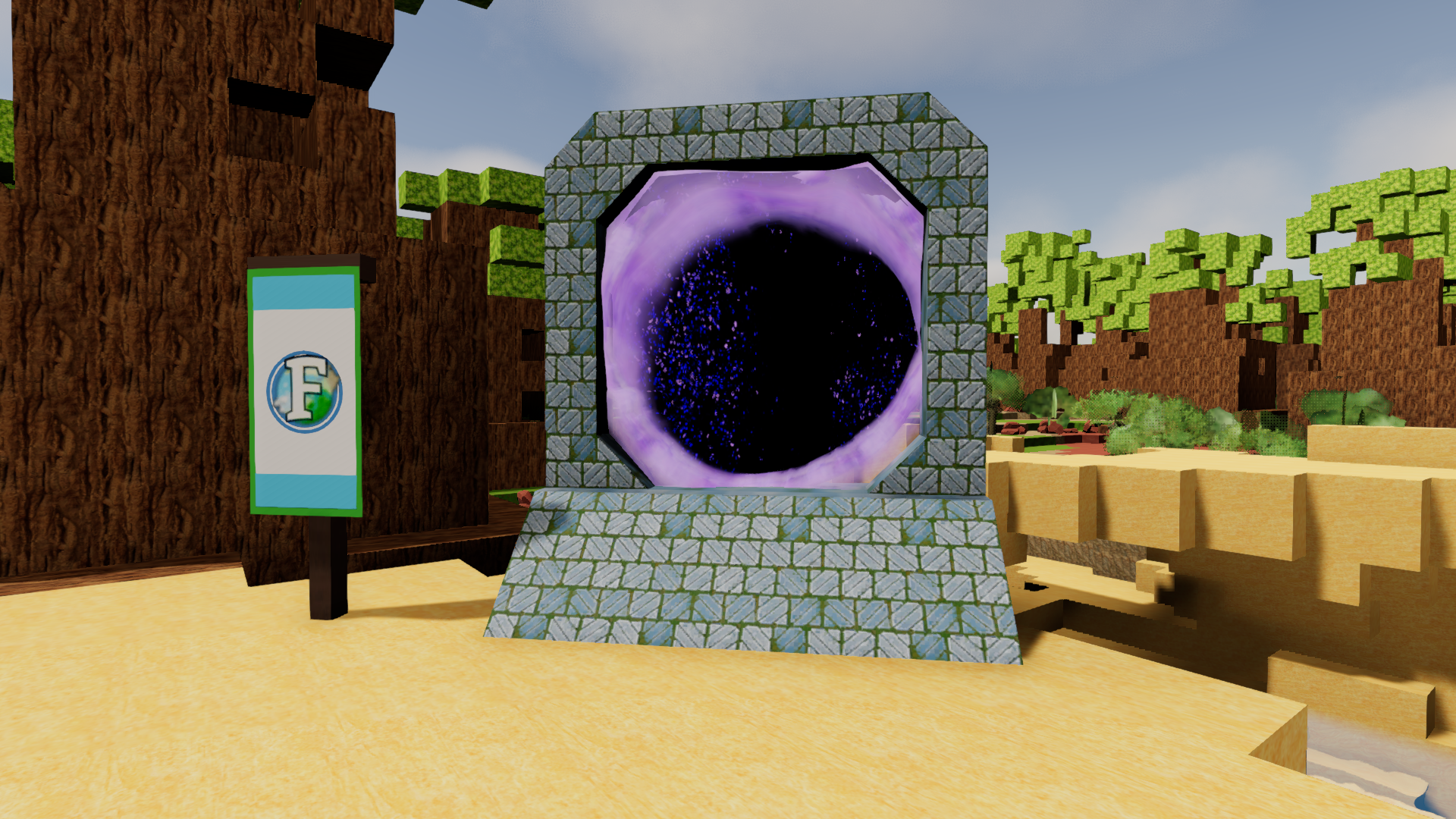
Now you can craft a Portal, after researching Basic Combat. This is a reusable placeable object that can be used to enter dungeons
Right clicking on the Portal opens a list of dungeons you can enter, and how much it costs to open the portal.
Opening the portals cost Portal Focus items. These can be collected from defeating monsters in the world.
When you are done with a dungeon you can right click the portal and select 'Close Dungeon'. This lets you open up more dungeons
Dungeons now spawn with a return portal that will return you to your respawn point when entered
Imperial Halls
Ficterra has a new Dungeon, 'The Imperial Halls'. This is a level 3 Dungeon that takes place in the marble halls of the Imperial Army.
Venture through the halls and collect items to unlock its massive locked doors
Confront the Imperial Commander boss and defeat him for mythic loot
A new enemy 'Imperial Slayer' has been added to the game. This dangerous enemy lurks the Imperial Halls and is ready attack you with his very large axe.
Added Giant Marble Door and Marble Lion the game. These can only be found in the Imperial Halls
New Locations
We've added 6 new delightful locations to the Cheery Steps biome!
Discover a small fort or loot an abandoned marble worksite for its hidden treasure
The Lake biome also got 5 new waterlogged locations!
Wade into the lake's waters to find remains of wrecks or underwater ruins, or just take a break on a relaxing island
This brings our total number of revitalized biomes to 10, which is half the biomes in the Ficterra! You can expect our next couple updates to also revitalize more biomes
Variants
Three new Variants have been added to Ficterra
You can now use Bottom Half Ramps and Top Half Ramps. These have half the slope of normal ramps.
With these you can create more gradual inclines that Cars can traverse. You can also connect then to Half Cubes to more smoothly transition into normal Cubes
The last variant we've added is the Half Corner Ramp. This is for when you want a roof corner, but the corner below is a sideways ramp. The normal Corner Ramp creates a weird overhang, while this connects exactly
Other
New World Loading Screen! This shows off some screenshots of the game, and gives out some helpful tips. It also looks a lot nicer and fades into the game
Icons have been added for a variety of monsters that were previously missing
Monsters now appear in the inspect panel at the top again
Monsters now show their power level in the inspect panel (none over 9000 though)
The Color Picker used in Paint Cans (and now also Banners) has been replaced with a much nicer one
Pressing C, E/I or R will now bring up the associated screen when in combat mode. This exists combat mode
Accessing an inventory (ie a chest) will now exit combat mode
Monsters now 'disintegrate' when defeated
The Quest Tracker now remains off if last time you played you turned it off (can be toggled with 'L')
Fixed a bug where the invisible walls containing dungeons would not reload when you reentered a dungeon sometimes
There is currently a bug where spiders might 'freeze up' and refuse to walk or animate
Rescaled spider, mummy, vampire bat and impling monsters to fix some weird scaling bugs. These monsters might not be the same size as they once were
Fixed a bug where monsters could not be attacked with basic tools
Mythics and Marble Town
Mythic Items
We've added Mythic RPG Items to the game
These items are hard to find but offer unique bonuses
Search out mythic and epic chests or fight dangerous monsters to get your hands on these items
Some of the Mythics added are
Cold Feet - Turns water to ice as you walk over it
Lava Core - Immune to lava, but water hurts you
Super Science Tracksuit - Doubles your research speed
Wealth Accumulator - Generates Gold, very very slowly
The Marathon - Double base stamina, but 50 less carrying weight
Loot Rework
RPG Items now drop from monsters and loot chests found in the world. We wanted players to be able to engage in RPG gameplay before the end game. Now you should get gear to wear fairly easily by just defeating wandering monsters and looting common chests
The RPG items found in the world are Power Level 1. We've increased the Power Level of items dropped in the Beetle Caves dungeon to 2
We've added rarity to RPG Items instead of them all being Epic rarity.
Common - Common items just have a main stat (Armor, Damage or Resting Heal)
Rare - Rare items roll a main stat, a secondary stat and Elemental Power
Epic - Epic items have all that Rare items have plus another secondary stat
Mythic - Mythic items roll like Epics but also have a Mythic affix
Loot Chests can drop items of their rarity and have a low chance of dropping the next higher rarity
Mythic Loot Chest have a higher chance of dropping mythic items
We now use the Drop Table system used in mods for loot chest and monster drops. This gives us more control over what drops and consolidates the two systems
World monsters now have a 50% chance to drop an extra item from the Common Drop Table
Golems have a 50% chance to drop an extra item from the Rare Drop Table
Monster health has been increased by ~10% across the board to balance for new item drops
Marble Town and Maquis Biome
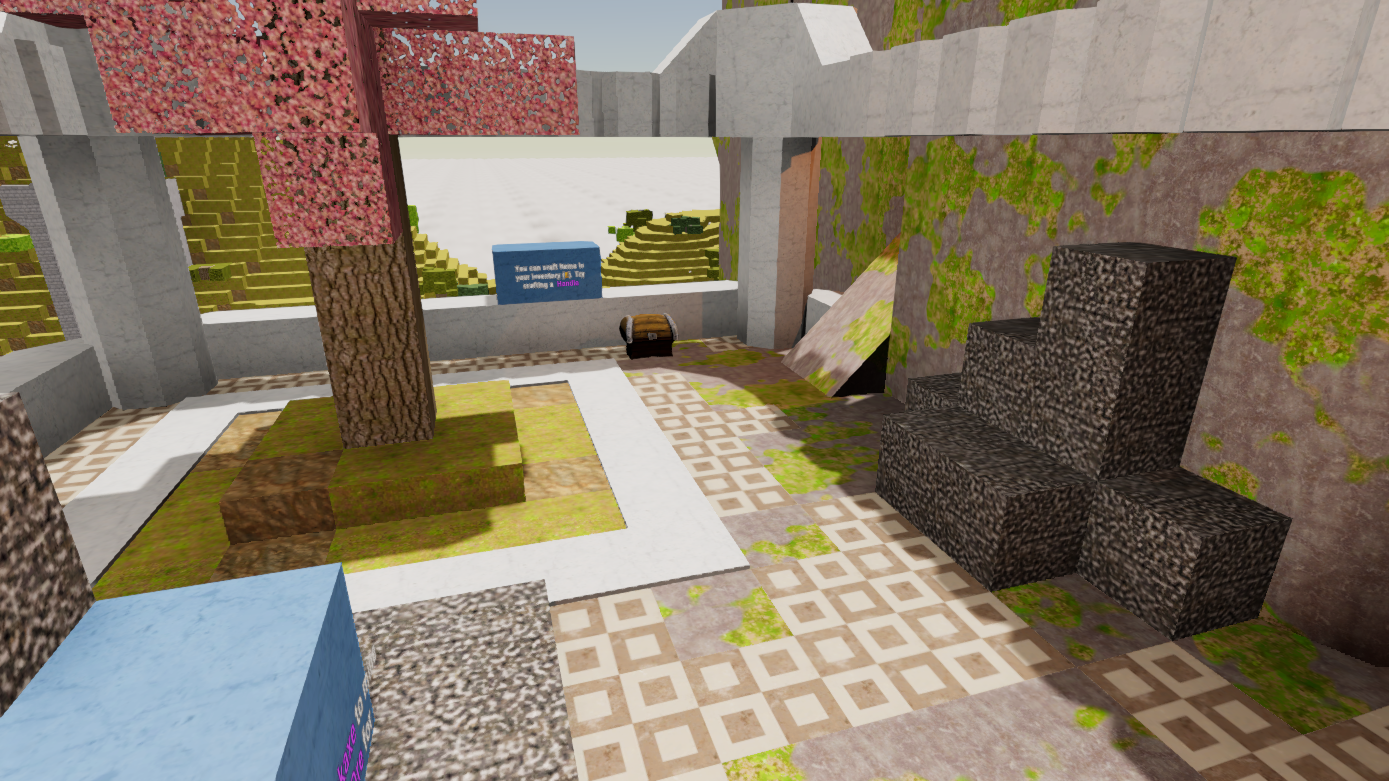
The Maquis biome has 5 new marvelously marble locations!
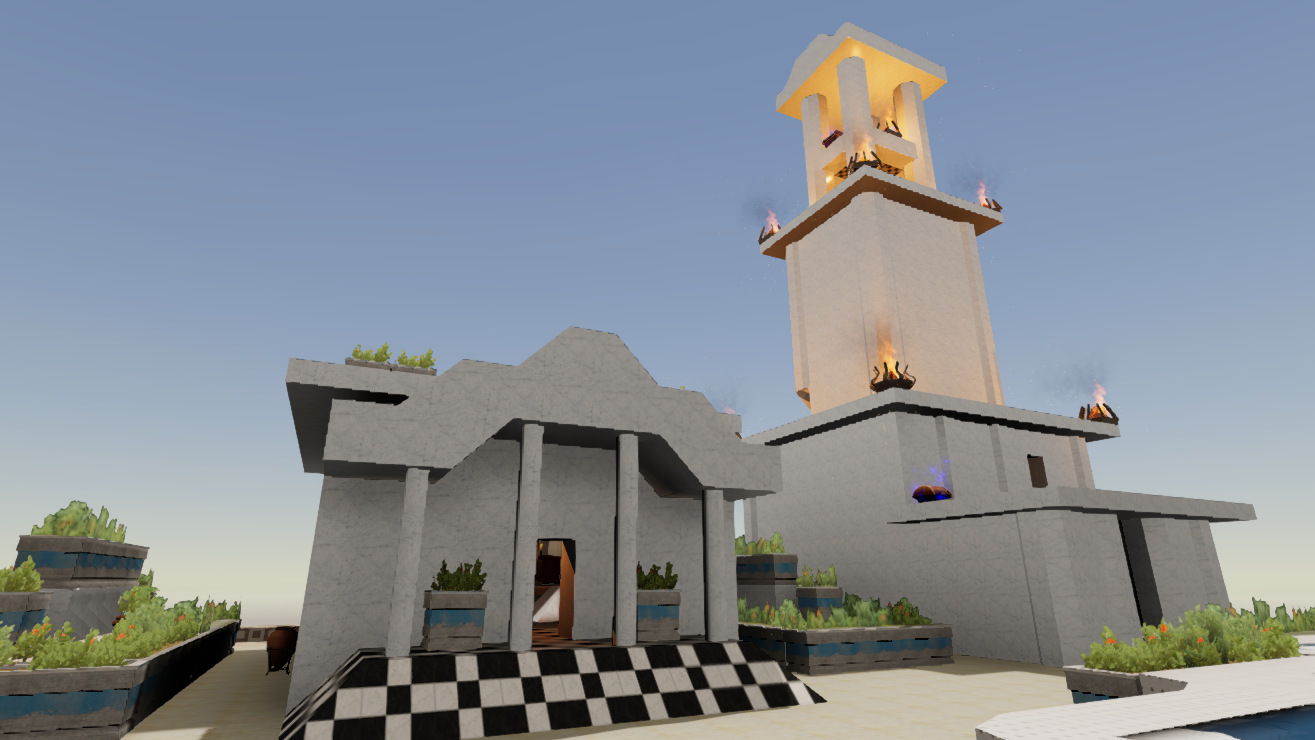
Check out a marble temple or explore an abandoned well
The Marble Town is the largest location we've added yet! It can spawn in the Maquis biome or in the Cherry Steps biome
The town has been occupied by the Imperial Army and its your job to drive them out!
Battle the new Imperial Soldier enemies stationed throughout the town
Loot the massive amount of treasure they've collected, including several mythic chests
Discover the secrets hidden around town for even more rewards
Take on the all new Imperial Commander boss enemy!
Decorative
Added 5 new decorative Marble Tile cubes to the game
Added 5 new decorative Brick cubes to the game
Added 2 new decorative Plaster cubes to the game
Added 2 new decorative Stone Tile cubes to the game
Added 7 new decorative Planks cubes to the game
All the decorative cubes can be created by using the Variant menu (alt) on the normal version of the cube (or other decorative variants)
Added a Clay Pot and a Framed Clay Pot to the game. These are uncraftable (for now) and can be found in the Marble Town
Added a Clay Flowerpot, a Stone Flowerpot and a Long Stone Flowerpot to Ficterra. These are uncraftable (for now) and can be found in the Marble Town
Added a Small Bush and Flower Bush to the game. These are only accessible in dev mode at the moment
Other
Power Level now shows on the equipment hover panel
Equipment hover panel shows mythic flavour text and description for new mythic items
Picking up an RPG Item now shows its correct icon and name
Added tech to make 'boss' version of any enemy
The hotkey bar now correctly hides when the game starts, if you have the setting checked
Reduced the thickness of the smoke effect from braziers
Monsters now return to their normal color, instead of white, after taking damage
Fixed a bug where enemy spells wouldn't be cast if you were within attack range
Added support for AI to cast spells without Line of Sight
The Dialog panel has been updated to use the new UI
Added the 'monster killall' command to kill all monsters
Fixed a bug where the game would start with clouds, even if the clouds were turned off
Resting Heal no longer works while in combat without being in combat mode. Attacking while out of combat mode triggers a 3 second cooldown before Resting Heal will start up
Changed the color of text on signs to black from brown; it was hard to see
Monsters now 'sleep' when you are far from them
Monsters at a medium distance now sleep if you are not within Line of Sight
Monsters now can change their tactics much quicker
Monsters by default now require Line of Sight before attacking you
Nameless Sea Cape is no longer a boot
Added 'Planks' crafting equivalency group. This is to allow decorative planks and to allow crafting with those planks
Boats, Ladders and Booms!
Boats, Ladders and Booms!
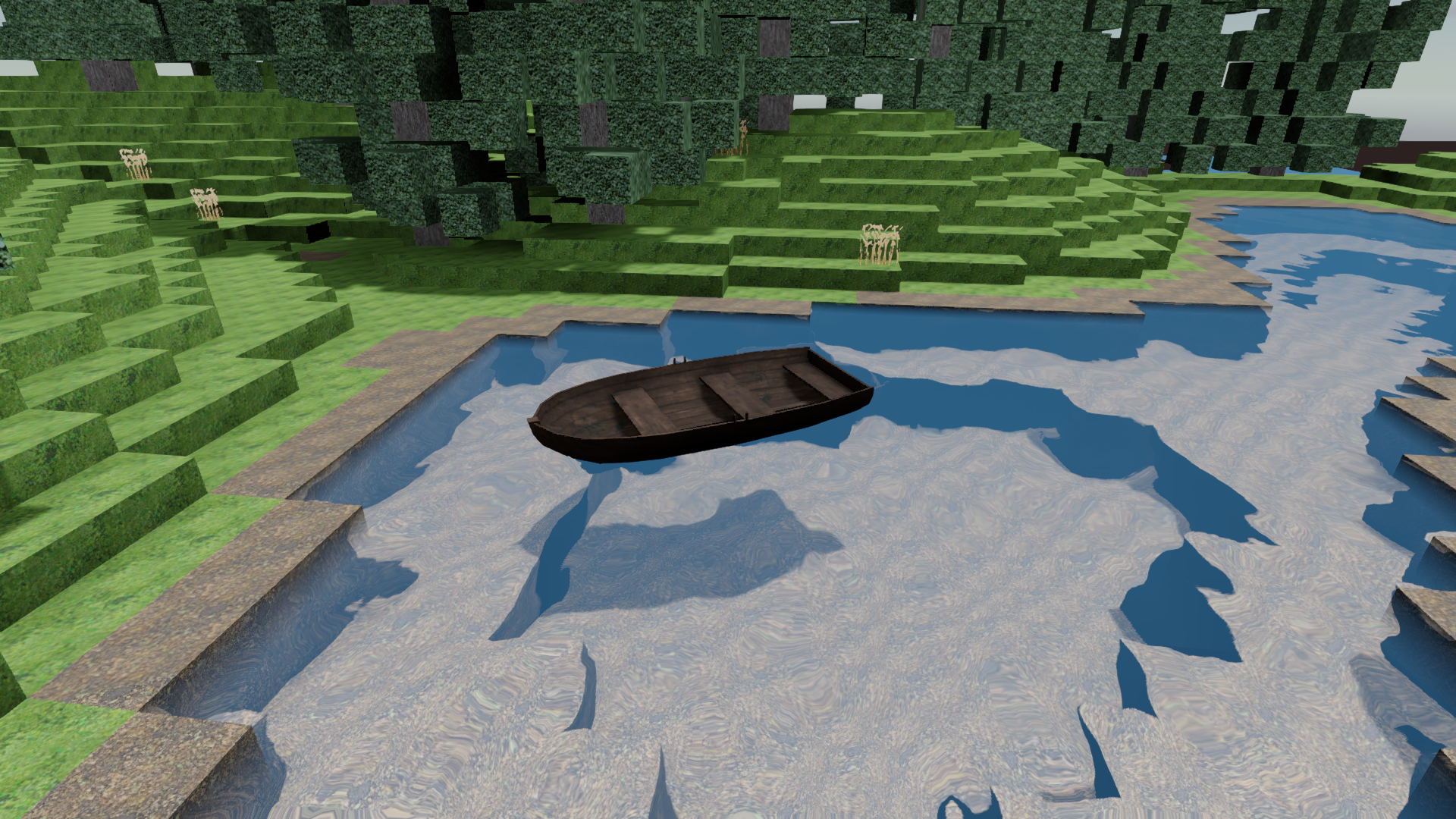
Wooden Boats are now in Ficterra! Ride boats around oceans, lakes, and ponds. You can still mine and place cubes while riding a boat. Boats only work in water! If you beach your boat however, you can just pick it up and place it back in the water, no hassle! Wooden boats can be made with Planks at the Woodshop
Ladders have been added to Ficterra. Simply walk into a ladder to start climbing up it. You can place multiple ladders in column to make a larger ladder.
Wooden Ladders can be crafted at the Woodshop with Planks. They are the slower of the two ladders
Steel Ladders can be crafted at the Anvil with Steel. They let you climb up faster than wooden ladders.
We've expanded the number of explosives in Ficterra! There are now 3 normal explosives and 3 mining explosives
Explosive and Large Explosive can now be crafted at the Tinker Table. These explode a radius of 4 and 8 cubes respectively.
Mining Charge and Large Mining Charge can also be crafted at the Tinker Table. These also explode a radius of 4 and 8 cubes as well as mine anything that blows up. The cubes/ores will be added to your inventory after the explosion
Locations
We've added in 7 new locations to Giant Crystal Scape biome. Some of these include
Selenite Fountain with Treasure
Lookout Tower of Light
Golem Crystal Arena
The Giant Crystal Scape biome generation has generalized and updated for the new location system. It should now generate faster and look slightly different
We've added in 6 new locations to Light Forest Hills biome. Some of these include
Goblins' Secret Treehouse, shh
Ladder Tower Lookout
The Goblin Fortress of Adequate Construction
These two biomes bring the total number of revitalized biomes to 7. You can expect more biomes to get love in upcoming updates
Monsters
Goblins now roam the worlds of Ficterra! These small creatures aren't very strong, but they make up for it in speed and numbers.
Goblins spawn naturally in the Tropical Beach, Cherry Forest and Light Forest Hills Biome
New animation system for some enemies. The old system was jittery and would break with unity updates
Enemy attack animations should now speed up or slowdown according to their attack speed
Golem attack speed adjusted to look more natural
Impling attack speed adjusted to look more natural
Mummy jump height increased so they don't get stuck everywhere
Several enemies have had their move speed increased during combat to make them less kiteable
Fixed some instances where gravity wasn't being applied to monsters
Other
The Half Cube variant can now be rotated like all the other variants
Bombs now use particle effects for the exploding cubes. This greatly reduces lag from large explosions
Fixed a bug where sides of the Panel variant could be missing
Added the PhysicsAddon for Modding. Give this addon to a placeable object without physics to give it physics. Several settings are available for gravity, mass, etc. You can still give your custom objects/models a Rigidbody in Unity
Rigidbody settings are now saved correctly after carrying placeable objects. Constraints and Kinematic are now saved as well
Glass Cubes have been added to the game
Fixed a major bug where animals could not be loved
Fixed a bug where the inventory screen could 'crash' when trying to sort certain objects
Fixed a bug in quest objectives checking for an item that was null
The Mod Editor no longer clears some values of the first crafting recipe or research you open
Fixed a bug that flung the player at warp speed when they tried to pick up a vehicle they were currently inside of
Fixed a minor error that occurred when using brakes in a vehicle that was at rest
Decorations and Locations Update
Locations
The Obsidian Snow Plains biome now has 7 new snowy locations to find and explore. Seek out the Snowman's Trial for an epic battle and some epic loot
The Obsidian Snow Plains biome now also spawns with Basalt on the surface. We wanted to make this biome a bit more habitable, and having a stone cube readily available helps that
The Swamp biome has 7 new humid locations to wade through. Raid an Impling outpost or dive into a flooded cave filled with treasure and trouble
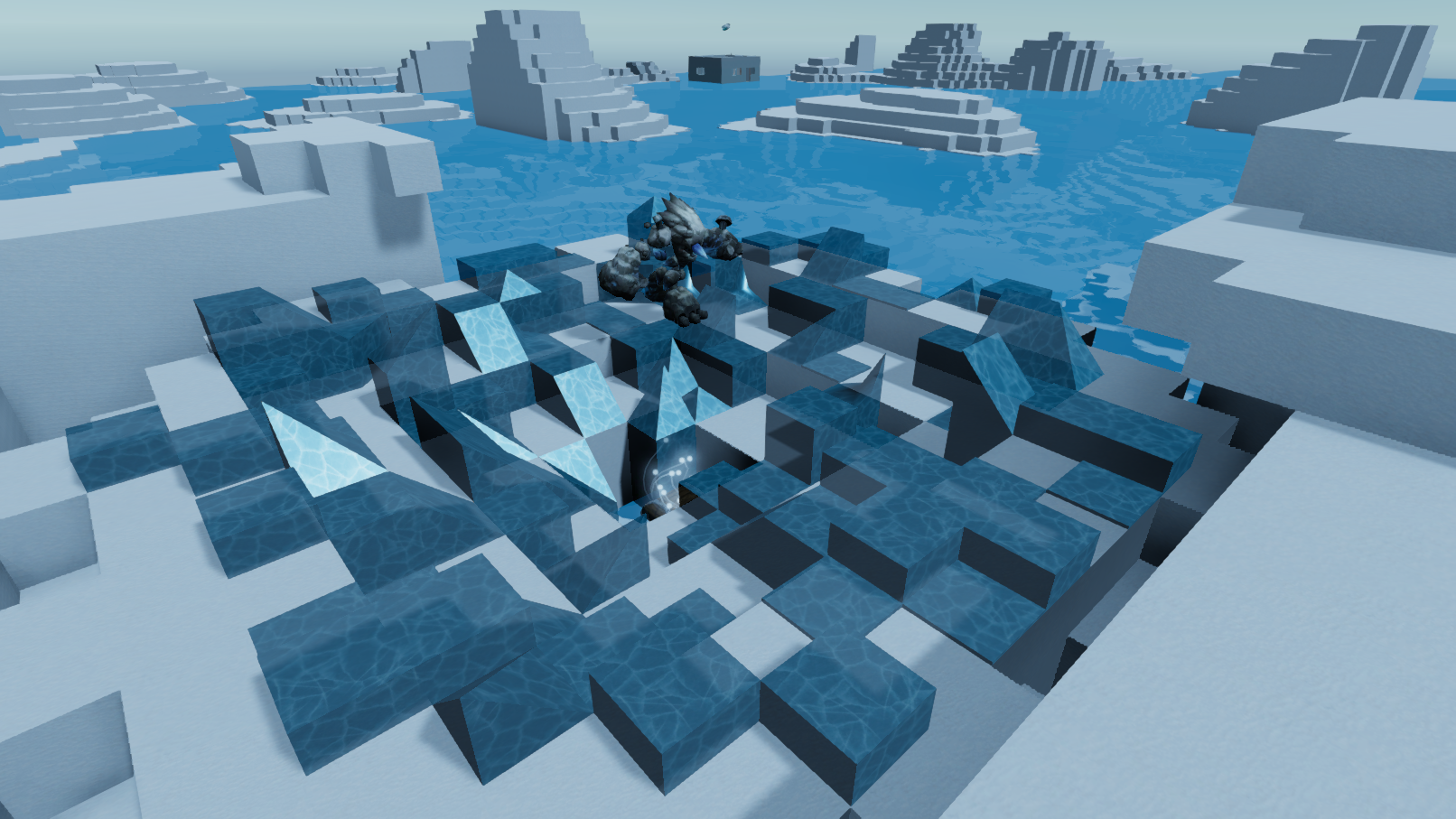
The Glacier Sea has 8 new frosty locations. Battle in an icy crater, chill out at a research station or venture into a dark abandoned military base beneath the frozen sea
The Dreary Beach has 7 new totally drab locations. Pay a visit to a lifeless gravesite with nothing going on or ignore that candlelit tower, its probably just filled with old dusty books
These four biomes along with the Red Rock Desert biome brings the total number of revitalized biomes to 5. You can expect more biomes to get love in upcoming updates
Decorations
Candles have been added to Ficterra. Candles provide a low amount of light and can be used in crafting other candle related objects. They can be crafted at the Tailoring Bench with wax and thread
Three Candles and Five Candles have also been added. These are simply candles melted together decoratively
A Candlestick is now in the game. This is just a candle in an iron holder, slightly more fancy than a normal candle
Candelabra has been added to Ficterra. This is a three candle ornament that can either be carried in your offhand or placed down. This is an alternative to a torch or lantern that has higher intensity light but a lower range
Spaced Candle Stand and Grouped Candle Stand have been added as decorations to light up a room. These have 5 candles each and are supported by a tall iron stand. Like the Candelabra they provide higher intensity light than lamps but a lower range
Wax has been added to the game in order to craft Candles. It can be produced at the furnace from coal
Wooden Table and Wooden Chair are now in the game and can be crafted at the Woodshop
Drawer has also been added and craftable at the Woodshop. It functions like a chest, but is visually more like furniture
A variety of Bookcases have been included in this update. A bookcase, double bookcase, and styled bookcase along with empty versions. These are currently uncraftable, but can be found in the world
Added a Lectern and an empty Lectern to Ficterra. These are purely decorative and can be found in the world
Added two uncraftable framed doors to the game
Added an uncraftable office table to the game
Added an uncraftable Radiator, Military Bunk Beds, and Push Cart to the game. These can be found hidden in the world
Paintings
We added 32 new images for Paintings and Flags to Ficterra
There are 7 new flags, including a Pirate Flag. These images are rectangular to better fit flags; Normally images are square to fit Paintings
9 new images of Patterns have been added to the game. The patterns have a variety of different colours to suit the moods of different rooms
9 new Art images have also been added
Finally 7 new images of People have been added
Other
Sticks can now be made into Coal (Charcoal) at the Furnace. This is to make sticks not useless
The 'time setf' command now functions as expected in multiplayer
The AdvModding package now builds to Windows Standalone 64-bit
The AdvModding package now has a 'Create Icon for Prefab' right click option. This will create a sprite with the correct settings to be shown in-game that looks like Unity's preview image for the prefab
Items now have a 'Placing Angle'. This changes the angle you view an object when placing it. This is for ease of use in development
The Item Editor now has a field for 'Placing Angle'. The angle is in degrees from 0 to 360 and rotates objects around Unity's y-axis
Objects now place a default 0.01m on top of surfaces. This is closer than the 0.05m previously. When placing smaller objects (such as candles) the larger gap was very noticeable. Objects with physics will still 'fall' to approach a 0m gap
Fixed a bug where objects from mods could never be held in offhand
Added the Double Door Addon. This lets modders create double doors. Naming child objects "Right Door", "Left Door", "Right Hinge", "Left Hinge", will allow the Addon to make your double doors work
Sketch Locations generated by the terrain can now generate in deeper chunks
Mechanical Door now uses 'F' to open the frequency dialog, instead of right click. Changes to code in to a previous version, caused a bug not requiring pressing control. This made trying to open the door like other doors bring up the dialog in error
Locations and World Update
New Locations
Worlds now spawn locations to visit much more often
Smaller locations spawn more frequently while larger areas are more rare
In addition to biome specific areas, some locations spawn across all biomes
Added 7 new general locations
General locations adapt to the biome they are found in
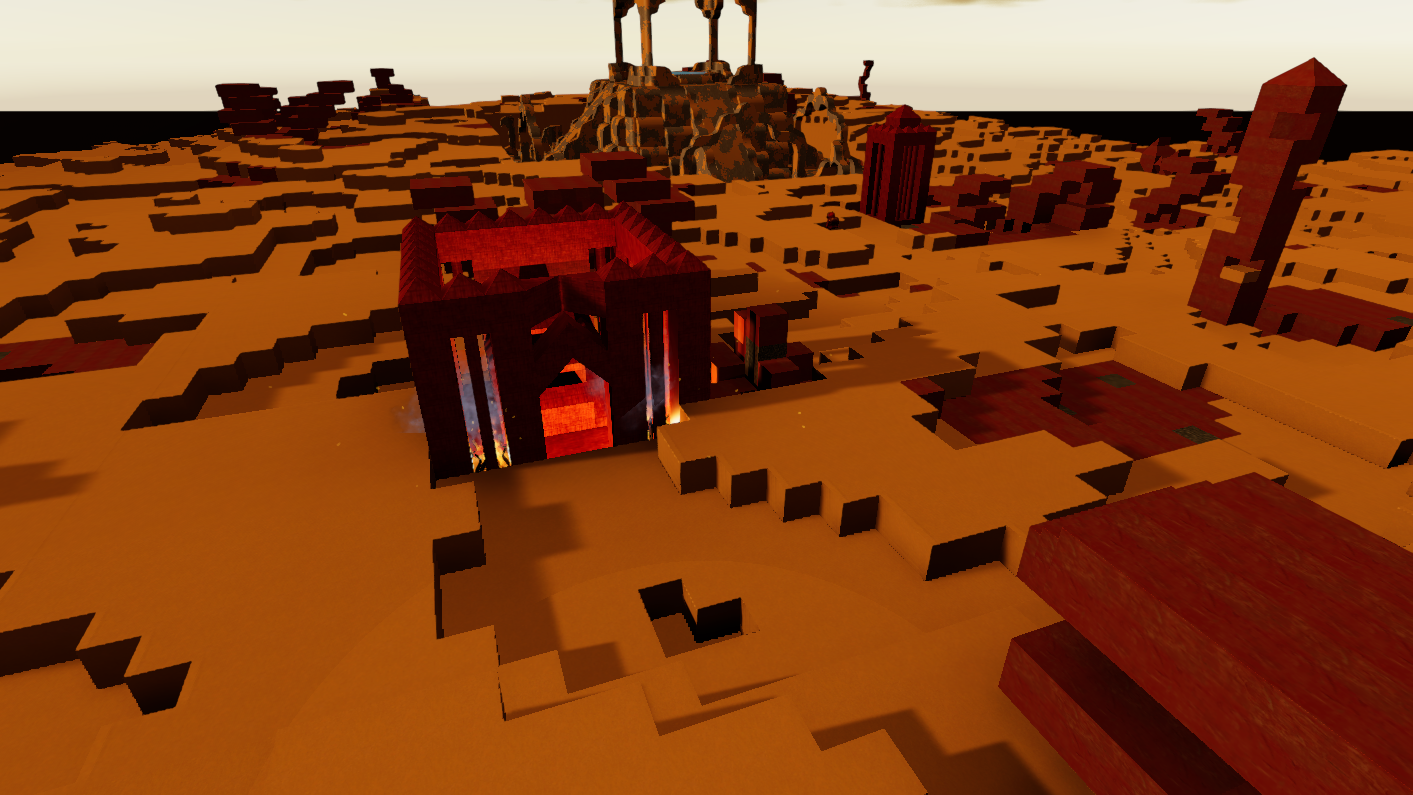
Added 6 new locations for the Red Rock Desert biome
Every biome will be getting new locations across the next few updates
Small improvement in performance for generating new terrain as a result of new location system
Features
Cars now have the ability to jump! This is to make traversing terrain easier and more fun
Variants can now be manually rotated. Press 'F' to cycle through the variants rotations. Variants will still try to 'smart' rotate when placed, but if you don't want that rotation you can now change it
Other
Hotkeys are now shown for various vehicle commands while inside a vehicle
Fixed a bug where items in the mod editor wouldn't save properly if weight was not specifically set
Pressing exit in the main menu while looking at your avatar no longer causes weirdness
Tooltips and Fixes
Research and Crafting Plans now have tooltips showing their name and describing them
Updated the tooltip UI for items in your inventory with the more modern look. The tooltips now also contain a brief description of the item
Added descriptions and tooltips for the inventory sorting buttons. It was hard to tell what they actual did
Updated the descriptions for the Tier 'X' researches and Torch
Snowmen crafting recipes now correctly produce snowmen and/or have the right cost
Removing all of a type cube that you are holding from your inventory no longer causes you to have no left click action (unless you pressed 1)
Fixed a bug with pets not following players correctly
Closing the Cubeopedia with a tooltip up no longer causes it to linger on the screen
Fixed a bug that could rarely occur when crafting the max amount of a recipe
Small Fixes
Tool Auto Switching now works on Breakable Rocks and Trees
Improved the arrow displaying your position on the minimap. It is now easier to tell which direction you are facing
Decorative Cubes and Variants
Decorative Cubes
You can now switch between decorative cubes of the same type. This works similar to switching variants
The types of decorative cubes currently in Ficterra are:
Stone Tiles (6 cubes)
Marble Tiles (3 cubes)
Plaster (3 cubes)
Brick (3 cubes)
Marble tiles are now craftable at the Mason Station. They were previously only available in the Tutorial or in Developer Mode
Crafting Group can now be set in the Mod Editor. Items in the same crafting group can be substituted for each other in crafting recipes or research (like how Stone and Trunks work)
Is Decorative? can now be set in the Mod Editor to enable switching to cubes of the same Crafting Group
Variants
Added the Half Prism variant to Ficterra. This is useful for the tops of angled roofs or making angled tops of walls
Added the Half Prism Corner variant to Ficterra. Combine this with the previous variant to end a row of prisms
Added Inner Corners for Half Pipe ramps to the game. This lets you make half pipes and smooth corners
Added Inner Corners for Rounded ramps to the game. This makes the meeting of two Rounded ramps look nicer
Fixed a bug where outer half pipe corner ramps mesh was rotated wrong. This made placing these corners very difficult. It is now the same as all other outer corners. This change affects old worlds, and will cause these cubes to rotate
Other
Fixed a bug where the mod editor was not saving the Weight attribute of items
Fixed a bug where the mod editor was not saving the Crafting Group attribute of items
Added the 'mirror' command for dev mode. This copies, mirrors and then pastes beside your selection. You can mirror in the +- x, y and z axes. This mirrors variants and placeable objects too.
Added the 'pasteMirror' command for dev mode. This is the same as mirror but doesn't copy. This is so you can mirror the same thing multiple times
Added the 'pasteRepeat' command for dev mode. This pastes what you have copied n times beside the selection in the axis of your choice. Great for building towers or repeated decorations. You can optionally add a last number to space out the repeats
Tutorial Rework
Tutorial
Guidance text now has more words highlighted to read better at a distance
Guidance text now has colored cubes behind them to improve contrast
Changed the wording of a number of guidance texts
Removed the jumping puzzles from the tutorial. This just isn't a common thing in normal gameplay
The Cave section has been reworked to be easier
The research and crafting section of the tutorial now takes less time to complete
You now have to craft a handle instead of a furnace for the crafting tutorial
The whole research, crafting and mining section has been redone
Other
The game now loads the area around you in addition to the areas you can see
'Near Load Range' has been added to the Settings. This is the radius is chunks that is loaded around you. The default value is 2. Setting this value to 0 will have the same effect as the loading from before this patch