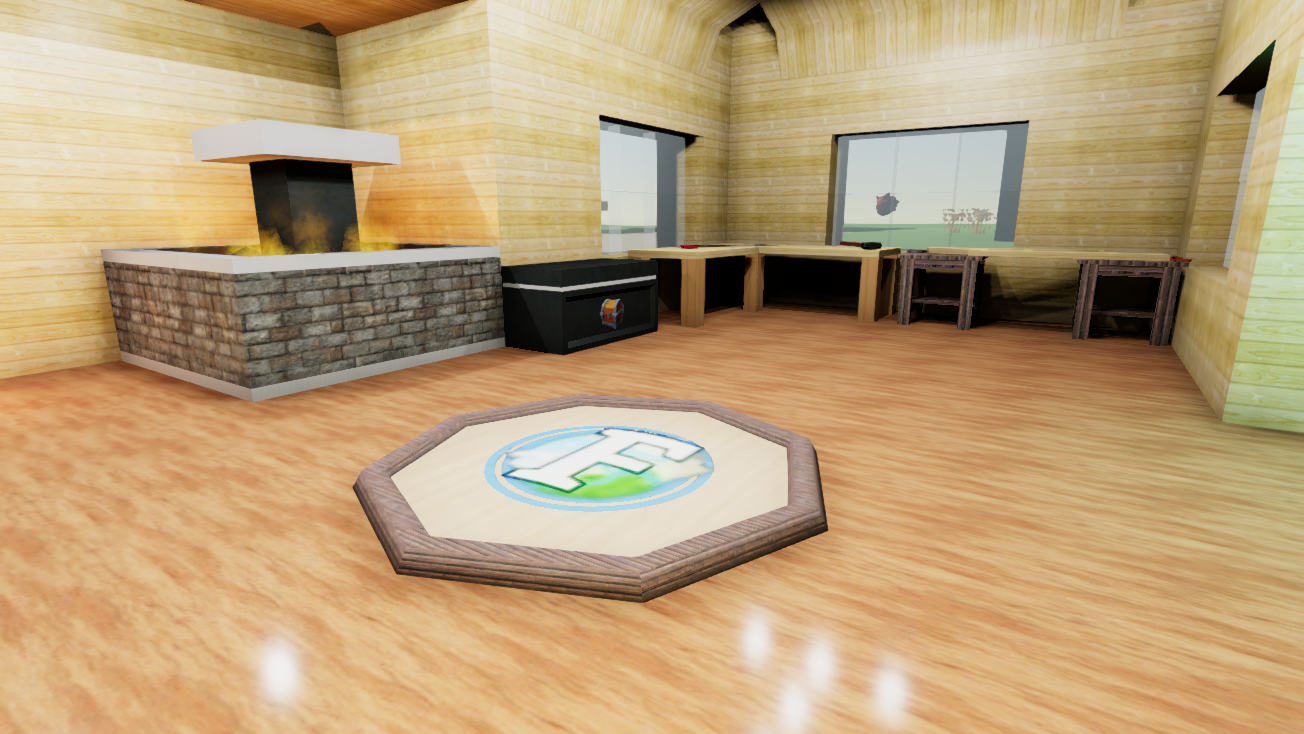
Added the Respawn Point to Ficterra! When your player faints they are revived at the nearest respawn point. You can craft a respawn point at the Woodshop
Auto Tool Switching has been added to Ficterra! When attempting to collect a cube you will automagically switch to the correct tool. For example if you are holding an axe and you go to mine stone, you will switch to your pickaxe and start mining
Added an option in the settings to turn off Auto Tool Switching
The Map is now 4 times larger and not just a zoom of the Minimap
The Map is no longer transparent
Added map mode to the settings. You can now switch between the four modes:
Off - Turns off the map and minimap
Surface - A cube by cube look at the world from around where you are
Bird's Eye - A cube by cube look at the world from the sky
Bird's Eye Camera - A direct look at the world from the sky (picks up lighting and objects)
Placeable objects now place on top of half cubes
Monsters now spawn in an annulus around players near the players height level. This reduces the chance that a monster can't spawn or is spawned high in the air.
Monsters now also try to spawn nearer to the ground when possible
Monster spawn rate can now be set when creating a Custom Game. It can also be turned off
The default monster spawn rate has been reduced, due to the increased chance monsters will be actually spawned
Animals now spawn similar to how monsters now spawn
The Concept section in the Cubeopedia has been updated to reflect the many changes in the game over the course of early access
You can now rotate placeable objects while holding them. Use the keypad 7/8 to rotate around the x-axis, 4/5 to rotate around the y-axis, and 1/2 to rotate around the z-axis. The y-axis is the one you are most likely going to want to use most of the time
Multiplayer
The new respawn points are shared between all players
Fixed a bug where inactive monsters would try to move
Increased checking and logging for networking errors
Achievements are now correctly saved for clients
Fixed a bug where clients would not load objects far from the host if they had been there already
Fixed a bug where complicated objects would fail to load on the client far from the host
Trees watered on a client now spawn for all other players
Special crafting actions are now networked
Quests are now correctly updated when you rejoin a server
Doors should now be in the same state for all players
Acid rain has been disabled in multiplayer
Fixed a bug where equippable item could be duplicated
Fixed a bug where clients offhand item could be deleted
Research is now correctly shown on rejoin
Receiving bad player data from a server will now cause the client to leave the game, rather than join and be incredibly buggy
An announcement is now shown on screen when a player joins or leaves a server
Clients no longer try to tell the server how monsters should move
Attempting to join a non-existant game twice should no longer stay checking forever
The Beetle Caves dungeon now properly loads correctly if a client enters before the host
Removing a portal now works correctly for both the client and the server
Portals no longer decide to move and rotate when then feel like it on clients
Portals created by a client are no longer sometimes ignored on the host
'time freeze' now correctly works on servers
The client will now ignore data from mods it doesn't have, since it shouldn't be on a server with mods it doesn't have
Cursor now correctly unlocks when the network fails and kicks the player back to the main menu
Fixed a bug where a specific disconnect could send you back to the remains of the old main menu
Host IP Address has been removed from settings, it was unused and confusing
Port has been changed internally to prevent errors between hosting and joining games
Removed old excess network code
Gameplay
Panel lights no longer have physics. This was just annoying and they now work more like the panel variant
Portal Focus now has a short cooldown
Elevator control now no longer shows up when only 1 option is available
The Filter Pipe is now set to Allow Only by default instead of Block Only, to prevent your items from starting to move before you configure it
Wires now have continual placing
Wires no longer disconnect at chunk boundaries
The ability to split stacks has been restored
The old metal plates have been disabled from crafting and research. This is due to panels becoming a variant and largely replacing them. Any plates you already have in your worlds will remain and be usable
The Chipboard and Painting recipes and icons have now been restored, after being semi-deleted in some previous patch
Other
Tooltips for equippable non-rpg items are now shown correctly
Quests now recognize combined counts for objects of the same type (ie different types of dirt)
Removed excess debug logging
Fixed a bug where you could get stuck with the dev mode popup on the screen
The helper hotkeys for the wireless switch are now correct
Fixed a bug where you could not access the second page of inventory for placeable objects' inventories
Fixed a bug where cancelling a stack of crafting items would return parts of items already crafted
Switching between crafting objects should now show the correct crafting plan
The paint can icon now better represents the paint can
The paint can now shows green paint instead of blue paint to distinguish it from water
The trash can should no longer show up on placeable inventories
'Screenshot Taken' is now shown on screen when you take a screenshot with Ficterra
Switching the game to a monitor with a different resolution should no longer cause the settings windows to give up
Failing to join a multiplayer game then trying to play single player will no longer get stuck loading
Using a portal focus no longer switches you to hold a cube
Fixed a bug where the portal would eat your hands
Reduced project build and compile time
Fixed a bug when trying to clear a non existent tool
Updated some shaders on objects using older shaders
Fixed a bug where pressing '3' would sometimes not bring out the placeable object
Quality of Life settings are now above UI settings in the settings window
Going back in the mod editor now takes you back to the list view instead of the previous menu
Fixed a bug where toggles did not show the correct state in the mod editor sometimes
In the mod editor you can now set recipes as hidden. This will prevent player from being able to use the recipe. This is mostly to 'remove' old recipes
Items, recipes and research from mods not in the world will no longer be shown. This is in case they are somehow added to save data or accidentally included via dev mode commands
'unlock' no longers adds researches and recipes from mods not found in the world
Fixed a bug where the item picker would sometimes end up below other menu items
Fixed a bug when looking at an placeable inventory sometimes your inventory would only show equippable items
Fixed a type in the description of Wheat
Game no longer taunts you by telling you that you can pick up cuddly kittens when you actually can't
Weight switch helper text is now correct
Fixed a bug where you couldn't exit land vehicles
The description and icon for Beetles have been fixed
Clouds and Starting Experience
Starting Experience
Ficterra now has a starting experience!
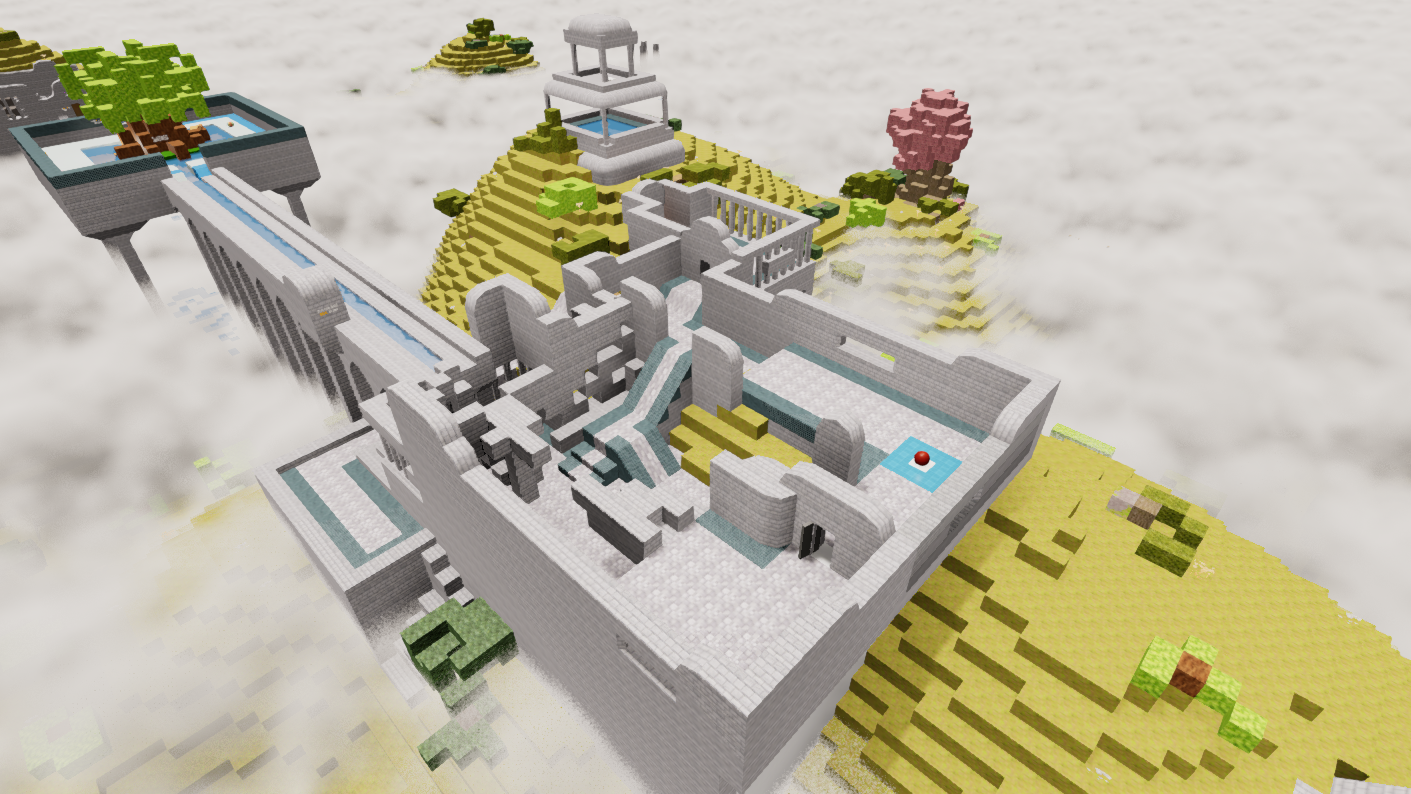
Explore the ruins above the clouds while you learn the basics of playing Ficterra
On your first time playing (or first time after this patch) you will be given an option to play it
Changed the 'Reset Tutorial' button to a 'Play Tutorial' button. This will create a new starting experience for you to play
Added the mod for the starting experience to the game files
The old tutorial system has been removed from the game
Other
Clouds have been added to Ficterra!
Added a cloud quality setting in the Performance settings. You can also turn clouds off here
Added the 'clouds ' command to the console. Use 'clouds Starter' to set the clouds to be like the starting experience. Use 'clouds Normal' to get normal clouds
Fixed a bug where older machines would have missing terrain
Fixed a bug where terrain would appear funky on better graphics cards
The dev mode item picker now has filters for cubes, placeables, etc..
Fixed a bug where single biome worlds would have the wrong ancient marble texture
Removed the ability to charge throw snappable objects; they just snapped anyways
Added Floating Text to Ficterra. These can be used like in the starting experience to give players information in mods
Picking up a cube while having no cubes now sets that cube as your selected cube
Custom games now have a random seed set by default instead of seed '0'
Freezing time now no longer affects non-deferred lighting, so caves will now be dark
Freezing time now no longer prevents water and lava visual effects from applying
Mod Editor and Art Rework Update
Art Rework
The Furnace and Machine Furnace have had their textures reworked
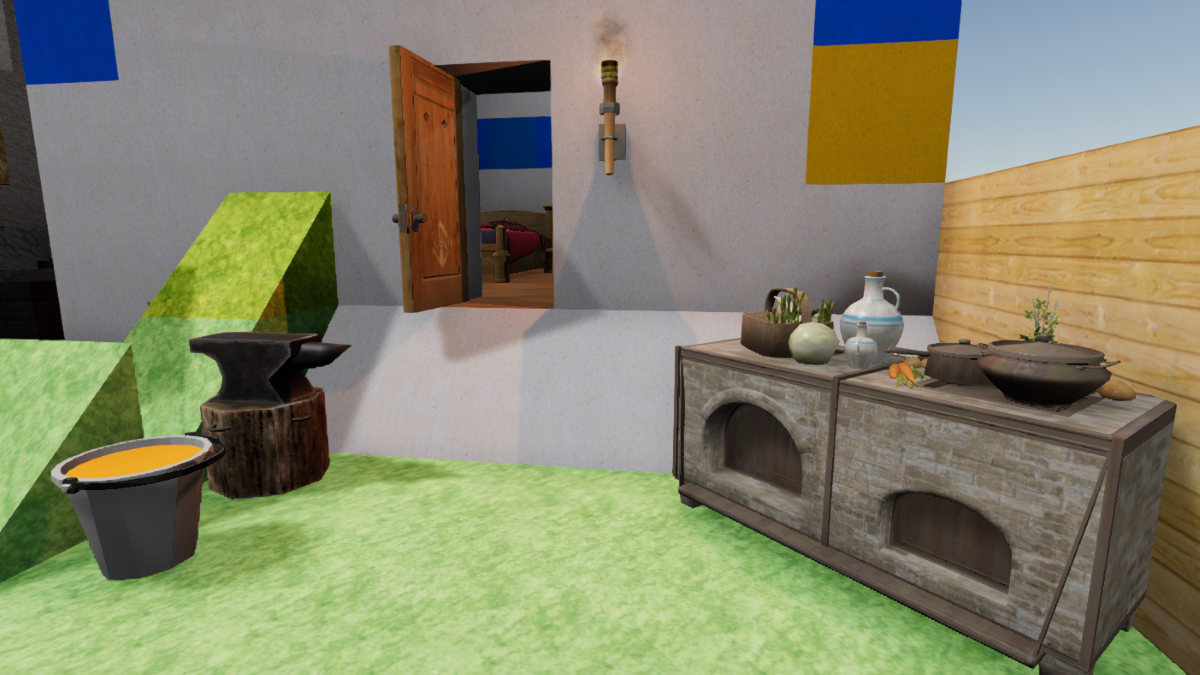
The Anvil has a new model and icon. The Anvil now also snaps to position
The Bed has a new model and icon. Physics has been removed from beds; it caused a variety of weirdness and was not really useful
The Mason Station, Woodshop and Tinker Table have had their wood textures improved to be less dark and grainy
Fences now have a new model and icon. Their size has been changed to 1x1
Sign has an updated texture and new font colour
Wall Posters have a new model and set of colours
Wheat is now brighter and has less visual artifacts
Door now has a new texture
Paint Cans have a new model and now snap to position
Torches have had their texture improved
Wall Torches now have a unique model. They also have a new icon
The Rubber ball has had its texture and icon improved
The Stone ball has had its texture updated to match its model
Changed the BBQ to the Oven to fit better. Its crafting recipe and model have been updated to fit this
The texture of Planks, Sidewalk and Trunk were older and have been updated improve their look
Updated Cabin and Beach Cabin sketches to allow the new models to fit again
Mod Editor
We have entirely rebuilt the Mod Editor. It now matches our newer Menu UI and has improved workflow and capabilities
New Mod intro screen
View a built-in or steam workshop mod
Edit your mods
Create a new mod
Divided editor up into Data, Code, Worlds and Mod Info
Data is further divided up into Items, Crafting Plans, Research, Loot Tables, Quests and Sketches
New Item Editor, nicer looking, less cramped
Cubes are now tied to items, and you can make an item a cube in the item editor
Cubes now always have variants, so the option to make a cube have a variant has been removed
New Research and Crafting Editors that are nicer looking and less cramped
New Loot Table Editor that is nicer looking
New Quest Editor that is much less cramped and nicer looking
Added a Sketch viewer that gives you some info on your mod's sketches
Added a World Config Editor that lets you change some options for your fictions. These were previously only available in console commands
Choosing icons, textures, models, items, researches and crafting recipes in the various editors has an improved UI with search functionality, icons and concurrency
Added the ability to test your mods from the mod screen. This creates a new world with the default mods + the one your are testing. If the test world already exists, it opens it instead. It also sets you into dev mode
You can now publish your mods from a button on the main mod editor screen. Also the UI and internal processes for publishing have been improved
New Modding Features
You can now set Auto Get Quest for quests. This gives players the quest as soon as its prerequisites are met
Added Trigger Area Addon. Add this to Trigger Box to let it resize. In game you can set the x,y,z scale and see the placeable object's id. In the code editor you can check for the objects id in ItemEvent.OnTriggerEntered to do actions for that specific object
Added Allow Mining to the World Config file. This lets you make Fictions where you don't want the player to be able to change the terrain, break buildings, etc.
Added Has Starter Items to the World Config file. This lets you make Fictions where the player doesn't start with any items
Other Modding Changes
Picking up Collectible objects now plays a sound
Collectibles can no longer be collected in dev mode
Collectible Addon now adds a collider and/or sets it to a trigger when added to a placeable object
Fixed a bug where DevView objects would still cast shadows and have AO
When in dev mode you can now see a placeable's object instance id when looking at it. You can use this id in code
Fixed bugs in Quest Editor where Rotate, Take Damage, Heal weren't working
Removed Set Data from Quest Editor actions. This is no longer supported here due to internal changes. You can still Set Data in the Code Editor
Other
The Brazier has been added to the game. This bowl of fire can be used to light up a large area. It can be crafted at the anvil
Fixed a bug with spawn points in Fictions
Fixed a bug where Wheat would spawn halfway into the ground
Placing rounded corners now aligns properly instead of all over the place
Increased the performance of the changes to painting last update by a factor of 10. It is now slightly less accurate, but we have seen no visible difference in the colours applied
Fixed a bug where greyish paint colours would cause the applied colour to be a wild hue. We now specifically handle greyish colours differently
Added in 11 new music tracks under CTAudio/Music/
Desert Ambience LOOP
Dreams of Glory
Eastern
EDM LOOP 2
Frozen Landscape
Item Store 2 LOOP
Jungle LOOP
Medieval Theme 2
Playful LOOP
Space Map LOOP
Upbeat City LOOP
Added a slew of new models to game
Variants, Painting and Code Update
Variants
We found the way to use and carry variants was annoying. The variants would clog up your inventory making it cumbersome to switch cubes. If you accidently selected a variant on the wrong cube, you would have to reselect the variant again and undo your previous action
To fix these issues we have changed how variants work going forward
You no longer carry cubes and variants of cubes. You now just carry cubes
Picking up a variant automatically changes it to a normal cube in your inventory, so it will stack with the rest of your cubes of the same type
Selecting a variant now sets that as your current variant. When you place any cube it will place as that variant
This cleans up your inventory and prevents the selection problem noted above. It also lets you place the same variant for different cubes easier
The current variant is now shown as the icon for your cubes in the bottom bar
The Outer rounded ramp corner variant has been added to Ficterra. This gives you a corner between two outer rounded ramps. This can give your buildings a smoother corner look compared to the sharp look of other cubes
The Inner rounded ramp corner variant has been added to the game. This gives you a corner between two inner rounded ramps
The Plate variant has been added to Ficterra. This is a flat square variant with 5% of the height of a normal cube. You can use this to build thin walls or platforms or to cover existing wall with a different material
The Pillar variant has been added to Ficterra. This is a rectangular prism that is a third of a cube thick and a full cube in length. You can use these to create support pillars, bars, 'pipes' and more
Plates and Pillars rotate based on where you place them. Plates stick to the sides of other cubes. Pillars stick out length wise from the sides of other cubes, i.e. placing them on the ground create a vertical pillar
The UI for choosing variants has been updated. It now has a title and a blurred background along with other minor UI changes
Fixed a bug where inner ramp variants would place the wrong way if there was only a single ramp next to them
Painting
We have reworked how painting colours on cubes functions
Previously painting a cube would just tint the cube the colour of your paint brush
This worked for good greyscale and whiter cubes. Cubes with vibrant colours would however be combined to produce a third colour and not the expected result. Example: painting a red cube blue, would result in a purple cube, not blue
Now painting behaviour changes based on the cube's texture in order to produce a more expected result
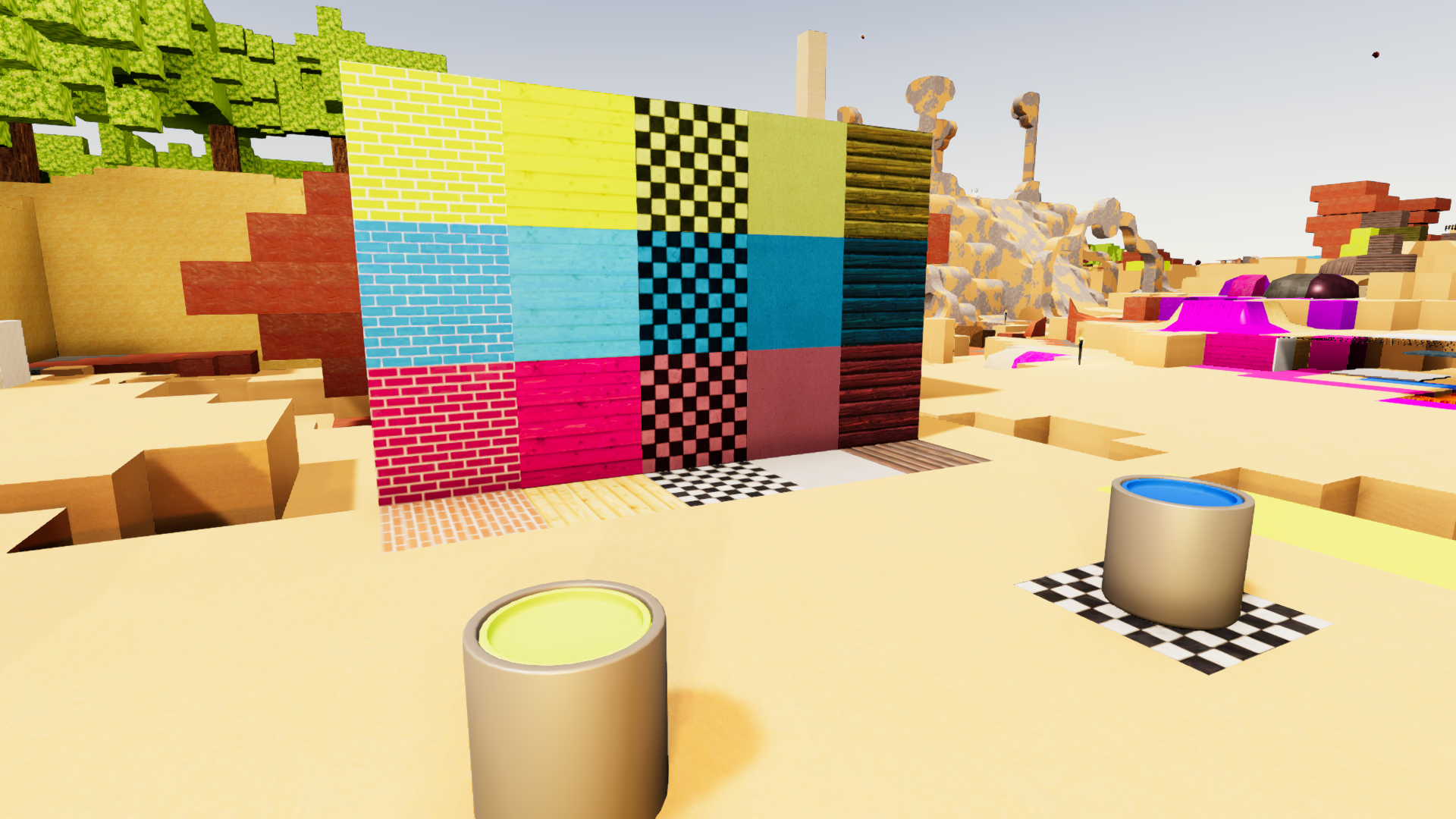
Painting a cube that is greyscale or whiter does the same behaviour and just tints the texture. For example painting Checkerboard yellow, will result in a black and yellow checkerboard look
Painting a cube with a more coloured texture will now perform a hue/saturation/lighting shift to get an expected result. For example painting Brick (a red brick with white mortar) blue will result in a blue Brick texure with white mortar
Depending on your cube's texture, you may need to repaint your buildings to get the correct colour in this new update
The Paint Can now snaps to grid, so they stop falling all over the place
Scripting - Modding with Code
Replaced old code block system with new scripting system using the Miniscript programming language
This allows for much more modding capability and makes it easier for use to update and maintain
New code editor with syntax highlighting. You can create and edit scripts for your mods in-game
The editor automatically checks for 'compile-time' errors, so you can check for some mistakes before actually testing your code
You can now assign code methods to be called from game events (without using addons)
The actions found in code blocks have been translated to Miniscript functions
Your code runs in its own sandbox per mod. It is also time-sliced, so if it takes too long to run, it will continue on the next frame. This prevents mod code from butchering the frame rate or freezing the game
Added per-world storage for mods. This lets you save data for a specific world. This can be used to keep track of story events or world progress
Added per-player storage for mods. This lets you save data for a specific player, in a specific world. This can be used to track player progress or save custom stats for your players
Use the 'print' function to output debug text to the player.log file
System Upgrades
We have updated the Unity version used to Unity 2019.4 LTS. This lets us do more with the game and the LTS track will ensure better stability for several years.
We have also upgraded the game from 32 bit to 64 bit. This will let the game use more memory for larger more complicated worlds
The resolution and quality popup at the beginning of the game has been removed
Resolution settings have been added to the Settings menu. This includes the specific resolutions along with the Windowed, Fullscreen, etc. screen options
Quality settings have been added to the Settings menu. You can lower this setting if you computer is struggling to run Ficterra, or increase the setting to get better graphics
Cubeopedia
The Cubeopedia has been upgraded to use the newer UI
Page buttons now have an icon as well as the name relating to the page
Variants are no longer shown in the Cubeopedia, they have the same information as the non-variant version
Monsters, Animals and NPCs tab has been added to the Cubeopedia
Category tabs now have a tooltip explaining them
Category tabs now have icons relating to the category
Other
The in-game menu has been upgraded to use the newer UI
The background behind the menu is now blurred instead of just darkened
The game world no longer pauses in single player while in the menus. This is to appease the new menu and bring the behaviour in line with multiplayer. We may revert this change at a later date
Fixed several bugs where placing objects would try to place inside the ground instead of on top of it
Fixed a bug where Door Mats could not display certain pictures
Stone Ball and Crop Plot now have textures again. They have also been updated to look better
Placeable objects can now have more than one action assigned for right click events
The inventory screen no longer resets to page 1 after a refresh
The '?' icon in the character screen has been replaced with a more apt 'empty square' icon for equipment slots that are empty
Fixed a bug where chests would think they were static objects
Fixed a bug where when placing an elevator you could 'pick up' other objects. The objects would be purple and un-interactable when the elevator was placed and they would just be deleted when the game was reloaded
Helper Key info should no longer stay stuck on the screen
Helper Key info now appears quicker and fades slower
Switching looking at different placeable objects now instantly switches the helper info instead of fading out and in again
Quests and Menu Update
Quests
Over 100 quests have been added to the game. These quests help guide you through the world of Ficterra
The Quest tracker has been overhauled to be clearer
Quests in the tracker are now ordered by priority and id
The Quest tracker now displays at most 5 quests to avoid screen clutter
Toggle the quest tracker by pressing 'L'
Added 14 new quest condition types
Quests now play a sound when they complete
Quest tasks now play a sound when they are completed
Menu
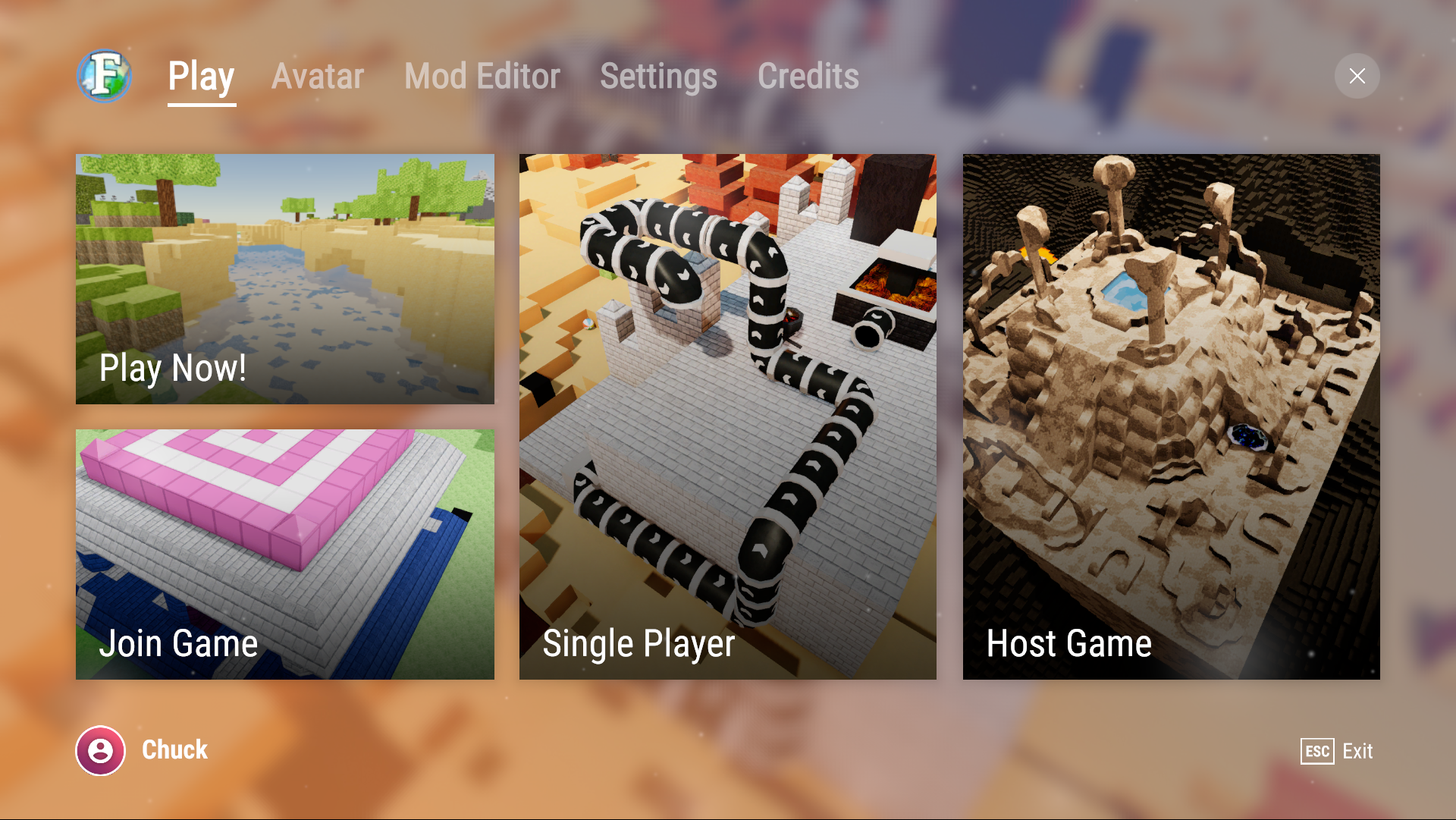
The Main Menu has been redone with a new look and flow
Quickplay option has been added that creates a new game with default settings and a generated world name
Play Now! will now start the game in the last played world, or create a new world if there is none
The Settings Menu has been redone to look and feel nicer
Other
Your burdened state is now properly set when you equip or unequip a backpack, instead of after you gain another item
The 'ignoreCoreQuests' command has been added. Use this when creating Fiction worlds to leave out the new quests in the world
The game now save a in-game screenshot infrequently for the new load world screen so you can more easily identify your worlds
Fixed a bug where players wouldn't spawn in the defined start location
Text for items looted is moved to upper center of the screen
Fixed the name and description for Paint Cans
Hovering key helper moved to the left side of the screen
Items now have a PluralType for their names so they can be properly pluralized
Combat Update
Combat Mode
We added Combat mode to the game. This lets you focus on fighting and utilize new spells and abilities
You can toggle Combat mode by pressing Q. When you enter combat mode, your selection bar will be replaced with the ability bar. Here you can use 1-4 and left and right click to use your abilities
In Combat mode you lock-on to the nearest enemy. When you move, you will always face your enemy and strafing will orbit you around them
You also utilize the new stats given by RPG Items (as detailed in the section below) while in combat
Cubes can't be placed, tools can't be used and placeable objects can't be placed in combat mode. When you are done fighting, press Q again to exit combat mode to return to normal playing
Combat mode is unlocked by an new early research. Upon completion you will be given a random weapon and the ability to enter combat mode
RPG Items and Stats
The RPG Items have been added to the game. These special items can be equipped to give your character new stats and abilities
The items have randomly generated stats that depend on what equipment slot they belong to
The stats that can be generated are:
Damage - increases the amount of damage your spell/abilities deal
Armor - reduces the amount of damage you take from enemies
Resting Heal - restore health outside of combat
Elemental Power - grants access to a unique set of spells
Crit Chance - chance to deal double damage
Penetration - ignore a percentage of opponents armor
Mastery - chance to reduce the cooldown by a skill by 50% after use
Health - amount of extra health
Dodge - chance to dodge 100% of enemy damage
Block - chance to take only 25% of enemy damage
Battle Regen - health restored per second in combat
Life Steal - heal when attacking for a percent of damage dealt
Mend Wounds - chance to restore 25% of damage taken after hit
The Weapon Slot has been added to the Character Screen
Weapons are now equipable items used in Combat mode and are no longer tools
Having any weapon equipped grants the Weapon Strike attack in Combat Mode
The old craftable sword recipes have been removed (you can still use the swords if you have them)
Tools now deal greatly reduced damage to enemies
Surefoot's armor has been buffed from 1 to 4 armor
Hungering Eye no longer gives any armor, instead it gives 2.5 resting heal and 0.5 stamina
Arcane Staff no longer gives attack speed, as attack speed has largely been deprecated. The new stats also benefit Arcane Staff which can be used outside of combat mode, resulting in an overall buff to the item
Elemental Power
The special stat Elemental Power on RPG Items gives you access to unique spells. The more Elemental Power you have the more spells you get, up to 6. This works a little like item sets or classes in other games
Elemental Bolt - this spammable spell deals fire, stone, ice and lightning damage. This gives good coverage against many types of enemies. When you cast spells of each element you gain a charge of that element. When you have a charge of every element, this spell changes to Elemental Blast and deals 4 times as much damage. Usable with 1 Elemental Power
Ice Burst - your enemy freezes in a burst of ice and is slowed afterwards. This is an opener spell that gives you time to start casting your other spells. Usable with 2 Elemental Power
Lightning Ball - summon a rotating ball of lighting that deals damage over time. Usable with 3 Elemental Power
Fissure - a fissure opens up in front of you knocking the opponent with stone damage. Usable with 4 Elemental Power
Flame Ring - summon a large ring of fire around you that damages enemies with fire while inside it. Usable with 5 Elemental Power
Elemental Favor - surround yourself with the favor of the elements, healing you for the next 10 seconds. Usable with 6 Elemental Power
Dungeon: The Beetle Caves
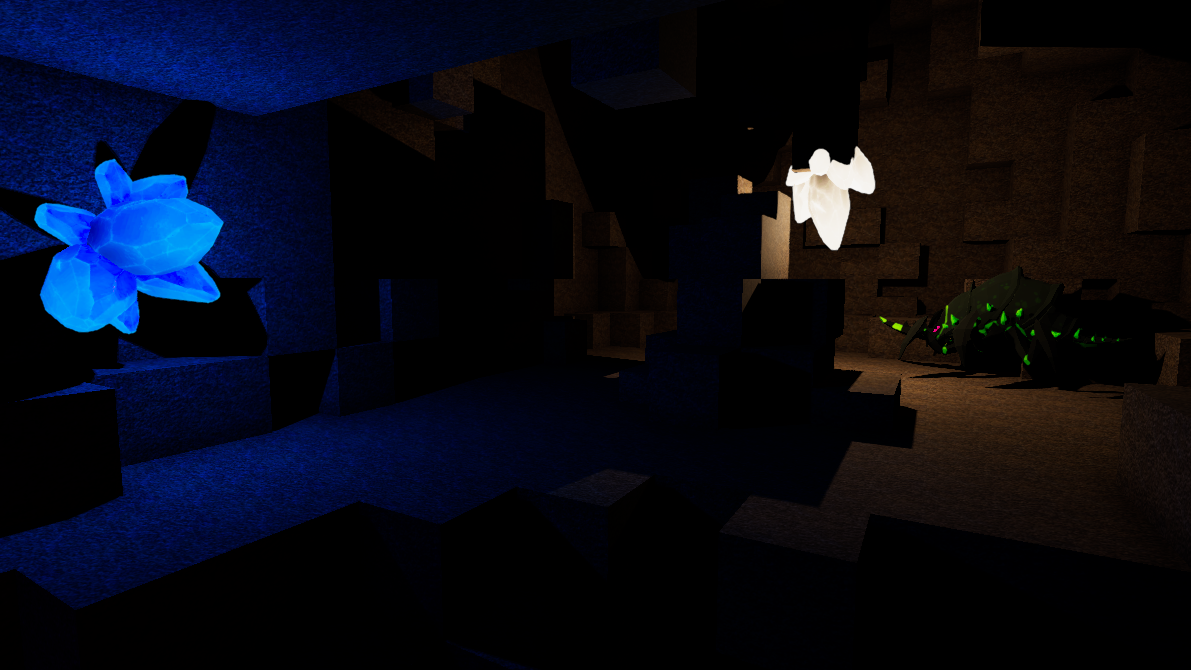
Ficterra's first dungeon 'The Beetle Caves' has been added to the game. These dark crystal lined caves are infested with beetles waiting for adventurers.
Defeat giant beetles in the caves for a chance to gain awesome loot. Each beetle has a 25% chance to drop an new RPG Item, and the boss has an 100% chance
Added Beetle, a new monster, to the game. These monsters are much tougher than other monsters and are only found in The Beetle Caves. They come in several varieties with unique attacks such as Acid Spit
Glowing Crystal has been added to the game. These large crystals line the beetle caves. They come in a variety of colours and produce light
Portals
Portals have been added to Ficterra. Portals take you to far away dungeons!
Portal Focus has been added to the game. Use the portal focus on a wall or floor to create a portal
These are dropped when defeating monsters. Most monsters have a 10% chance to drop a portal focus. Golems have a chance to drop more than one and Werewolves have an 100% drop chance
Currently, there is only one dungeon (beetle caves), so all portals will lead there
Creating a new portal with a portal focus will destroy the old dungeon and create a new one. Don't leave important stuff in dungeons!
This lets you 'farm' a dungeon for better gear by making another instance when you are done with the last one
Monster Rebalance
With the addition of combat mode and the changing of characters' base stats, we've rebalanced the monsters in-game. In general monsters will still be much weaker than those found in dungeons, but have buffed to more difficult to defeat outside of combat mode, and easier to defeat in combat mode
Impling, Jack O'Lantern and Skeleton HP has been buffed from 10 to 30
Bat HP has been buffed from 5 to 15
Bear HP has been buffed from 300 to 400
Dragon Whelp HP has been buffed from 15 to 45
Golem Move Speed has been buffed from 0.3 to 1
Golem Damage has been nerfed from 10 to 5
Golem Health has been buffed from 100 to 300
Grumpy Bomb HP has been buffed from 5 to 15
Mummy HP has been buffed from 25 to 75
Spider HP has been buffed from 24 to 72
Spider Damage nerfed from 6 to 3
Rocky family of monster's HP buffed from 5 to 15
New Textures
Some older textures were not that great, so we decided to update them. This mainly applied to our first biome, Light Forest Hills
Dirt has had its texture updated to be more bright, saturated and less repetitive looking
Grass has had its texture updated to be more vibrant, green and less repetitive looking
Stone has had its texture updated to be more artistic
Other
Materials have been updated for animals
The Character screen has had a Weapon slot added
The Character screen stats have been changed to show stats relevant to combat
Hovering over equipment in the character screen now shows the stats pop-up panel
Carrying capacity/weight display has been moved from the character screen to the inventory screen
Grassy Dirt strength has been set to 0
Fixed a bug where hands were unable to break some cubes they were intended to be able to break
Added monster AI for wandering without walking off cliffs (only some monsters use)
Some monsters now require Line of Sight to start pursuing players
Monsters now aggro when hit (unless they are really far away)
The Health bar will no longer jitter and fail to catch up properly
Compress some assets to lower build size
The textures on Half-Cubes will no longer be squished
Fixed a bug where reloading unloaded areas on the client in multiplayer could result in empty space for the client
Spawn Location item for developers has been added to the game. It lets you select an enemy to spawn at a later time. With the command 'procspawns' you can trigger spawn location within an area
Starting Area, Friends and Lamps
Starting Area
New worlds now start with a Starting Area. This a 48 by 48 area located where new players spawn
Custom games have an added toggle to turn off the spawning of the Starting area
Ancient Marble has been added to the game. This is a very strong marble used to make up the starting area. It has strength 200, so it cannot be mined by any pickaxe in the game. It also can't be crafted
Steam Friends and Lobbies
You can now join a friend's game from Steam's Friends menu
You can now invite a friend to your game from Steam's Friends menu
You can now set your game to have an 'open game server' to have your game show up on Steam's Server list
Lamps
We've added the Tall Bronze Lamp, Orange Lamp and Dark Lamp to Ficterra
These decorative lamps can be used to light up an area with white (or orange) light
The lamps can be crafted at an Anvil with glass and other components
All 3 Lamps are unlocked by the power systems research
Other
Fixed a bug with the starting pad when in multiplayer when disconnecting from a server
Minimap icons now correctly show up within bounds
Changed the LOD levels on lower quality settings, from switching to lower detail models to early
The default quality setting for the game has been increased
Added the console command 'convert'. This can be used to convert one type of cube to another type within an area. Used by 'convert X to Y' where X, Y are the names of the cubes
The Harrowing Woods biome is no longer considered a safe biome for starting the game in. When creating a new game, the game will try to spawn you in other biomes if possible
Sahel Update
New Biome: Sahel
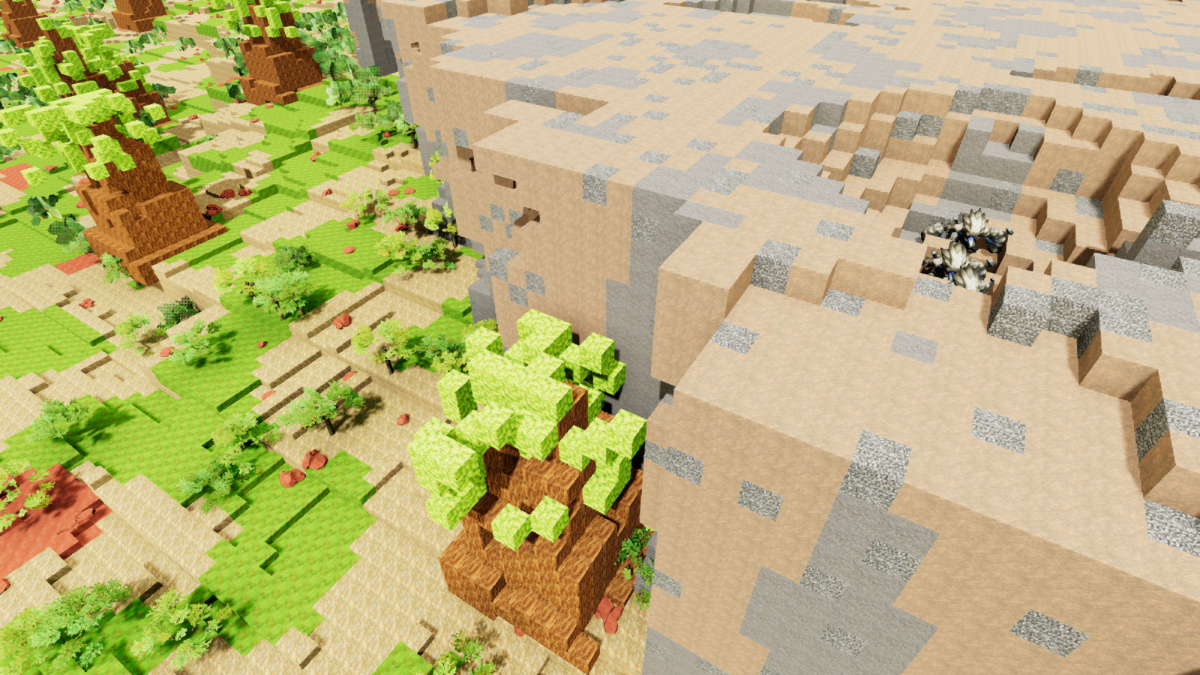
The Sahel Biome has been added to the game. This is a hot, bright and dry biome with scattered bushes and trees. Rocky cliffs can be found near the higher elevations
Red Dirt has been added to Ficterra. It is like regular dirt, but is red, and is found in the Sahel Biome
Red Dirt Grass has been added to Ficterra. It functions like regular grass and is found in the Sahel Biome
Arid Rock is now in the game. This rock spawns in the higher elevations of the Sahel Biome
The Arid Rock Pillars, Arid Hollow Tree and Sahel Crater sketches have been added to the game. These spawn in the Sahel biome
Rocks and Bushes
Tools can now be used on certain placeable objects. Tool power and type are now stored on the tool
The cube highlight outline now hides when looking at a placeable object
Added tech for placeable objects to be "mined". These objects won't show helper glyphs when hovered over
Mineable Rocks have been added to the game. These rocks can be mined like cubes up to 3 times with a pickaxe. They can give rocks and rarely ores
Breakable Bushes have been added to the game. These bushes can be chopped like wood cubes up to 3 times with an axe. They can give sticks, leaves and sometimes trunks
Group Loading
The game now saves/loads groups of cube volumes at a time. This greatly reduces the amount of files saved and decreases loading times overall
Cube volumes now remain disabled but in memory, until its group is unloaded. This allows them to be enabled quickly without the need for a reload
Reduced the initial loading time of cube volumes
Terrain now saves quicker
Creating a world from a Fiction now uses the same type of loading as the Fiction
Input
Added a new input system to Ficterra (Rewired)
Keybinding now uses the new system. Some of your keybindings may have been reset
Other
Fixed a bug where biome specific music would fail to play
Fixed a bug where butterflies sometimes wouldn't spawn
Dragon Whelps have had their hitboxes updated
Fixed a bug where enemies would dodge hits that should have hit
Fixed an error that could occur when using the low deferred rendering setting
Bread and Loading Update
Bread and Food
Added Wheat to the game. Wheat is a harvestable plant that spawns in the Breezy Beach, Taiga and Maquis biomes
Added the Kitchen Table to the game. The Kitchen Table can be used to prepare certain foods. It is crafted at the Woodshop with Planks from Tier 3 onwards
Added Flour to the game. Flour can be ground from Wheat at the Kitchen Table
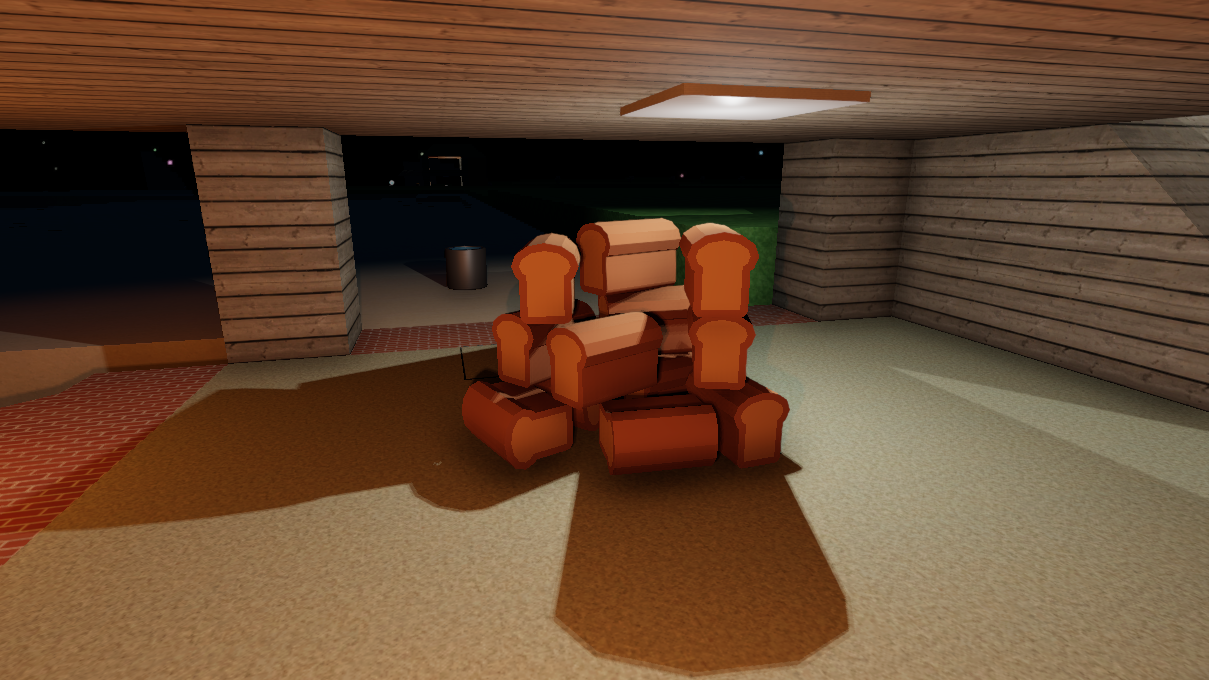
Added 'Loaf of Bread' to Ficterra. You can bake this at the BBQ using Flour and water. Bread paced in the world and has physics
Added Bread to the game. Bread can be eaten to restore health. Bread can be sliced from Loaf of Bread at the Kitchen Table. Each Loaf produces 20 slices of Bread which restore a small amount of health. In general the Wheat -> Bread chain restores much more total health than other foods, but takes longer to prepare and eat
Increased the size of BBQ to be more realistic
Loading
The loading algorithm has had its scanning changed. We now load both in a procedural way and a random way as opposed to a purely random approach. This maintains fast overall loading as well as ensuring the random scanning doesn't miss any areas
The scanning now uses resolution to better load the view space, avoiding small unlikely areas.
The voxel based picking algorithm now tracks chunks as it progresses to greatly increase performance when scanning for unloaded terrain. This is ~10 times faster
Increased the default scanning rate to make use of the speed gains in the system
The game will now always try to load what you are looking at (within your sight range)
Plants
Harvestable Plants now spawn correctly on half cubes
Fixed a bug where Harvestable plants wouldn't be Bolted
Harvestable Plants have had their graphical performance increased
Fixed a graphical bug that occured when picking up Harvestable Plants
Harvestable Plants now have correct lighting
Other
The Minimap now has a circular outline
The Minimap has been repositioned to be more in the corner
Changed the shaders used on most of the placeable items in the game. This is to make items have a more consistent look and to drastically reduce the project's build times. Most items look the same or similar though a few will have a different look
You can now hide your offhand item from your view. This option can be toggled in the Gameplay Settings. This is a quality of life change to make your view less 'clogged'. You will still see any light produced by your offhand items when hidden (by Lanterns or Torches)
Fixed a bug where Implings would not attack
Fixed bugs related to buttons being highlighted when they shouldn't have been
Removed the cube outline when the UI is hidden
The Tailoring Bench now has the Heavy weight class
Internally added the ability to have custom 3D models for tools
Removed some unused assets from the build
Caves and Backpacks Update
Caves
Added special caves to Ficterra. These are large predesigned caves that can spawn underground. Special caves change their look based on the biome they spawn in. Normal caves still exist and can intersect special caves. Ore deposits spawn in special caves as well.
New Special Cave "Lava Plume" - Open cave with a basalt spiral lava slide
New Special Cave "Ore Pillar" - Cave with a large pillar of rare ore in the center guarded by monsters
New Special Cave "Shallow Turns" - Series of turns and a shallow cave with loot
New Special Cave "Ice Cave" - Open cave with large ice spikes protruding from the floor and ceiling
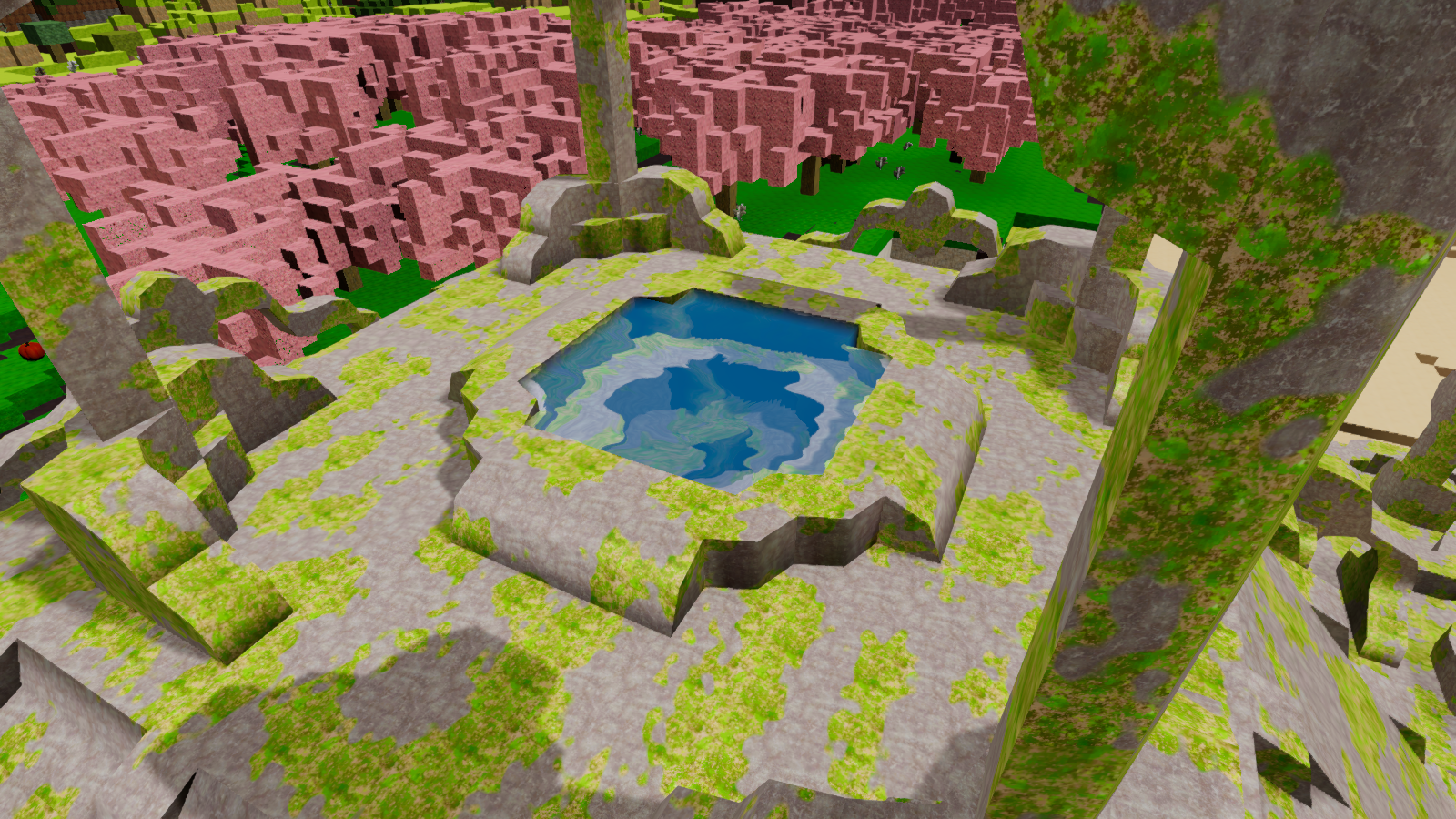
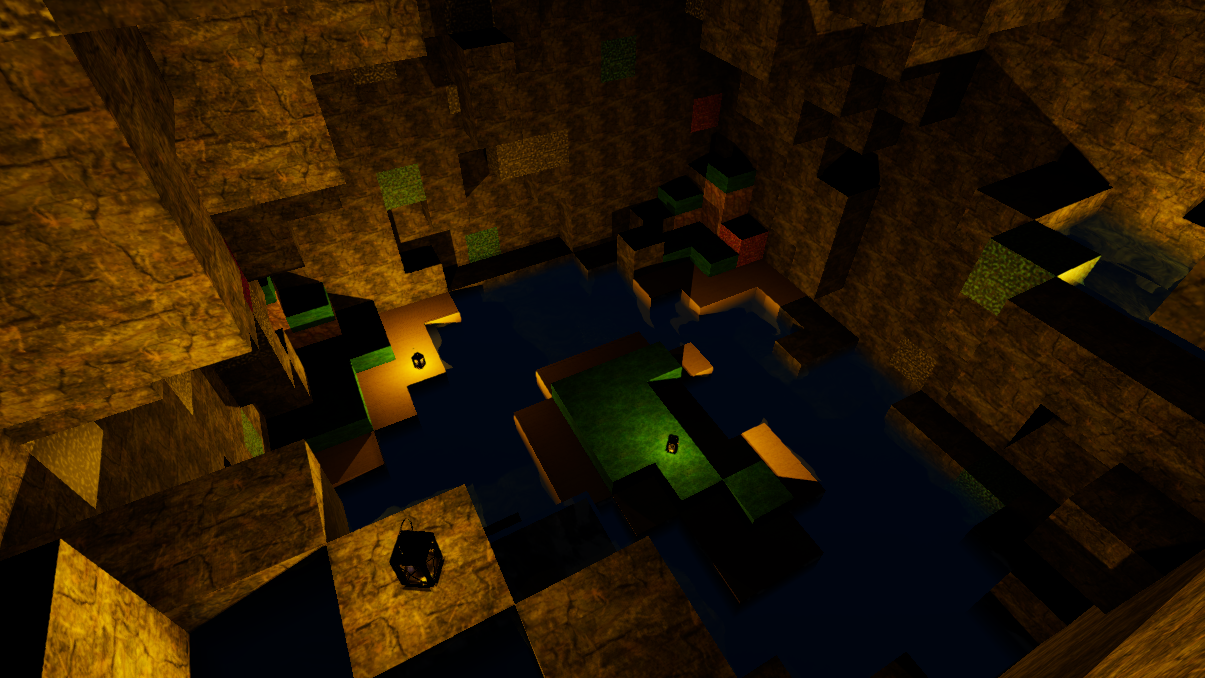
New Special Cave "Pools" - Series of pools in a vertical shaft with a pond at the bottom
New Special Cave "Hourglass" - A large hourglass shaped rock lies at the center
New Special Cave "Stairs" - Cave with a rock column shaped like stairs
New Special Cave "Water Caves" - Twisting underwater caves with a secret
The Red Rock Desert biome now uses Red Rock for its deep caves instead of Stone
The cave generation algorithm has been changed to produce smaller caves especially the deeper you get. This is to prevent the deep underground from being one large twisting confusing cave
The cave generation algorithm now produces 'smoother' caves overall with messy details, instead of just messy caves
Fabric
"Cotton Fabric" has been added to the game. This is made with cotton and will be used in most cotton recipes
"Cotton Thread" has been added to the game. This thread with used to sew together Cotton Fabric into items
"Thick Cotton Fabric" has been added to the game as a sturdier version of Cotton Fabric
Cotton has been removed from most recipes and replaced with closest equivalent amount of Cotton Fabric. This more accurately reflects that the items are made with cloth and not just raw cotton
We've added a Tailoring Bench to Ficterra. Here you can craft fabric and items made with fabric
Crafting recipes that used cotton have been moved to the Tailoring Bench when applicable. This better fits some crafting recipes and remove a few from crafting on person (which is a little cluttered)
Cotton now spawns on Harvestable Plants in the Cheery Steps and Maquis biomes. This is to balance the increased importance of cotton (for backpacks) so that you should not have to explore as far to find some
Bags and Weight
We're changing several things involving weight and carrying capacity this patch. We are lowering the base carrying capacity but adding backpacks to the game to allow you to extend it beyond what you had before. We are also changing certain ores to have a weight. Grass, Sand, Snow, Dirt and all varieties of Stone now consistently have the same normal weight.
The Back equipment slot has been added to Ficterra. This was added to allow for new backpack items
The character screen now shows a back equipment slot, and the offhand slot was moved to the bottom center to stand out more
Base carrying capacity has been lowered to 60 from 100
"Leaf Satchel" has been added to the game. Wearing this on your back increases your carrying capacity by 25. It is made with only leaves.
"Satchel" has been added to the game. Wearing this on your back increases your carrying capacity by 50. It is made with cloth at the tailoring bench
"Small Backpack" has been added to the game. Wearing this on your back increases your carrying capacity by 100. It is made with cloth at the tailoring bench
"Backpack" has been added to the game. Wearing this on your back increases your carrying capacity by 150. It is made with thick cloth at the tailoring bench
"Large Backpack" has been added to the game. Wearing this on your back increases your carrying capacity by 200. It is made with thick cloth at the tailoring bench
The following ores and metals have had their weight increased to 1 from 0:
Magnetite
Chalcopyrite
Aluminium
Dolomite
Magnesium
Rutile
Electrum
Titanium
Bauxite
Iron
Copper
Steel
Gold
Silver
Galena
Lead
Other
Offhand lights (torch/lantern) now project light closer to your body and no longer cast shadows in your hand. This makes it a lot easier to see underground and prevents your light from clipping behind walls at the cost of 'realism'
Fixed the icon for Smelt Galena being missing
Paintings now place much closer to walls (although they are now closer when holding them)