Update 0.1.0.7 (Drone Combat, Quantum Beacons + much more)
Features & Improvements
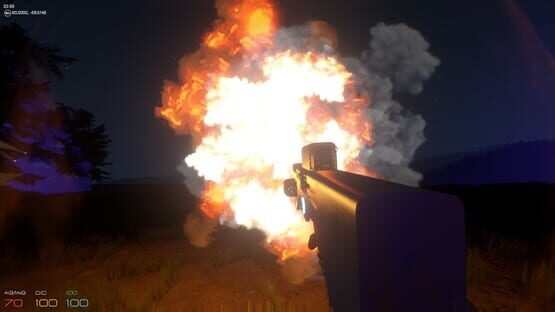
Added drone combat!
Pistol now fires projectiles instead of a laser, and projectiles all have tracers.
Quantum Beacons can now be researched and fabricated. Use them to teleport from your LAIR to specific locations in the world. Pick up blown up drone parts in order to be able to build Quantum Beacons.
New crosshair.
Added gun recoil.
Refined the amount of refined materials you get by refining, to make it easier to fabricate many types of materials (Bronze, Tin, Steel, etc).
Reduced day/night cycle to 60 minutes IRL.
A bunch of new sounds and music.
Removed grass meshes for now, for much improved FPS on low-mid range machines.
Removed that annoying running-breathing sound.
Improved the way pistol and player react to lighting.
Tweaked nighttime lighting.
New loading screen that shows Early Access progress.
Fixes
Fixed Corban sometimes not sticking with player, which meant Snapback took too long.
Fixed doors in the LAIR where you could walk through and end up outside the level.
Fixed sometimes being able to see metavar’s head if you look up and jump.
Fixed time not passing while inside LAIR.
Fixed clay door placement (just realized that other doors might need fixing — will adjust that soon).
Fixed a bug that could cause Extraction station to lock up.
Fixed player bouncing when entering the LAIR elevator platform.
What to do if Metaverse crashes
We do our best to keep Metaverse stable and working well, but it is in a constant state of development, and if it does crash on your computer, here's what you can do:
Make sure your graphics card drivers are up to date. This is the most common cause for a crash, so it's important to make sure everything's updated. Click here for instructions.
Restart your computer. Seems simple, but if memory is constrained this will clear it up.
Email us at support@jointhemetaverse.com and be sure to include the following:
As many details as you can about the crash (how often it happens, when it happens, etc).
Your dxdiag report. You can get this in Windows by clicking on the Start menu, then clicking on Run. Type dxdiag and click OK. Click the Save All Information button and in the Save As dialog, make sure it's set to save as a .txt file.
Right-click on Metaverse in Steam and click on Properties. Select the Local Files tab, then click the Browse Local Files button. On Windows, you should see a Metaverse_Data folder. If there are any other folders next to that one (don't include the Cubic_Data folder if it's there), zip them up and email them to us. Also check inside the Metaverse_Data folder for output_log.txt and email that to us as well.
We welcome all feedback and are working hard to make Metaverse the best it can be. Please don't hesitate to tell us how we're doing in the forums. It's also possible that other players may have solutions to the same problem, so posting in the forums is another great way to get support.
Update 0.1.0.6 (Research fix + more)
Turns out the last release introduced a bug that prevented some users from being able to research anything in the Information station. This release fixes that problem, along with a few other issues:
Features & Improvements
Significantly reduced the amount of Molybdenum required to fabricate steel
Fixes
Fixed research progress getting stuck if you had never researched anything before
Fixed day/night cycle too short
Fixed sun flare shining through B.I.T.s
Fixed some B.I.T.s being unharvestable
Update 0.1.0.5
Features & Improvements
Added new HUD
Added researchable minimap
Doubled torch light range
New larger reticle
Tweaked trees
Fixes
Fixed door animating while pressing E to rotate during placement
Updates 0.1.0.1 - 0.1.0.4
The past few updates have been primarily bug fix updates. For the curious, here are the changes:
Fixes
Fixed graphics being black on Windows due to default quality settings
Fixed unable to reset tutorial
Fixed a problem that was causing FPS to drop significantly in grassy areas
Fixed potential infinite loader screen
Fixed stone and gravel refined element distribution
Made it so it’s no longer possible to fall through the terrain
Fixed mission cube sometimes getting shifted to a different location in the world
Fixed some problems with inventory slots not updating properly or getting invalid data in them
Fixed stone rough stairs unable to be placed flush next to other items
Fixed clay B.I.T. 1x8x8 panel offset
Fixed lighting wrong on some B.I.T.s
Request for screenshots
Now that we've got some great new tools for creating content, we really want to see what the community can come up with. Dig in, get creative, and don't forget to post media to our community hub.
Version 0.1.0.0 is here, and it's a big one!
Improvements
New LAIR stations to research and fabricate B.I.T.s, which are pre-built blocks that can be used to build structures out in the world.
Caves!!
Overall beautification. Cubic’s looking sharp!
Cubic is now 64 bit, which translates to increased performance.
Improved shadowing, and made underground areas actually dark.
Added a flashlight (press V to toggle)
Added clouds.
Increased draw distance.
Grass and trees are now always shown as far as the eye can see wherever the terrain has been drawn.
Increased walk/run speed.
Added sounds for elevator buttons.
Tons of little tweaks and improvements.
Fixes
Jazz hands came back, so we swatted them away again.
Sun flare no longer visible before eyelids open during intro.
Warning
<*>This update will clear your backpack and lair inventory. When you start playing with it though, you’ll see that it was totally worth it!
Roadmap and Facebook page
A number of you have asked to see our roadmap, and so here it is! We're excited to share this with you, and we look forward to seeing this plan morph into something even more amazing.
We've also set up a Facebook page for Cubic, and we encourage you to go check it out. Going forward, we'll be using the Facebook page as a space to share some of our thoughts about the development process, as well as previews of what we're currently working on.
Fabrications deployed prior to v0.0.3.4 can now be destroyed.
Fixes
Fixed Fabricator schematics sometimes getting corrupted and preventing Fabricator from being used at all. Thanks to Bilbo and bloodyrazorsedge for reporting this and sending detailed info to support@cubicdevice.com
Update 0.0.3.4 Available Now!
With this update, you can now disintegrate placed fabrications. The amount of damage a fabrication can take is dependent on the hardness and quantity of the materials used in it.
There are also a few other important changes, such as improved collision detection on placed fabrications (this one's for you, Bilbo)
Features
Fabrications can now be disintegrated with your laser pistol.
Improvements
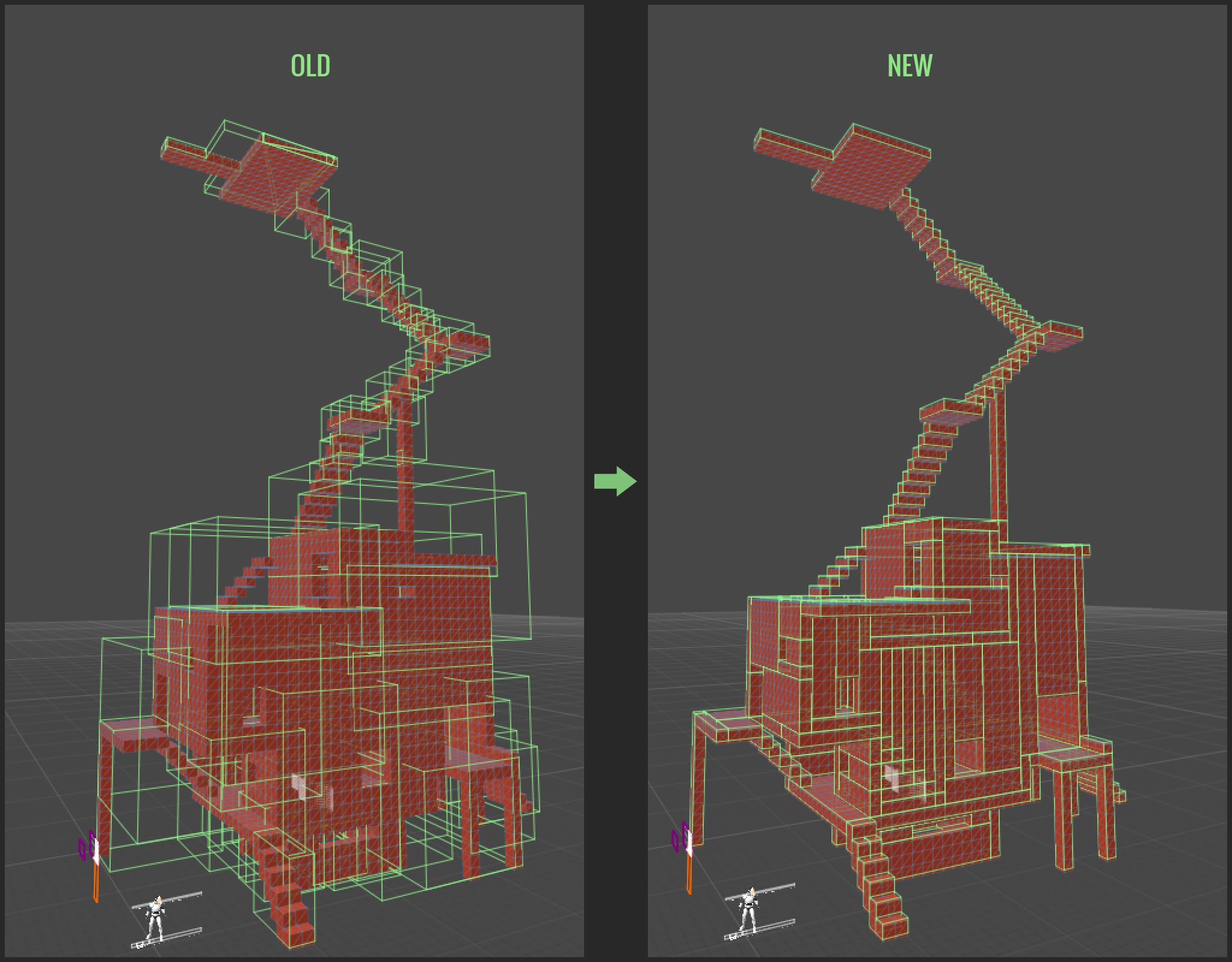
Significantly improved colliders on fabricated objects.
Improved debug logging when a schematic can’t be imported.
Fixes
Fixed "View in Steam Workshop" and Steam user Workshop page links not working in Information Exchange.
Fixed a bug that could cause frame rate to slow down after some types of fabrications were placed.
Known Issues
Fabrications placed before this update cannot be destroyed. This will be fixed in the next update.