Thank you very much for using Pixel Game Maker MV.
We have just released the ver. 0.9.5.3 update to the Open Beta branch.
■Updates
Bug Fixes
Fixed an issue involving OpenGL that could prevent built games from working properly on Windows 10
"How to switch to Open Beta"
1. Open "Properties" for Pixel Game Maker MV in your Steam Library.
2. Select "open_beta" and close Properties.
"How to switch to Default"
Please execute the following process to revert from Beta to the previous version.
1. Open "Properties" for Pixel Game Maker MV in your Steam Library.
2. Select "None - don't participate in any Beta programs" and close Properties.
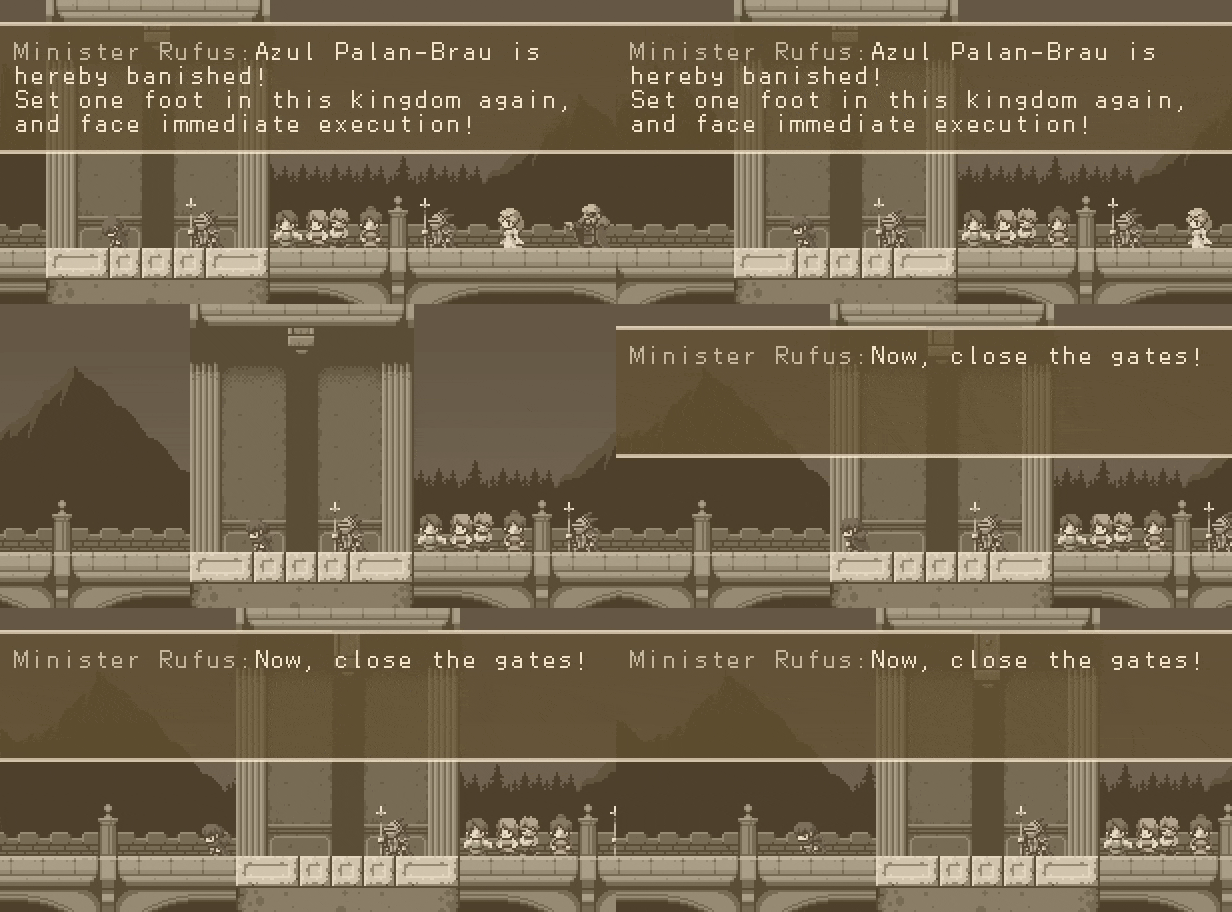
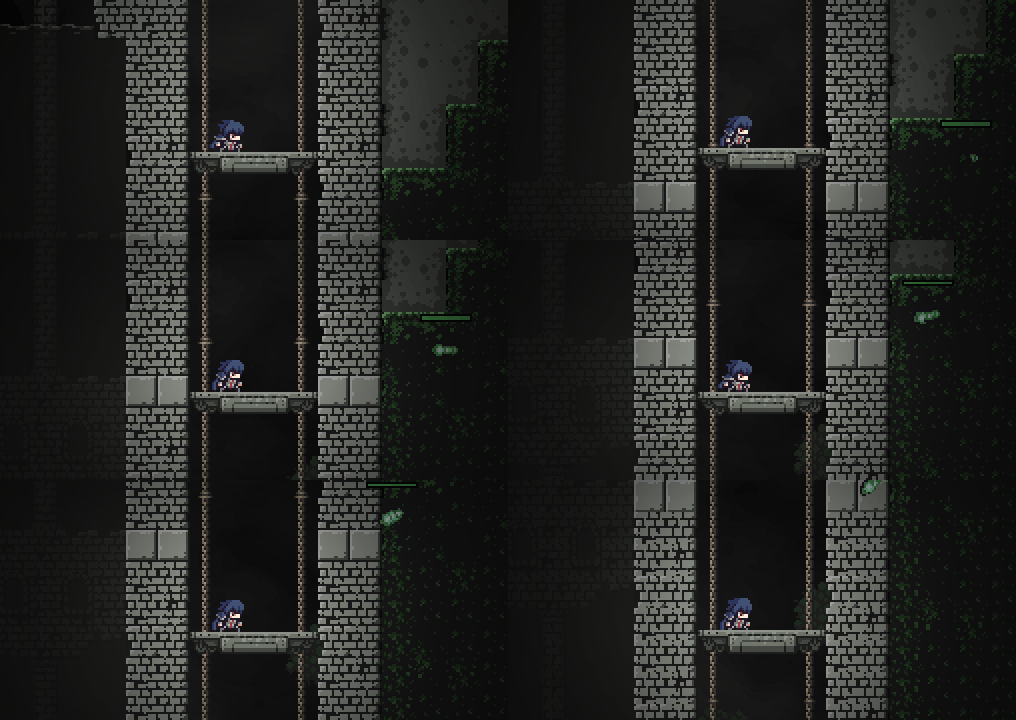
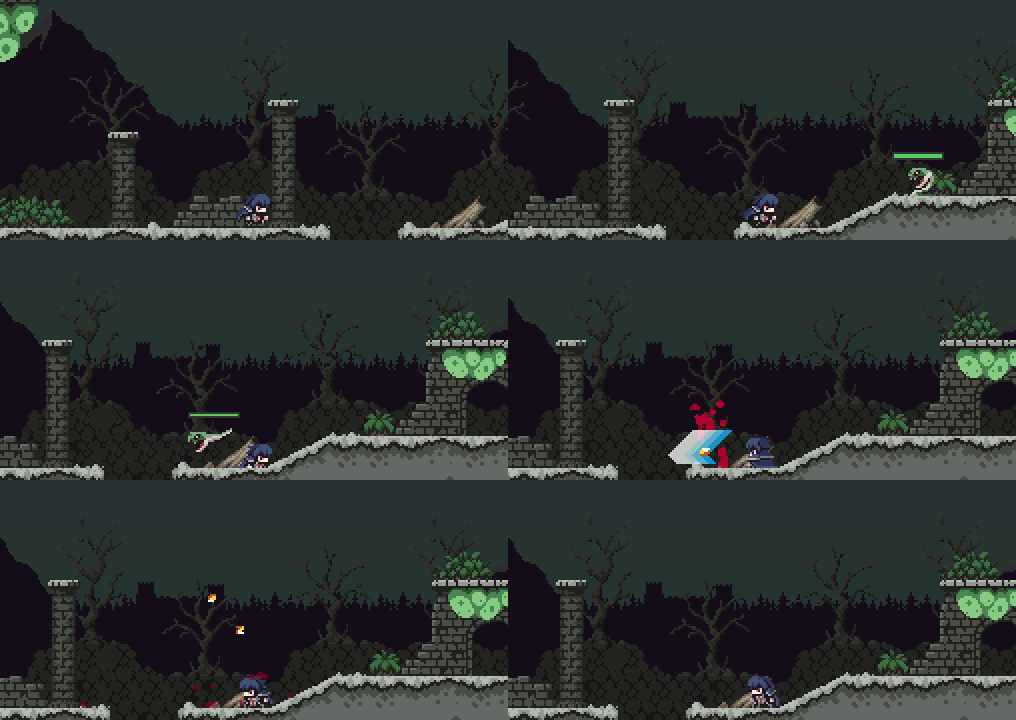
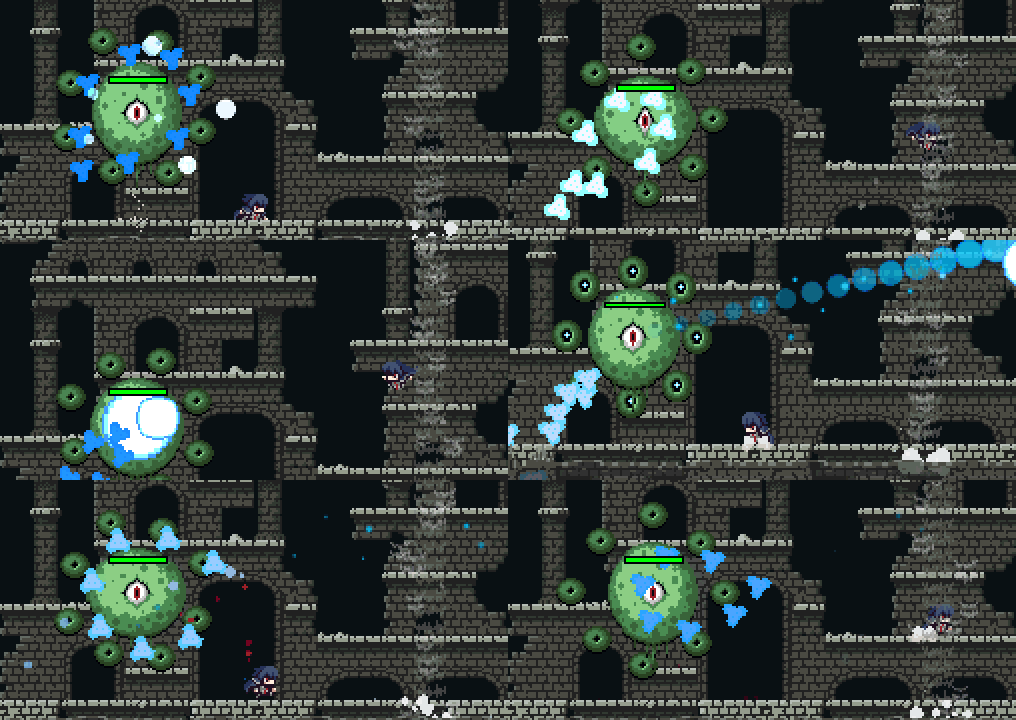
Made in PGMMV: Steel Sword Story Full Version Set for Release on June 21st!
Hello everyone,
The full version of 2D side-scrolling action game Steel Sword Story, created in Pixel Game Maker MV and currently available in Trial Ver. form, is scheduled for release on June 21st (Fri.).
A true old-school 2D action game to bring back memories of the good old days.
■Save the kingdom - armed with with nothing but your rusty, old steel sword!
Having lost everything his status and been forced into exile, Azul faces off against the threat encroaching upon the kingdom with nothing but his rusty, old steel sword!
■Fight off waves of enemies
Your foes will come at you with all sorts of attacks!
Deftly evade injury - and death - and take each and every one of them down!
■Hardcore Boss Fights
The boss battles are insane!
Grab your sword and conjure up some magic and fight to the death!
Steel Sword Story, while compact in size, is a surprisingly deeply crafted and fulfilling, high-quality game.
It's also extremely budget-friendly! Stick it in your Wishlist today and get ready for the full release!
Thank you very much for using Pixel Game Maker MV.
We have just released the ver. 0.9.5.2 update to the Open Beta branch.
■Updates
Bug Fixes
Fixed a bug that could prevent the bug reports/error logs from being generated properly
Changes/Adjustments
Implemented a workaround to allow the game to load when there is a corrupted shader cache
- This change now prevents the Editor from using the shader cache
- To re-enable it, please create an empty config.txt file in the install directory
"How to switch to Open Beta"
1. Open "Properties" for Pixel Game Maker MV in your Steam Library.
2. Select "open_beta" and close Properties.
"How to switch to Default"
Please execute the following process to revert from Beta to the previous version.
1. Open "Properties" for Pixel Game Maker MV in your Steam Library.
2. Select "None - don't participate in any Beta programs" and close Properties.
After hosting the REMIX Game Jam and hosting community voting for the 3 finalists, we are excited to announce our two winners!
We want to take this moment to thank everyone for their efforts for joining in the week long Game Jam, and for submitting a great variety of games. We enjoyed playing through all your games, and it was a difficult choice to select the finalists. We hope that you will all continue to support Pixel Game Maker MV, and continue to take part in our future activities.
After allowing the community to choose one of the winners through community voting from the three finalists, the staff behind Pixel Game Maker MV got to choose the second winner. As promised, the two winners for our REMIX Game Jam will have their titles shown on the Pixel Game Maker MV booth at “BitSummit 7 Spirits”, scheduled to be held in June 2019.
And the winners are....
Community Choice: Hex Hunter by Name User
PGMMV Staff Comment: The community’s voice was overwhelming: Hex Hunter is your favorite! A twin-stick game with some intriguing concepts, we hope to see it finished some day!
Pixel Game Maker MV Staff Choice: Explorer Thief by Kyle
PGMMV Staff Comment: Based on the Explorer sample assets, we were quite pleased to see a stealth mechanic implemented in Pixel Game Maker MV! We hope that this project also gets continued!
Thank you again to everyone for submitting, and we look forward to more amazing games that you build in Pixel Game Maker MV!
Thank you very much for using Pixel Game Maker MV.
We have just released the ver. 0.9.5.1 update to the Open Beta branch.
■Updates
Bug Fixes
Fixed bug that could cause a program crash when using the "Show Particles" or "Object Appears" Gimmick tile settings
Fixed bug affecting saving to and loading from files
Fixed bug preventing the display of Tiles walls from not updating after changes when using the "Show Tile Wall" debug function
Fixed bug that could result in Objects being pushed around even when "Not Pushed Back by Other Objects" is enabled
Fixed bug that could result in Objects not following the assigned Course after the Object is resurrected as the result of a scene transition
Changes/Adjustments
Increased performance of Tile processing in the following cases:
- When the same tile is frequently used in a single scene
- Tile is not using any Basic, Animation, or Gimmick settings
"How to switch to Open Beta"
1. Open "Properties" for Pixel Game Maker MV in your Steam Library.
2. Select "open_beta" and close Properties.
"How to switch to Default"
Please execute the following process to revert from Beta to the previous version.
1. Open "Properties" for Pixel Game Maker MV in your Steam Library.
2. Select "None - don't participate in any Beta programs" and close Properties.
Pixel Game Maker MV Golden Week Holiday Announcement
Greetings everyone!
Thank you all for using Pixel Game Maker MV!
While we are hard at work providing you with support & preparing the next patch, we are going to have a put things on hold for a few days.
As we are based in Japan, we will be unavailable from April 27th through May 6th due to the extended Japanese holidays for the period known as Golden Week.
We will resume normal operations on May 7th.
We apologize for the inconvenience this causes, and will try to ensure that we handle as many cases before the period starts as we can.
Thank you very much for using Pixel Game Maker MV.
We have just released the ver. 0.9.5 update.
Additionally, the previous beta release, 0.9.4.2, has been moved over to the default branch.
Vote for your favourite REMIX Game Jam Game!
We are currently hosting a community vote for the best REMIX Game Jam entry! Head on over to the Playism blog to check out the entries.
Download, play and vote for your favourite! Voting closes April 22nd!
When building a project with encryption, audio files are now also encrypted
Added additional debug commands when test playing. Can now pause play, adjust game speed, and apply a framerate limit using the new Performance/Speed Settings menu
Added ability to reverse direction for circular Courses
All error log reports should now contain a dump file as well
Added new option to save on test play
Added additional functions to convert data imported from Sprite Studio
Added "Stop Upward Movement on Wall Collision" checkboxes to Object "Jumping and Landing Parameters"
Bug Fixes
Fixed bug that resulted in physics Objects not being affected by the "Change Game Speed" runtime action
Fixed bug that would cause a crash if an Object did not have an animation set and an effect for "Received Damage" is enabled
Fixed a bug that prevented the Field of Vision settings from being applied properly
Fixed bug causing text displayed using the "Display and parent-child relationship" function to be deleted when touching another Object's wall collision area
Fixed a bug that prevented correct movement if a negative value is set for the "Initial Jump Speed" setting
Fixed a bug that caused Objects to take double damage when moving as the result of certain Template Move settings
Fixed bug that causes a crash when transitioning to a Scene that has a background with the Play Movie runtime action
Fixed bug that prevented the music from resetting properly during test play
Fixed bug that would cause a crash when using the "Change using Switch, Variable Conditions" setting without assigning a switch or a variable
Fixed bug preventing Field of Vision and Lighting settings from working as expected when an Object is Connected to another Object
Fixed bug that caused Gimmick Tiles to not change based on Switch values when a scene transition occurs
Fixed bug that prevented the "Distance to Other Object" runtime action from working as expected after using the "Change Object" action
Fixed bug that would cause unintended high movement speed when using Template Move action without setting a time
Fixed bug that could cause Objects to stop spawning when using the "Scene Changed" setting for "Restore After Destruction Condition"
Fixed bug where child Objects would not inherit certain parent Object properties
Fixed bug where Objects that are deleted/respawned based on camera position could be inappropriately duplicated
Fixed bug where Objects affected by "Change Object" would not function as intended
Fixed bug where child Objects would not trigger gimmick Tiles properly
Fixed bug that could cause a frame skip when deleting multiple Objects simultaneously
Fixed bug that caused Objects with physics enabled to cease functioning after firing a bullet
Fixed bug where the Back and Forth Moving and Turning runtime action was not functioning as intended
Fixed bug causing detection areas to remain after changing motion frame counts
Fixed bug causing tiles to vibrate when touched by an Object in a particular way
Fixed bugs caused by not assigning a motion to a node in the Action Program:
Object scaling values could be reset or ignored
Runtime action Object Filters would ignore settings or be reset
Object would not function without an assigned Motion
Fixed bug causing animated GIFs to have a memory leak
Fixed bug that could result in the camera's initial position to be misaligned
Fixed bug affecting scene effects on AMD and Intel GPUs
Fixed bug causing hangups on wall collision detection
Fixed bug with the Wall Detection Link Condition that would prevent it from functioning as intended
Fixed bug affecting the RT button on the Xbox360 controller that would cause it to only function as "on release" instead of "on press"
Fixed bug affecting test play during the tutorial that could cause a error
Fixed bug that prevented some Objects from updating when changing the display direction of large numbers of Objects at once
Fixed bug that prevented after images from being displayed properly when particle effects are also used
Fixed bug that could cause incorrect display of items in a list
Fixed bug preventing the batch reading of audio files
Fixed bug causing a crash when attempting to access text assets when an Object has an ID of 2 or more digits
Fixed bug that results in invalid settings when attempting to drag collision areas or Connection points when the scaling value is set to 0
Fixed bug preventing from particles from being displayed in the order of addition
Fixed bug causing the deletion of all vision from all Objects when the vision is deleted from a single Object
Fixed bug causing a crash when a right-click is performed while dragging an item in a list
Fixed bug that sometimes caused the Contact with Collision Detection Condition to not function
Fixed bug that prevents Objects using Tank or Vehicle movement from turning if an initial display direction is configured
Fixed bug causing Objects using Tank or Vehicle movement to figure bullets in the wrong direction
Fixed bug that could cause menus to cease scrolling when the Scene scrolls
Changes/Adjustments
Changed the function of the debug menu so that it can now be properly hidden
Objects using the Fix Relative Position to Camera setting will now be properly updated when the Object's coordinate variables are directly changed
Adjusted performance when adding new Wall Collision boxes & Connection Points to an Animation
Adjusted processing on SSDs to prevent slowdown that could occur
Full Release
The previously released Open Beta version has been fully released.
https://steamcommunity.com/games/837510/announcements/detail/1809790964535331944
"How to switch to Open Beta"
1. Open "Properties" for Pixel Game Maker MV in your Steam Library.
2. Select "open_beta" and close Properties.
"How to switch to Default"
Please execute the following process to revert from Beta to the previous version.
1. Open "Properties" for Pixel Game Maker MV in your Steam Library.
2. Select "None - don't participate in any Beta programs" and close Properties.
Vote Now! REMIX Game Jam Community Voting Open Now!
Hi Everyone,
I hope you are doing well, and that you adventures in game development is going great!
Last month we hosted the first Pixel Game Maker MV game jam, titled REMIX Game Jam, and after playing through all the submissions, we have narrowed it down to 3 games for you all to play and vote for your favourite!
You can find these games, their download links and the voting over on the Playism blog!