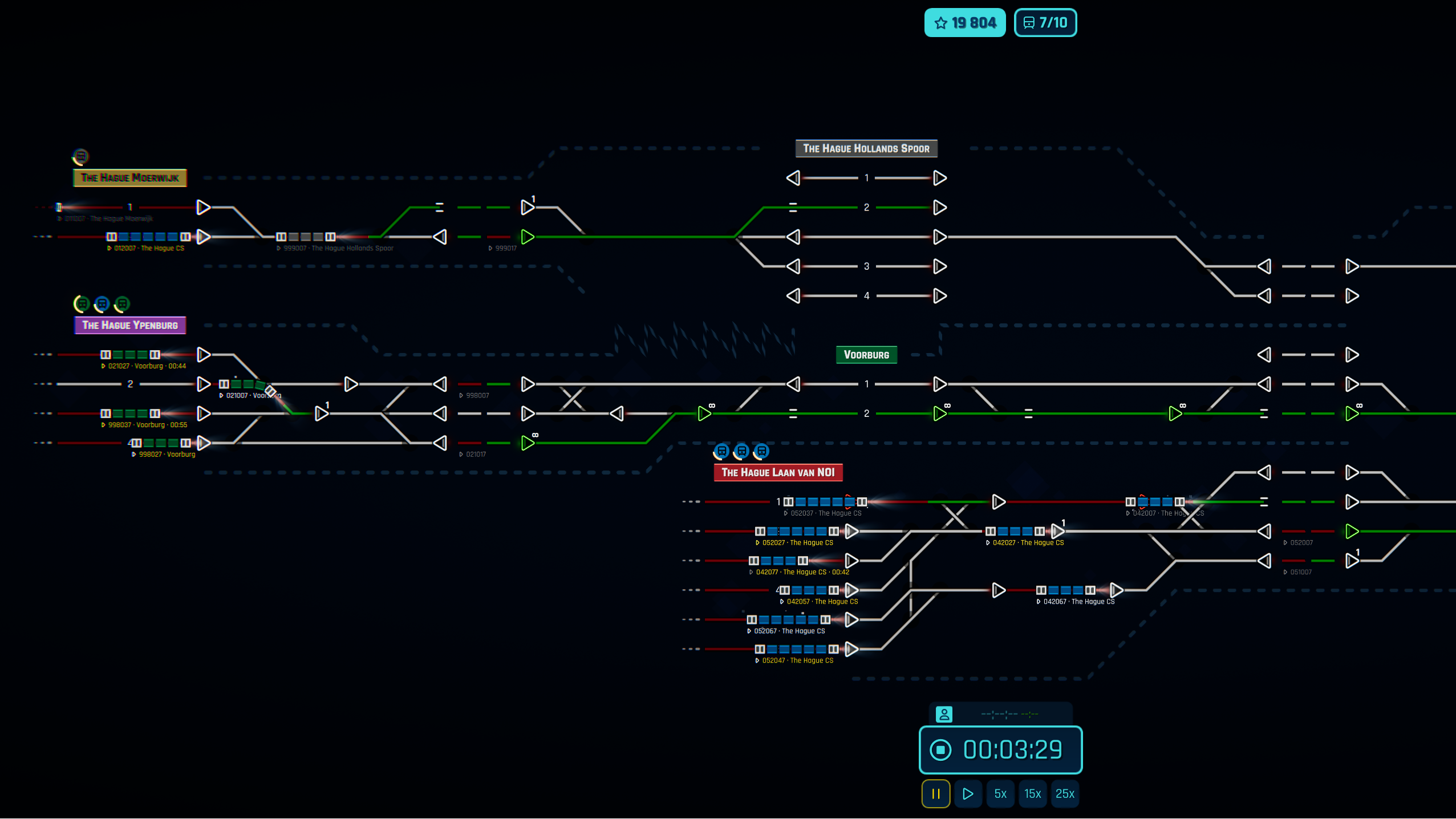
This map has 6 stations that will require you to dispatch trains from first to last to first, the challenge is to not cause wreckage!
Prepare your coffee and good luck! Hop on and be the first on the leaderboard.
-Pickle
Be sure to share with us what kind of maps you like to see! And make sure to visit our Official Discord Server where you can communicate directly with our developers!
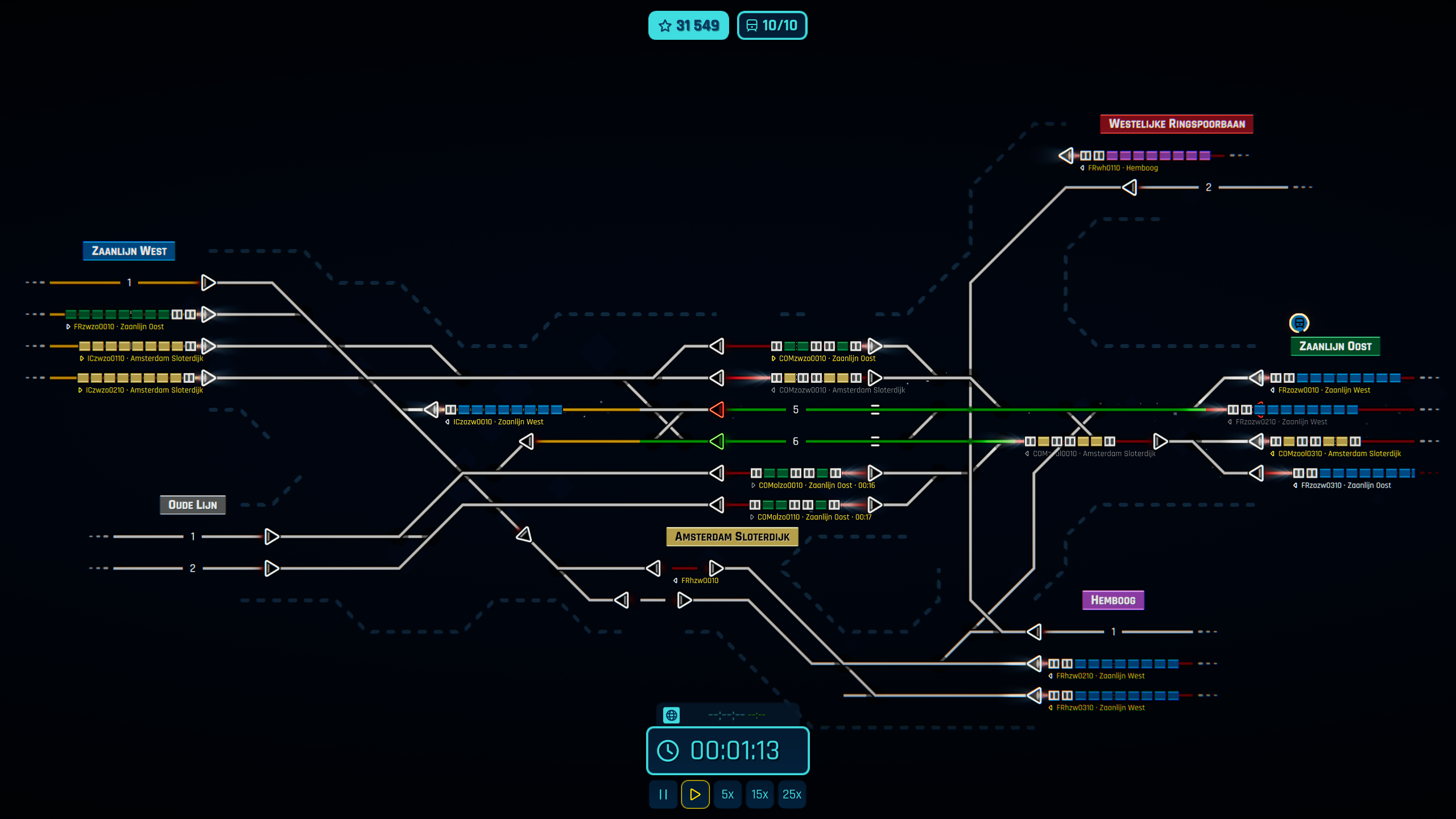
We are running a weekly contest for Rush Hour again, and we've prepared a nice map from the heart of the Netherlands this week - Amsterdam Sloterdijk. It was made by a community member Typerim to honor our Dutch developer Rovex.
New Community Manager
If you would like to feature your map in the following weeks, please let us know in the comments or jump onto our community Discord and speak to Mr. Pickle, our new Community Manager! He will also be responsible for featuring maps in the Workshop, so if you are a content creator, join a discussion on that topic :). Lastly, let's welcome him onboard.
Update 9
Menu Redesign
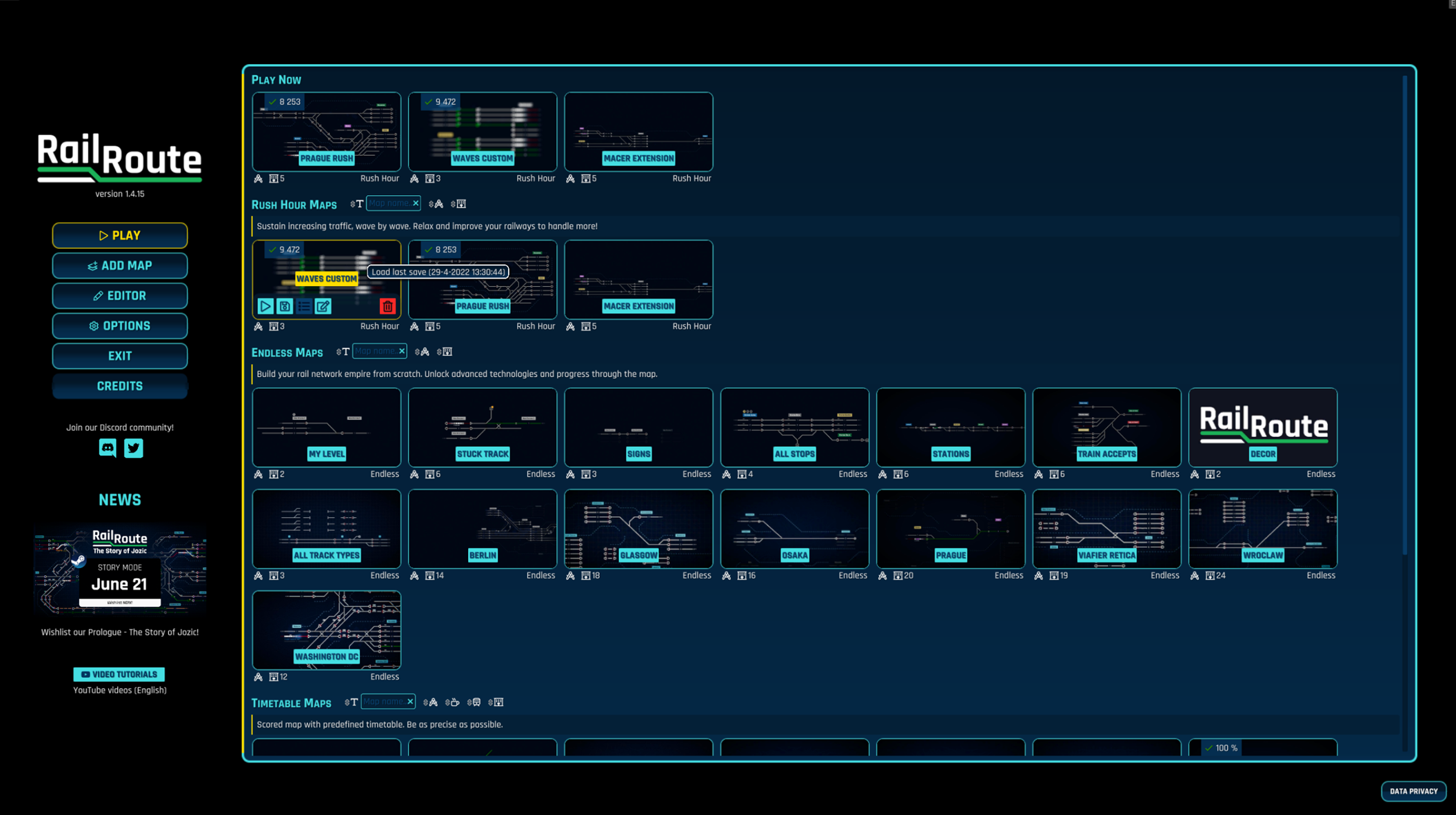
Let me share some news from the development team about the upcoming updates. We are working on a Menu Redesign as I've shared some screenshots in one of my previous blog posts and it will be part of the next update. Let me share more screenshots of it. Please, note that these are still mockups from the graphical editor.
So, here's the new game starting screen with your recent play and saves with some news.
And here's the example list of maps.
This is just the beginning of our overall UI redesign. After the menu, the game will follow. Here are some concept images for you. Unfortunately, that won't be a part of the next update.
Incom Train Icons & Rewards
We are changing how an incoming train is displayed on the board. When the train wants to enter your board, you see an icon next to a station sign. We are moving that icon closer to the element of origin. That means showing it beside a sink or a coach yard.
With income trains, there will also be a new reward icon that will spawn some time before the train is supposed to reach its final destination. That icon represents the reward for handling that train and should give you more understanding of where the train is heading and where the reward is.
Refactoring of construction
We have started a BIG refactoring of how our construction in the game works. We realized there are still a lot of hassles and usability problems and want to remove them. Why you can't place a signal on an empty space and then lay a track (that applies to all elements) or just move a sensor a bit? On top of that, building a tunnel requires two track ends instead of just laying a tunnel from one point to another (be it a free space, track, or whatever). We do not want these hassles, but we have built them during the game lifespan, mostly because of our internal code design. That's what we redoing; we finally have enough feedback and experience to do it properly this time, trust me!
It's a lot of work, and you'll benefit greatly from improved usability (including the keybinding), but it won't be part of the next update. I just wanted to mention it as it's taking a lot of development resources. The best part is that it will allow us to introduce new game content much faster after we finish it! New buildings, new sensors, just new whatever.
Closing note: You will be able to rotate autoblocks and platforms.
FIX: Alert sounds were not working FIX: Rejecting the trial train after accepting it in Run trial train task was locking the task FIX: Routing sensor override settings were removed when selecting different sensor FIX: Sensor detail panel did not update error message without selecting another sensor first FIX: System upgrades panel content had incorrect size for some languages FIX: Timetable's platforms where being hidden in the station details panel if the platforms numbers were above 11 FIX: With Manual Signal Safety turned on, one route from a manual signal via a crossing was not possible
Hotfix 1.8.8
FIX: Dispatching train from the coach yard using the ECS button was freezing the train when it arrives to a departure sensor
Hotfix 1.8.7
UPDATE: Improved sensor upgrade tutorial text and fixed missing steps
UPDATE: Invalid routing sensor configuration shows invalid route in red
UPDATE: Localizations (cs: ui; en: ui; fr: ui; no: ui)
UPDATE: Trains with finished schedule are now routed as finished trains on all departure sensors

FIX: Any platform was neither loaded nor written correctly if map was saved after Update 8
FIX: Braking train alert shown for single frame or stayed when passing sensor
FIX: Hint text localizations sometimes didnt load
FIX: Routing sensor destination selection did not work when reselecting the same sensor
FIX: Save and load buttons shown in upgrade tutorials when they should not
FIX: Saving completed indicator would sometimes stay on screen
Hotfix 1.8.6
UPDATE: Localizations (fr: research, ui; no: research, ui)

FIX: Arrival sensor showed incorrect configuration when not all platforms could be reached
FIX: Game was crashing on some maps with sensors when exiting from building mode or configuring the sensors
FIX: Renaming save without screenshot broke save list UI
FIX: Signals on bends or dead ends would rotate when signal next to them was built or bulldozed
Update 8 - Programmer's day!
In celebrating the 2^8 (256th) day of the year, we are releasing the next free content update for Rail Route just now! And by a big coincidence, it's also the Day of the Programmer. So, happy dispatching and celebration!
Update 8
We initially did not plan for a September update, but we changed our minds :).
Advanced sensors
And to improve the feel of a Programmer as a Dispatcher, we've included some new configuration options for the arrival and routing sensors. If you check Rail Route's suggestion site, there are some suggestions regarding sensors at the very top.
Advanced Routing Sensor
Routing sensors are used to route trains based on their destination automatically. But when your train network gets more complicated, someone would like to route trains not only by their destination but also the type (Commuters, IC, Freights, etc.) So that's basically what the new Advanced Routing Sensor is doing, and you can unlock it as a System Upgrade.
Once this upgrade is unlocked, you can override your default setting for every train type by selecting the train type from a dropdown box and changing the routing table.
The only thing which is now missing in routing sensors is ability to route a same destination to multiple connections (1-n routing). Please, tell me if you'd be interested in that functionality in the comments!
Advanced Arrival Sensor
When a train is approaching the station, an arrival sensor is at hand to automatically route it to a corresponding platform. It checks the train's desired platform and sends it there. You could also specify the default platform. But some trains don't have any platform assigned, and that's where the sensor was not enough.
With the Advanced Arrival Sensor Upgrade, you can specify which platforms are available for the trains that do not have a platform assigned and are either stopping or passing through the station. Don't forget this handles only the trains having the station in theirs timetables.
To make this "any platform" routing even more useful, you can set a train's stop to Any platform after you unlock via the Platform Adjustments Upgrade.
This also improves the sensor's cooperation. Arrival sensors have a priority and if it triggers, the routing sensor will not do anything. That means you can happily use 'Other To' on it.
Platforms limit
Maybe most of our players do not know, but there was a hard limit of 11 platforms per station within our editor. And we understand that you don't like these limits. So, feel free to build as many platforms as you want. Not more than 1 million; otherwise, the game will crash :)!
New Track Crossings
We added a bunch of new track crossing configurations. For instance, an orthogonal track crossing but many others as well. Check them out:
Construction limitations are something that recently stepped up in priority in our roadmap. We are not happy to see new players struggling with these limitations when they try to express their creative mind when building their desired track network. And we would like to target that even more in the upcoming updates.
We either include even more to current switch options so the limitations are as low as possible, or we will simply allow the construction of tracks in all directions in one tile. That would altogether remove any hassles. Don't forget that the game is a projection into a scheme; one tile is 96 meters wide. So it would not be a 9-direction switch but more of a set of switches. The train would be allowed to continue in less or equal to 45 degrees. With more connections in one place, we would employ some speed penalty for that tile. I'd like to read your opinion on this topic, so be sure to put your thoughts in the comments.
Next?
Maybe, you've read about Menu Redesign we preparing. Let me share you some progress with you!
Anyway, I hope you'll enjoy the Update and stay tuned for future announcements. We have a lot planned for the following months; we are forming a roadmap to 1.0 and it'll be awesome.
Happy Dispatching!
Angel
Full Changelog for Update 8
NEW: Advanced routing sensor configuration
NEW: Arrival and Routing sensor can be built at the same place
NEW: Hot keys (CTRL + L) to switch between English and previously selected language
NEW: Impossible build message on the platform and the sink.
NEW: Maps can have unlimited number of platforms
NEW: More switch variants allowed: ╳ crossing, ┼ crossing, their incomplete variants and variants with one arm bent 45 degrees left / right
UPDATE: Added touch pen support (experimental)
UPDATE: Changed animation when rotating signal
UPDATE: Improved animations when building and bulldozing
UPDATE: Localizations (pl: all; cs: tutorials, ui; de: achievements, research, ui; es: achievements, ui; pt: achievements, ui; ja-JP: research, tutorials, ui; no: research, tutorials, ui; zh-Hans: research, tutorials, ui; zh-Hant: research, ui; en: ui; fr: ui)
UPDATE: Translation to Norwegian language finished enough to be shown in-game (whole UI translated)

FIX: Diagonal signal rotated incorrectly when building track to it at an angle
FIX: Researched basic tracks upgrade did not show as unlocked correctly during story
FIX: Right click input did not work
FIX: Time Saver achievement description was incorrect
FIX: Timetable maps would sometimes show incorrect time in main menu
FIX: Tunnel connected to occupied dead end track could be bulldozed
FIX: Unfulfilled contract rejection penalty was not given
FIX: Very long trains would show incorrect alerts, not stop correctly or behave expectedly
Main Menu Redesign!
Hello Dispatchers!
It's summertime for most of the development team, and we're off enjoying some free time with our families - but that doesn't mean that we're not working hard preparing the next free content update for Rail Route!
We were really happy with the great reception to Update 7, and it's given us a clear direction for our future updates. With Update 7, we wanted to see whether we could deliver important changes and new content in a short amount of time - just under a month of development time. We're happy to say that we were successful.
But we'd like to dig into a different topic this time. We've added a lot of new content to Rail Route during the first year of Early Access, including a new game mode called Rush Hour. That particular update made our menu screen cramped, exacerbating a problem with the main menu that we'd had for some time already. So, it's main menu redesign time!
Main Menu Redesign
Our problems with the main menu are not exclusively about Rail Route's game modes taking up space (and the potential future game modes that will take up even more) - there are an abundance of issues with our current menu design, and we want to target those too. We want to create a menu that will be easy to use with a controller, that will work well on smaller devices like tablets or mobiles (you guessed it!), and gives our players a much easier time choosing which great map they'd like to play next!
Most Common Actions
Before we can dive into what we'd like to change about the menu, let's examine what our players use the main menu for. As you can see, the two most common actions are continuing with the most recent save (LoadCurrent) or starting a new map (NewOther). We'll have this in mind in our new design. And we think our current menu does a decent job of these already - so we've got to make sure we don't accidentally hinder that!
Why Even Have A Menu?
In Update 7, we improved saving and loading times drastically by using different techniques under the hood. We are currently working on further performance optimizations. We'd like to be able to load a save as soon as the game opens. This would mean the game loads directly into your last save, but in the same time it takes to load into the menu currently. That would mean that we wouldn't need a separate menu - the menu would be integrated into the game pause screen. Whenever you hit ESC (or click the top right button), the main menu will open. This would also make changing a map during the game will much faster - we'd remove the middle man, the main menu.
Prototype in Progress
Check out our current prototype.
What do you think? We'd love to hear YOUR ideas! Share your ideas and tips in the comments, I'll read them all.