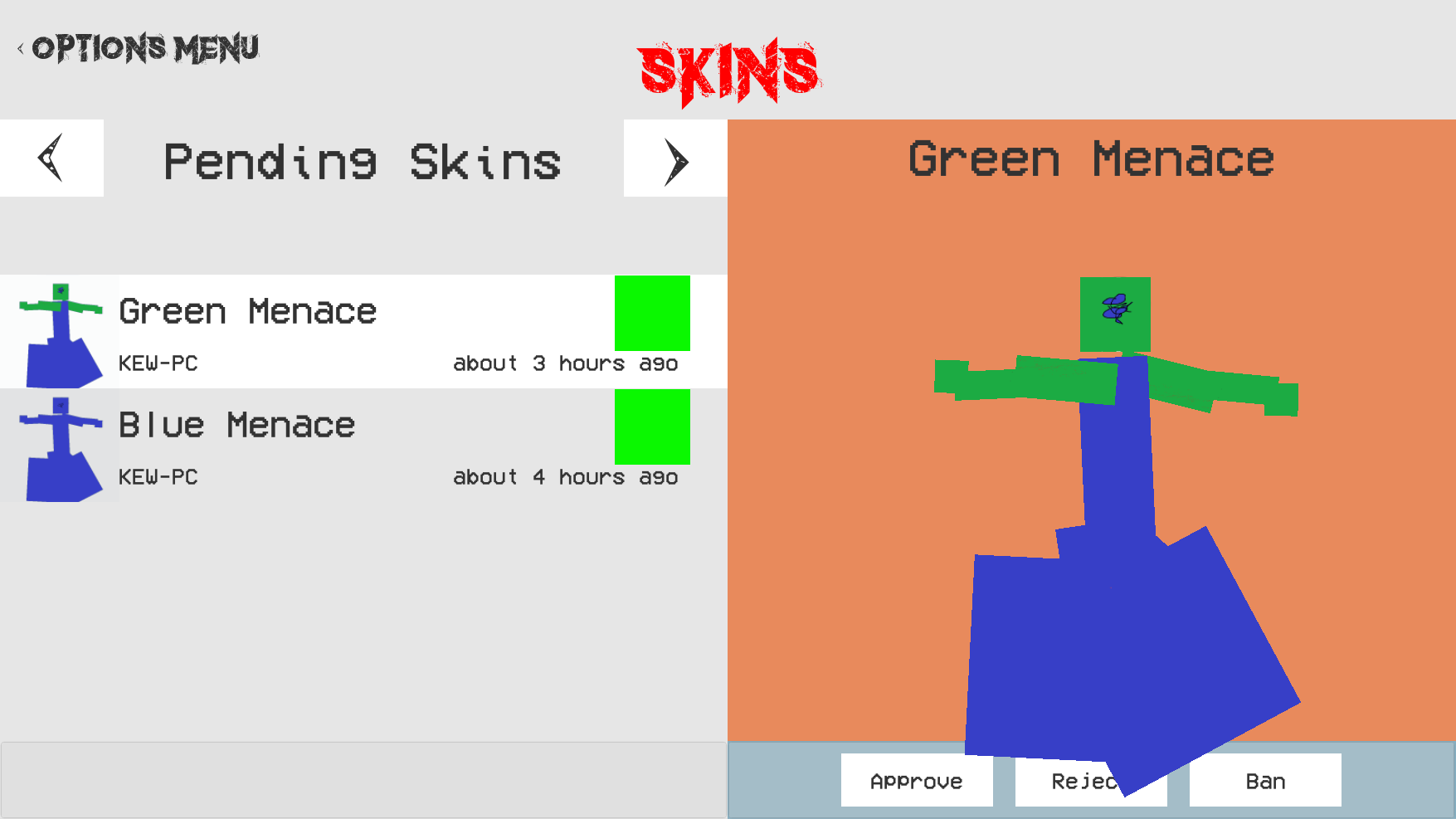
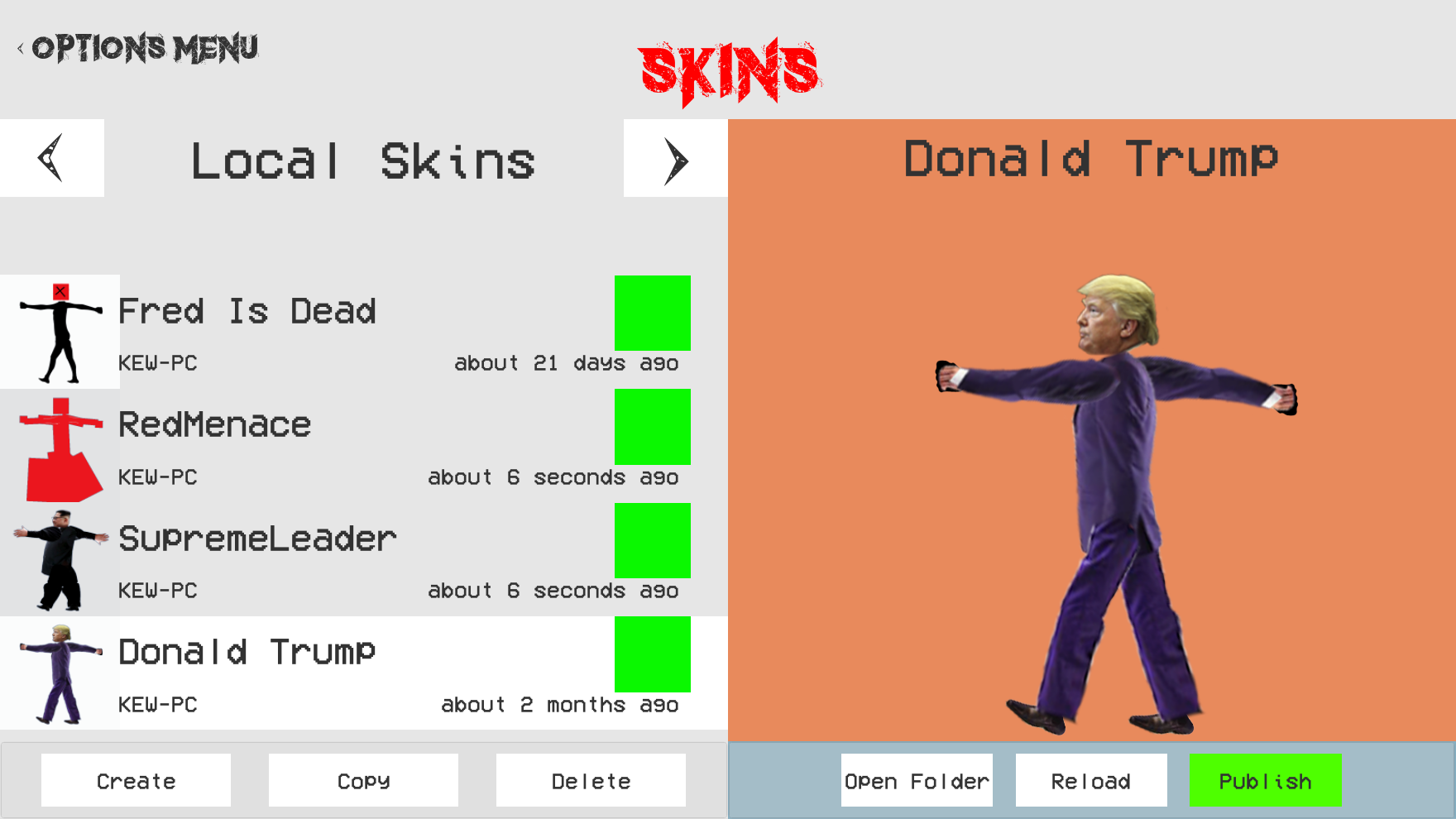
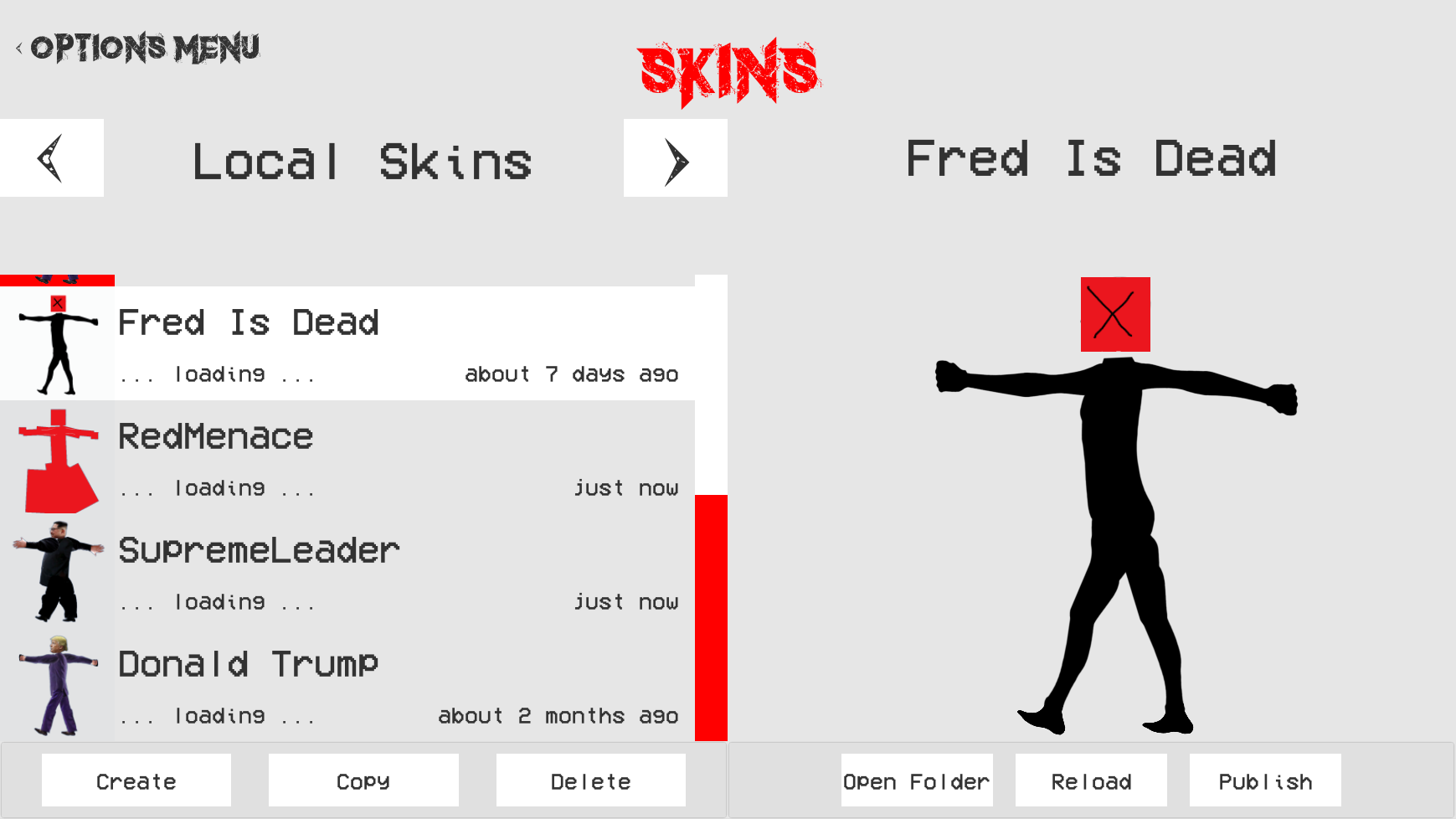
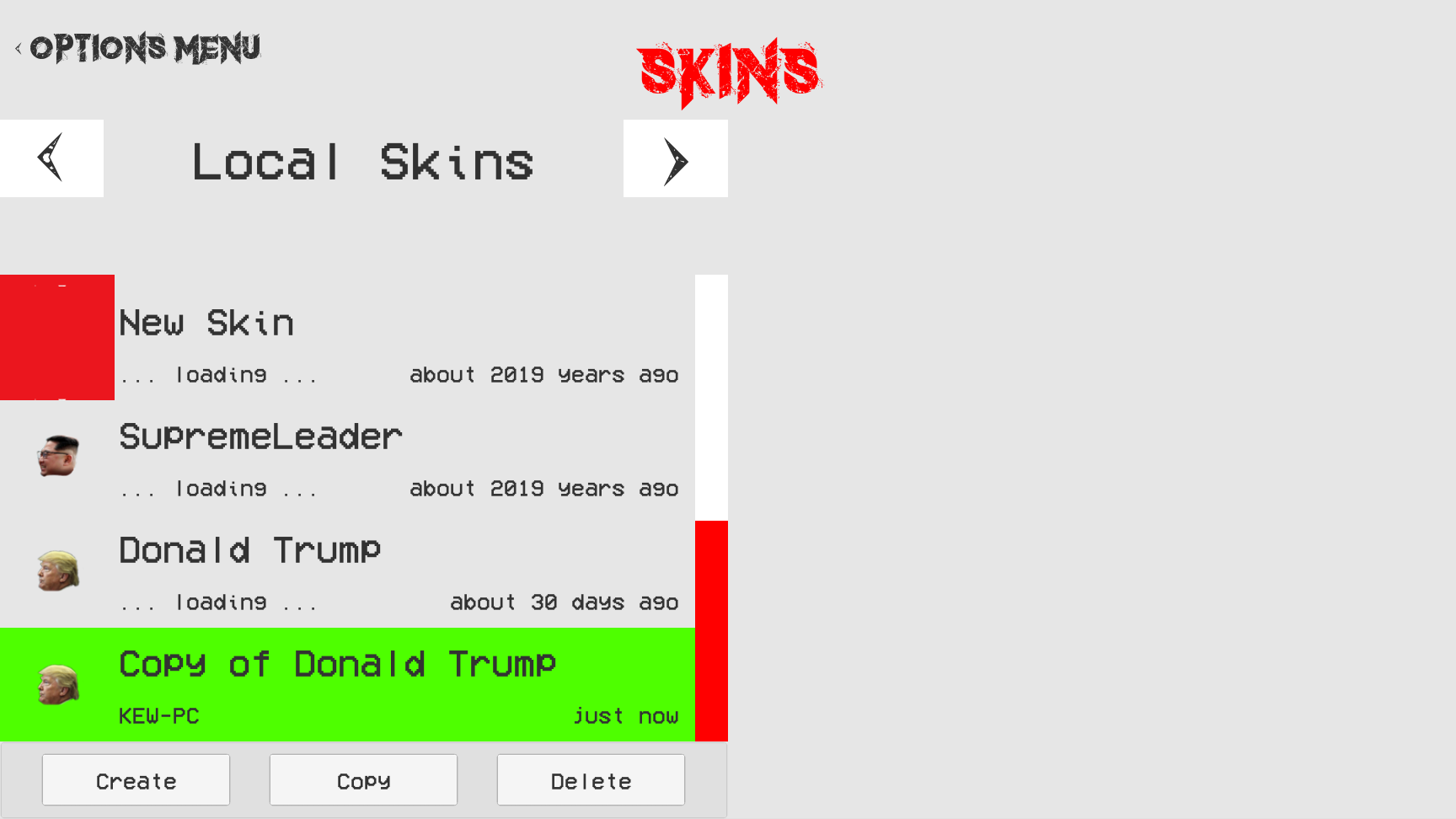
This week I have worked on creating a system whereby different versions of skins that have been uploaded to lists such as the pending and public lists can now replace their older versions.
Previously if a different version of a skin was uploaded to a list with another version already present. The two versions of the skins would both be displayed as different skins that could each be used. Now however, I am tracking what versions of each skin are located in each skin list, So if a new skin is uploaded to a list that already contains a version of that skin it will replace the old one. It also serves as a quick skin version lookup table as every version of a skin in each skin list can be identified in once place.
My next step is to work more on the life cycle aspects of the skinning feature by giving the unpublish, reject, ban and download buttons proper functionality.
Pending tasks are now
Implement skinning server functionality
Creating inventory system and skin database.
Steam workshop for player skins.
Complete network game lobby UI (make pretty and complete all network game modes).
Complete network game restart UI (make pretty).
Research different arenas and backgrounds.
General bug fixing, tidy up and enhancement of look and feel..
Rivalry Status Update #81 - Displaying and Publishing Skins
Now that all my school assessments are over I have been given the chance to continue work on the skinning feature with advancements being made on both the publishing side of the network protocol as well as how information is loaded from the server and to clients
(Pending skins that are ready for approval. Note that the weird skins are merely for development purposes)
Locally owned skins can now be “published” to the pending skins list where all their information and sprites can be loaded from the server and viewed by an administrator. The administrator can now also approve the skin which places it in the public skins list where anyone can then view them.
(Public skins that are ready to be downloaded)
While all skin information such as the name, author and date created are sent to the client from the server, Instead of streaming the skins and their thumbnails directly from the server, a web link to the sprites on Amazon’s 'S3' service is created that can then load and stream the sprites much faster than what could be done through my own server.
Future things that need to be added are the remaining pending and public button functionality such as rejecting, banning, downloading and reporting skins. But first of all, I must look into fixing an issue whereby different versions of the same skin are displayed as completely different skins. This means adding a system whereby different versions of skins can be overwritten and saved across different lists such as the pending and public lists.
Pending tasks are now
Implement skinning server functionality
Creating inventory system and skin database.
Steam workshop for player skins.
Complete network game lobby UI (make pretty and complete all network game modes).
Complete network game restart UI (make pretty).
Research different arenas and backgrounds.
General bug fixing, tidy up and enhancement of look and feel..
Rivalry Status Update #80 - Assignments / Exam Season
I have made no progress for the last few weeks because it was assignment season and now it is exam season for the next two weeks. I should be able to get back on to it late September.
Pending tasks are now
Handing in assignments
Passing exams
Implement skinning server functionality
Creating inventory system and skin database.
Steam workshop for player skins.
Complete network game lobby UI (make pretty and complete all network game modes).
Complete network game restart UI (make pretty).
Research different arenas and backgrounds.
General bug fixing, tidy up and enhancement of look and feel..
Rivalry Status Update #79 - Skin Uploading and Storage
Over the past two weeks I have been working on allowing for skins to be uploaded to the server and sorted in a database.
I have managed to create a skin uploading and storage system whereby the skin information is streamed up to the server and processed to ensure authenticity and then stored on an Amazon storage web service. Metadata such as the skin ID, skin name, author ID and other important information is stored on a Redis database, which can be quickly listed for when people scroll through online skins.
http://thumbnails.rivalry.my64k.com/34a7c599-284d-44dd-a6e8-caecada97cf7/31572ac13914876fb165969d15a3adb25c2e0dde4374a2dd12b66bc5a238bbd1.png
(link to stored skin thumbnail)
Next week I am hoping to work on this online skin browsing and then the approval process for new skins.
Pending tasks are now
Implement skinning server functionality
Creating inventory system and skin database.
Steam workshop for player skins.
Complete network game lobby UI (make pretty and complete all network game modes).
Complete network game restart UI (make pretty).
Research different arenas and backgrounds.
General bug fixing, tidy up and enhancement of look and feel..
Rivalry Status Update #78 - Skin Client Side Functionality
This week I worked primary on expanding the functionality for all the skinning features on the client side. I also began work on some of the server functionality but much of the interaction is still mocked on the client side untill I do more work on this.
(Note: Orange background is for development purposes)
The client side now functions as if it were actually communicating with the server. So now it is possible to “publish” your custom skin, get it either approved, rejected or banned.
(Kim being approved for publication and public useage)
If it's approved it will appear in the list of 'published' skins where it can then be downloaded. If the skin is banned the game will no longer display that skin in any of the skin selection lists.
(Kim being displayed as a public skin ready for download)
However, for now, this interaction only happens on the client side as I now need to create the web services to support this on the server. I did get to make a good start on this today by adding the first real skin server command that sends all the skin IDs of the players downloaded skins to the server. This will be used to work out if any of the players downloaded skins require updates and what skins are available for download.
Pending tasks are now
Implement skinning server functionality
Creating inventory system and skin database.
Steam workshop for player skins.
Complete network game lobby UI (make pretty and complete all network game modes).
Complete network game restart UI (make pretty).
Research different arenas and backgrounds.
General bug fixing, tidy up and enhancement of look and feel..
Rivalry Status Update #77 - Skin Streaming
This week I worked on the publishing side of things whereby the user can upload their own created skins to the server and have them be downloaded by others online.
More specifically I started work on the uploading and downloading aspects so now it is possible to write all the skin objects and files into a stream that can then be read by the client and downloaded as a “.riv” skin file that will be displayed in the skinning UI.
Next I will have to implement the actual server functionality like the verification process and the way skins are stored, aswell as the creation of a “downloads” tab that allows users to list, view and remove downloaded skins.
Pending tasks are now
Implement skinning UI and functionality
Creating inventory system and skin database.
Steam workshop for player skins.
Complete network game lobby UI (make pretty and complete all network game modes).
Complete network game restart UI (make pretty).
Research different arenas and backgrounds.
General bug fixing, tidy up and enhancement of look and feel..
Rivalry Status Update #76 - Skin Model, Thumbnail and Buttons
This week I managed to create the right hand side of the Skinning UI which includes the skin model which displays the currently selected skin, as well as all the buttons that relate to the skin model. Also, the thumbnail for the listed skin entries are no longer just displayed as the skin head but now display an automatically generated thumnail of the entire skin.
The current skin model buttons include an “Open Folder” button which open the skins directory so it can be edited. A “Reload” button which reloads the skin so that skin creators can preview how their edits will look. A “Publish” button which will eventually begin the process of publication. An “Unpublish” button which will unpublish the skin and a “Republish” button which will update the skin if it has been edited.
Next week I will be developing the publishing side of things some more and maybe even get started on the uploading of skins to the server.
Pending tasks are now:
Implement skinning UI and functionality
Creating inventory system and skin database.
Steam workshop for player skins.
Complete network game lobby UI (make pretty and complete all network game modes).
Complete network game restart UI (make pretty).
Research different arenas and backgrounds.
General bug fixing, tidy up and enhancement of look and feel..
Rivalry Status Update #75 - Create, Copy and Delete Skins
This week I worked more on the Skinning feature and managed to get the create, copy and delete buttons working.
So you can now create brand new skins that come with limb templates that can be used, as well as copy and delete pre-existing skins.
However the display player has yet to be created along with its button functionality which includes the ability to rename, reload, open and publish skins. Of these features reloading and opening should be easy to add as they have already had their functionality implemented but do not yet have their corresponding buttons. This will be the next thing that I will be working on with the ability to publish and store skins online being the next after that.
Pending tasks are now
Implement skinning UI and functionality
Creating inventory system and skin database.
Steam workshop for player skins.
Complete network game lobby UI (make pretty and complete all network game modes).
Complete network game restart UI (make pretty).
Research different arenas and backgrounds.
General bug fixing, tidy up and enhancement of look and feel..
Rivalry Status Update #74 - Skinning and Settings UI
This week I was able to work further on both the Skinning and Settings UI.
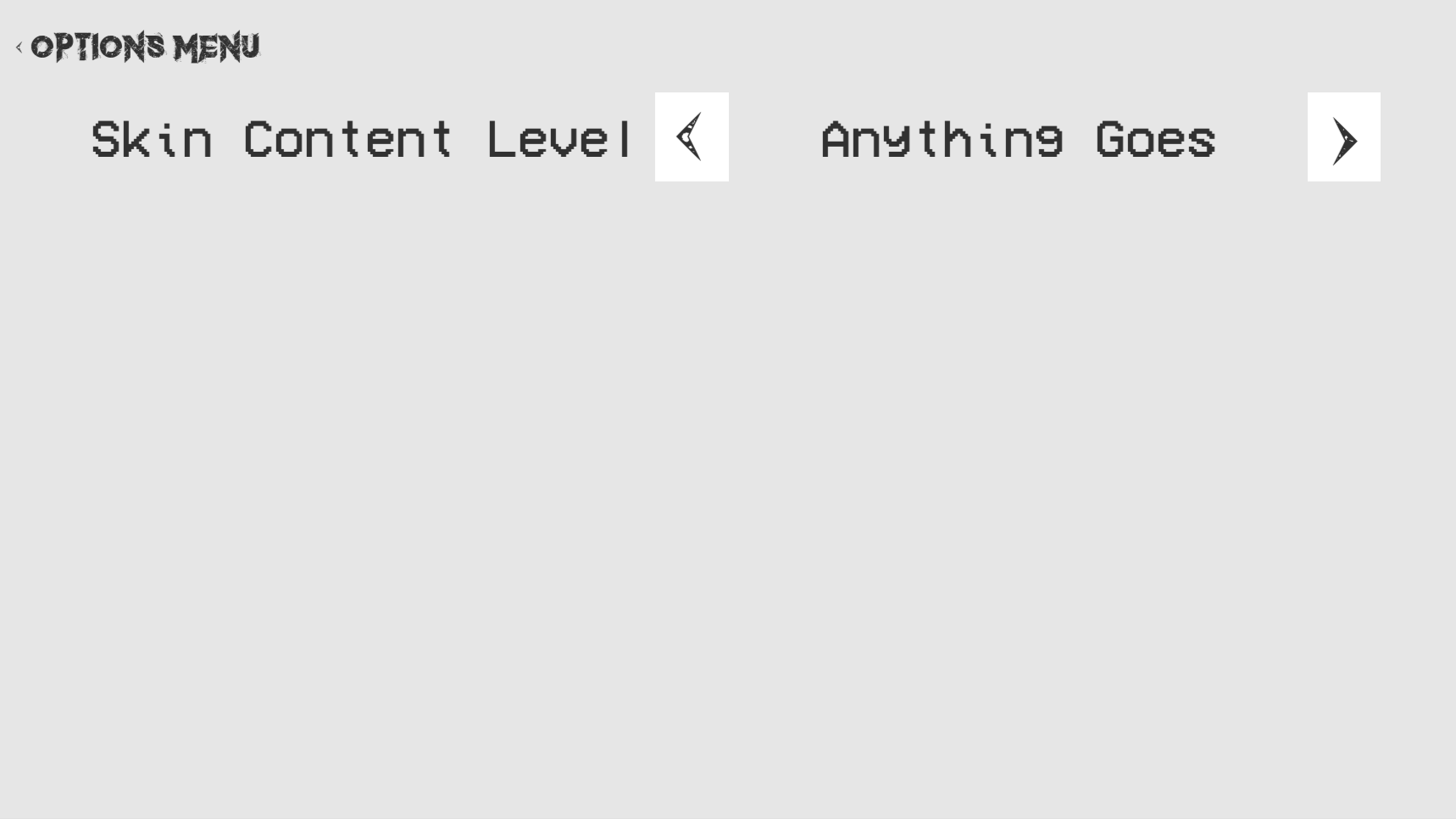
The Settings UI has currently one option which allows the user to choose what type of skin content can be seen. There is the option of “None” which will only display skins you locally created. The option of “Safe" which will only display skins that are deemed safe for all ages and then “Anything Goes” which will display all types of skins including local skins from other people online.
(Basic Design of Settings UI with the content setting set to Anything Goes)
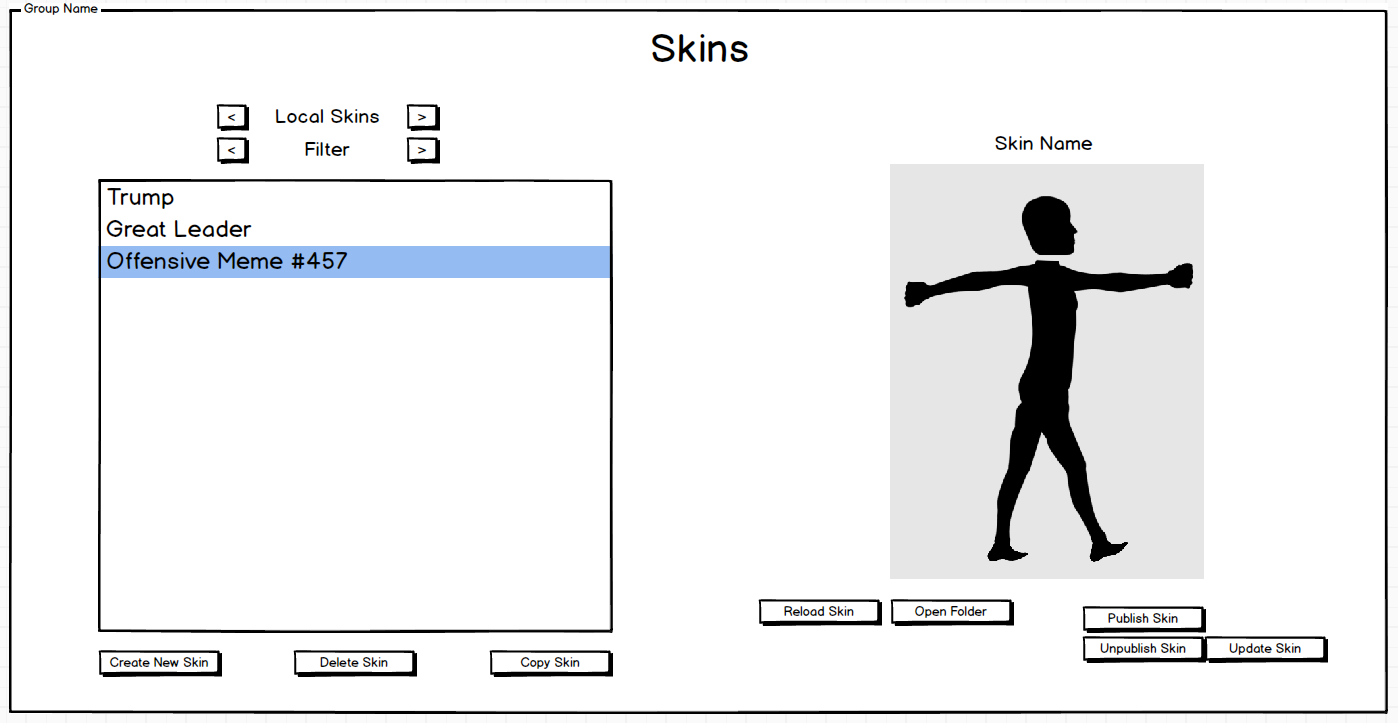
I also managed to get some work done on the actual Skinning UI which currently includes a list of locally owned skins displaying their name, author, date of creation and head sprite. There is also a mode filter which will soon be used to either display locally owned or online skins.
(Current Design of Skinning UI)
I have yet to add the functionality of this feature or add the buttons and filters that will be used to create, copy, delete, and download skins.
I must also add the actual player that the skin will be displayed on or its corresponding buttons and functionality.
(Basic Design of Skinning UI)
Once this has been complete I begin work on getting skins to be published to a server for download or have them streamed straight to another players client.
Pending tasks are now
Implement skinning UI and functionality
Creating inventory system and skin database.
Steam workshop for player skins.
Complete network game lobby UI (make pretty and complete all network game modes).
Complete network game restart UI (make pretty).
Research different arenas and backgrounds.
General bug fixing, tidy up and enhancement of look and feel..
Rivalry Status Update #73 - Skinning UI Design
I was unable to work on Rivalry because of an assessment week, but now that it is over I spent some time designing the UI that will enable people to both create, publish and download skins to be seen and used both locally and online. Although I haven’t yet created the actual UI within the Unity engine but have created some concept designs
(The options given for when viewing locally owned skins)
As user generated content always comes with the possibility of people creating and publishing inappropriate skins I have decided to also create a option where you can control the quality of what kind of content you receive. Of which there will be the option to:
View no skins at all.
View and use skins that have been rated as 'safe' (the default).
View and use all types of skins with very limited censorship including peoples locally created skins.
All skins that have been published will go through an approval process whereby I decide whether or not the skin is 'safe', available to the public or shouldn’t be seen at all, ever.
(The options given for when viewing public skins)
The next step is to add this UI and its functionality to Rivalry itself.
Pending tasks are now
Implement skinning UI and functionality
Creating inventory system and skin database.
Steam workshop for player skins.
Complete network game lobby UI (make pretty and complete all network game modes).
Complete network game restart UI (make pretty).
Research different arenas and backgrounds.
General bug fixing, tidy up and enhancement of look and feel..